
Action 2
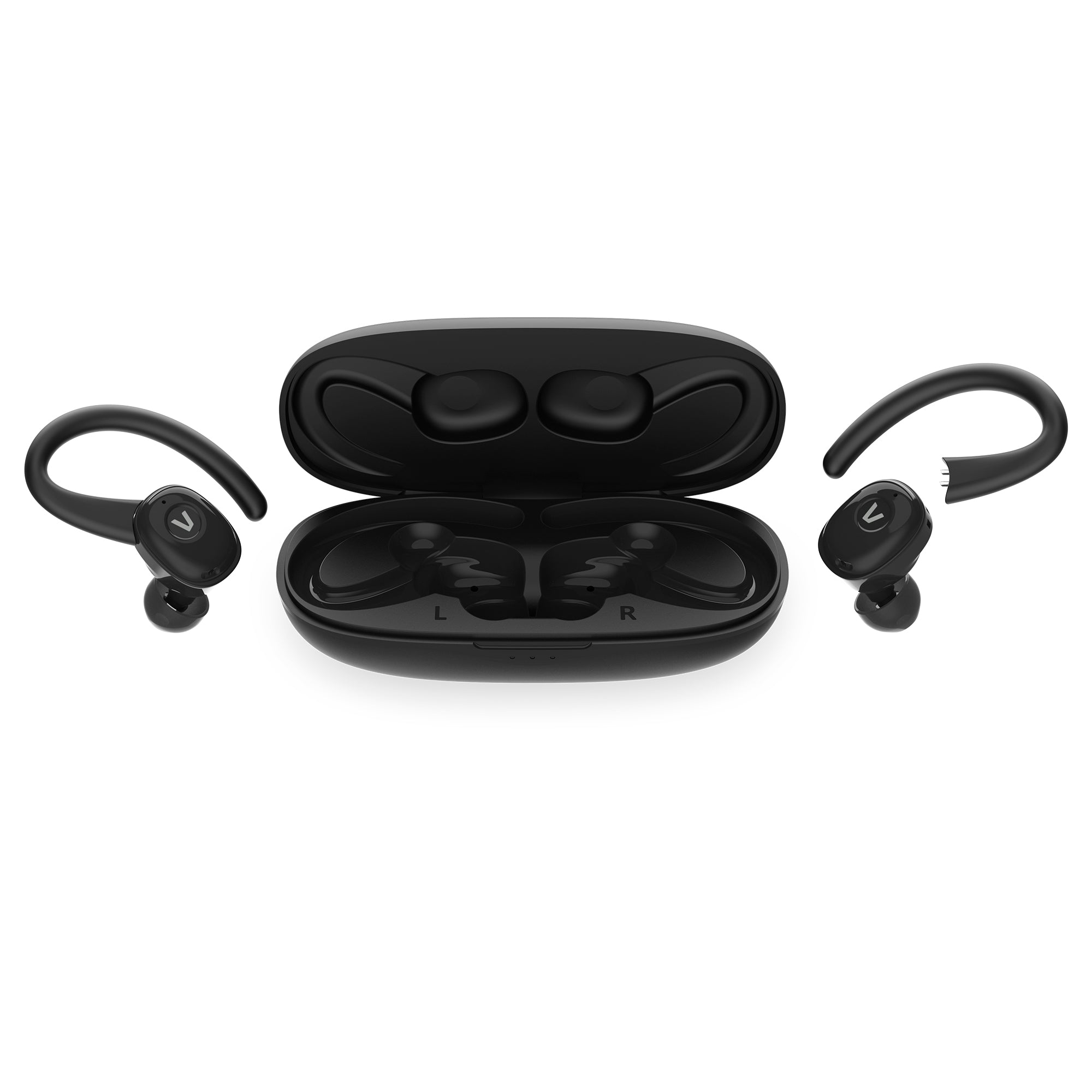
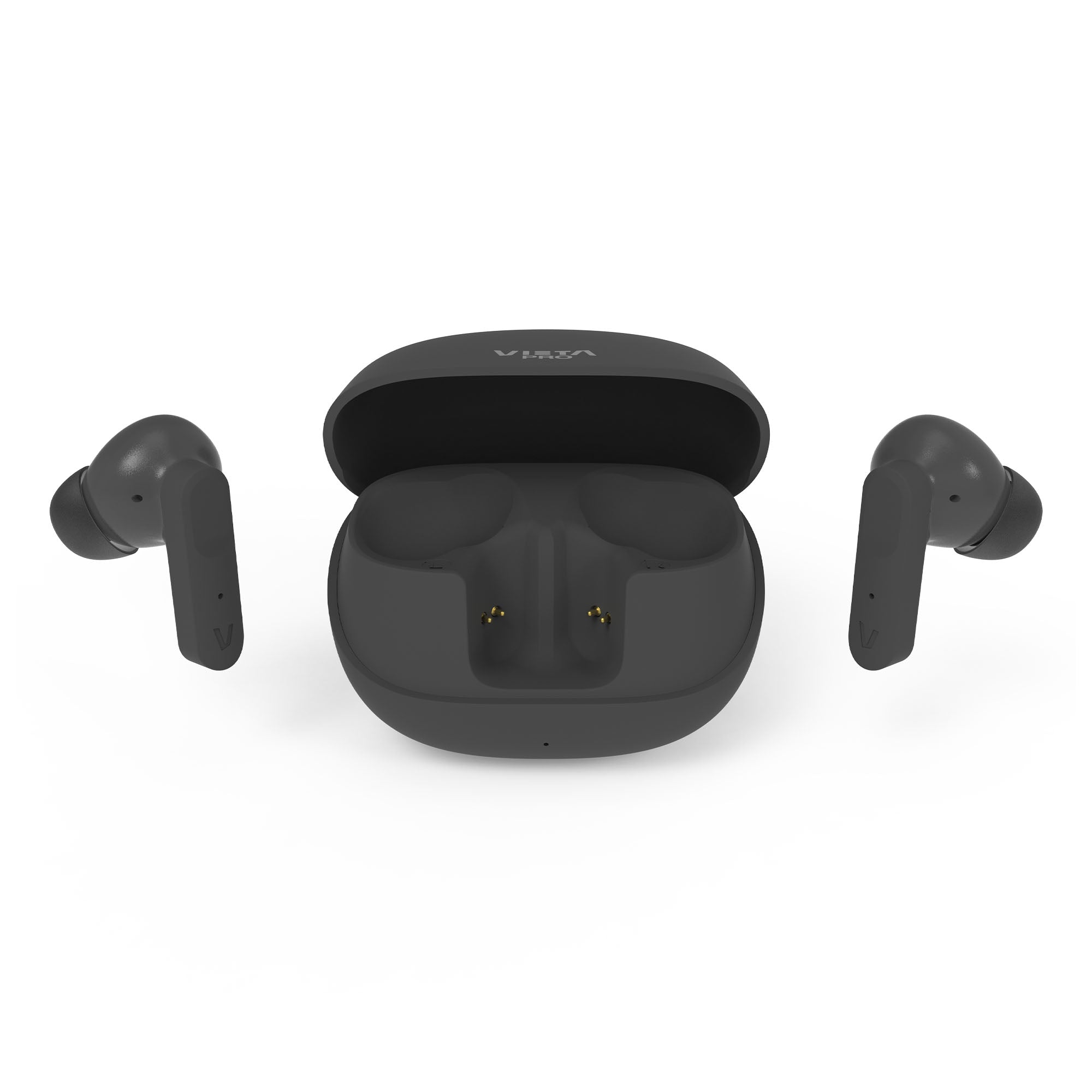
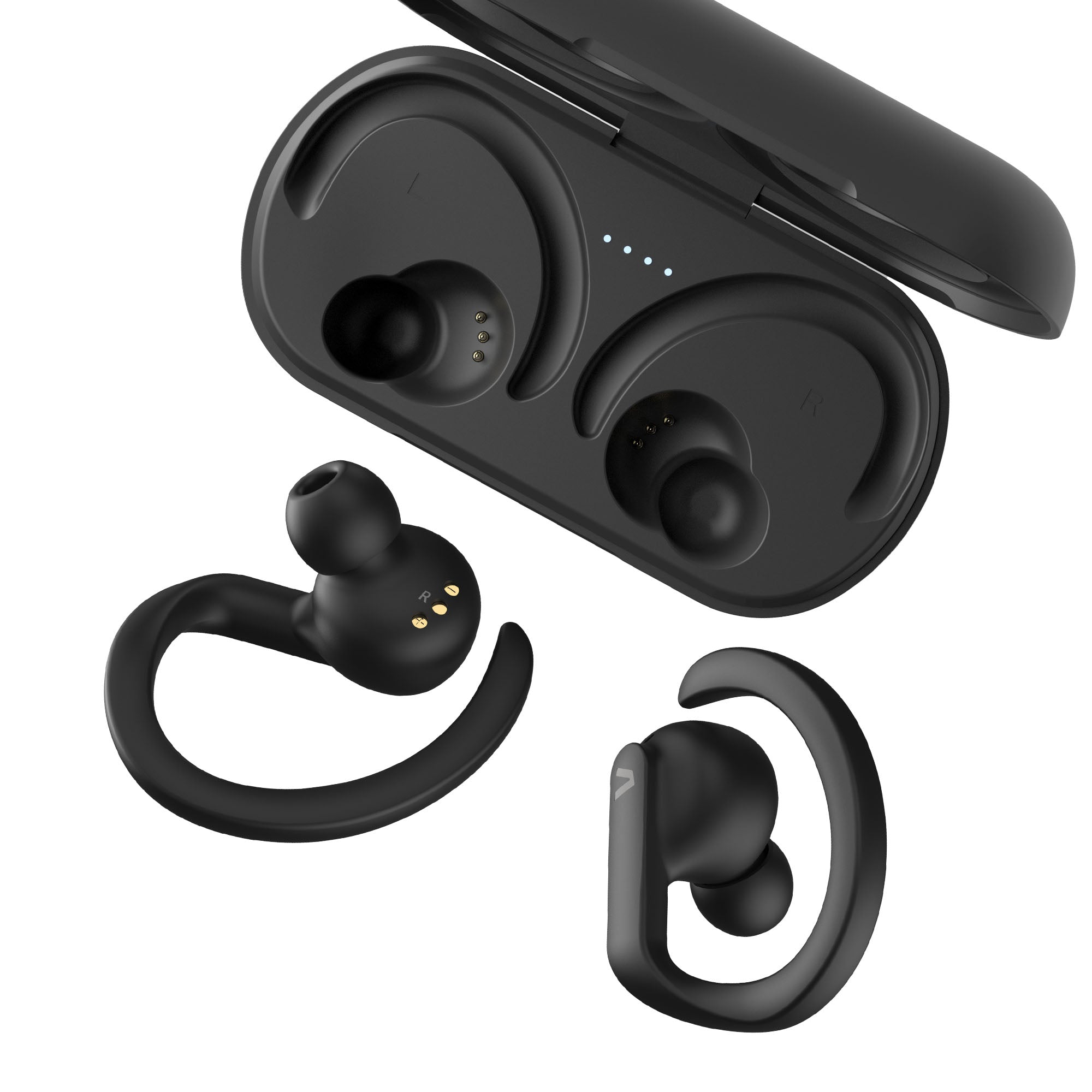
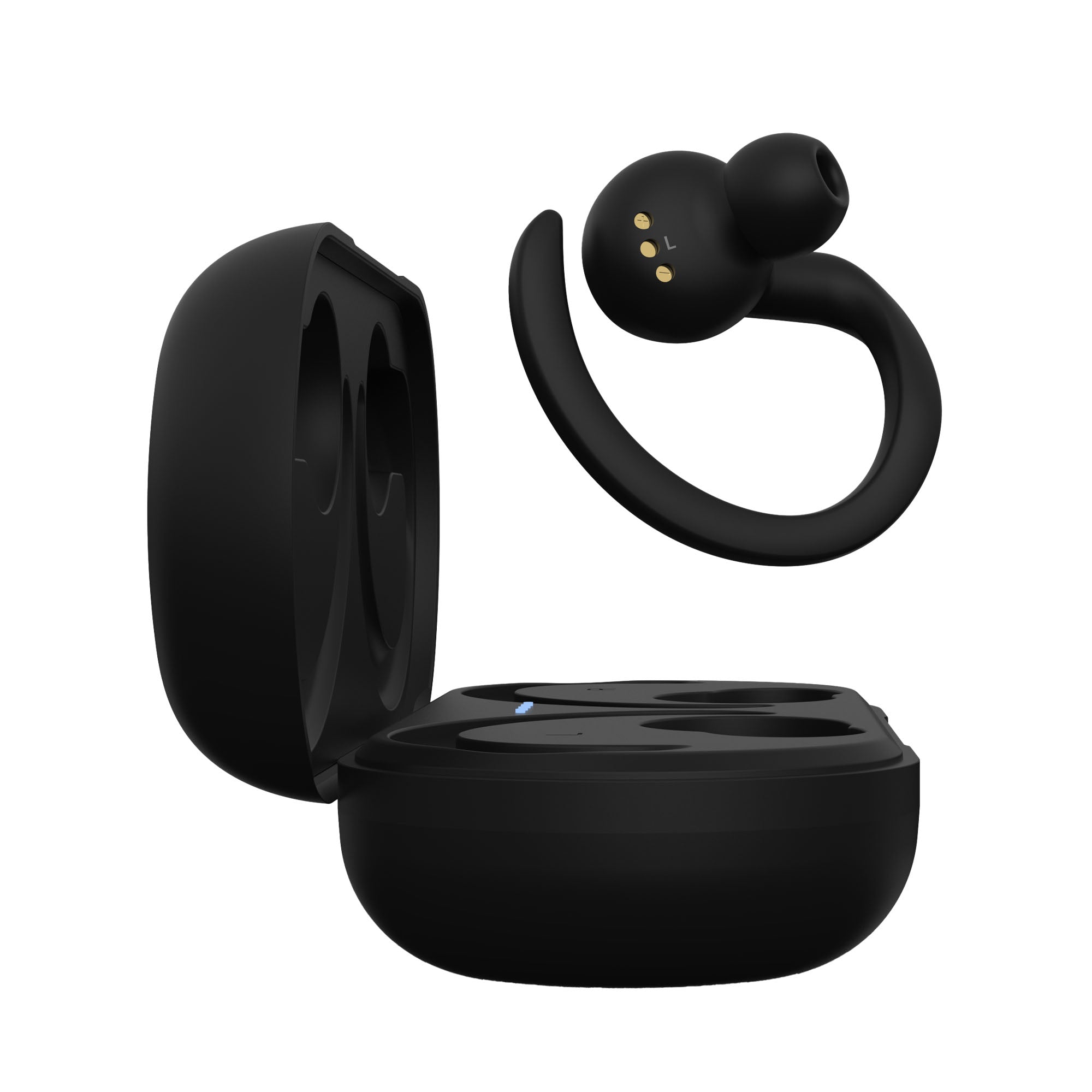
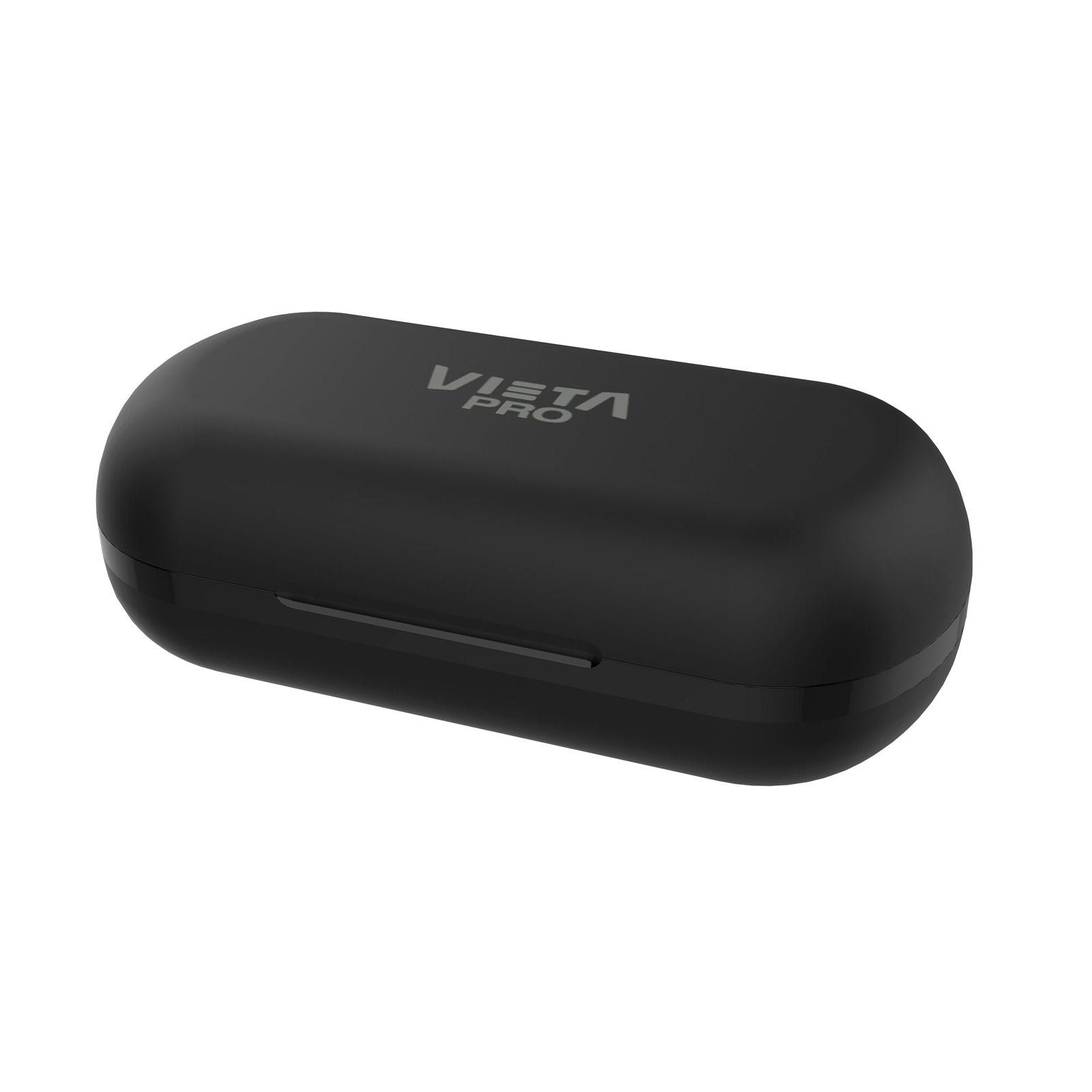
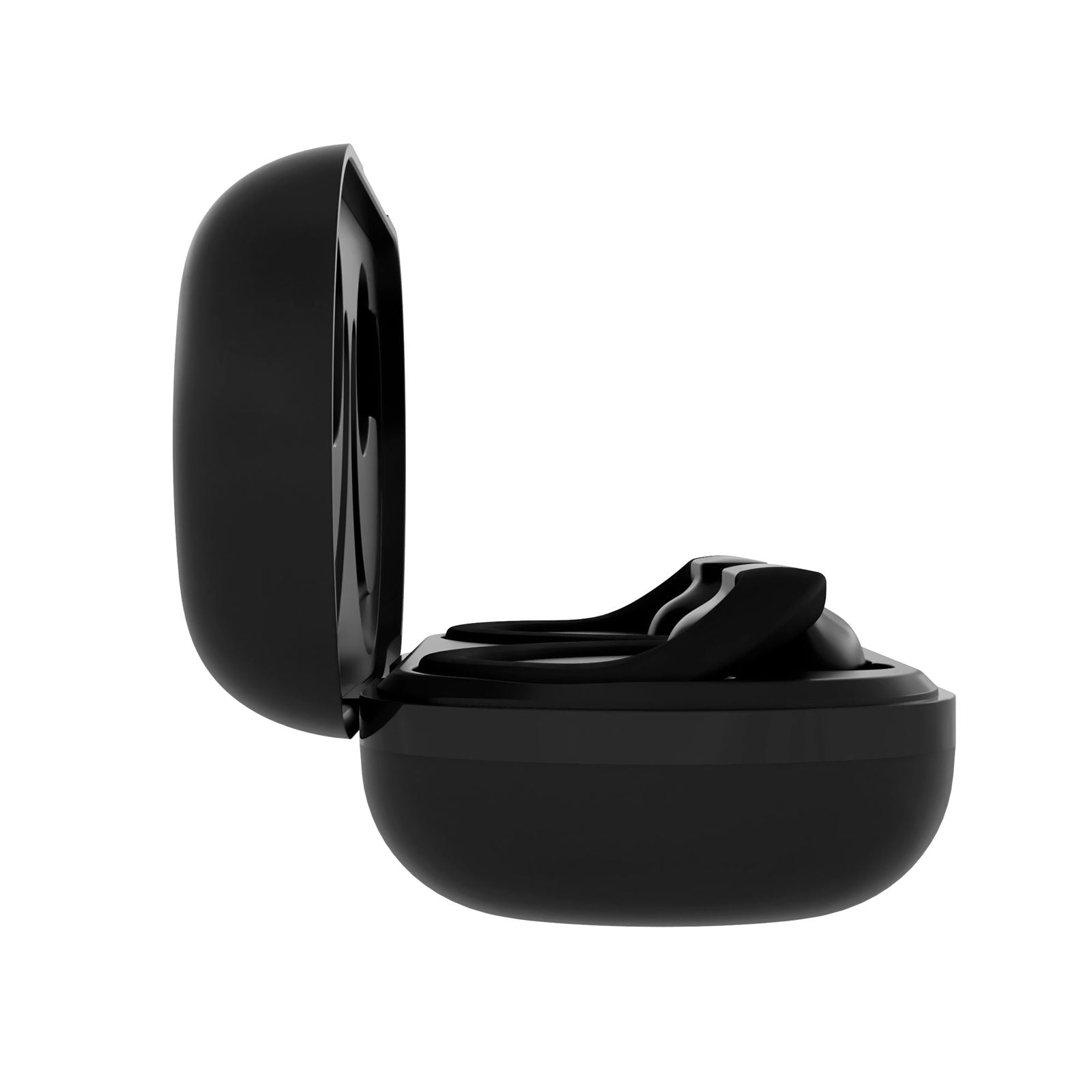
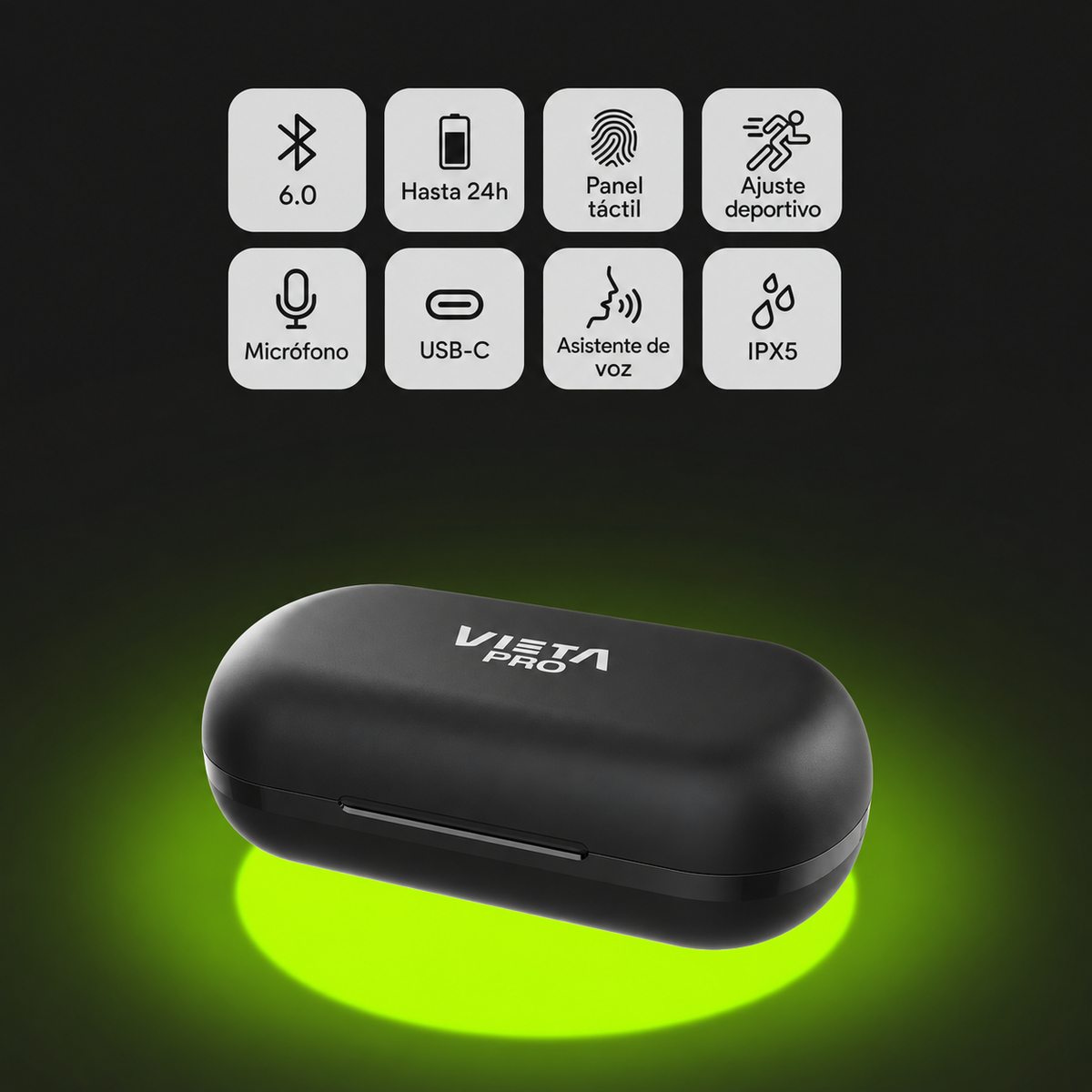
The Vieta Pro Action 2 earbuds combine a secure sports fit, Bluetooth 6.0 and up to 24 hours of battery life to keep you company during your workouts and everyday life.
- Ergonomic sports design to keep the earbuds secure while you train.
- Bluetooth 6.0 + Dual Pairing to connect two devices at the same time.
- Up to 24 h of total battery life combining the earbuds and the case.
- IPX5 protection against sweat, rain and water jets.
- Built-in microphone to take calls without getting your phone out.
- Vieta Pro Audio app to adjust the equaliser and locate your earbuds.
Bluetooth 6.0
A fast, stable connection
The Action 2 earbuds deliver an advanced, seamless wireless experience thanks to the latest Bluetooth 6.0 technology. They ensure a stable, fast connection, reducing dropouts and delivering clear, crisp sound at all times, whether you are on a call or listening to music.
Compatible with the Vieta Pro Audio app
Connect your earbuds to the Vieta Pro Audio app, available on iOS and Android. You also get a feature to find your earbuds if you lose them.
Perfect fit
Your earbuds will never fall out during your workouts again
Superior connectivity and clarity
Enjoy crystal-clear calls thanks to the built-in microphone. The Vieta Pro Action 2 in-ear earbuds ensure crisp communication in any environment without having to take your phone out of your pocket.
Modern, minimalist design
They feature an attractive, contemporary look with clean, modern lines. The ergonomic design of the earbuds ensures a comfortable, secure fit in the ear, allowing long listening sessions without fatigue.
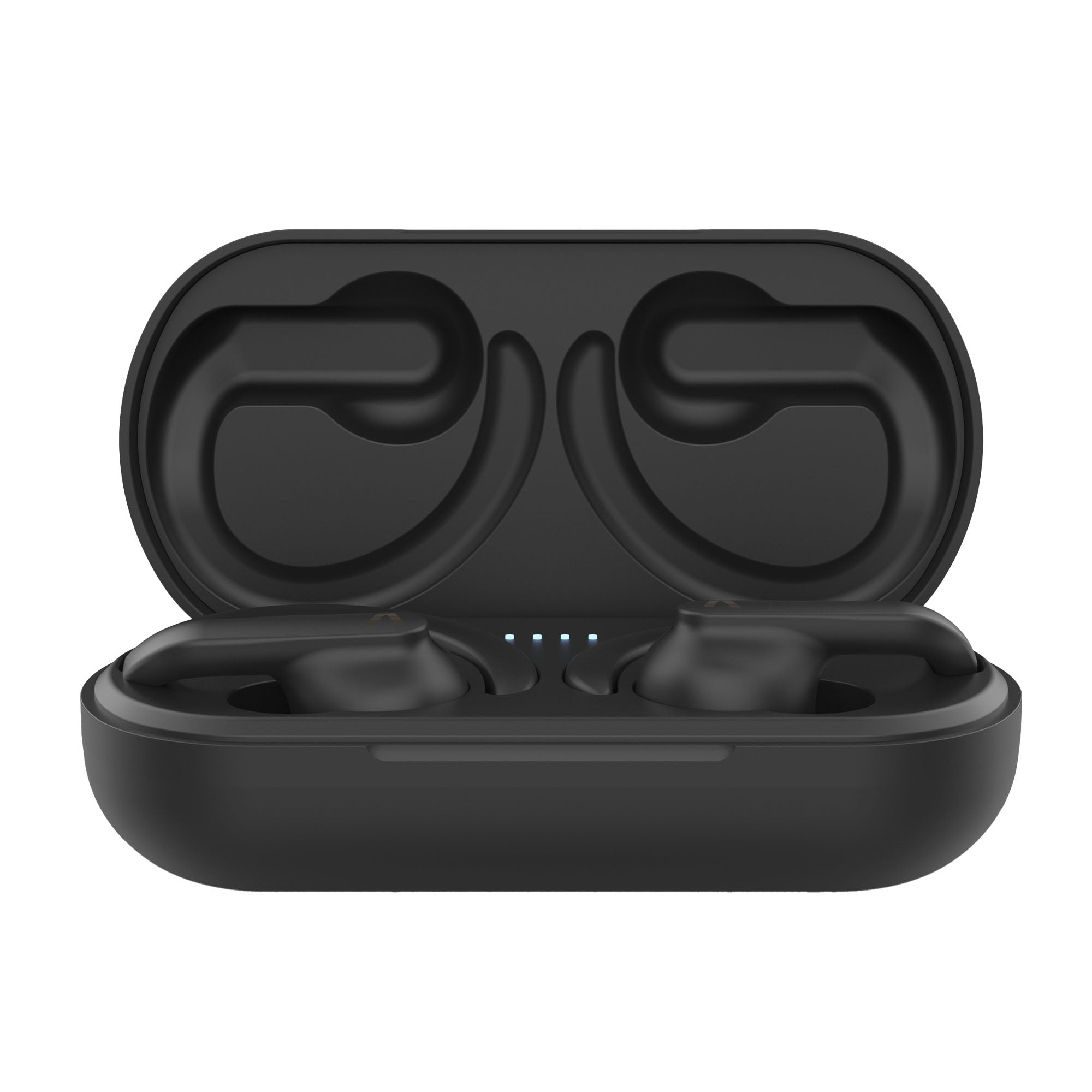
USB-C charging
Charge the case easily with the included USB-C cable so your earbuds are ready whenever you need them. From the gym to your daily commute on public transport, they will become your inseparable companions.
FAQ
The device does not appear in the Bluetooth list
Check that Bluetooth is turned on on the source device. Remember that if it is connected to one device, it cannot connect to another until it is disconnected from the main one.
Refresh the list of available devices if it does not appear automatically.
IMPORTANT: Remember that our devices can only connect to one receiver at a time, so if the earbuds are paired with another device (computer, phone, tablet, etc.), they will not be recognised in the Bluetooth list of the new source device. You need to turn off Bluetooth or disconnect any device the earbuds are paired with in order to pair them with another device.
* REMOVE/DELETE the "VIETA PRO ACTION" entry on your phone or source device so you can start again from scratch. On Android, tap the side arrow next to the entry and remove it.
The earbuds will not connect
Check whether the LEDs on both earbuds briefly flash blue and red when you open the charging case; this indicates that they are not connected to any device. Go to the Bluetooth settings of the source device to force the connection manually.
If the LEDs light up and turn off within seconds, the earbuds are connected to another source device. Perform a RESET.
Reset procedure (RESET)
Before performing the RESET procedure, the earbuds must be unpaired and removed from all source devices they have been connected to. There are two ways to perform the reset:
Method 1 Earbuds:
- Open the charging case, take out the earbuds and place them in your ears.
- Tap the sensors on both earbuds 5 times in a row at the same time.
- Place them back in the charging case, wait 10 seconds and take the earbuds out again.
- Restart the pairing process between the earbuds and the desired device.
Method 2 Charging case (Recommended):
- Place the earbuds in the charging case.
- Press and hold the button on the back of the charging case for 10 seconds. You will see the earbuds flash a combination of colours and restart.
- Take out the earbuds and restart the pairing process with the desired device.
The earbuds do not charge:
Remove the protective plastic film that prevents contact between the charging pins of the earbuds and the charging case. Check whether the earbud LEDs light up blue and red when you open the case.
If they do not, clean/rub the contact pins of the earbuds and the charging case with a cloth dampened with alcohol.
Go to the Bluetooth settings of the device they are paired with and remove the "VIETA PRO ACTION" entry. Then take out the earbuds and start a new pairing.
Double or duplicated device entry
If you find two entries with the same name "VIETA PRO ACTION" in the Bluetooth list of the source device, you need to reset the earbuds.
If audio only plays through one earbud, delete and remove the "VIETA PRO ACTION" entry and perform a RESET.
One earbud sounds quieter than the other
Remember to clean the sensors and grilles of the earbuds regularly to prevent the audio channel from becoming blocked.
The sensors do not work properly
Rub the touch area of the earbuds with a cloth dampened with alcohol to remove the grease that builds up from handling with your fingers (dust, fluids, creams, etc.)
The volume is low
If you have an Android device, remember that you must raise or lower the volume while playing a media file (song, video, etc.). Then adjust it using the touch sensors on the earbuds and the source device (mobile phone, tablet, computer, etc.).
Clean off any excess wax that may have built up on the grille and rub the earbud sensors with a cloth dampened with alcohol.
To keep your earbuds working well for as long as possible, carefully clean the grilles regularly (1-2 times a month).
During calls, I hear the other person or they hear me very quietly
Manually increase the volume on the source device (mobile phone, computer, etc.) during a phone call. If you press the earbud sensors during a call, you may cancel or cut off the call.
Check on the screen of the source device that the audio output is assigned to the Bluetooth device and not to the phone's internal speakers.
The earbuds' battery runs out quickly
Battery life will depend on usage time, ambient conditions and the volume used. The total battery life stated is based on 50% volume.
To extend the battery's lifespan, fully charge it at least once every 3 months, whether or not you use it.
Answering calls or sending voice messages with third-party messaging apps (WhatsApp)
Apple devices: the earbuds will work exactly the same as with regular phone calls. When sending voice messages, the earbud microphone will be used.
Android devices: internet calls must ALWAYS be answered manually on the phone before you can talk through the earbuds. When sending voice messages, the phone's microphone is used by default.
The microphone does not work on my computer
Update your computer's Bluetooth drivers. We recommend using the "Headphones" audio option, which offers higher audio quality. To enable the microphone you must use the "Headphones with Mic" option, but bear in mind that sound quality will be lower.
On Windows, you will find this option at the bottom right of the taskbar by clicking the speaker icon.
If you lose an earbud or the charging case
You can purchase a new unit and pair it with the one you still have. Contact the after-sales department at info@vieta.es