
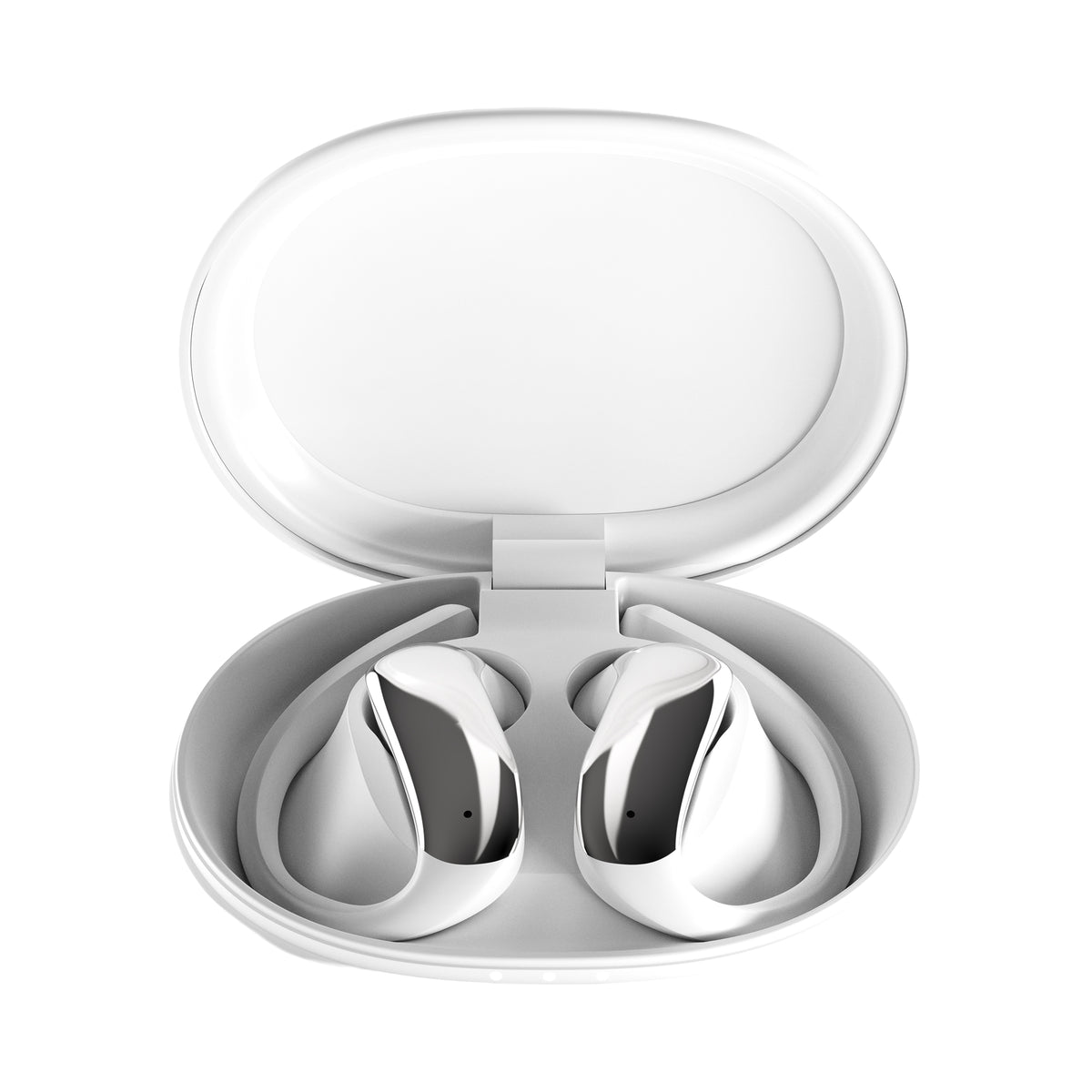
Air
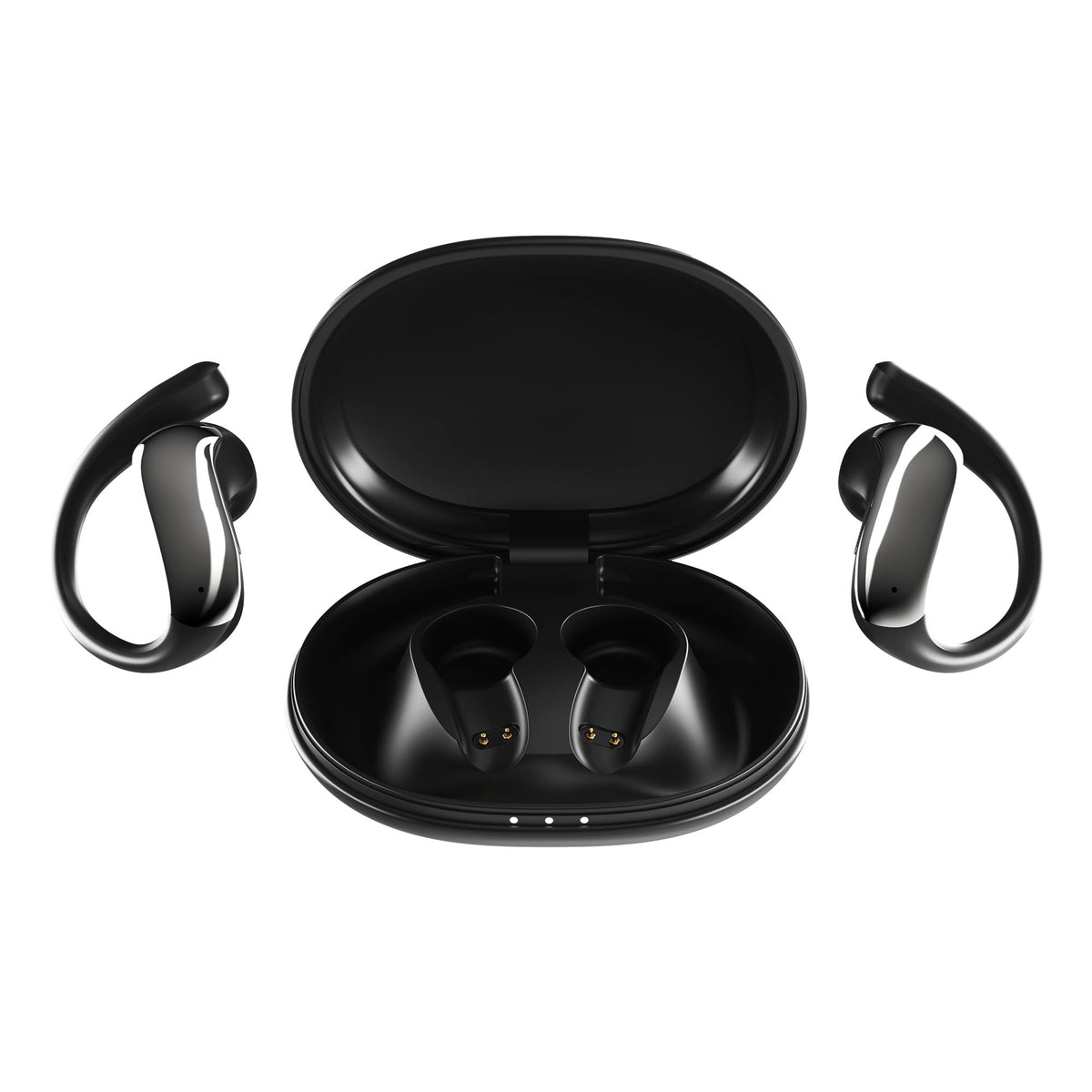
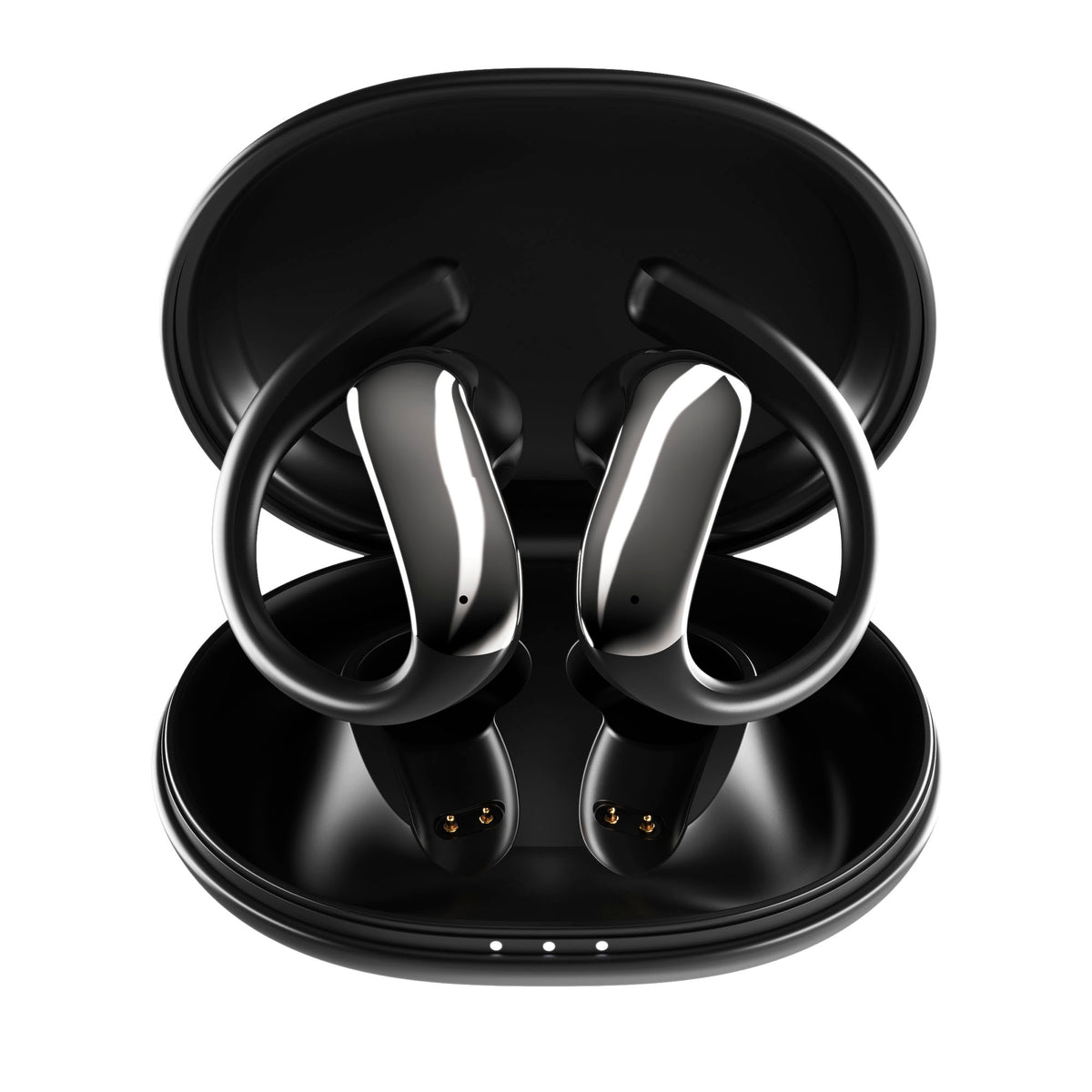
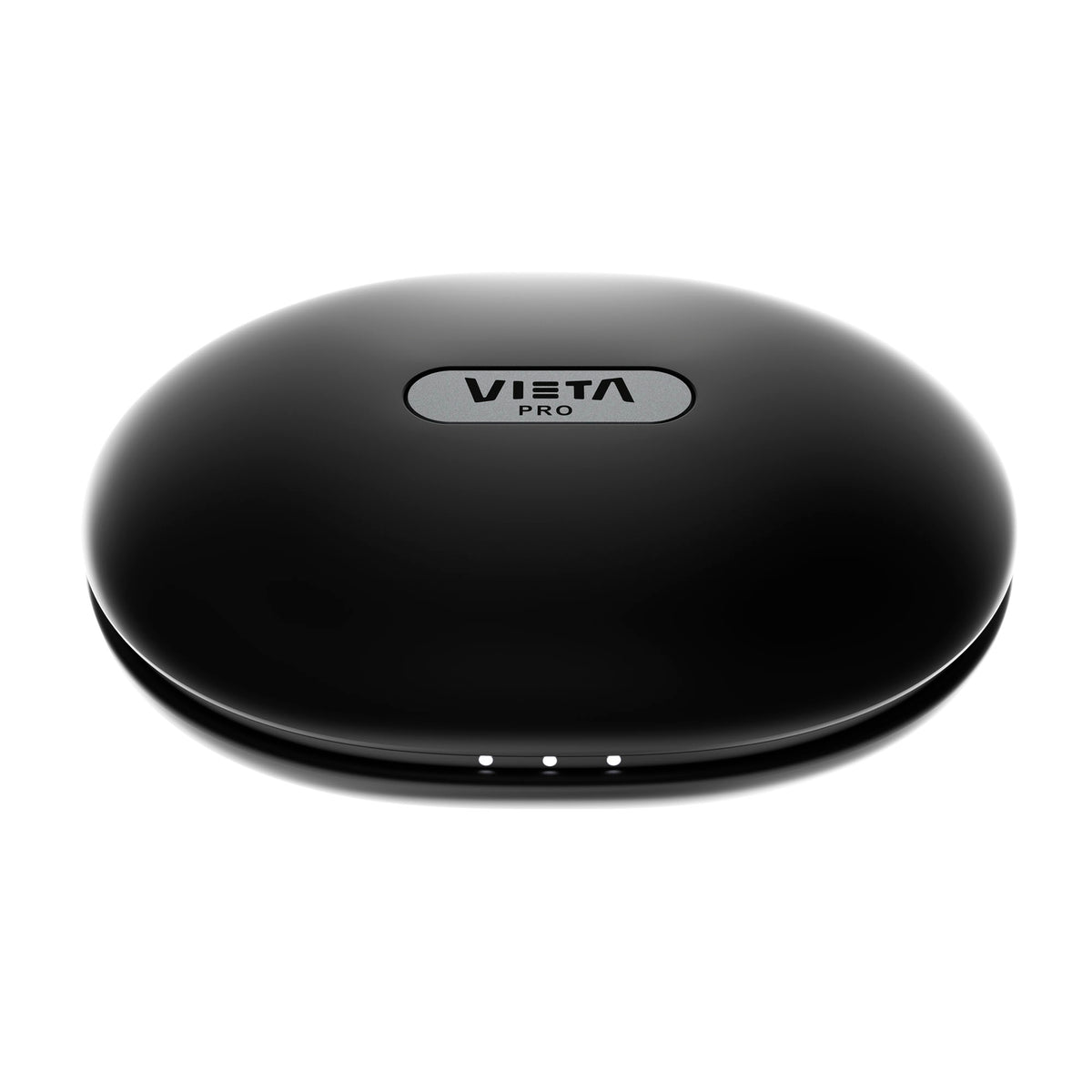
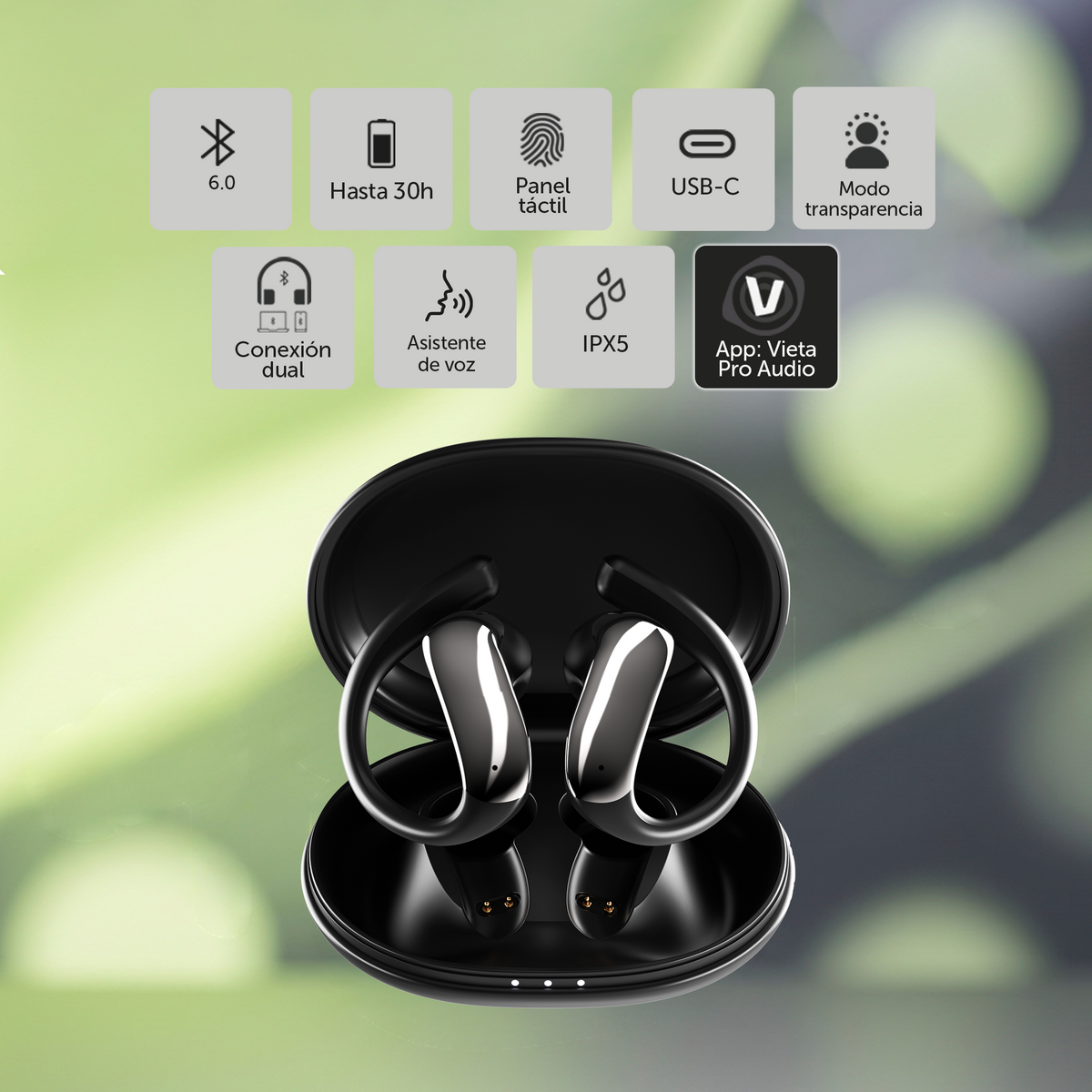
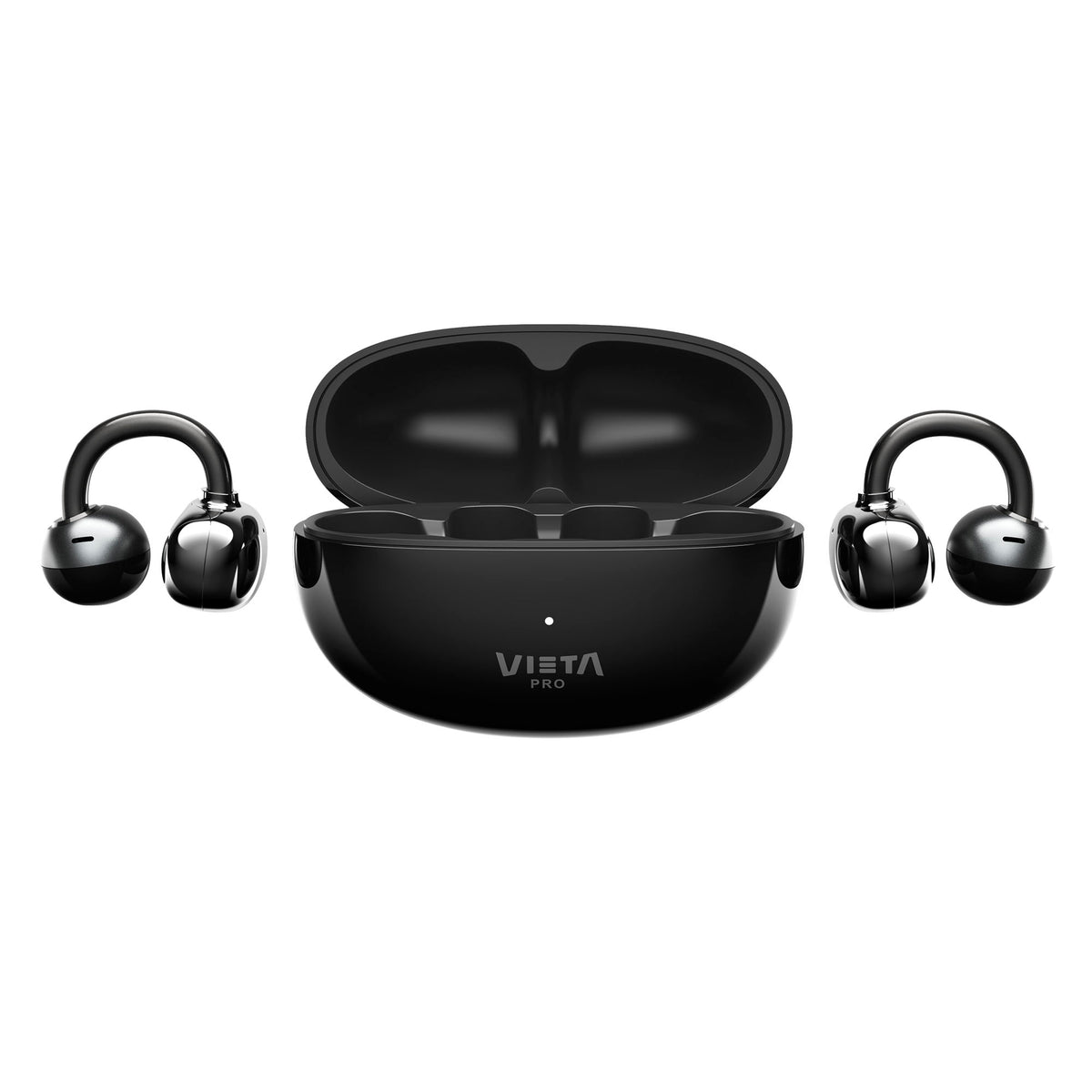
Vieta Pro Air Bluetooth earbuds, with an open design and ear hook, combine touch control, IPX5 resistance and up to 30 h of battery life with the case, to keep you company with your music and calls all day.
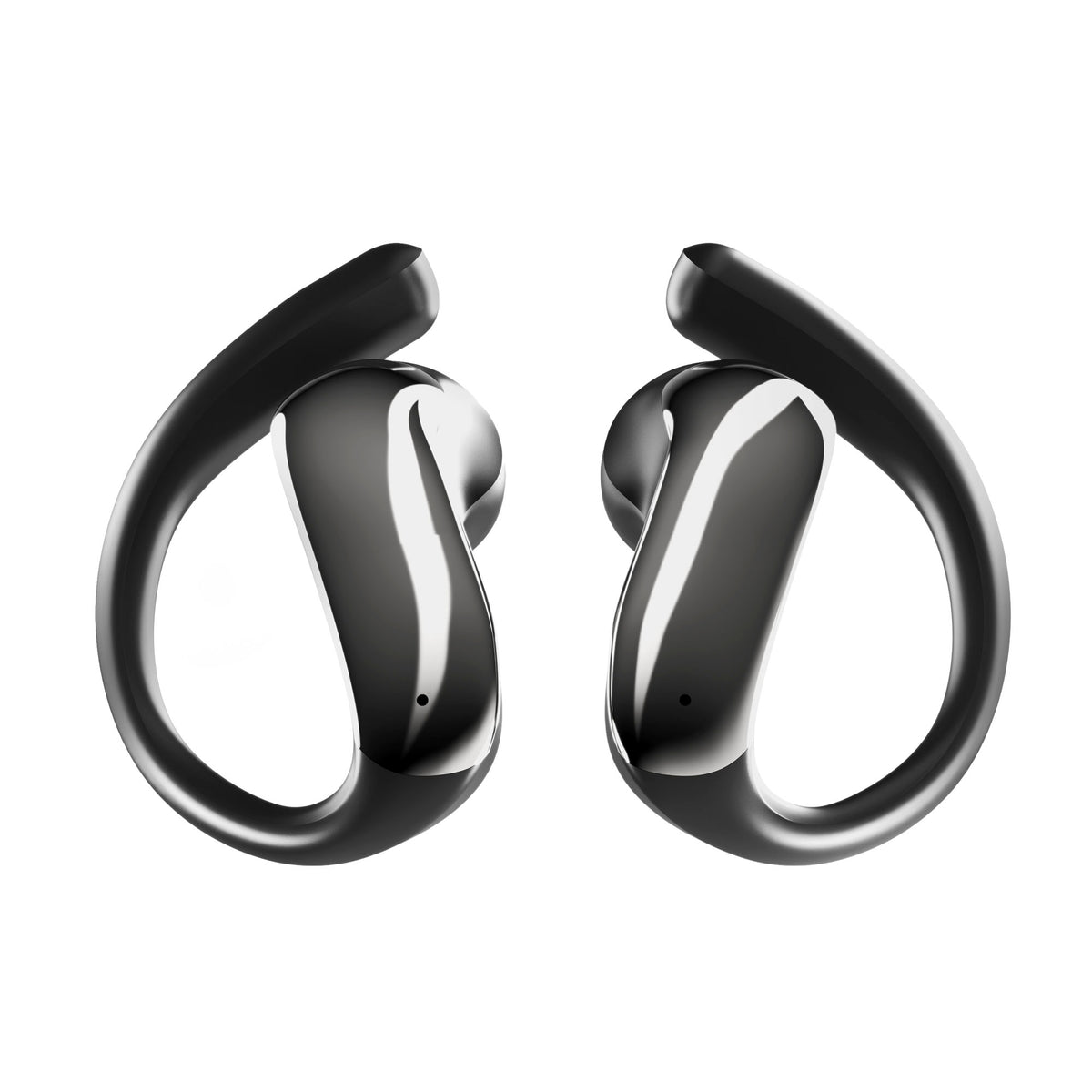
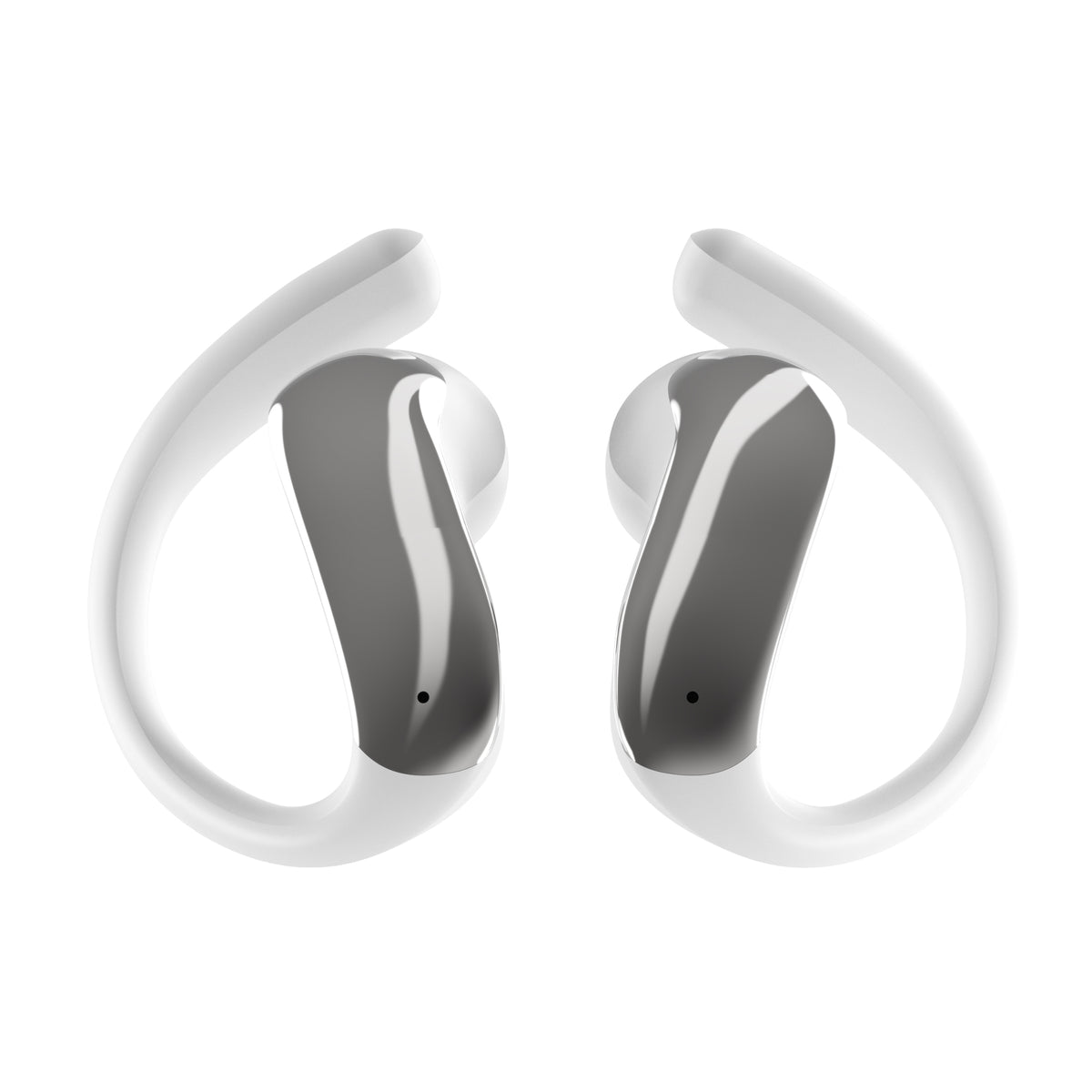
- Open design with ear hook, so they are comfortable to wear while you listen to your music.
- Up to 30 h of battery life with the case and a full charge in 1.5 to 2 h via USB-C.
- Bluetooth 6.0 for a stable connection with your phone, tablet or computer.
- IPX5 resistance to water splashes.
- Touch control and built-in microphone to manage music and calls.
- Low-latency game mode and Vieta Pro Audio app with equaliser, find my device and volume limiter.
Open-ear headphones
Air
Air are Vieta Pro's Bluetooth headphones with an open design and ear hook: lightweight, comfortable and ready to accompany you through your music and your day.
Open design with ear hook
They hook over your ear so you can wear them comfortably for hours while you enjoy your music.
Up to 30 h of battery life
With the earbuds and charging case combined. Recharge via USB-C in 1.5 to 2 hours.
Touch control
Manage music, calls and volume with taps on the earbuds.
IPX5 resistance
Splash-resistant, so you can use them wherever you like.
Low-latency gaming mode
Better synchronisation between picture and sound for video games and videos.
Bluetooth 6.0 and the Vieta Pro Audio app
Stable connection, with equaliser, find my device and volume limiter from the app.
Your music, your way
CUSTOMISABLE EQUALISER
Customise the sound to your preferences with the equaliser in the Vieta Pro Audio app. Boost the bass, give vocals more presence or adjust the treble to suit your Air to your style and to whatever you're listening to.
Which colour do you prefer?
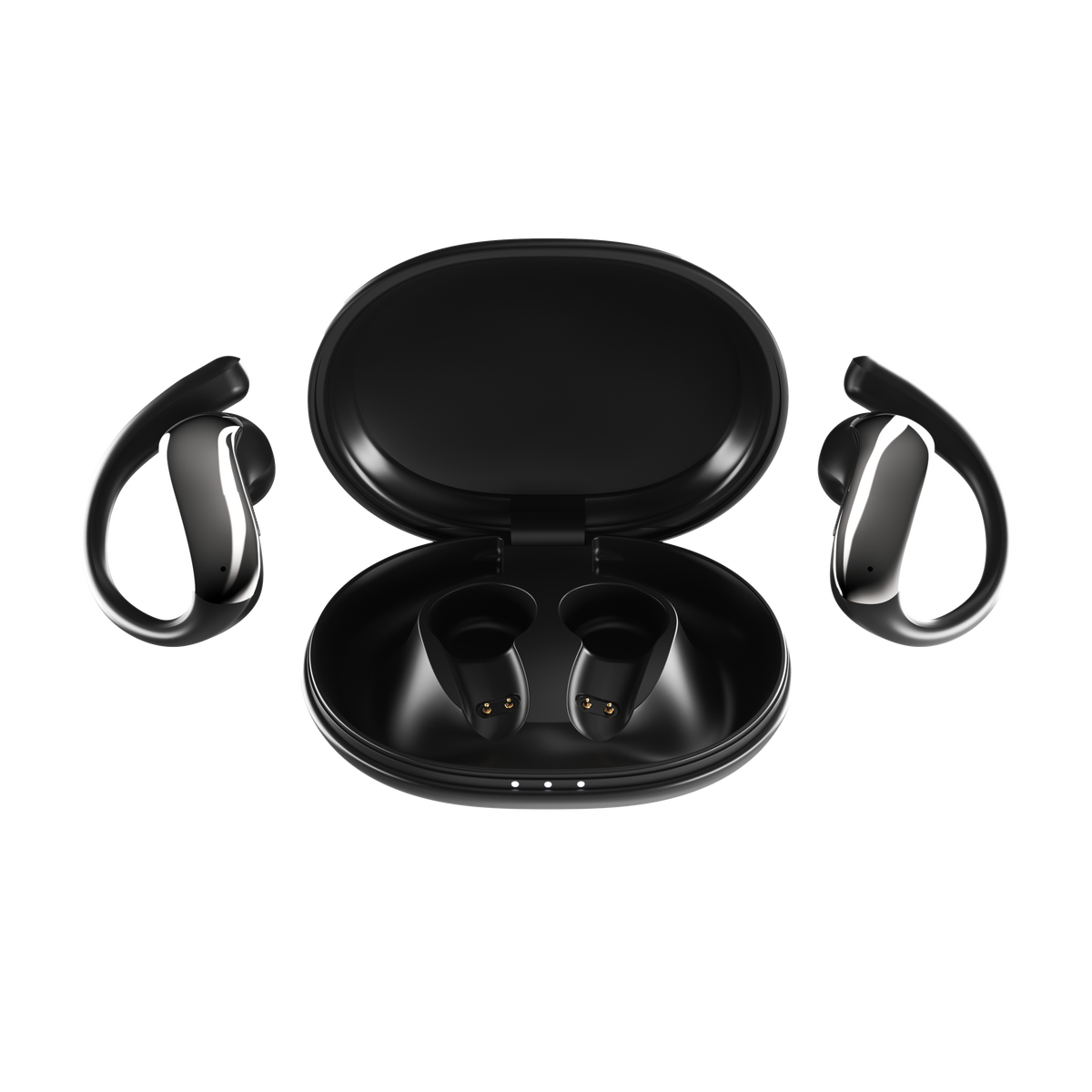
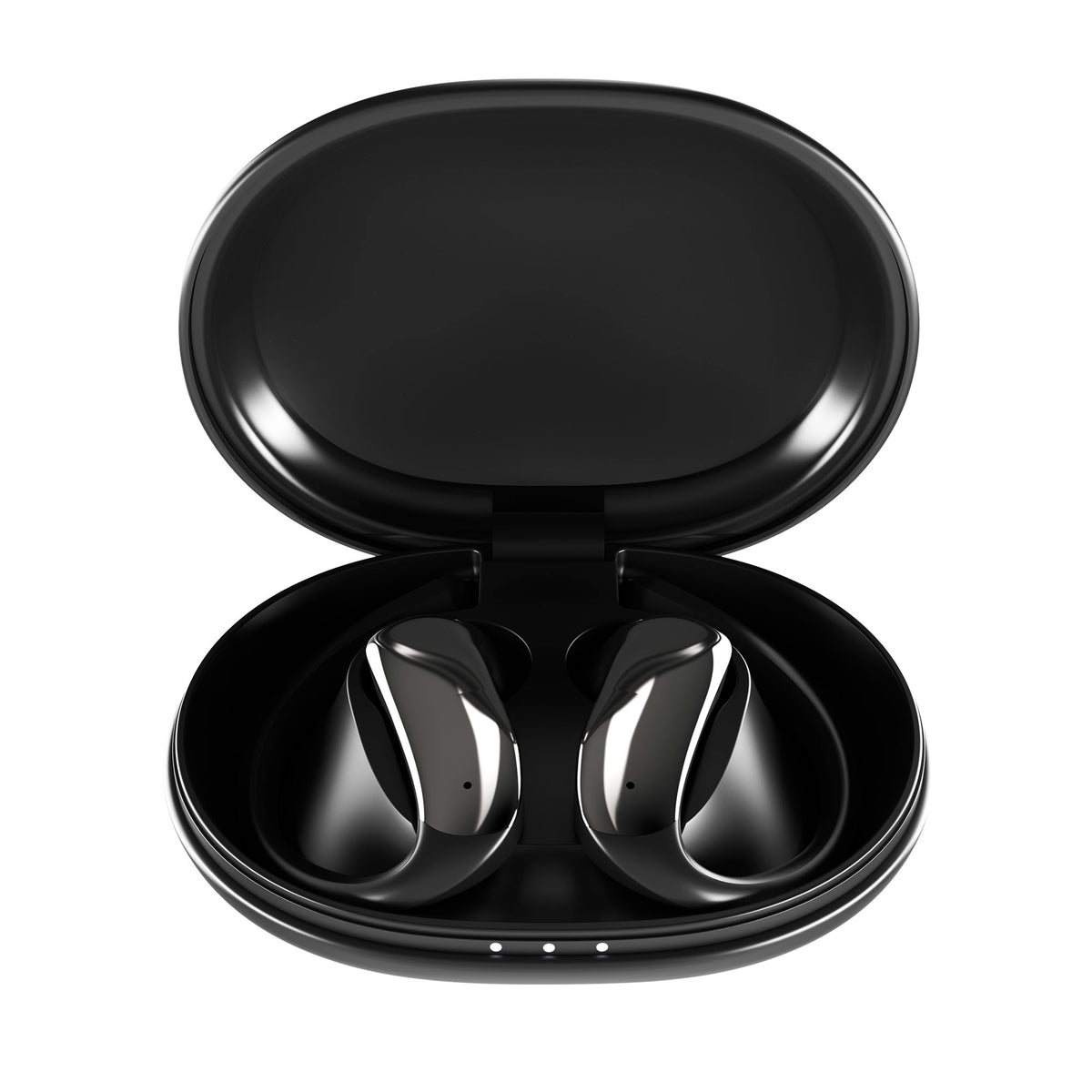
Black
An elegant, understated finish that goes with everything.
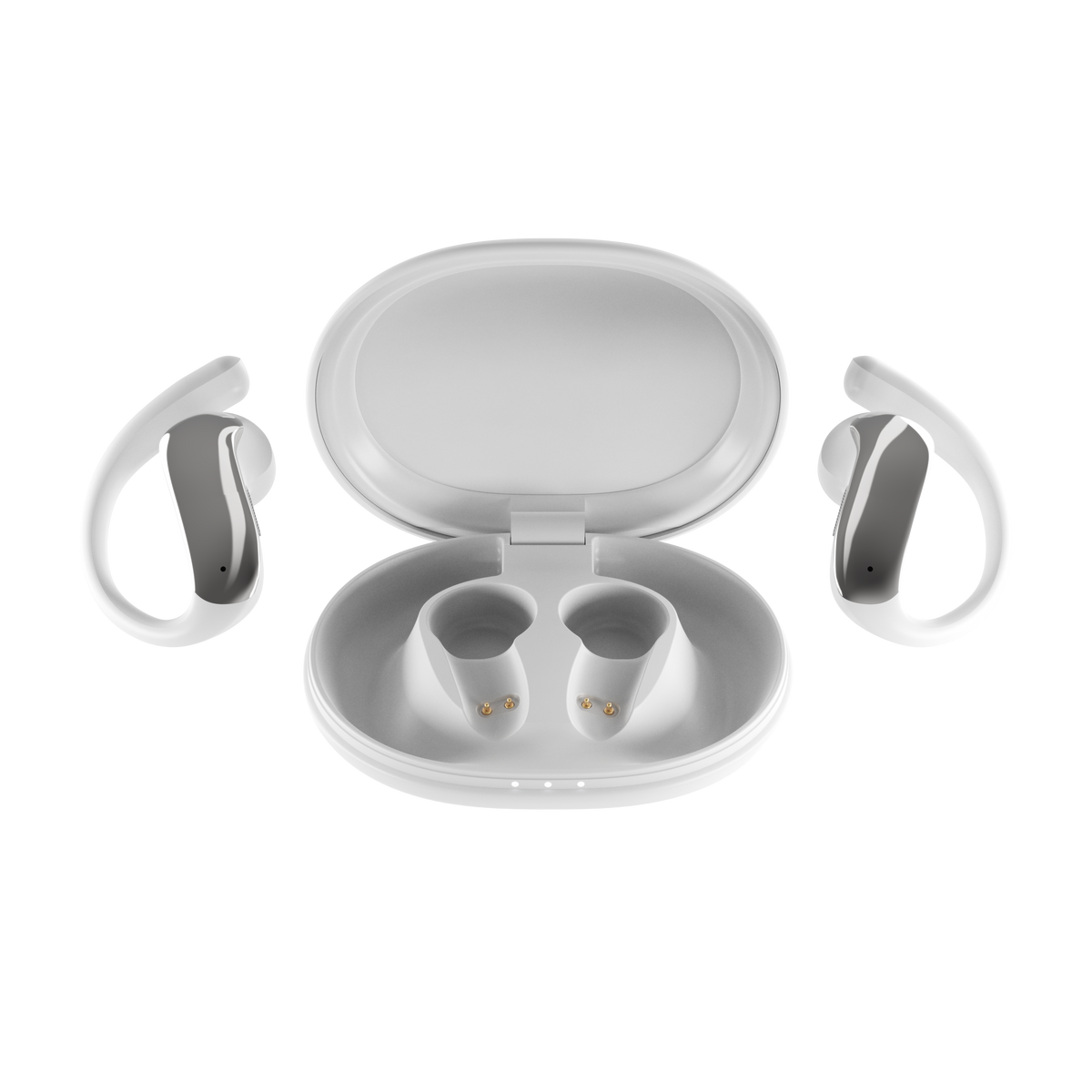
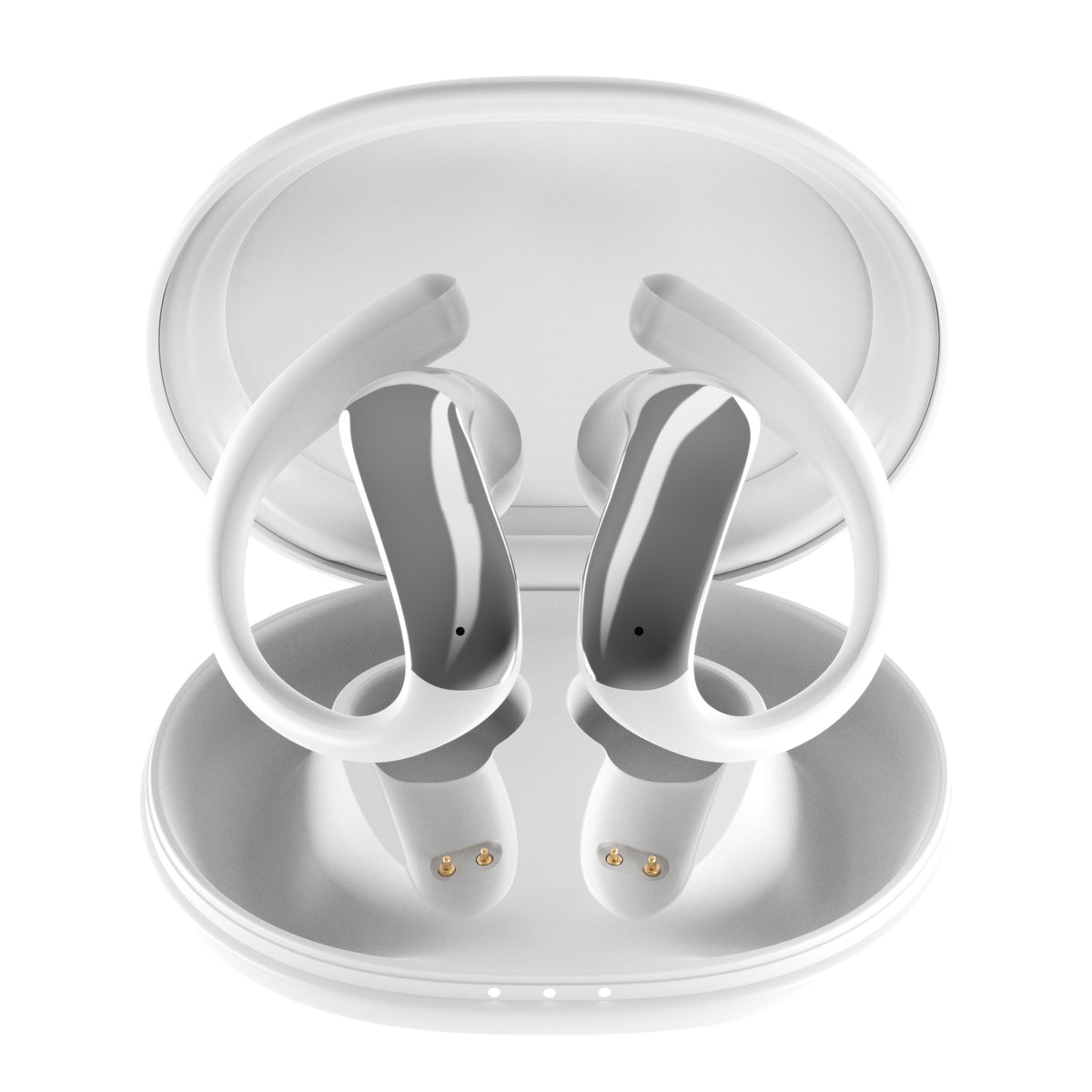
White
A clean, bright finish that adds a fresh touch to your everyday life.
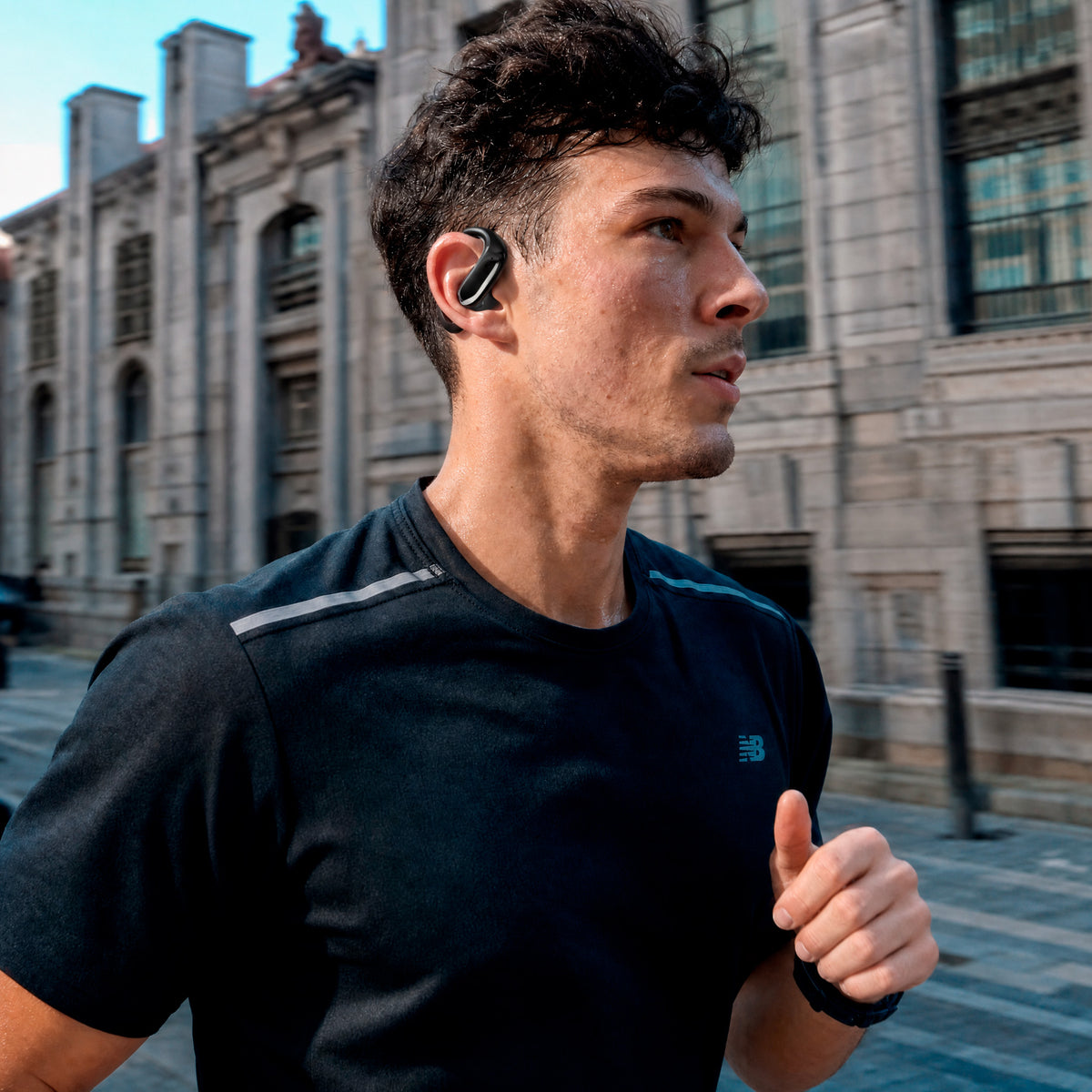
Made to move
Go for a run, a walk or explore the city with your music. Their open design with ear hook adapts to your ear and goes with you every step of the way, without you having to think about them.
Discover more of our products
FAQ
The device does not appear in Bluetooth
Check that the earbuds are out of the case and switched on. If they were already paired with another device, turn off Bluetooth on that device. Then search for “Vieta Pro Air” in your phone's Bluetooth settings. If it still does not appear, carry out the reset (RESET) procedure.
The earbuds do not charge
Place the earbuds firmly inside the case and check that the charging contacts are clean and fit properly. Connect the case to a power source using the original cable and check that the cable is plugged in securely. If they still do not charge, try another charger or another cable.
Double or duplicate device entry
If you can only hear audio through one earbud, delete the “Vieta Pro Peace” entry, turn off Bluetooth on the source device and carry out a RESET.
Reset (RESET) procedure
To reset the earbuds, they must be inside the charging case and unpaired from the source device.
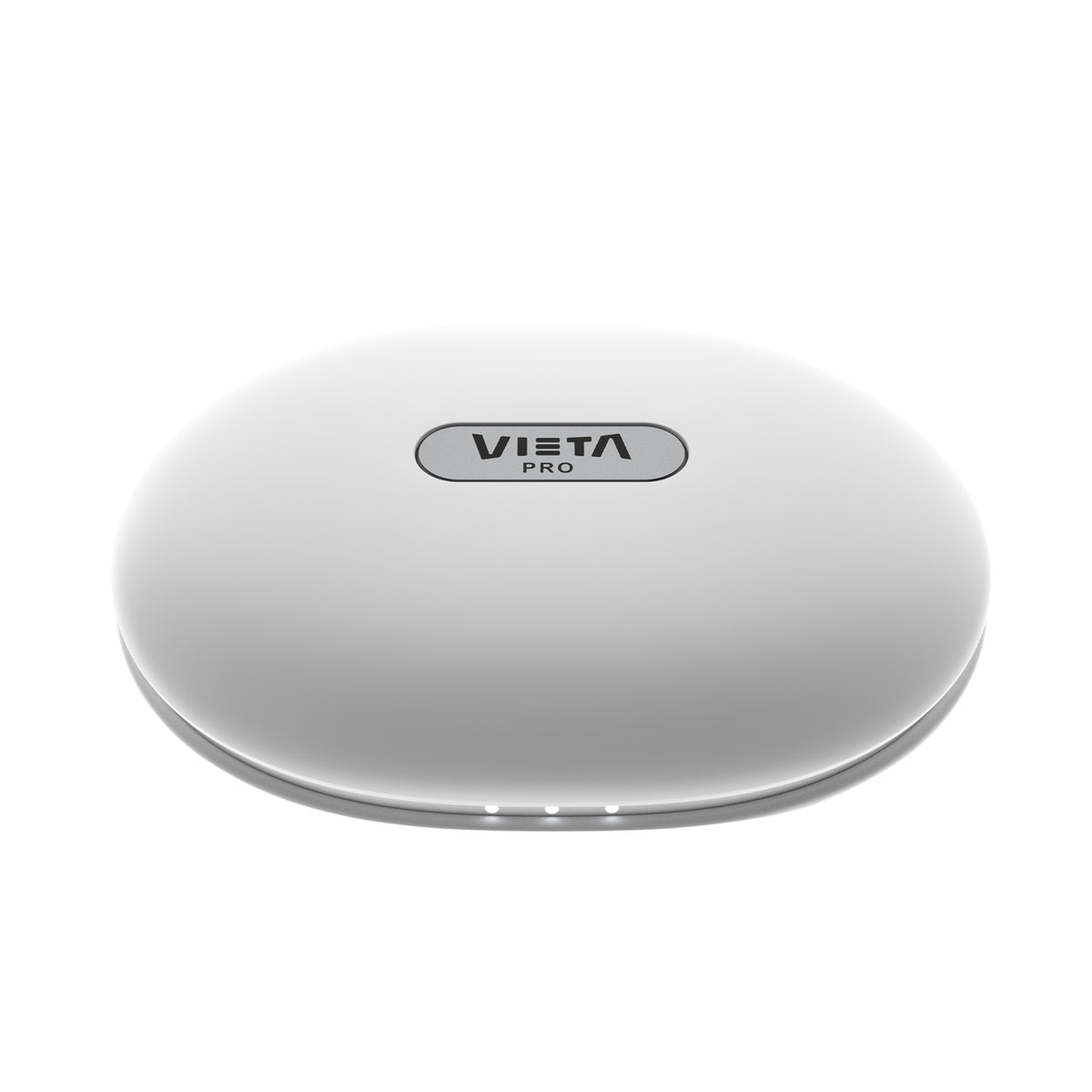
Open the case with the earbuds inside. Wait a few seconds and hold the button on the bottom right for about 10 seconds, or until the earbuds' LEDs flash red 5 times.
Then search for and pair “Vieta Pro Peace” in your device's Bluetooth settings.
One earbud sounds quieter than the other
Check that both are properly in place and that there is no wax or dirt in the sound outlet. If the problem continues, unpair the earbuds from your phone, carry out the reset (RESET) and pair them again.
The touch controls do not work properly
Clean the touch surface with a soft, dry cloth and check that you are not wearing gloves. In the Vieta Pro Audio app, check that the controls are enabled and set up the way you want. If they do not respond, carry out the reset (RESET).
The volume is low
Turn up the volume on your phone and on the earbuds. Check in the app that the volume limiter is switched off and adjust the equaliser to your liking. Also check that the earbuds are fitted correctly to your ear.
During calls I can hear very quietly, or people can hear me very quietly
Check that the call volume on your phone is high and that nothing is covering the microphones. Avoid areas with a lot of wind or noise. If the problem persists, restart the earbuds and pair them again.
The earbuds' battery life is short
Battery life depends on volume and usage. Fully charge the earbuds and the case before use. If you have noticed a sharp drop, check in the app that you do not have features enabled that use more battery.
If you lose an earbud or the charging case
Open the Vieta Pro Audio app and use the “Find my device” function to locate them. If you cannot find them, contact our customer service team to get a replacement.