

Bone Dual
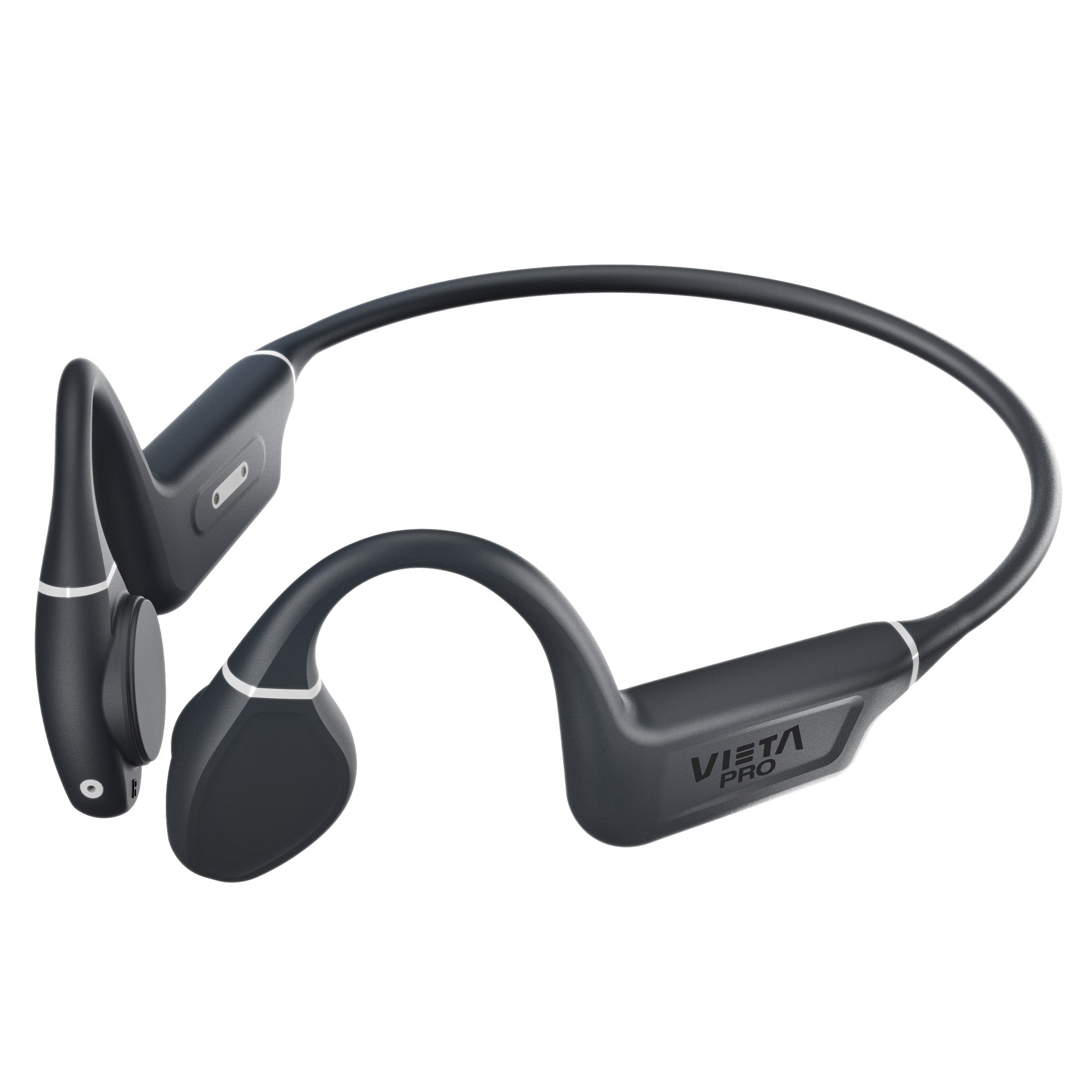
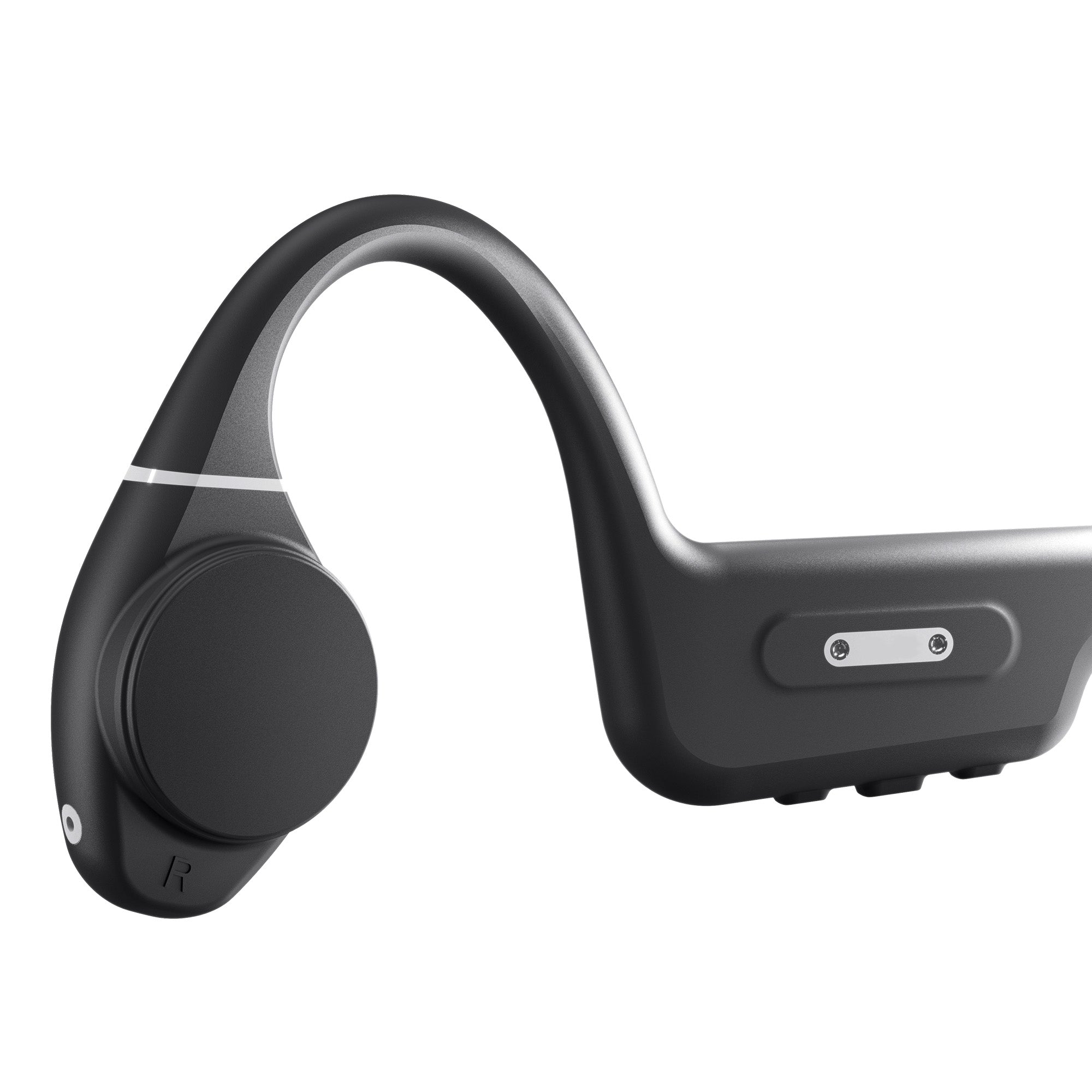
Vieta Pro Bone Dual combines bone conduction, Bluetooth 6.0 and two wearing positions in lightweight, water-resistant headphones. Designed for training, getting around or listening to music without cutting yourself off, they keep you aware of what is happening around you while you enjoy up to 10 hours of battery life.
- Bone conduction so you can listen to your music without shutting out what is happening around you.
- Bluetooth 6.0 + Dual Pairing to connect two devices at the same time.
- IPX5 resistance to withstand sweat, rain and splashes while you train.
- Up to 10 h of battery life to last you all day.
- Two wearing positions to balance your music with awareness of ambient sound.
- Weighing just 31 g for a light, comfortable fit for hours.
Discover everything about bone conduction headphones
Bone Dual
Designed for those who want to enjoy their music without shutting themselves off from their surroundings. The Bone Dual combine bone conduction, water resistance and a light, comfortable design for training, walking or moving around with greater awareness of what is happening around you.
6.0
IPX5: resistant to sweat, rain and water jets.
Connect 2 devices simultaneously, such as your phone and PC.
Up to 10 h of battery life.
Two wearing positions to adapt the sound and your awareness of your surroundings.
Comparison
Discover the differences
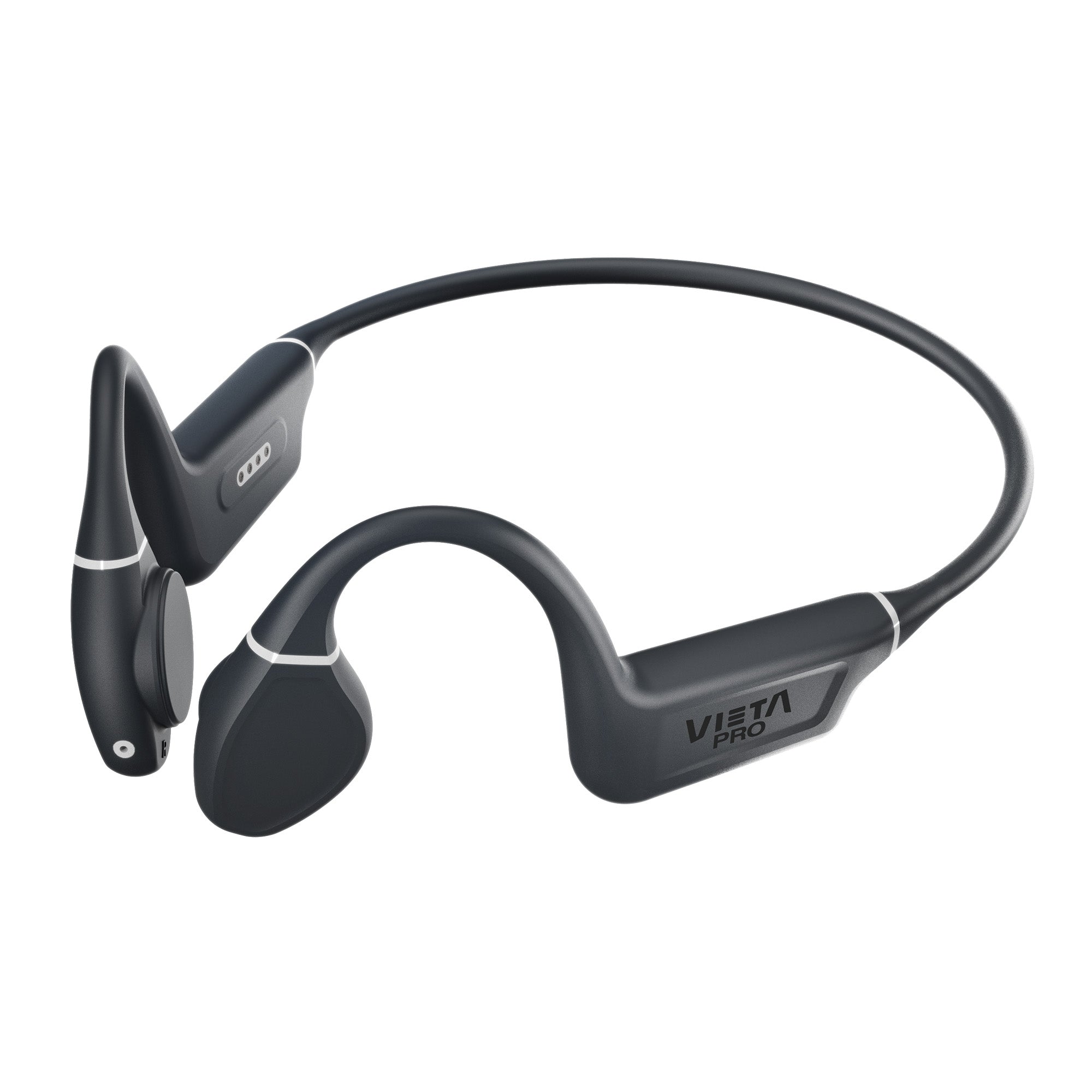
Discover the differences between the Vieta Pro Bone Dual Plus and Bone Dual: two models that look similar, but with features that make all the difference.
6.0
6.0
IPX8: resistant to immersion in water and water activities
IPX5: resistant to sweat, rain and water jets
Up to 10 h
Up to 10 h
8 GB
No
Yes
Yes
FAQ
The device does not appear in the Bluetooth list
Check that Bluetooth is turned on on the source device. Remove all references to the headphones from any devices they may have been paired with and pair them again from scratch.
Refresh the list of available devices if they do not appear automatically.
The headphones do not charge
Check whether the red LED (charging indicator) lights up when you plug the headphones in.
While charging, the LED stays red and turns blue once the battery is full.
If it does not, the problem may be the cable or the power adapter. Replace it and try again. Use the cable supplied in the product box.
Charging time will vary depending on the charger used. We recommend using a mobile phone wall charger rather than a computer.
The volume is low
If you have an Android device, remember that you need to turn the volume up or down while a media file (song, video, etc.) is playing.
Then adjust it using the physical buttons on the headphones and on the source device (mobile phone, tablet, computer, etc.).
During calls, I hear the other person or they hear me very quietly
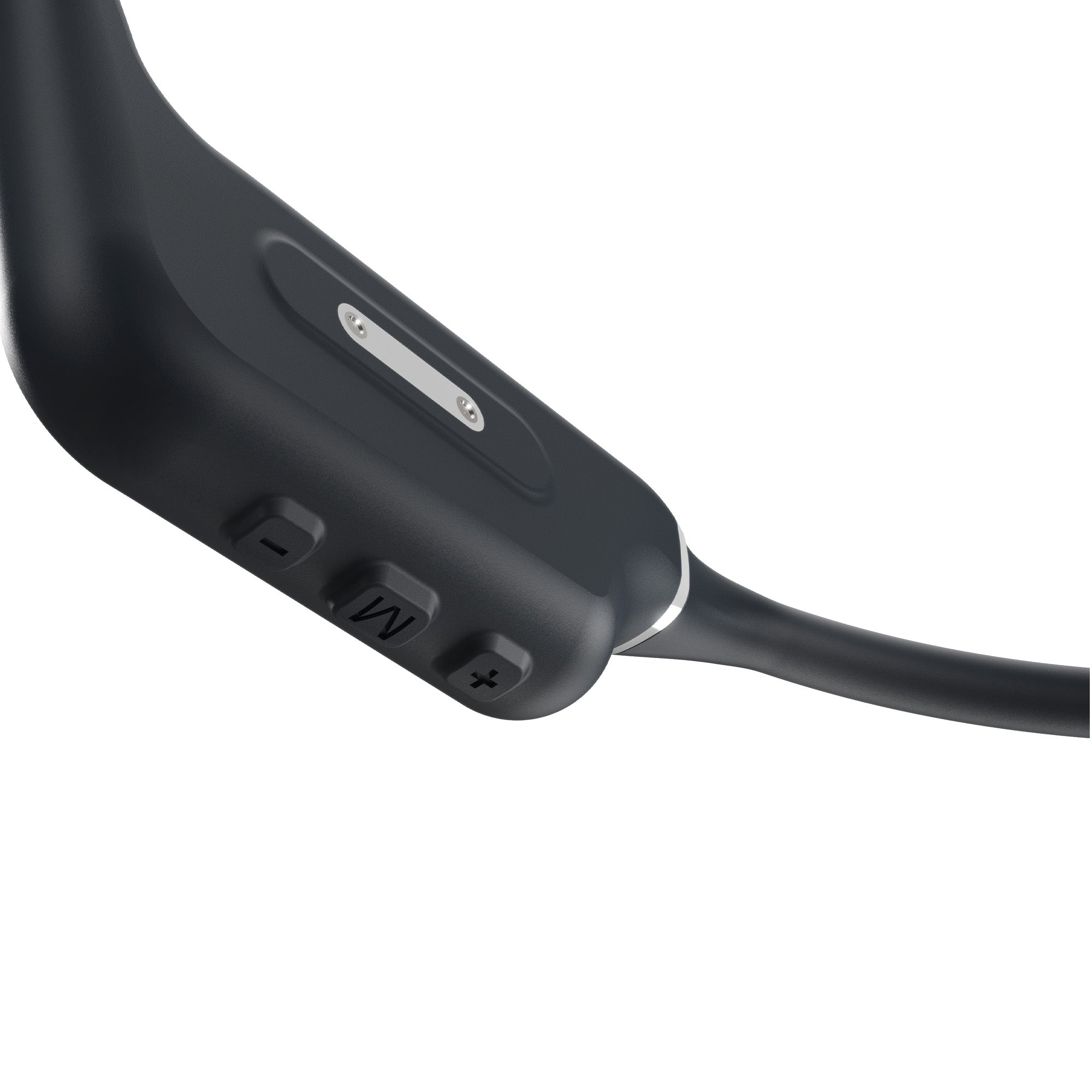
Answer the call using the buttons on the headphones, not on the source device.
Turn the volume up on the source device during the call, as pressing the physical buttons on the headphones may reject or end the call. Turning up the volume on the source device also increases the microphone volume.
Check on the screen of the source device (mobile phone, computer, etc.) that the audio output is set to the Bluetooth device and not to the phone's speakers.
The headphones' battery runs out quickly (single earpiece)
Battery life depends on usage time, ambient conditions and volume. The stated battery life is based on use at 50% volume.
To extend the battery's lifespan, fully charge it at least once every 3 months.
I cannot connect to other source devices simultaneously
To connect the headphones to two source devices at the same time:
• First connect them to one source device via Bluetooth.
• Temporarily turn off Bluetooth on that device or disconnect it (do NOT remove the «Vieta Pro Bone» reference).
• Pair the headphones with the new device.
• Turn Bluetooth back on on the first device.
• In the Bluetooth menu, go to saved devices and tap «Vieta Pro Bone» once to force the connection.
• You will hear «Device Paired» and will be able to use both devices.
If both devices play content at the same time, one will pause and give way to the other almost immediately.
Example: while watching a film on your laptop, you can answer a call on your mobile.

Bone conduction headphones: Perfect for running
If you enjoy running and are looking for a way to improve your listening experience while you train, bone conduction headphones are an alternative that you should not overlook.