Zen
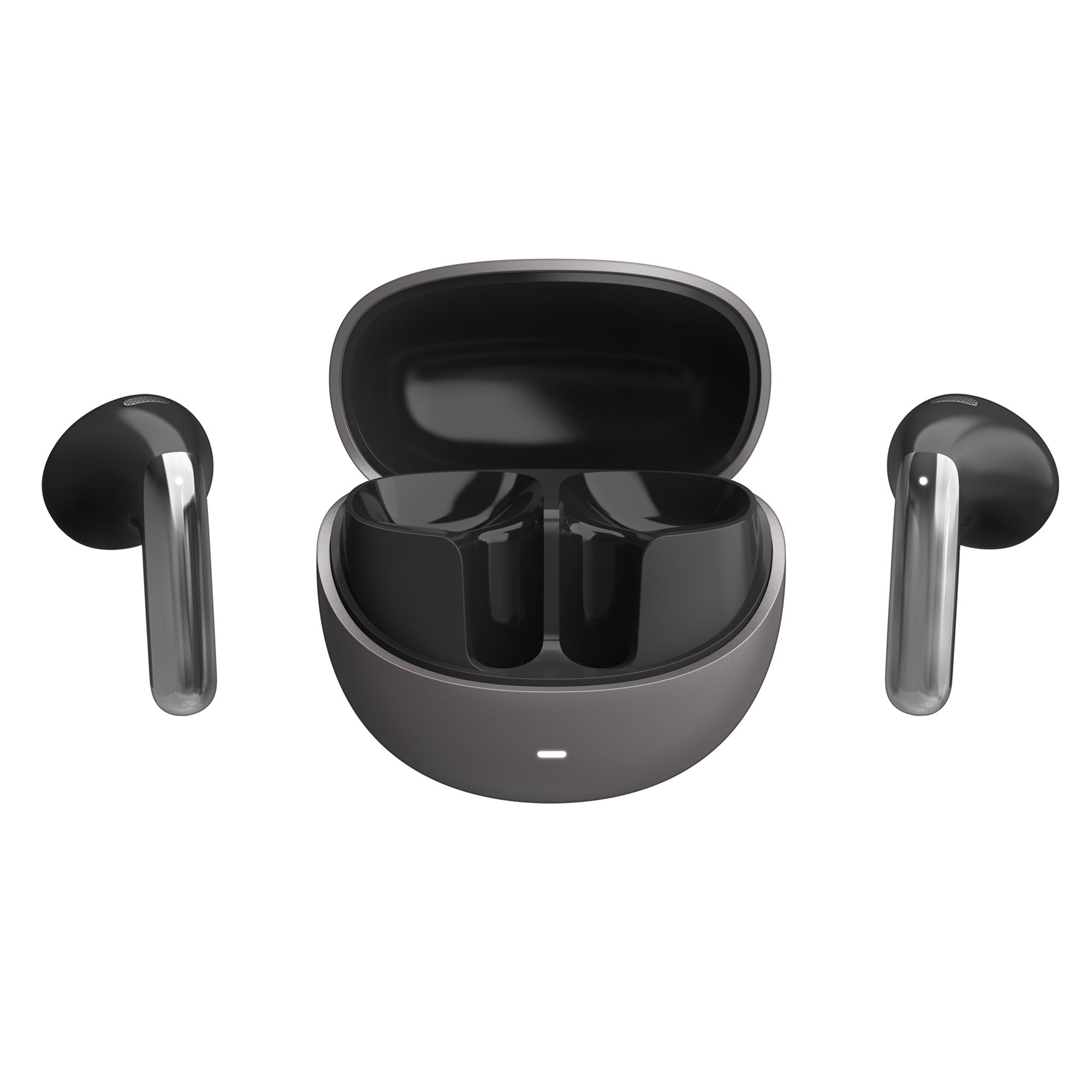
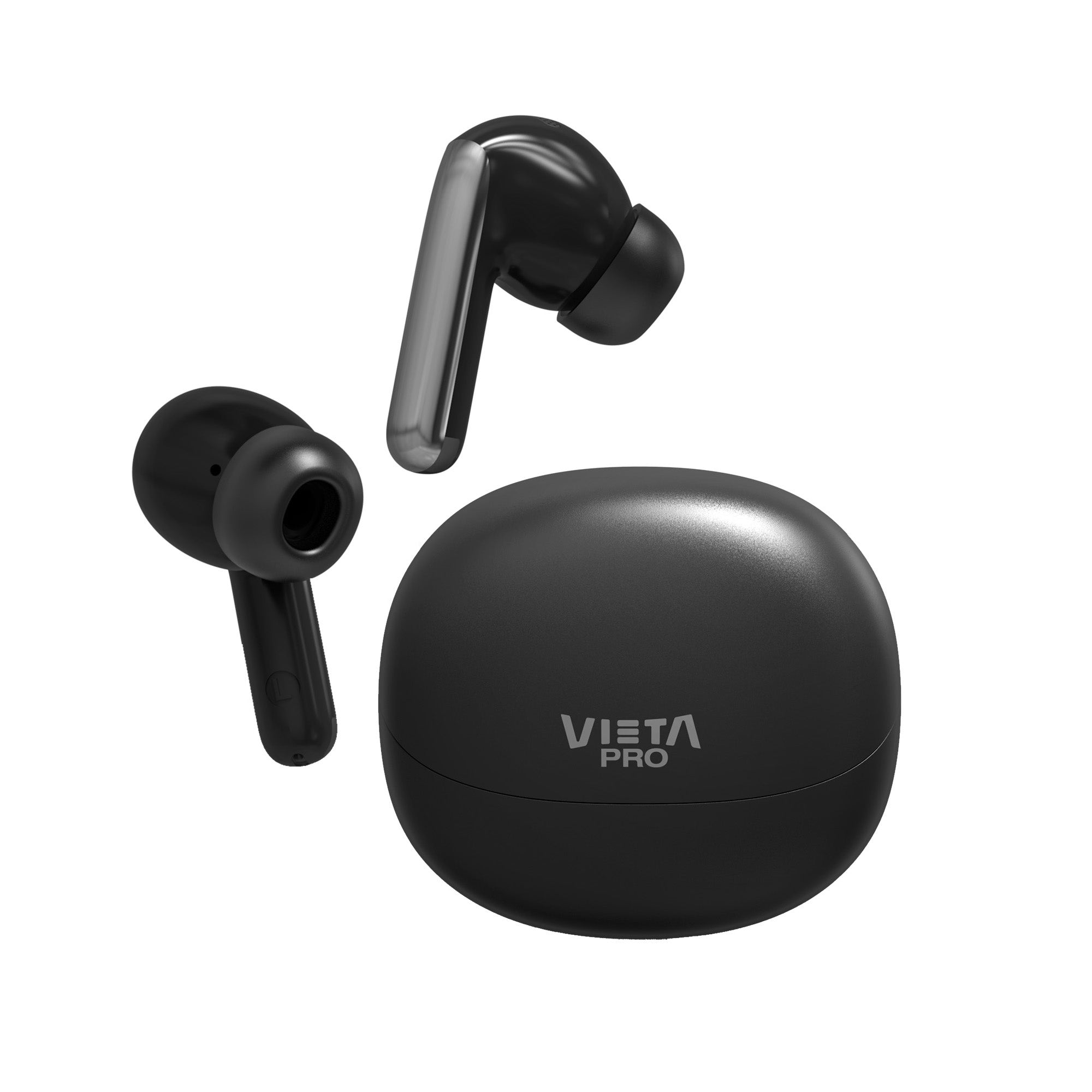
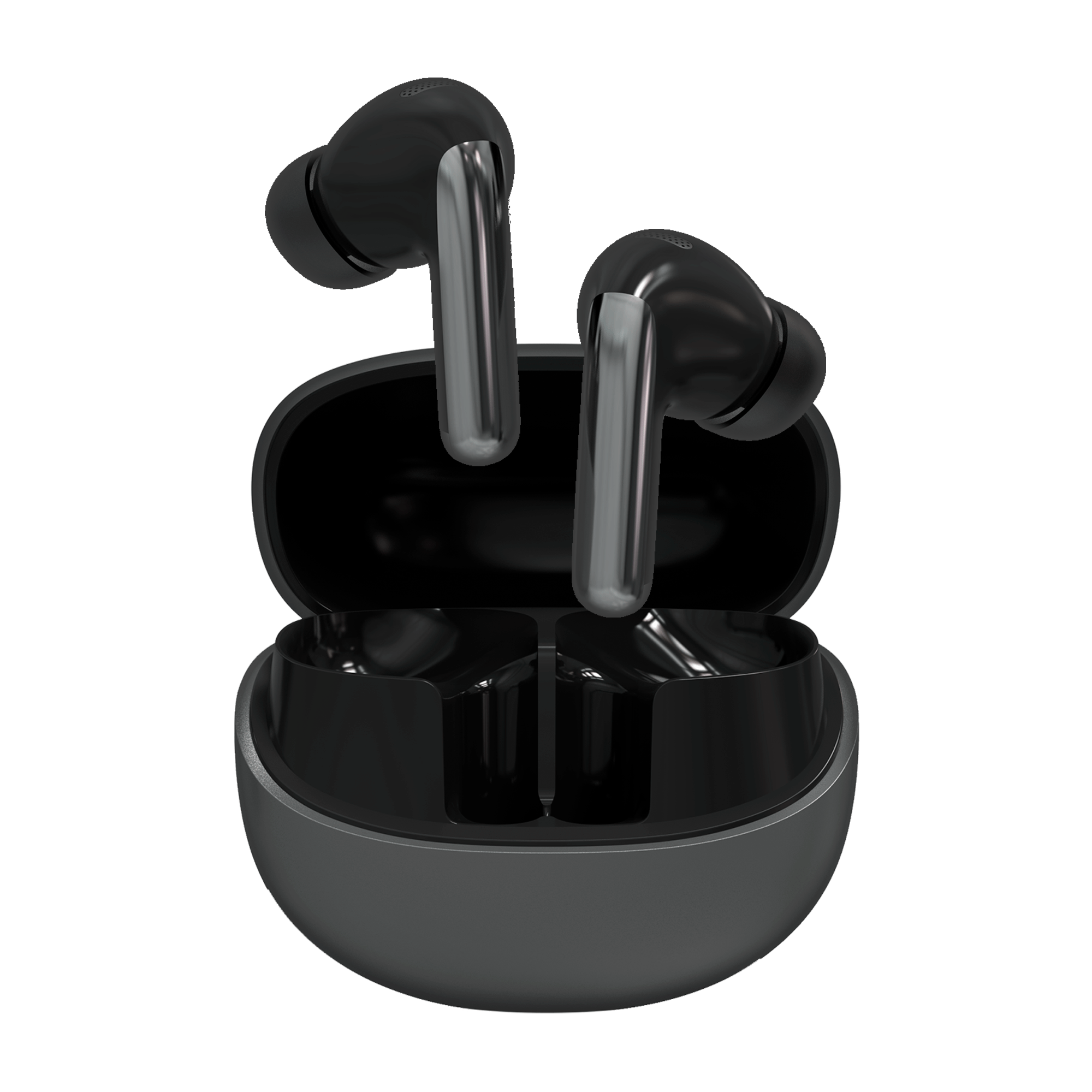
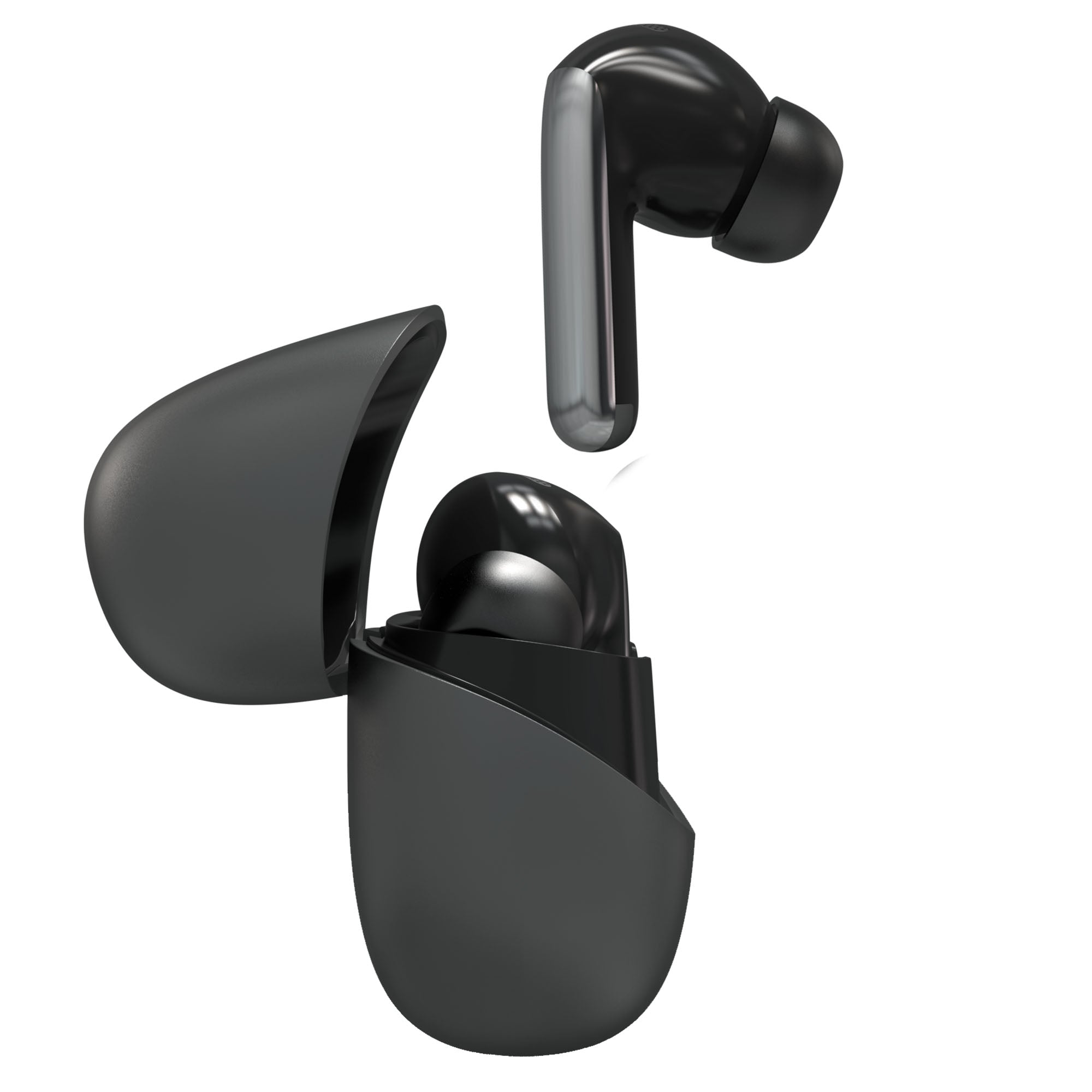
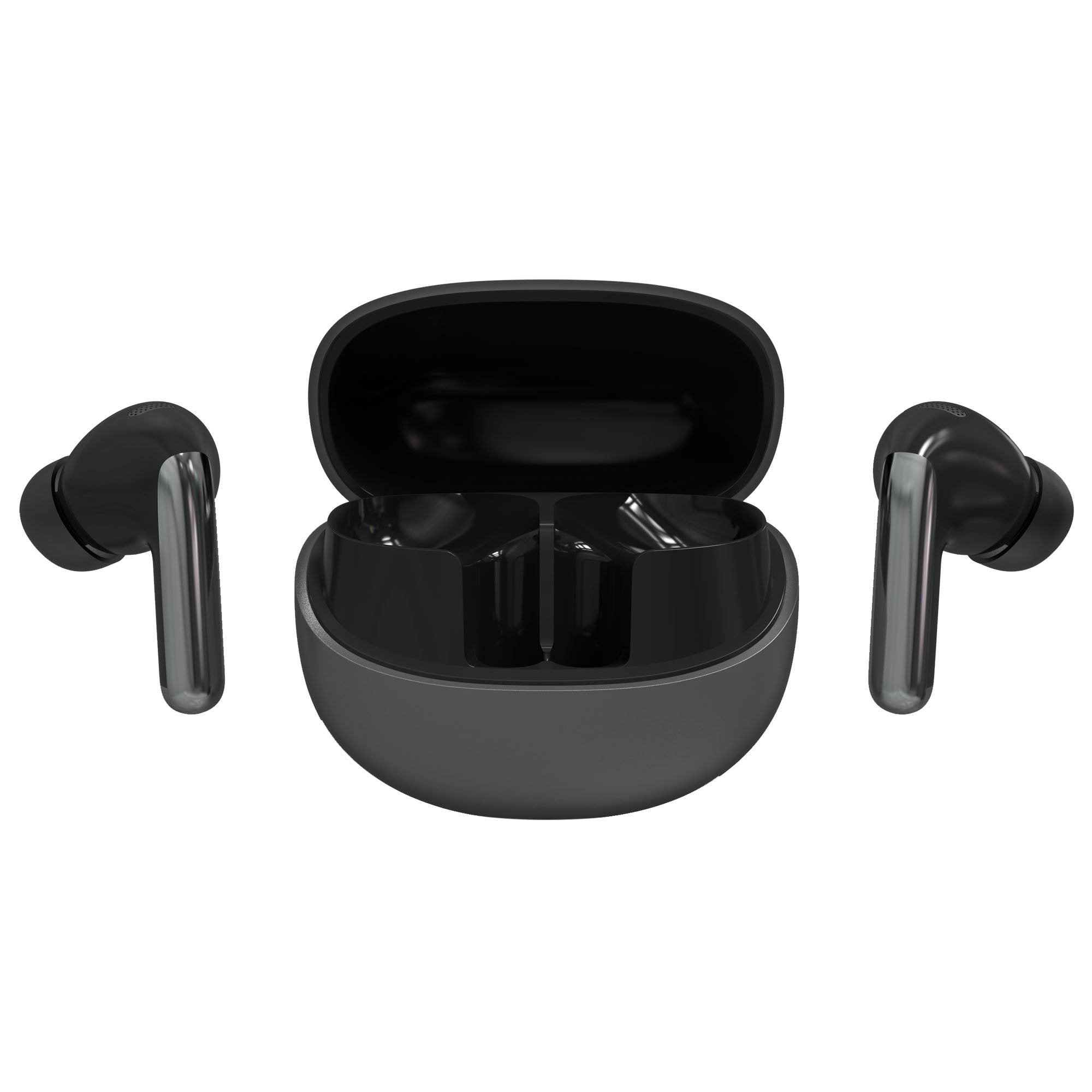
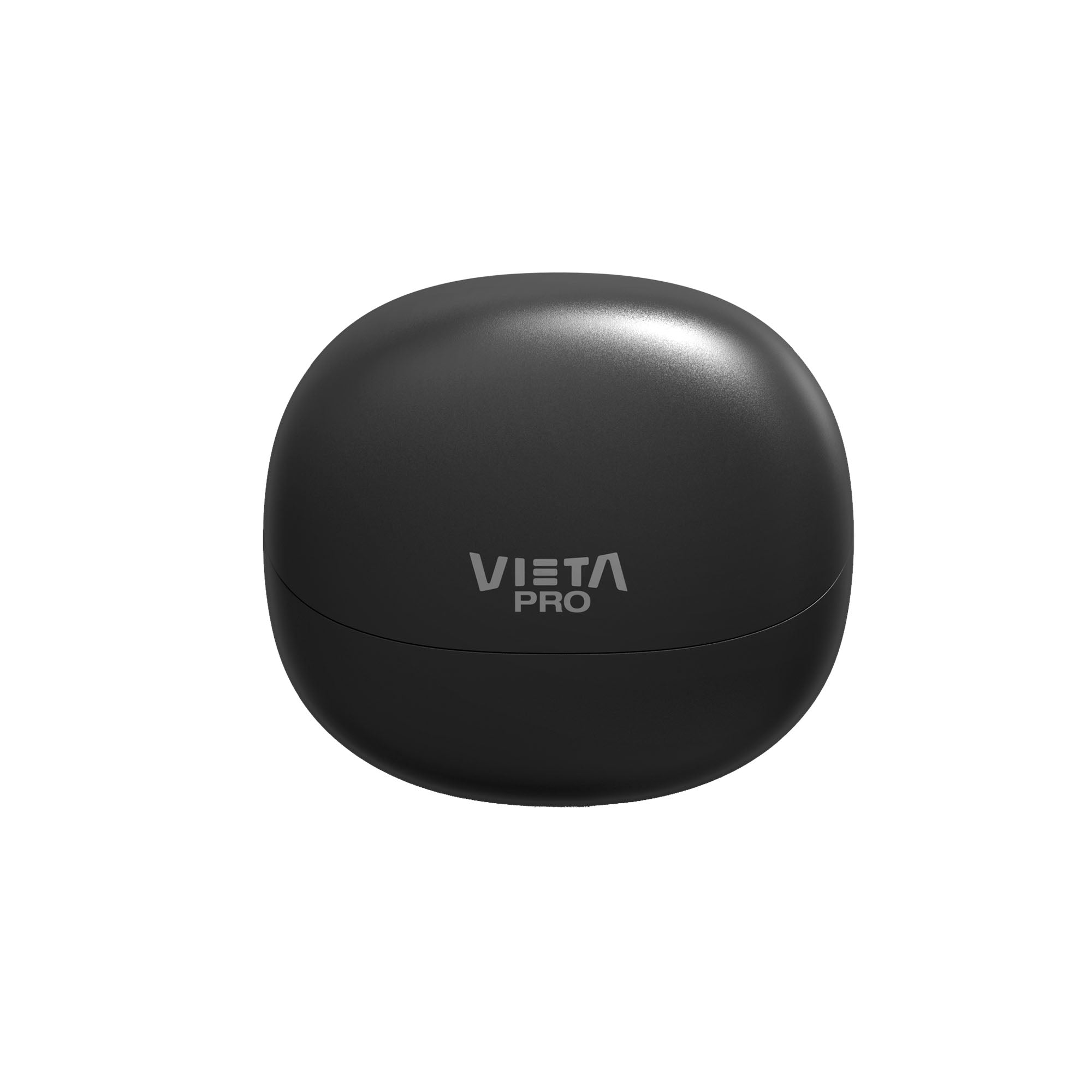
The Vieta Pro Zen earbuds offer an advanced, immersive sound experience, thanks to their innovative design and powerful technology.
- -46 dB noise cancelling
- Hi-Res audio quality
- USB-C fast charging
- Up to 34 h battery life
- 6 ENC microphones
- Dual Pairing
Total silence, total music
Experience sound without limits.
Discover a new, advanced and immersive sound experience, thanks to their innovative design and powerful technology. They are perfect for anyone looking for top audio quality, comfort and an elegant style in metallic black.
Adaptive noise cancelling
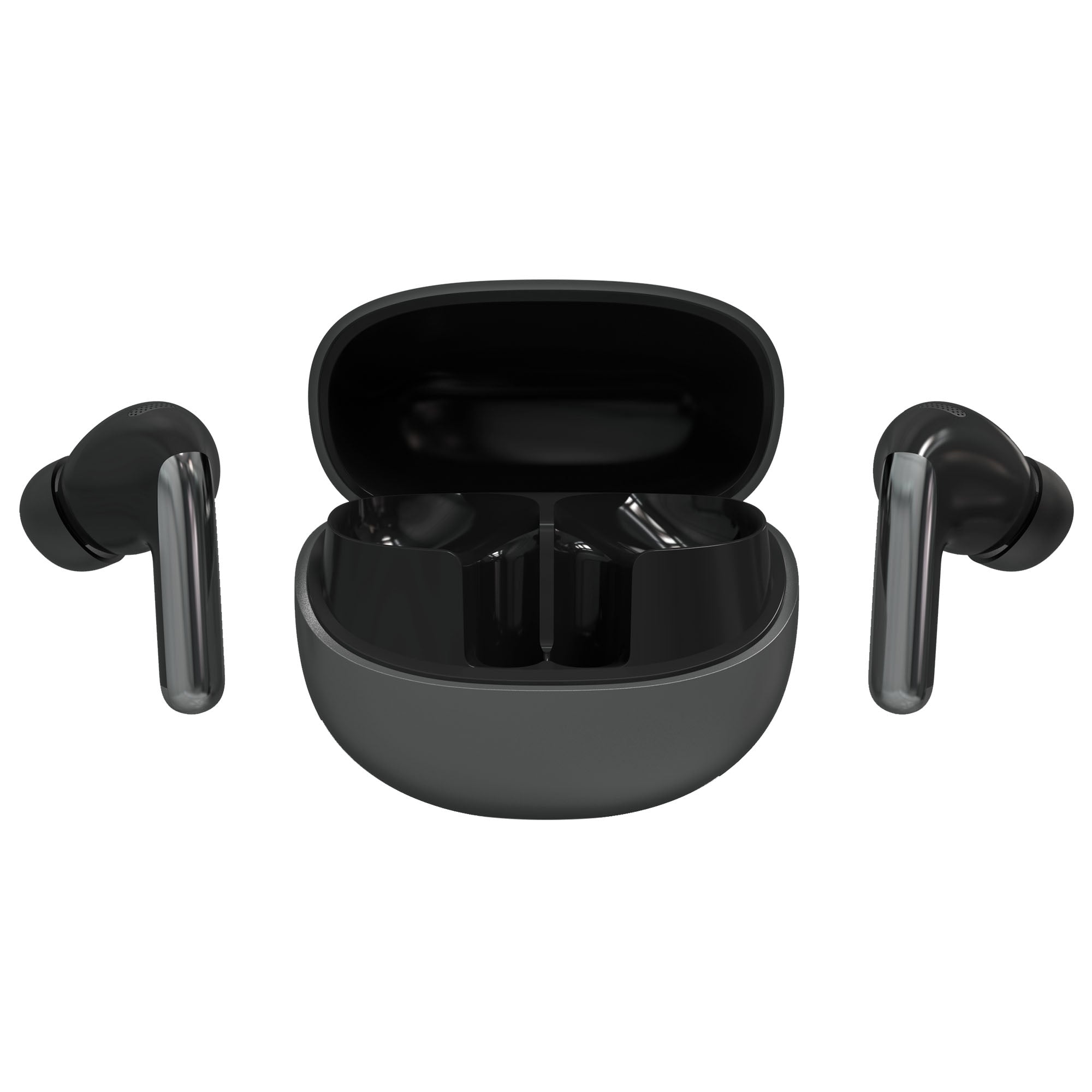
Shut out the outside world with advanced adaptive noise cancelling technology, which reduces up to 46 dB of ambient noise. Ideal for working, travelling or simply relaxing without distractions.
Customisable equalisation
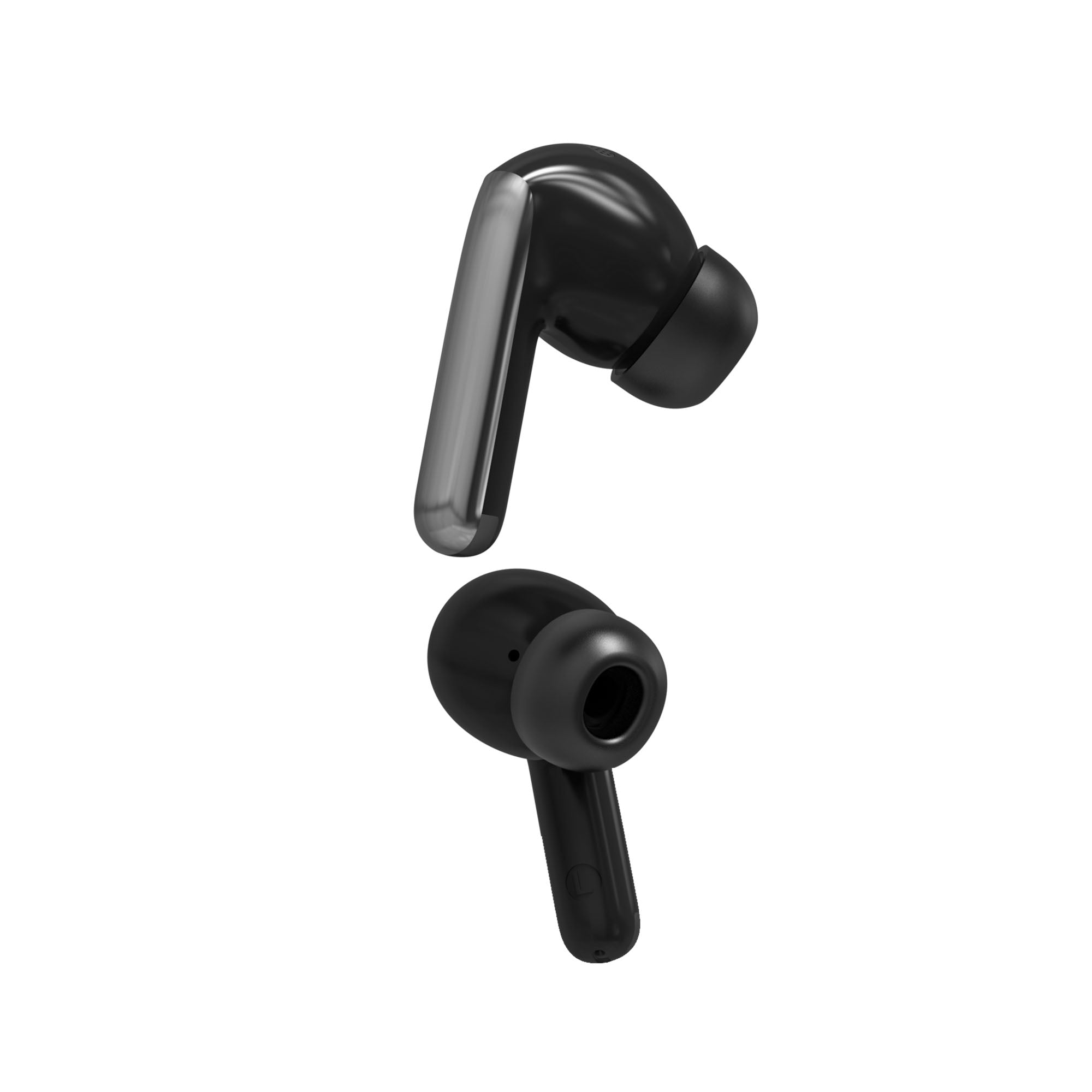
Adjust the sound to your liking with the built-in equaliser. Whether you prefer powerful bass or clear treble, the “Zen” headphones let you tailor the experience to your style.
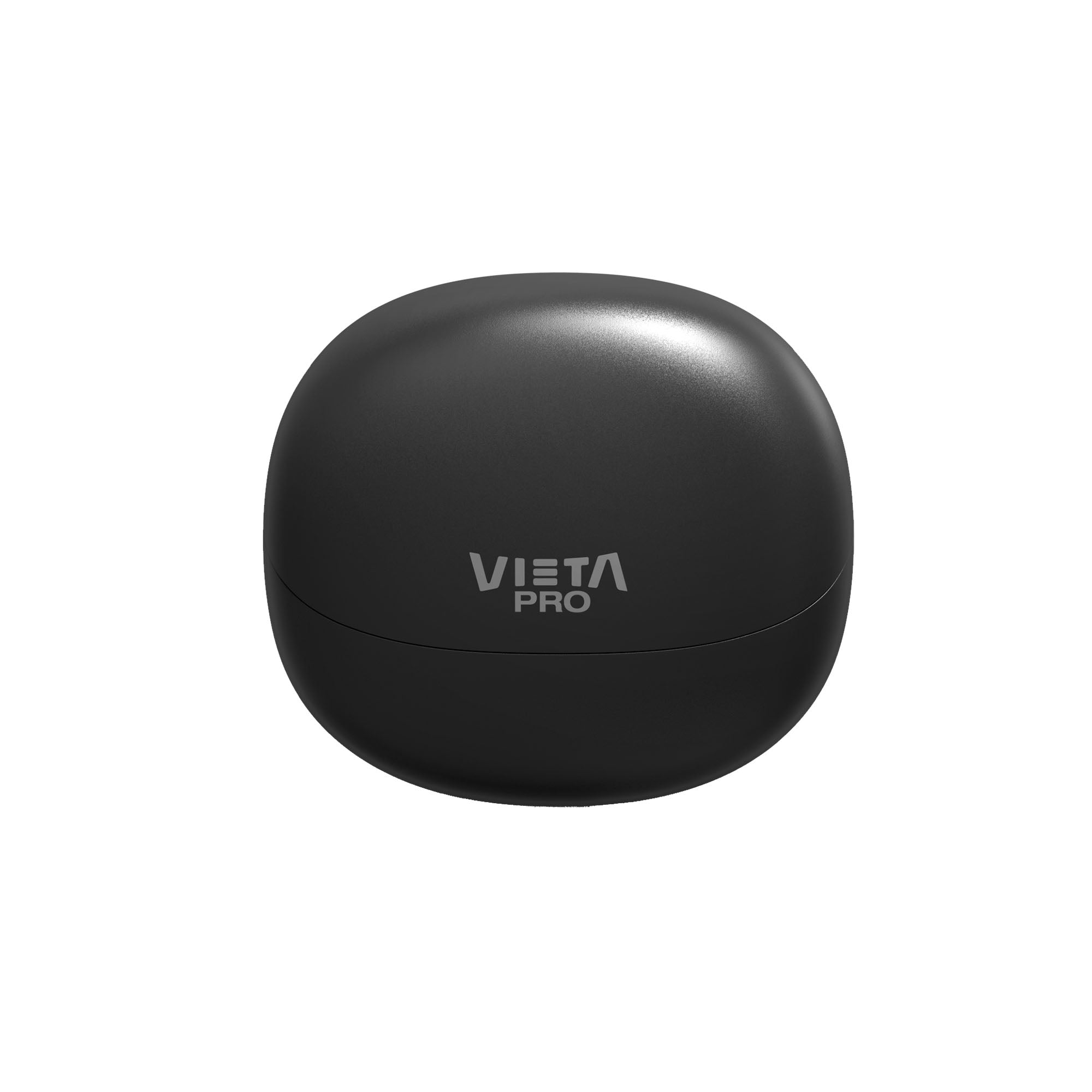
USB-C fast charging
With up to 34 hours of continuous playback and just 2 hours of charging, you'll be ready for any adventure. Charge them easily via USB-C for fast, efficient charging.
Dual connection
Connect your phone and your PC simultaneously
Turn on low-latency mode
Perfect for video games
Immerse yourself in your favourite games without delays, thanks to low-latency mode, which perfectly syncs the audio with the action on screen. Take your gaming experience to the next level!
Discover other features
And much more...
The Vieta Pro Zen won't leave you indifferent. Discover more of the features that make these True Wireless earbuds one of the best options on the market.
Discover transparency mode
As well as noise cancelling, you can also turn on transparency mode when you need to stay aware of your environment and all the sounds around you.
IPX4: Perfect for athletes
With very comfortable ear tips that fit perfectly and IPX4 sweat resistance, the Zen earbuds will keep you company during your sporting activities. Take them to the gym or when you go for a run!
Easy-to-use touch panel
There's no need to take out your phone to turn up the volume or change a song. Use the touch control smoothly and comfortably.
Answer your phone calls
Thanks to the built-in microphone, you can answer calls and give commands to your voice assistant (Siri, Alexa or Google Assistant). You can also use the microphone while playing your favourite video games to talk to your teammates, or during a work meeting.
FAQ
The device does not appear in the Bluetooth list
Check that Bluetooth is turned on on the source device. Remove all references to the headphones from any devices they may have been paired with and pair them again from scratch.
The earbuds do not charge
Remove the protective plastic that prevents contact between the earbuds and the charging case. When you open the case, check whether the LEDs on the earbuds light up white.
If they do not, clean the contact pins on the earbuds and the case with a cloth dampened with alcohol.
When the case is connected to the mains, its LED will light up red; once it is charged, it will turn white.
Double or duplicated device entry
If you only hear audio through one earbud, delete “Vieta Pro Zen” from your device, turn off Bluetooth on your source device and do a RESET.
Reset procedure (RESET)
To reset the earbuds, they must be inside the charging case and unpaired from the source device.
Open the case with the earbuds inside. Wait a few seconds, then press and hold the button on the lower right for about 10 seconds, or until the LEDs on the earbuds flash red 5 times.
Then search for and pair “Vieta Pro Zen” in your device’s Bluetooth settings.
One earbud sounds quieter than the other
Clean the earbuds' sensors and grilles regularly to prevent the audio output from becoming blocked.
The sensors do not work properly
Wipe the touch area of the earbuds with a cloth dampened with alcohol to remove the grease that builds up from touching them with your fingers (dust, sweat, creams, etc.).
During calls, I hear the other person or they hear me very quietly
Turn the volume up on the source device (mobile phone, computer, etc.) during the call. If you touch the earbud sensors during the call, you may end it.
Check on the screen of the source device that the audio output is set to the Bluetooth device and not to the phone's speakers.
The earbuds' battery runs out quickly
Battery life depends on usage time, ambient conditions and volume. The stated battery life is based on use at 50% volume.
To extend the battery's lifespan, fully charge it at least once every 3 months, even if you are not using the earbuds.
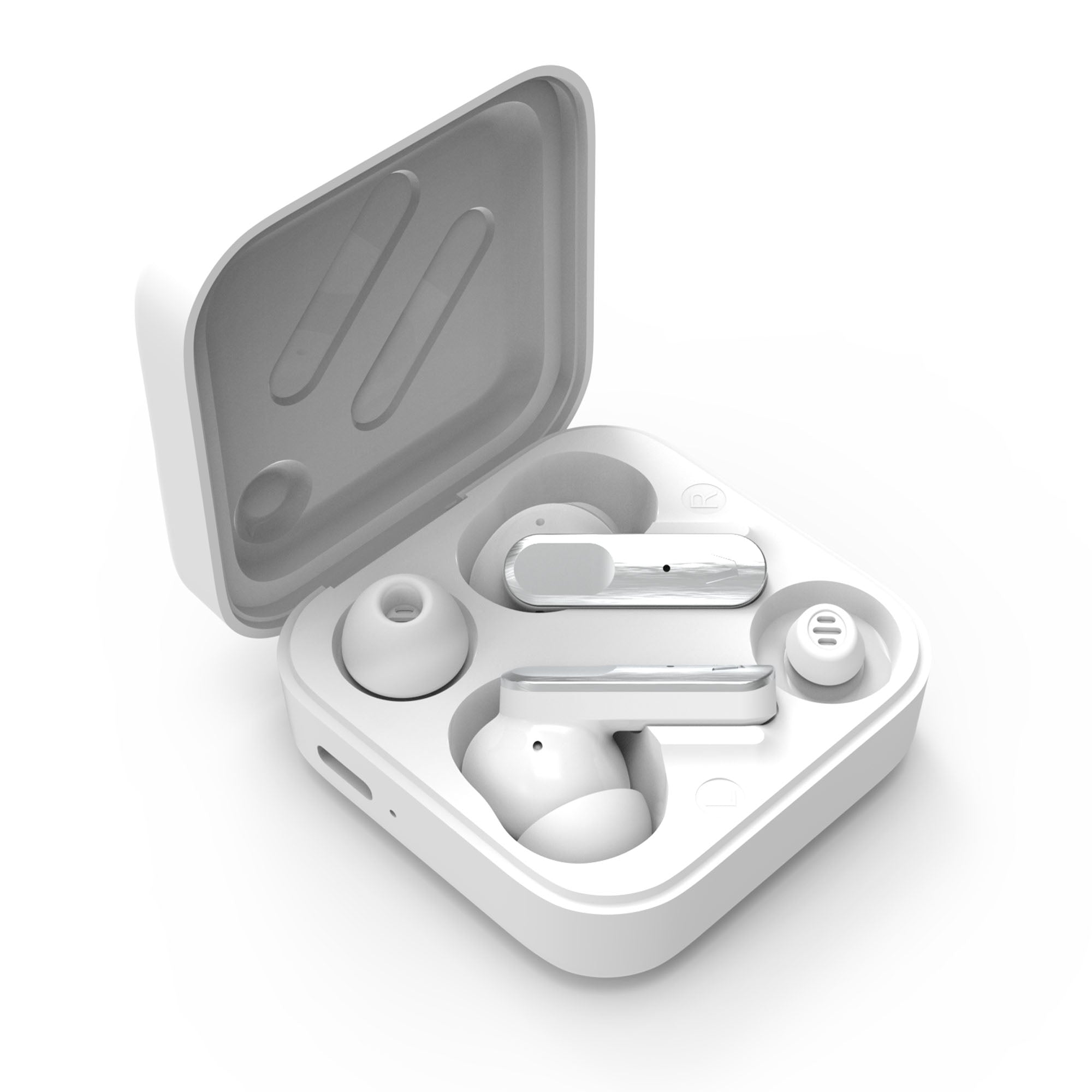
How do I fit and remove the ear tips?
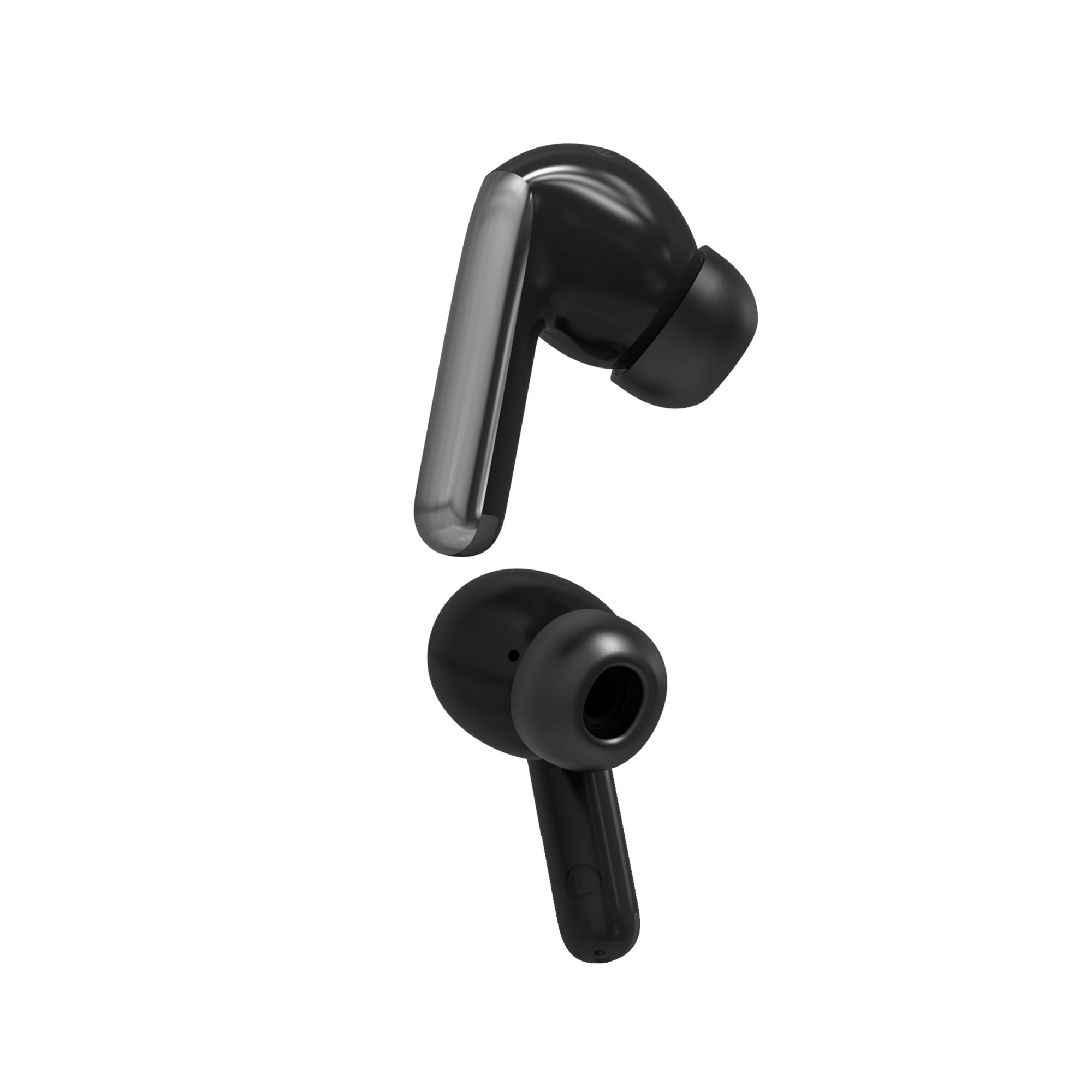
To remove the ear tip, pull the soft rubber part outwards.
To fit it, turn the rubber inside out so that it is stretched over the rigid part, forming a cone. Insert the rigid part into the earbud and fold the rubber back into place.
If an earbud or the charging case is lost
You can buy a new unit and pair it with the one you still have. Contact our after-sales department: info@vieta.es.