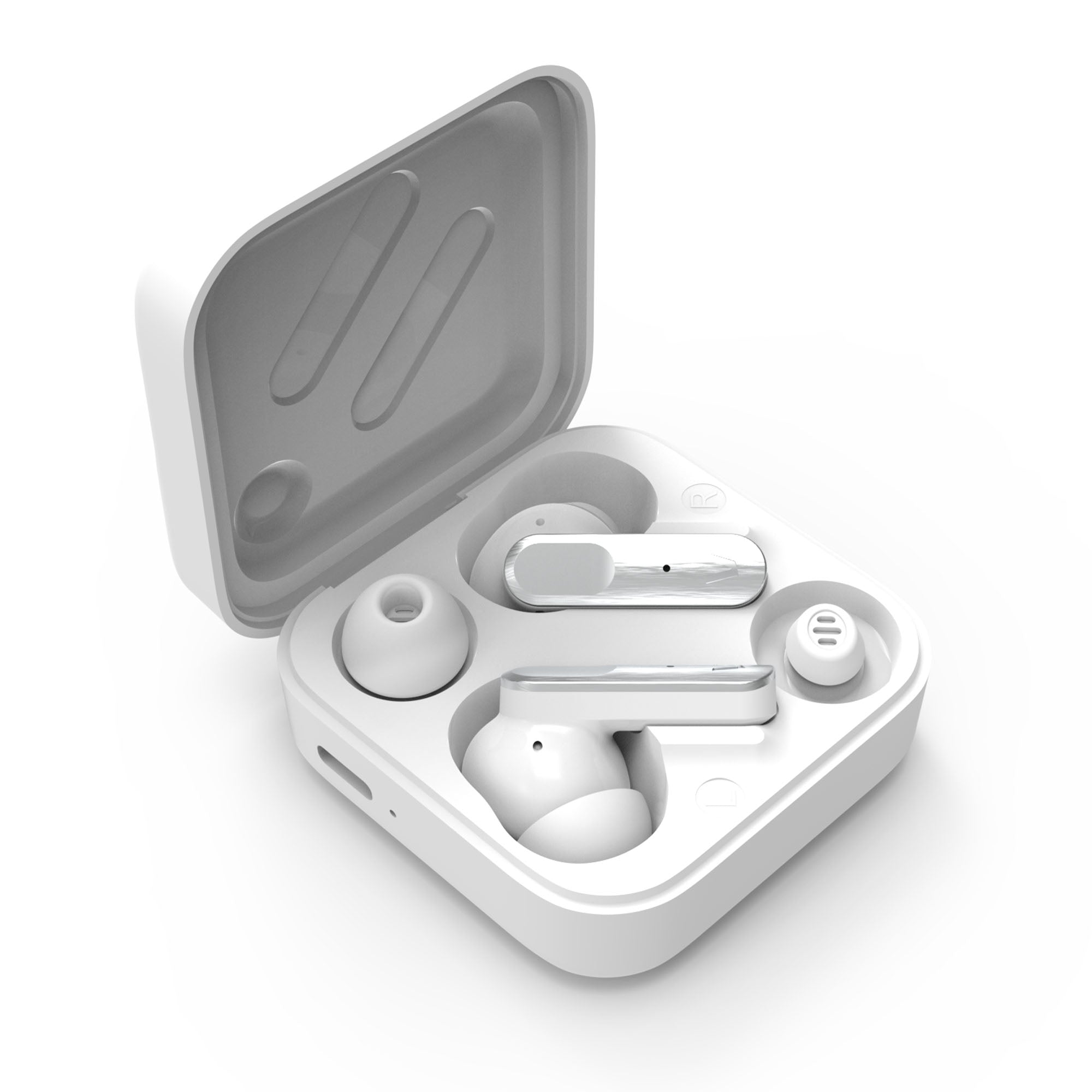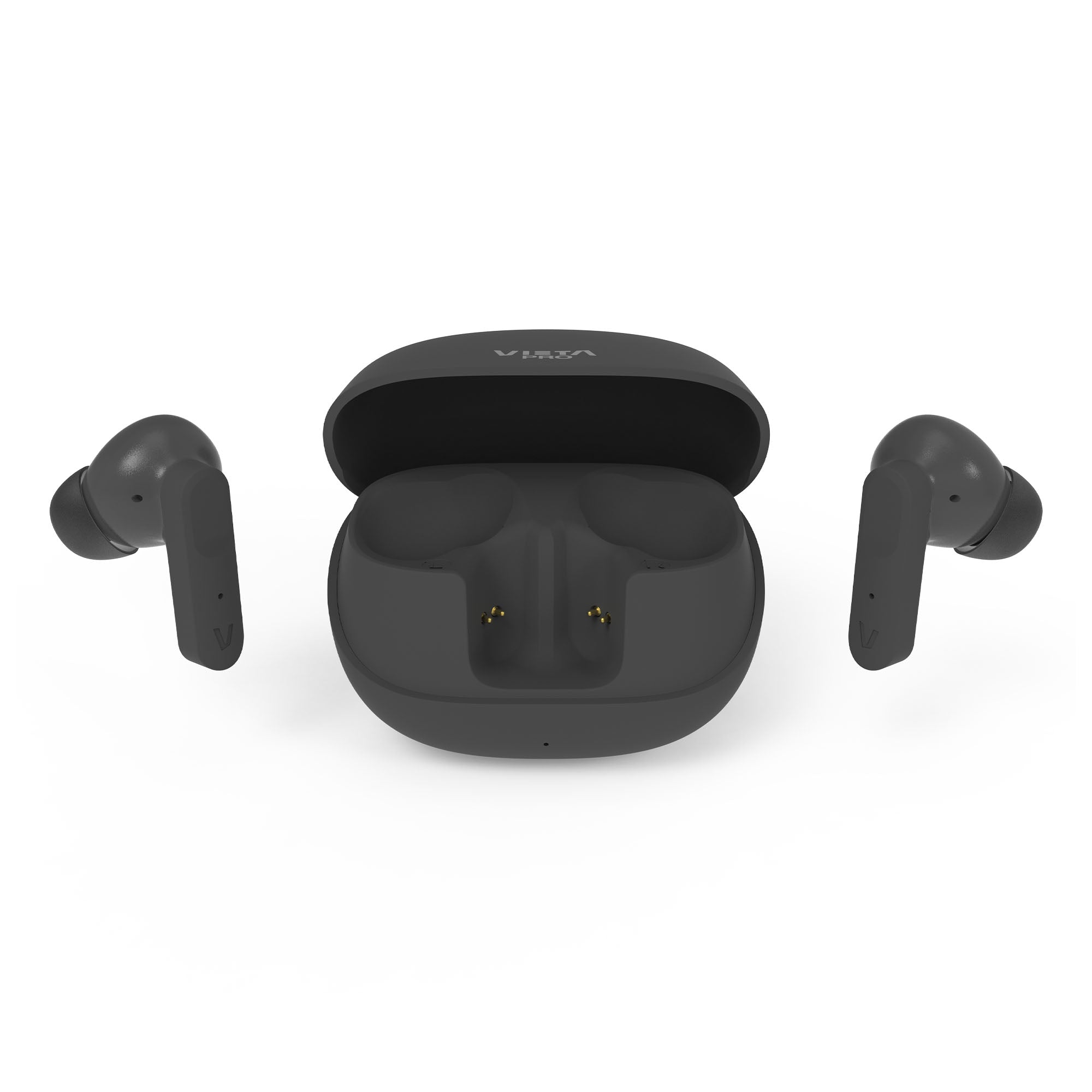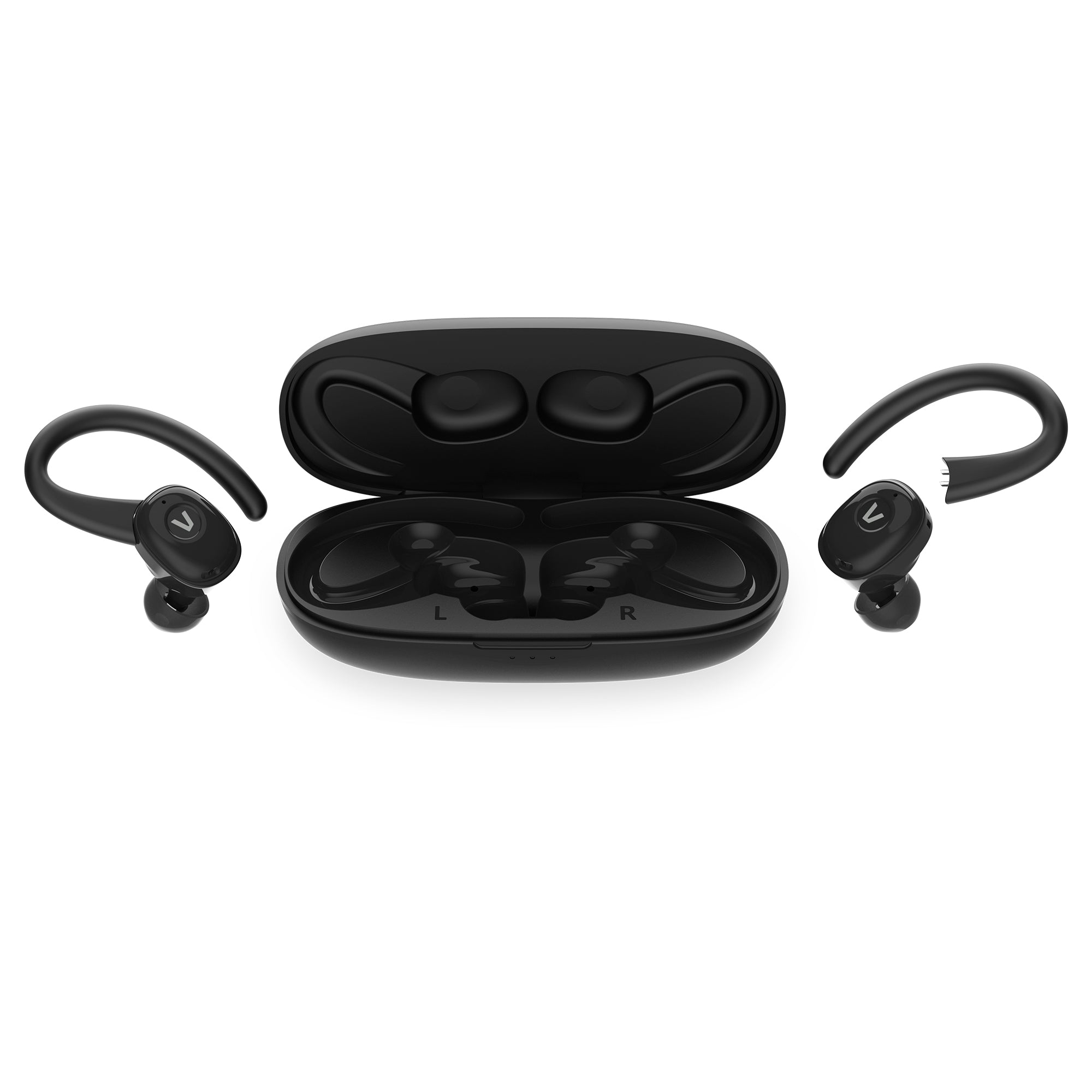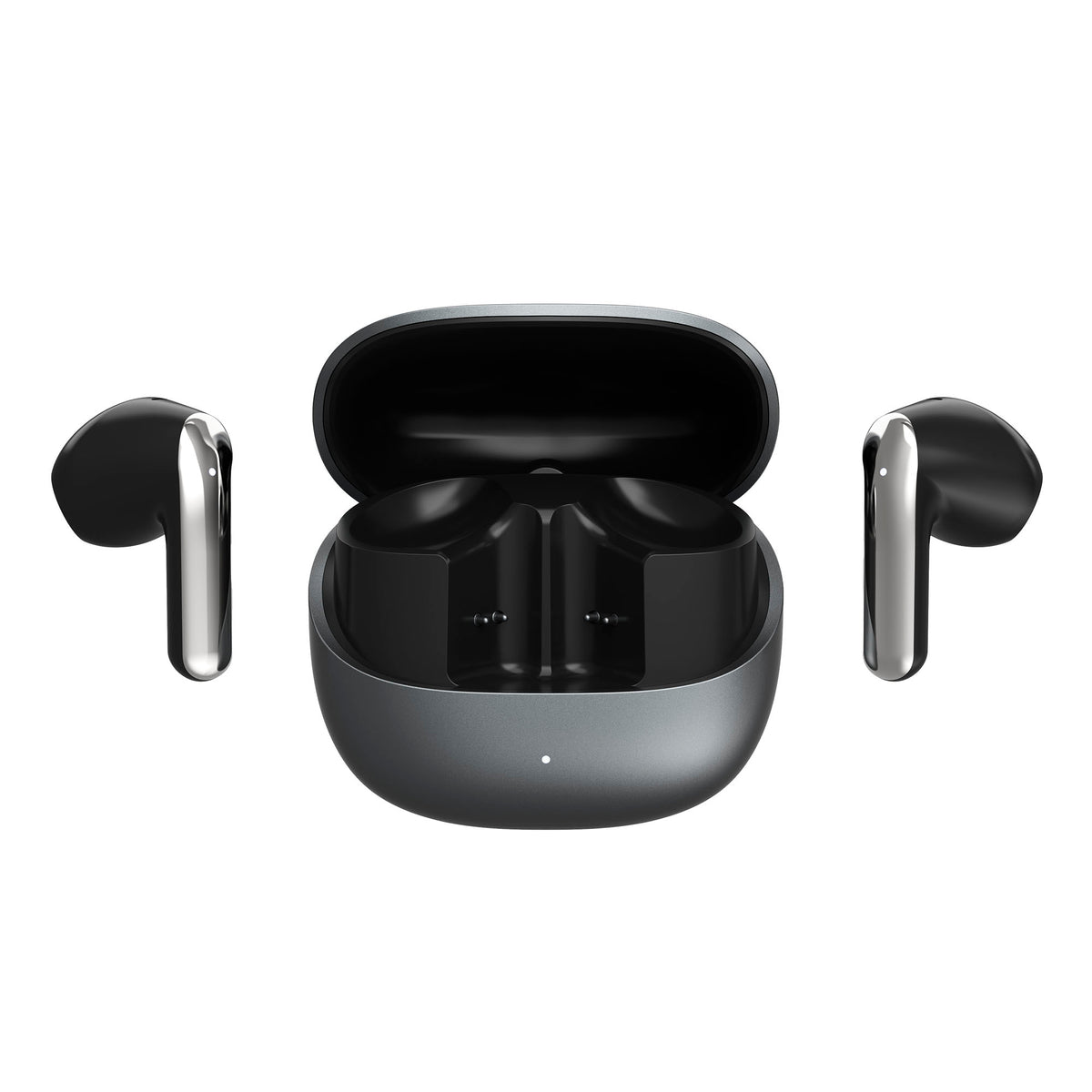
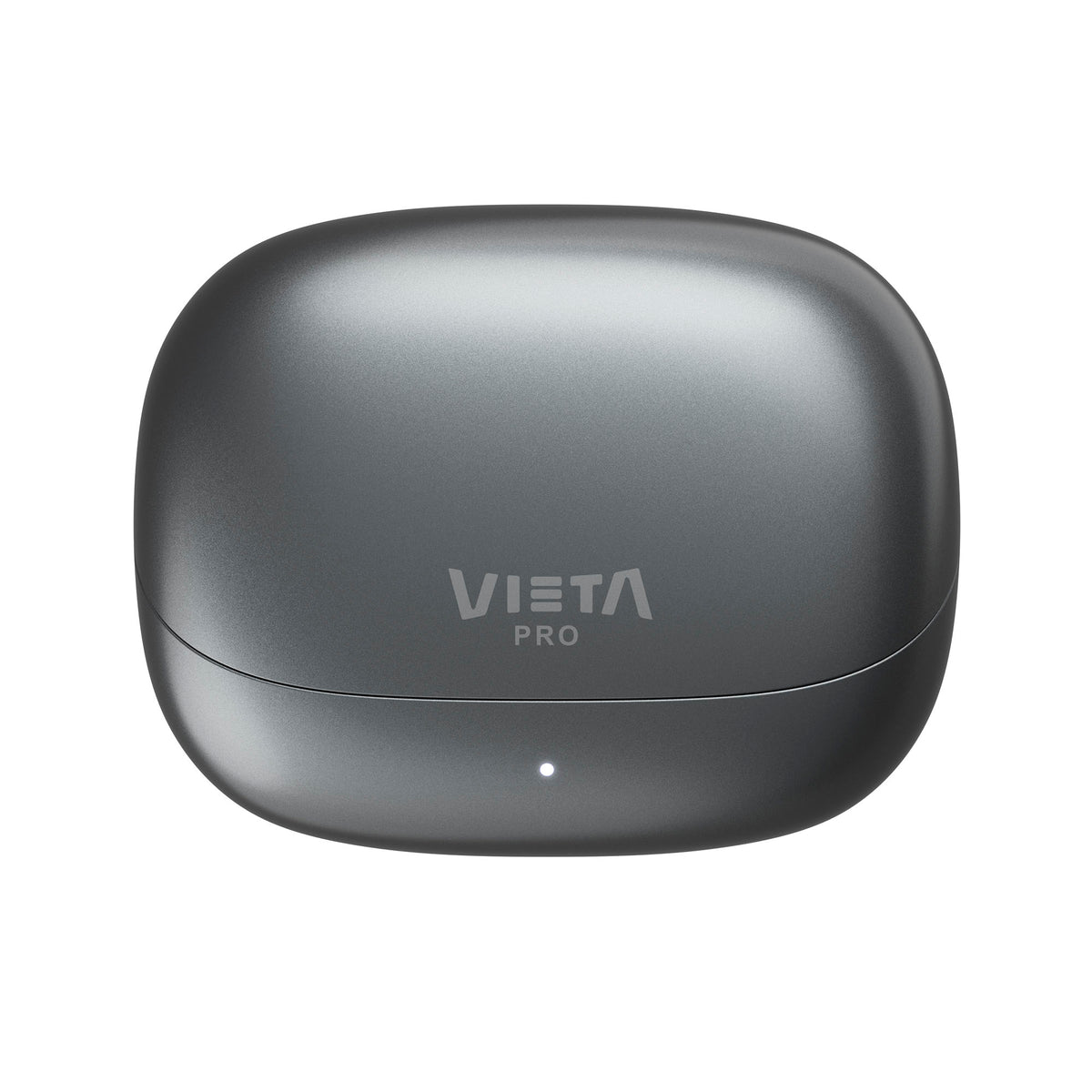
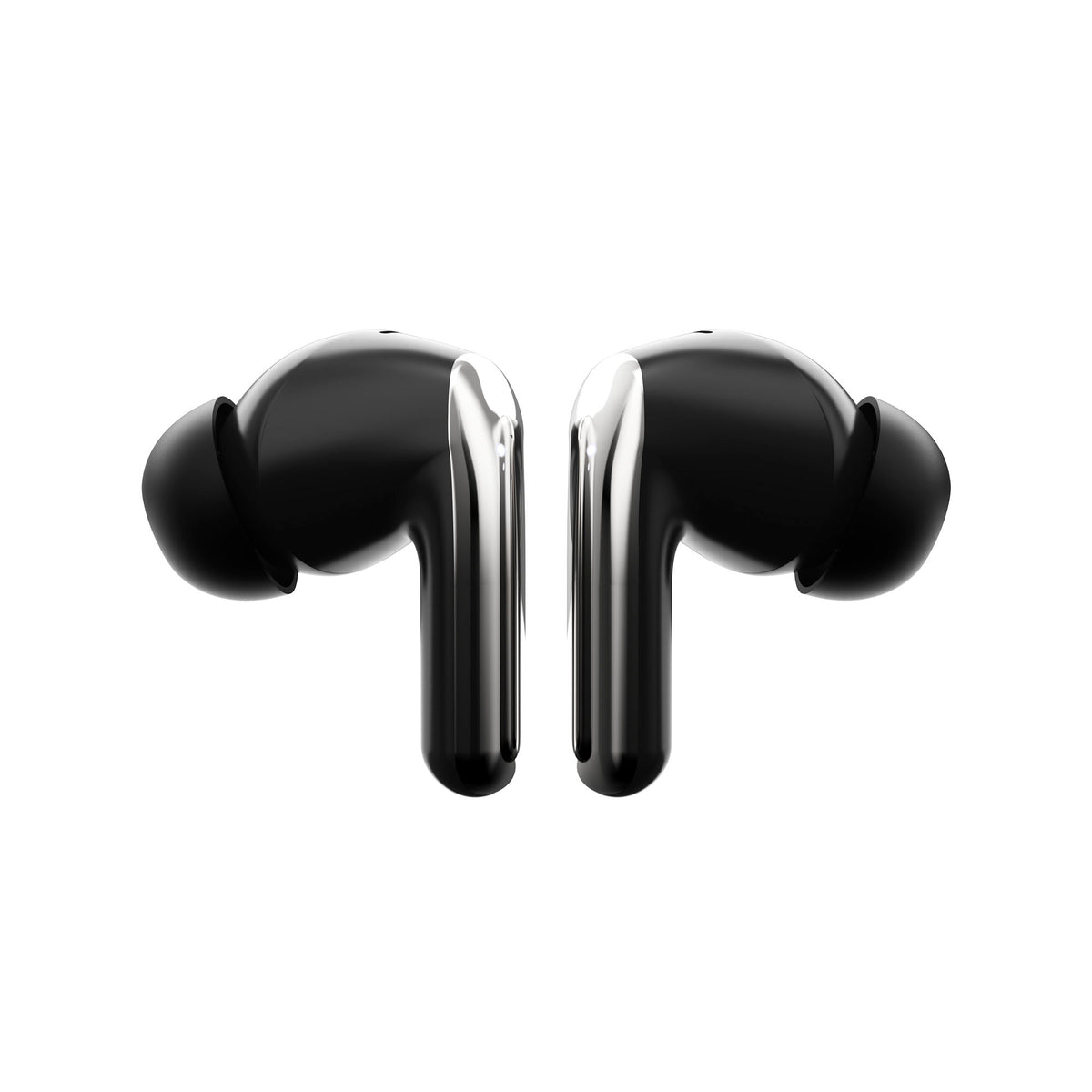
Zen 2
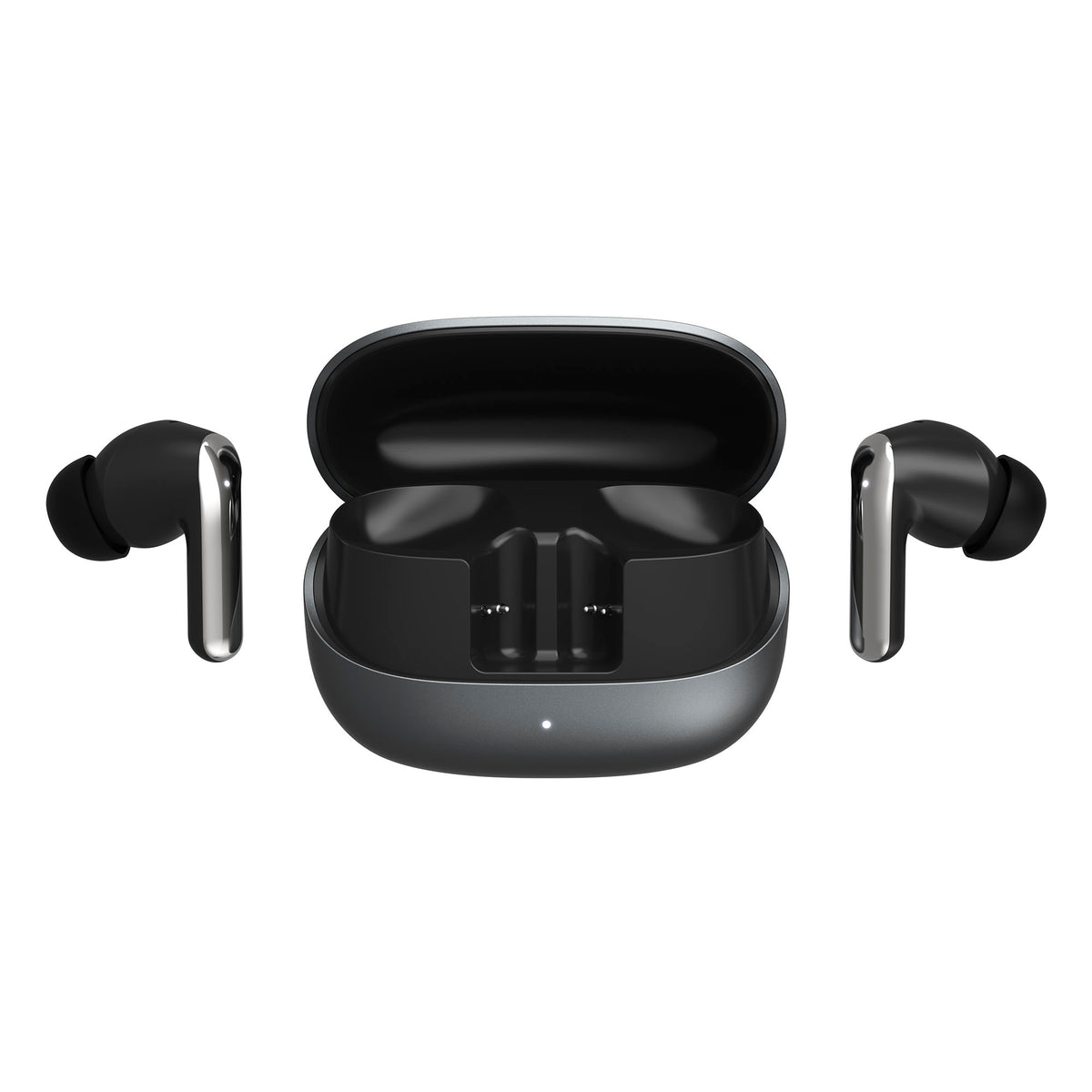
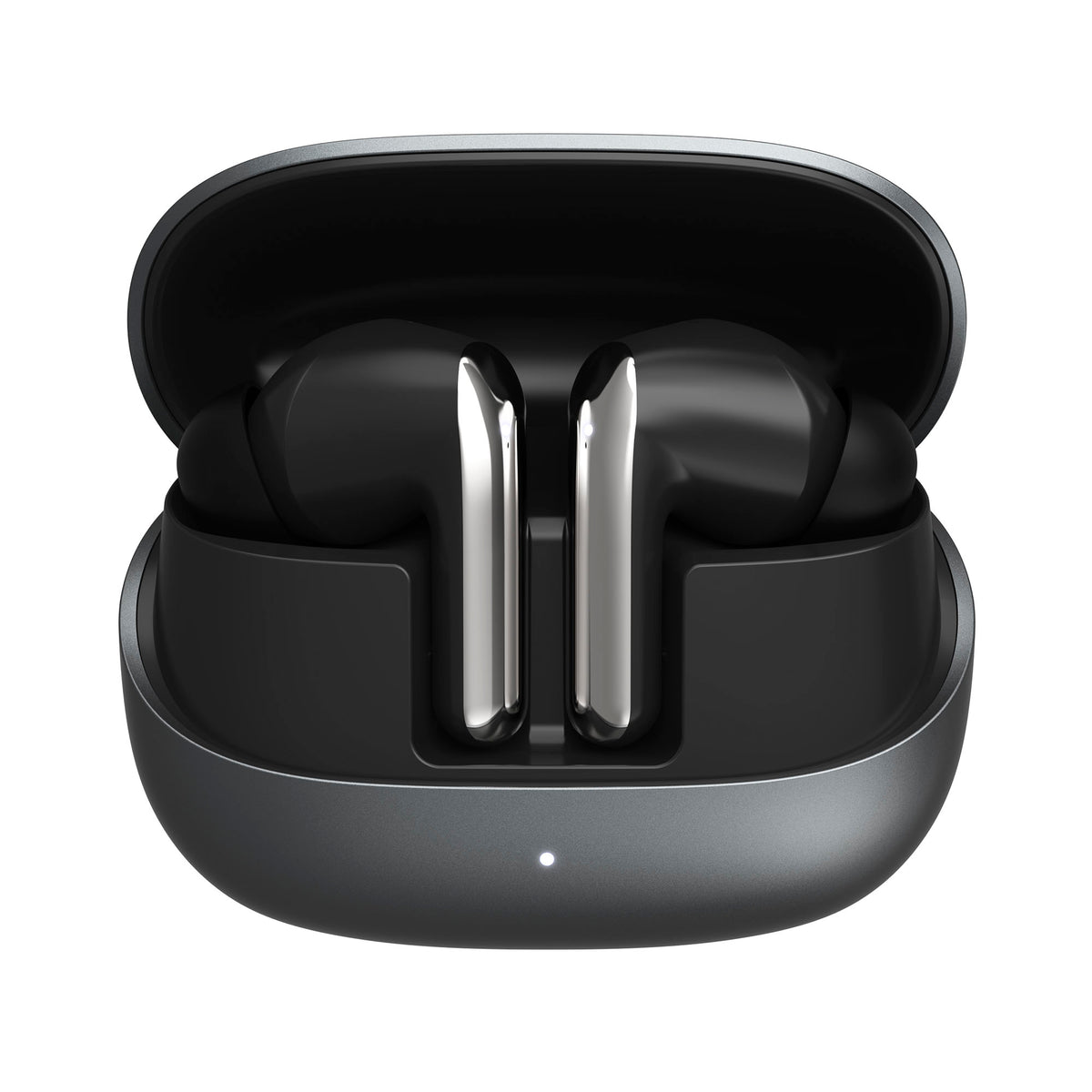
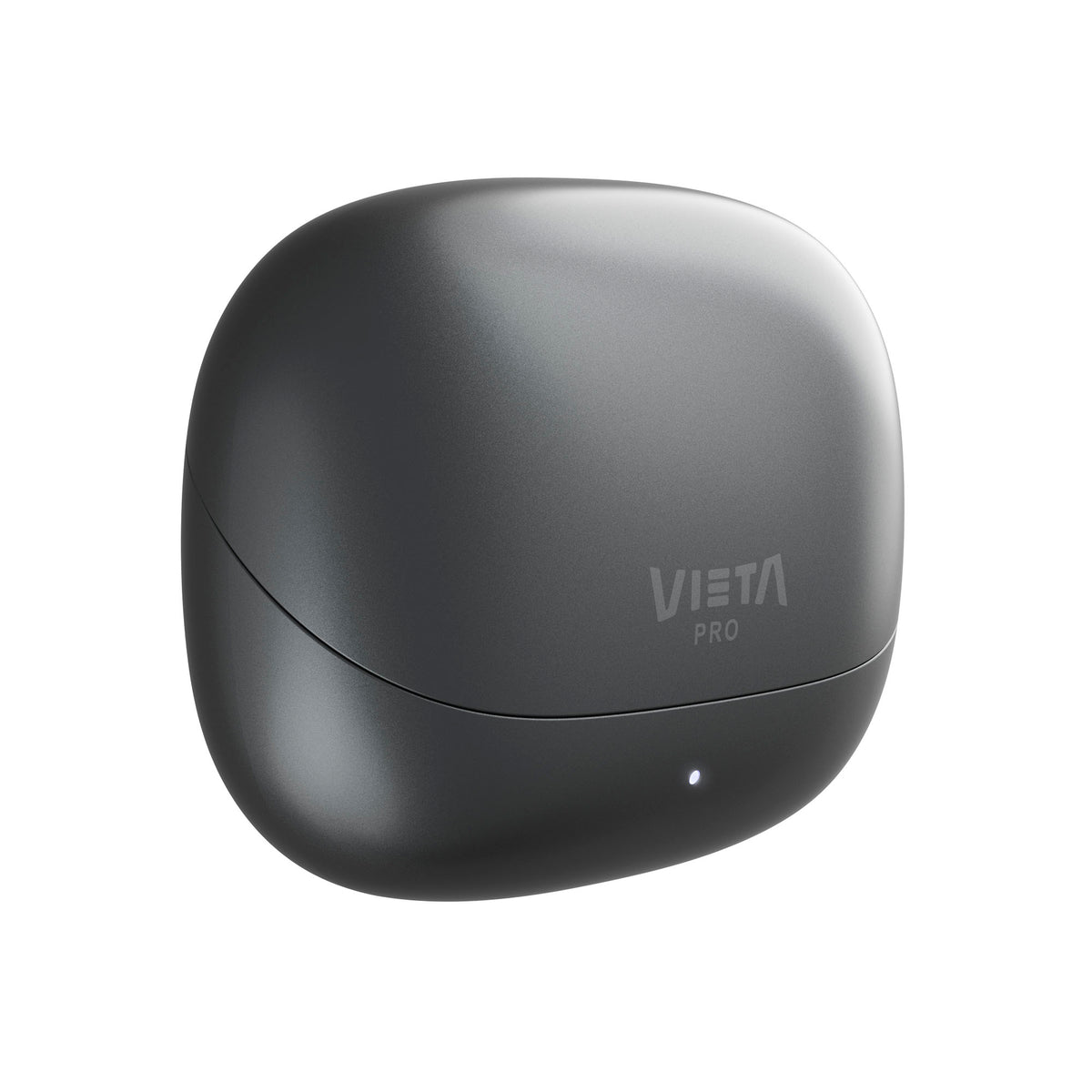
Vieta Pro Zen 2 Bluetooth earbuds combine hybrid noise cancellation of up to -52 dB, high-resolution audio with LDAC and up to 34 h of battery life with the case, so you can shut out the world and enjoy your music without distractions.
- Hybrid noise cancellation of up to -52 dB, with adaptive, off and transparency modes.
- Hi-Res audio with LDAC and LE Audio (LC3), with a 10 mm graphene driver for detailed sound.
- Up to 34 h of battery life with the case (6 h with ANC on the earbuds) and a full charge in around 2 h.
- 6 microphones with ENC for clear calls.
- Bluetooth 6.0, dual connection and low-latency game mode.
- IPX4 resistance, spare silicone ear tips and Vieta Pro Audio app with equaliser and customisable touch control.
True wireless earbuds
Zen 2
Zen 2 are Vieta Pro's Bluetooth earbuds for those who want maximum silence: shut out the world, immerse yourself in your music and enjoy it without distractions.
Hybrid noise cancellation
Up to -52 dB, with adaptive and transparency modes, to shut out noise or hear what's around you.
High-resolution sound with LDAC
A 10 mm graphene driver and the LDAC codec to enjoy every detail of your music.
Up to 34 h of battery life
With the earbuds and the charging case. Recharge via USB-C in around 2 hours.
Clear calls
Six microphones with ENC reduce background noise so people hear you better.
Low-latency gaming mode
Better synchronisation between picture and sound for video games and videos.
Fit and isolation
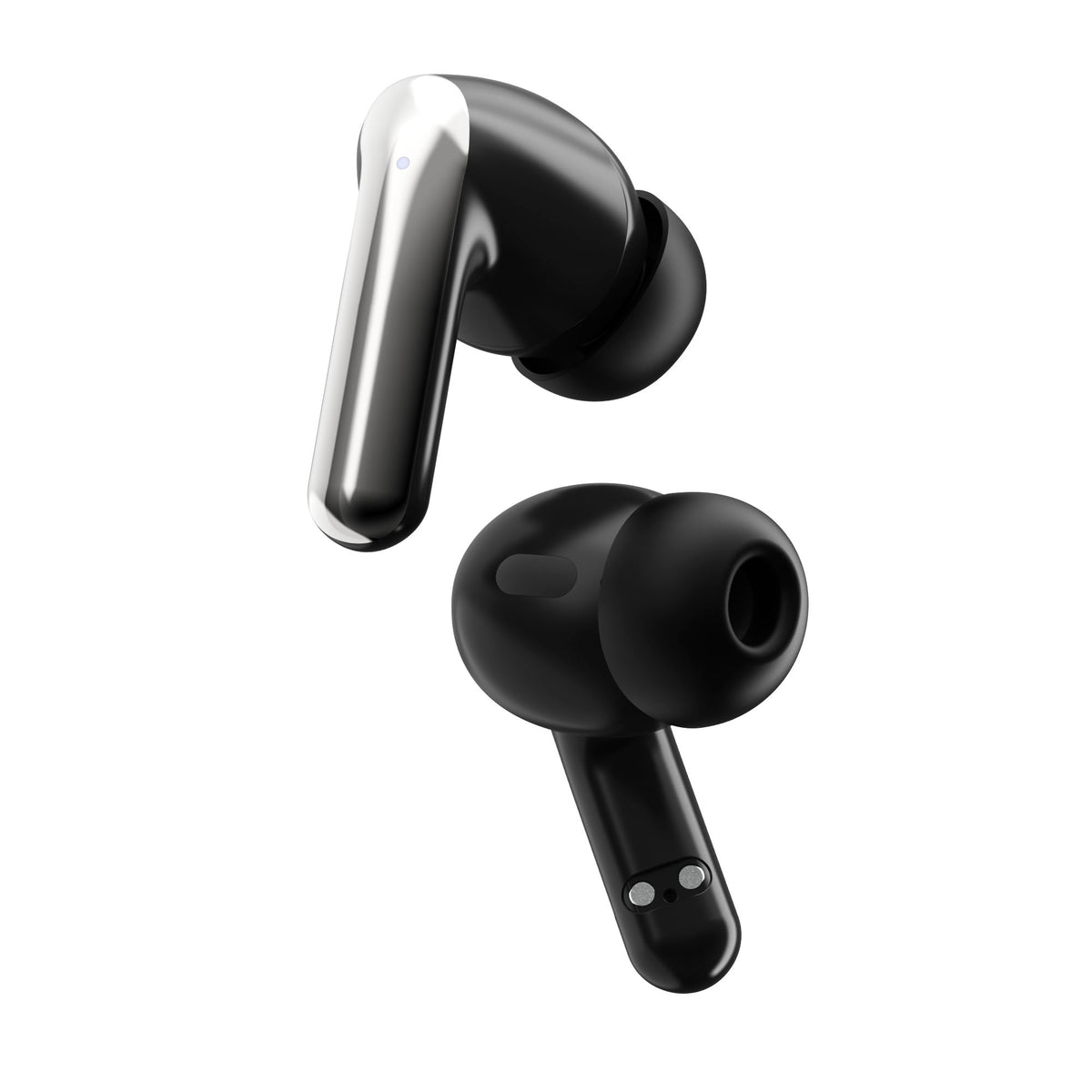
Spare silicone ear tips and IPX4 resistance to water splashes.
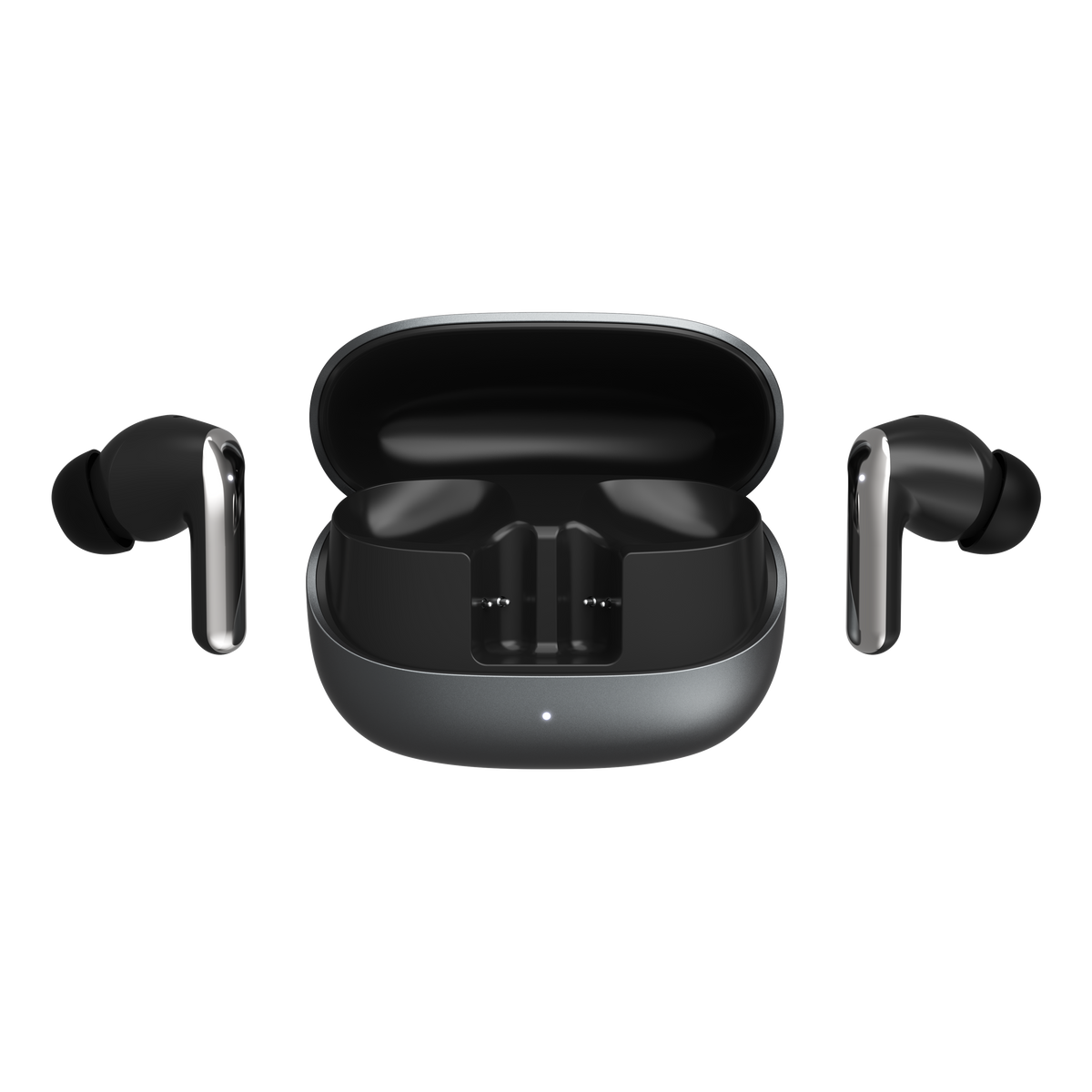
Hybrid noise cancellation
Forget the outside world with hybrid noise cancellation of up to -52 dB, with adaptive and transparency modes. Ideal for working, travelling or relaxing without distractions.
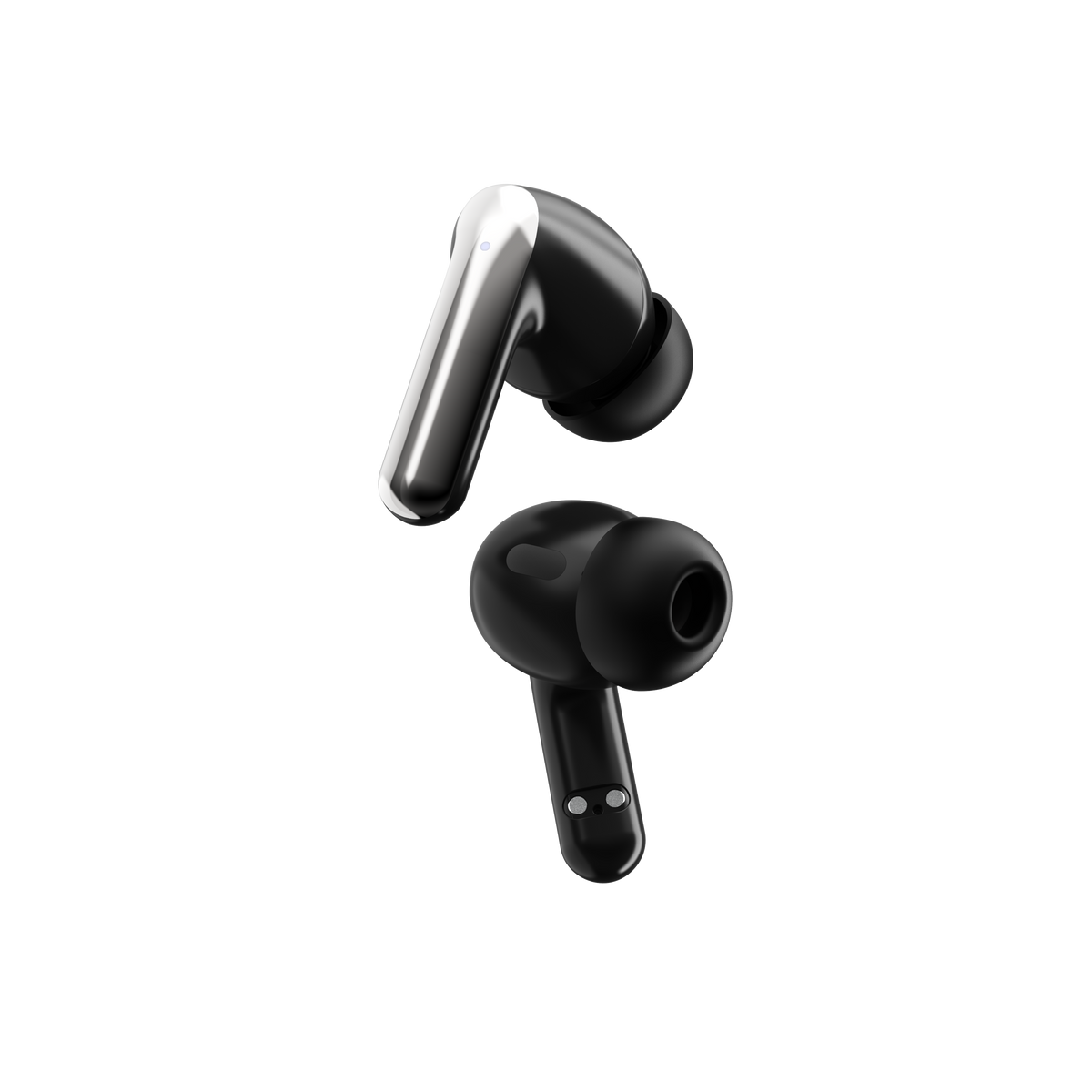
Customisable equaliser
Adjust the sound to your taste with the equaliser in the Vieta Pro Audio app. Whether you prefer powerful bass or clear treble, Zen 2 earbuds adapt to your style.
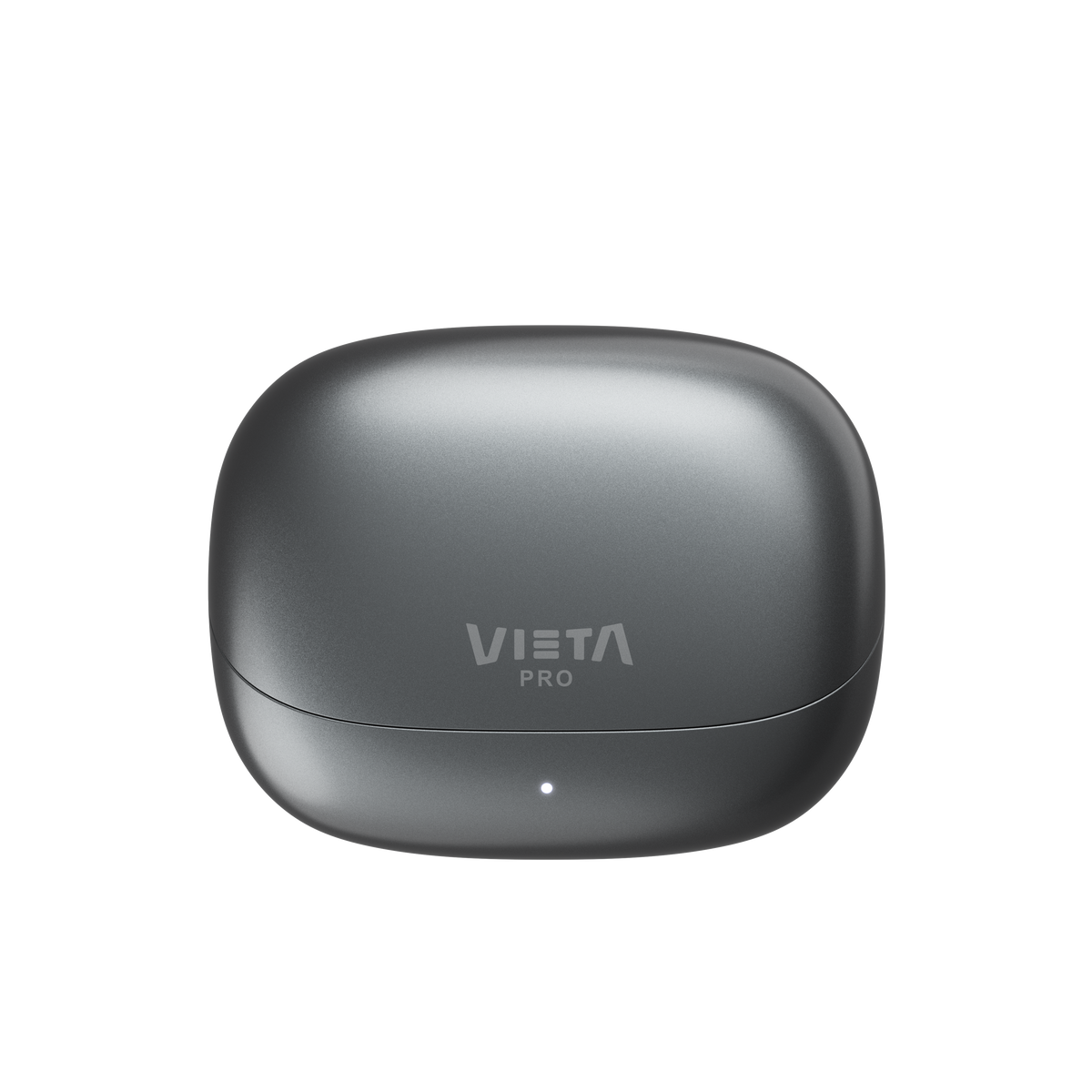
Up to 34 h of battery life
With the earbuds and the charging case, you'll be ready for any adventure. Recharge via USB-C in around 2 hours.
Dual connection
Connect your phone and your PC at the same time
Activate low-latency mode
Perfect for video games
Immerse yourself in your favourite games with very little delay, thanks to the low-latency mode that syncs the audio with the on-screen action. Take your gaming experience to the next level!
Discover other features
And much more...
Vieta Pro Zen 2 will not leave you indifferent. Discover other features that make these true wireless earbuds your ideal everyday companions.
Transparency mode
Hear what is happening around you without taking your earbuds out. Perfect for talking to someone, listening to announcements or getting around the street safely.
IPX4 resistance
Resistant to water splashes so you can use them for your workouts or every day.
Touch control
Control music, calls, noise cancellation and game mode with taps on the earbuds. You can also customise the gestures from the Vieta Pro Audio app.
Answer your calls
Answer and end calls from the earbuds themselves, and listen and speak clearly thanks to their 6 microphones with ENC.
FAQ
The device does not appear in Bluetooth
Check that Bluetooth is switched on on the source device. Delete all references from the devices they may have been paired with and pair them again from the start. Look for “Vieta Pro Zen 2”.
The earbuds do not switch on
Remove the protective plastic that prevents contact between the earbuds and the charging case, put them back in the case, close the lid and take them out to switch them on. To switch them off, place them in the case and close the lid.
Reset (RESET) procedure
Place the earbuds in the open charging case. Press and hold the case's reset button, next to the USB-C port, for 5 seconds, and wait for the earbuds to flash green 5 times. Then search for and pair “Vieta Pro Zen 2” again in your device's Bluetooth settings.
One earbud sounds quieter than the other
Remember to clean the sensors and grilles of the earbuds regularly to prevent the audio channel from becoming blocked.
The touch sensors are not working properly
Wipe the touch area of the earbuds with a cloth dampened with alcohol to remove the grease that builds up from handling with your fingers (dust, fluids, creams, etc.). Carefully clean the grilles once or twice a month.
During calls I can hear very quietly, or people can hear me very quietly
Manually turn up the volume on the source device (mobile phone, computer, etc.) during a phone call. If you press the earbud sensors during the call, you may cancel or cut off the call.
Check that, on the source device's screen, the audio output is assigned to the Bluetooth device and not to the phone's internal speakers.
The earbuds' battery life is short
Battery life depends on usage time, environmental conditions, use of noise cancellation and volume. The total battery life is based on 50% volume.
To extend the battery's lifespan, charge it fully, whether or not you use it, at least once every 3 months.
Dual connection and LDAC
If LDAC is activated, dual connection is deactivated. To use dual connection, deactivate LDAC in your device's audio codec settings (Android) or from the Vieta Pro Audio app.
If you lose an earbud or the charging case
You can purchase a new unit and pair it with the one you still have. Contact the after-sales department: info@vieta.es