
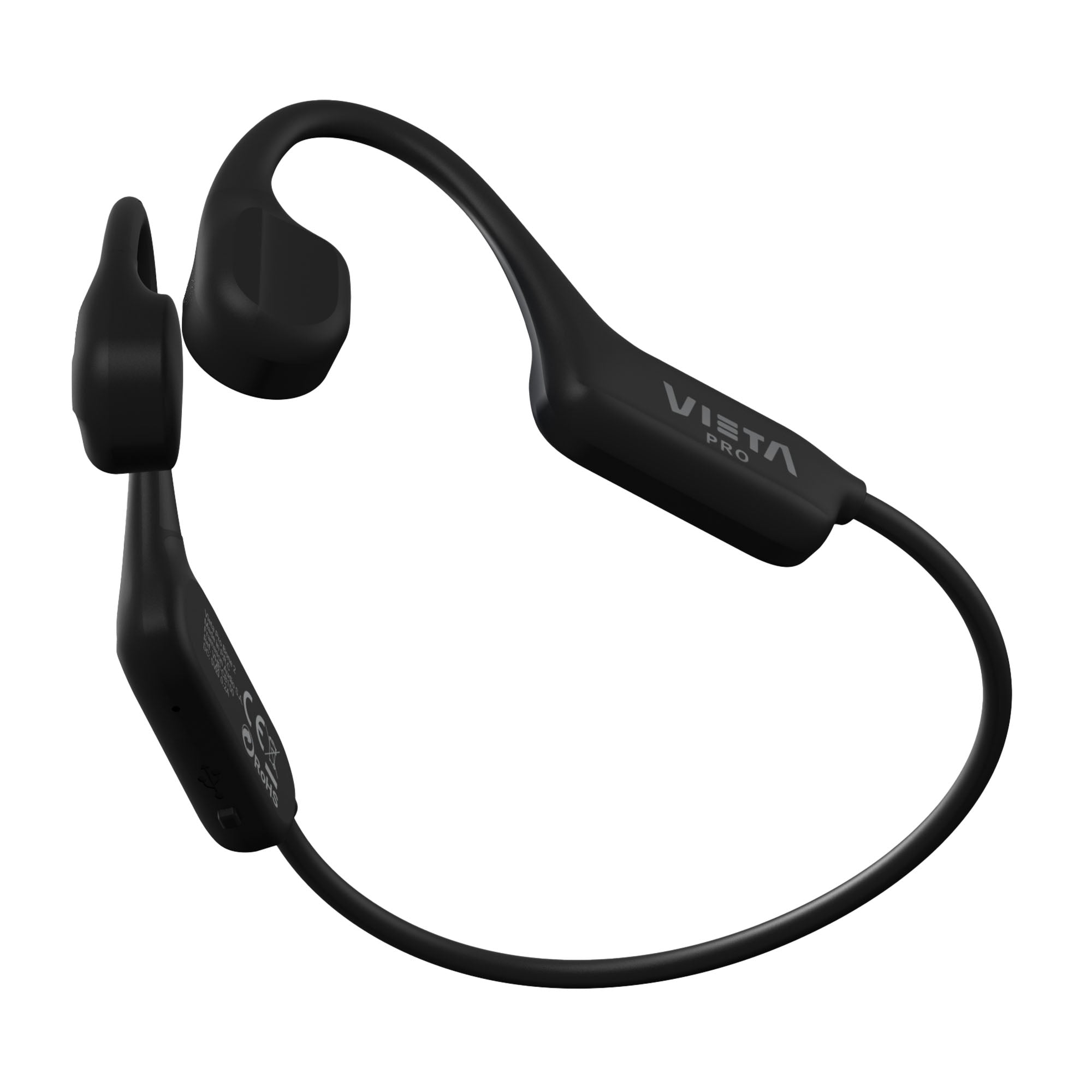
Bone 2
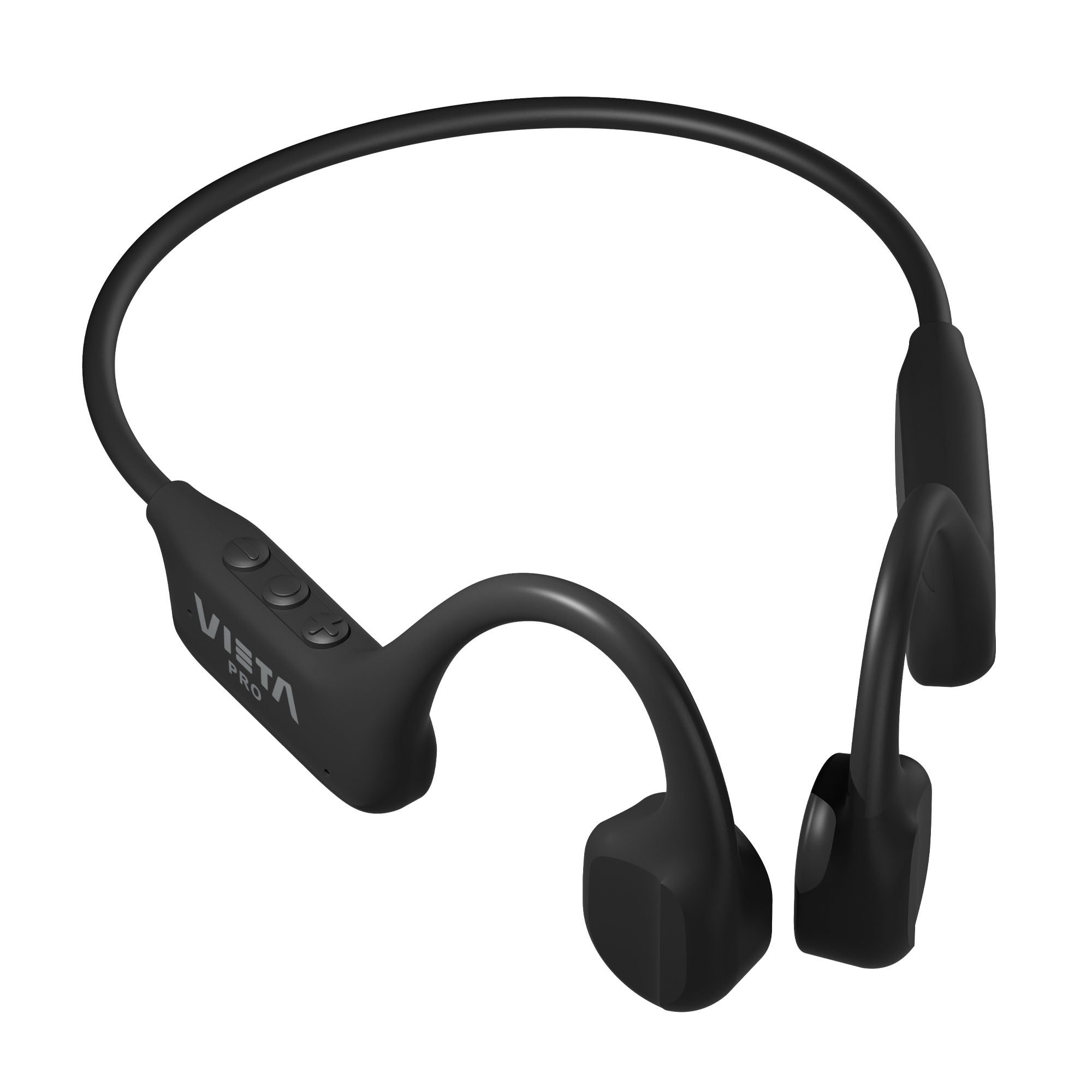
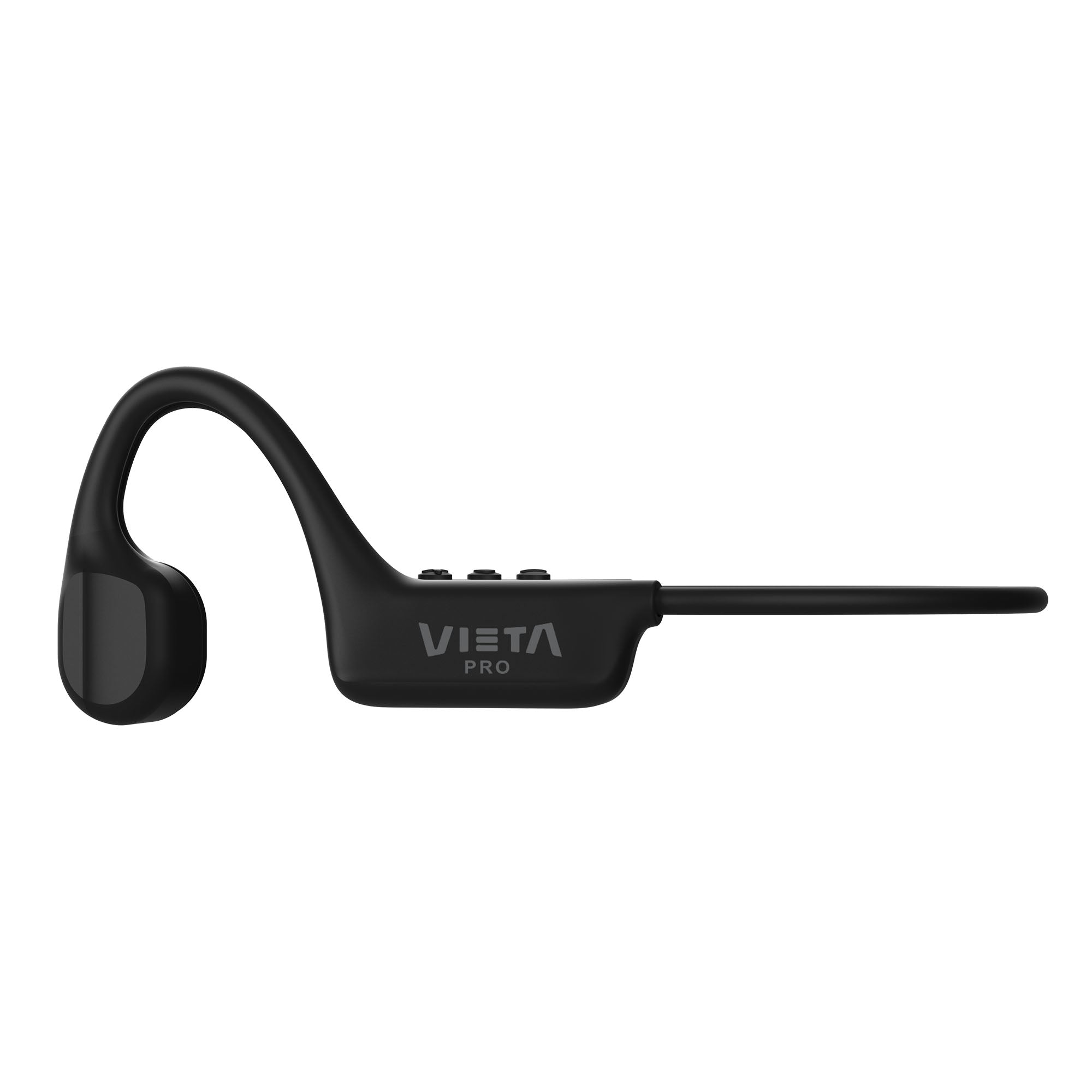
The Vieta Pro Bone 2 bone conduction headphones let you keep hearing the sounds around you while you listen to whatever you like. That makes Vieta Pro Bone perfect for exercising outdoors, helped too by its generous 10-hour battery.
- Bone conduction to listen to music without shutting out what is happening around you.
- Bluetooth 6.0 + Dual Pairing to connect two devices at the same time.
- Up to 10 h of battery life to last you all day.
- IP54 protection against dust and splashes in everyday use.
- Weighing just 25 g for a light, comfortable fit.
- Vieta Pro Audio app to adjust the equaliser, turn on gaming mode and locate your headphones.
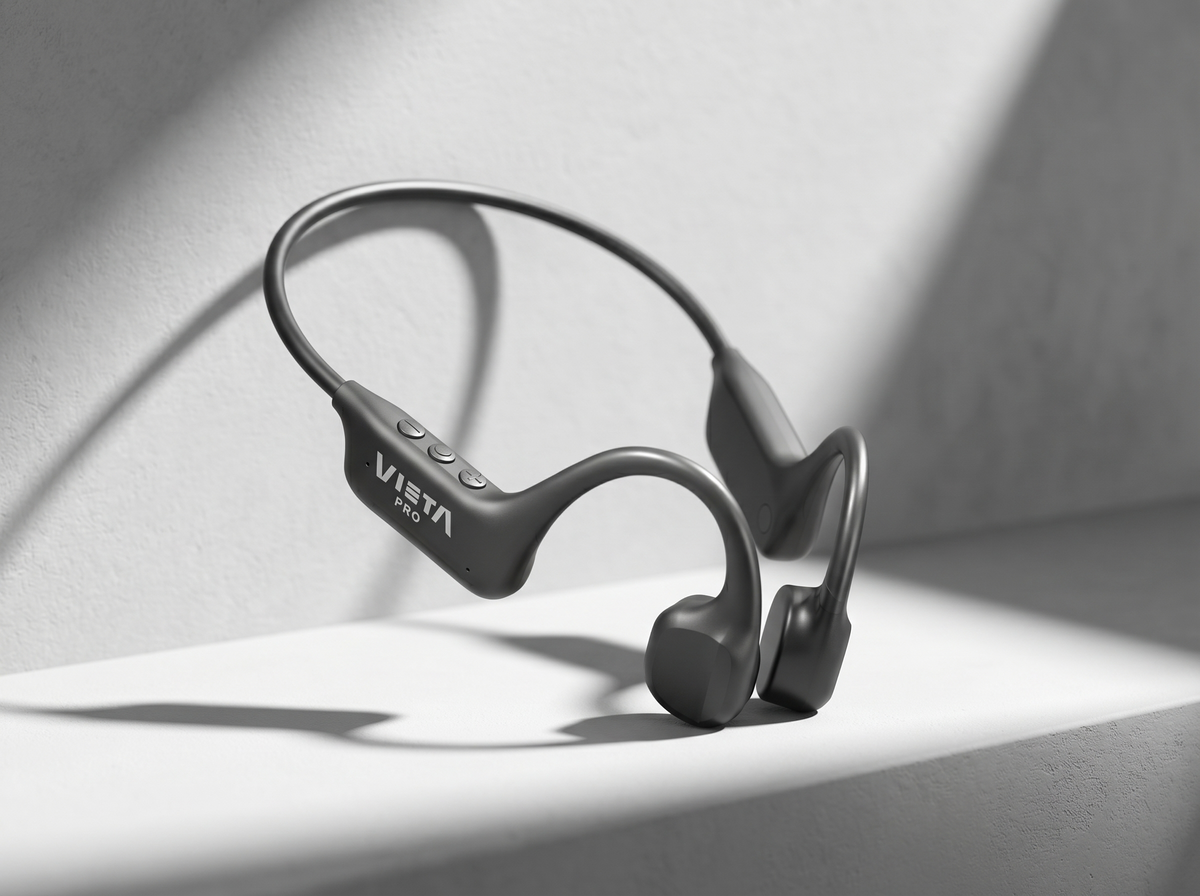
Bluetooth 6.0 + Dual Pairing
Connect two devices at the same time and enjoy a fast, stable connection.
Just 25 g
Its ultra-light design is made to keep you company comfortably during workouts, walks and everyday use.
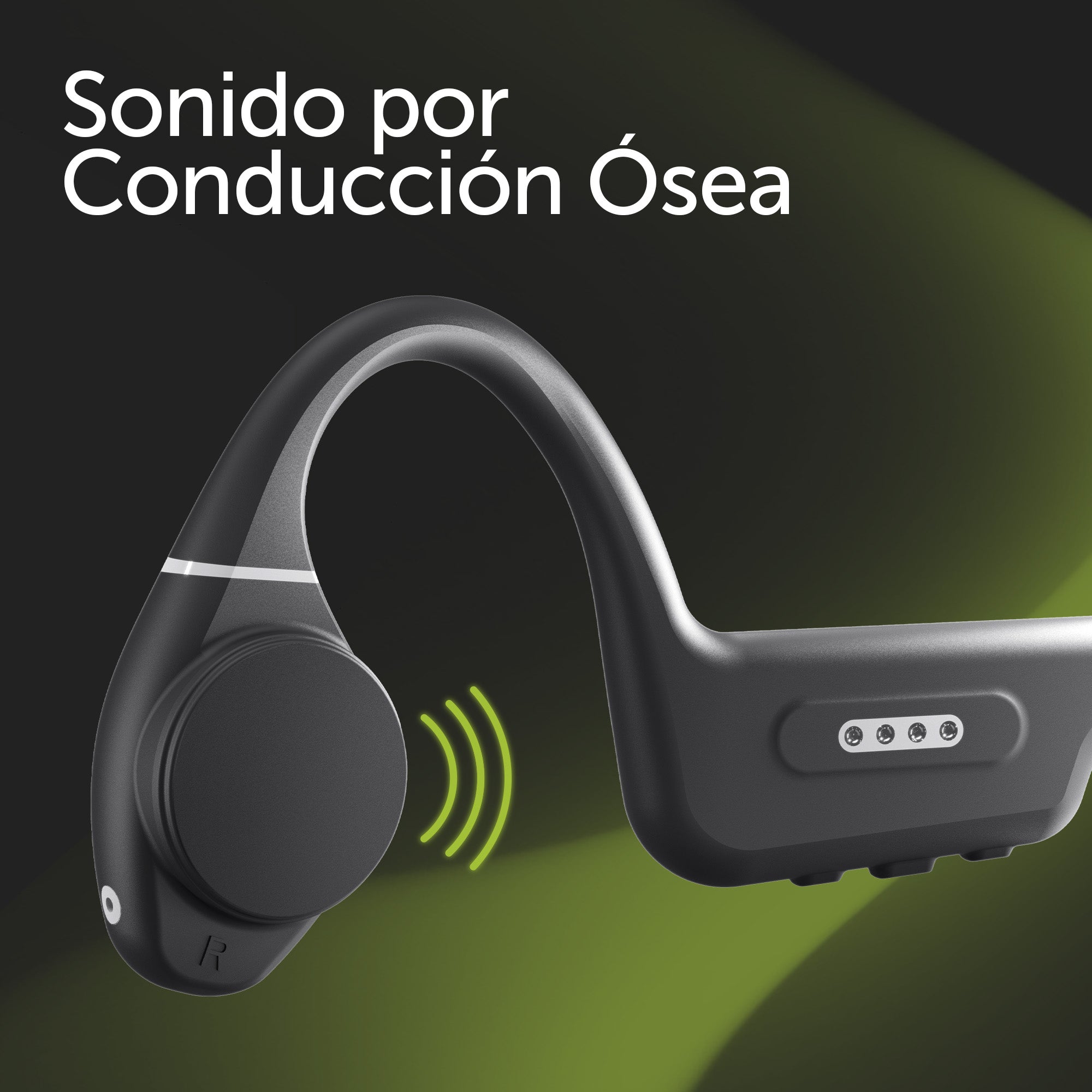
Bone conduction
Listen to your music and calls without blocking your ears, staying aware of what is happening around you.
Up to 10 h + IP54
Enjoy up to 10 hours of battery life and protection against dust and splashes, so you can use them outdoors with peace of mind.
Features
Enjoy your music and calls without shutting yourself off from your surroundings, ideal for sport and outdoor activities.
IP54: protection against dust, sweat and splashes
Bluetooth 6.0 + Dual Pairing: ultra-fast connection and the ability to pair two devices at once.
Up to 10 hours of battery life to keep you going all day.
You can use the app to adjust the headphones' EQ, find them if they get lost and much more...
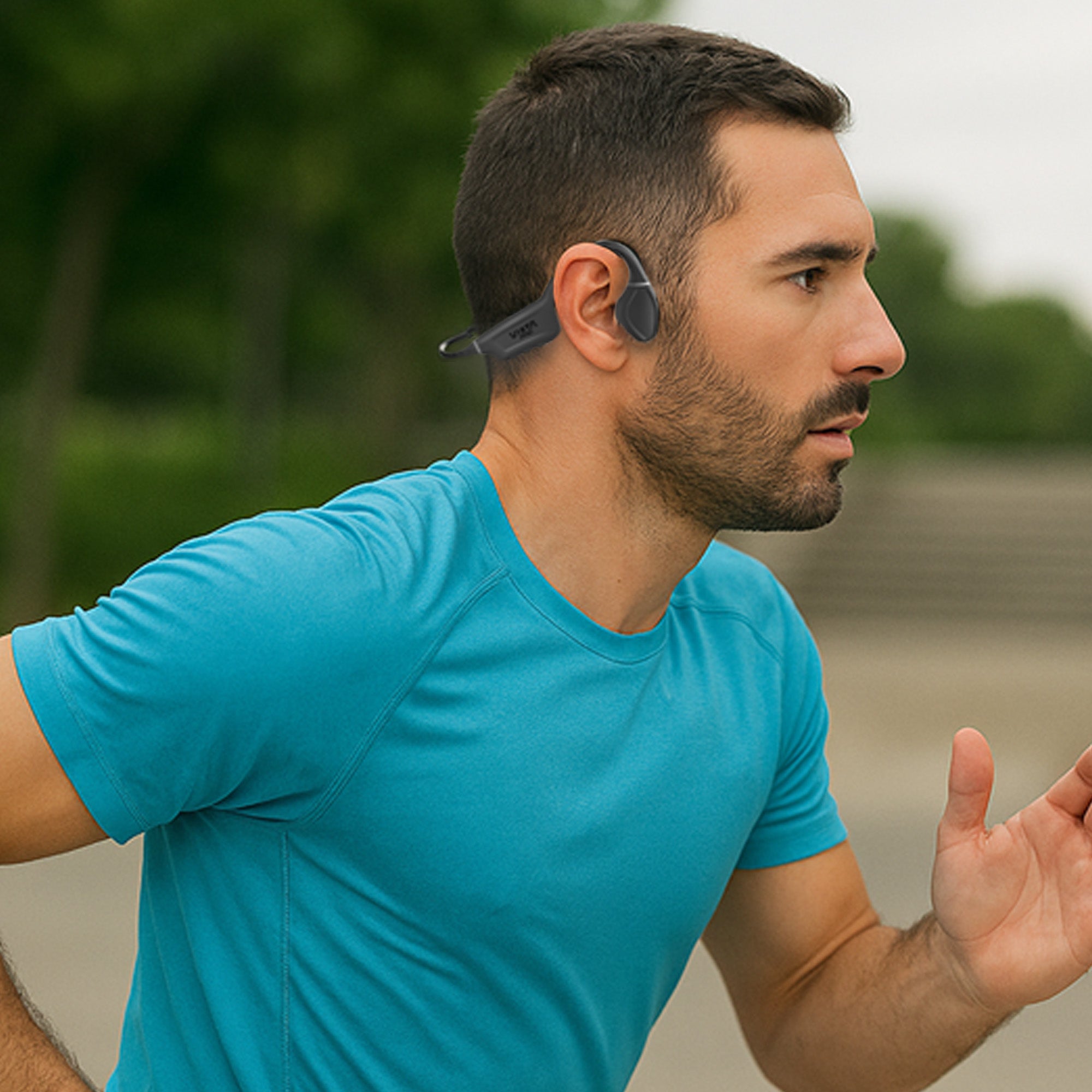
Move without isolating yourself
Enjoy your Bone 2 while you train, walk or move around outdoors, staying aware of your surroundings.
Light, comfortable and splash resistant, they are designed to keep you company during your workouts and daily activities without blocking your ears.
IP54 resistance
Protection against dust, sweat and splashes, so you can use them with peace of mind during your workouts and outdoor activities.
Built-in microphone
Take calls and use the voice assistant directly from your Bone 2.
Ultra-light 25 g design
Enjoy a light, comfortable fit even during long listening sessions.
Protection against dust, sweat and splashes, so you can use them with peace of mind during your workouts and outdoor activities.
Take calls and use the voice assistant directly from your Bone 2.
Enjoy a light, comfortable fit even during long listening sessions.
FAQ
The device does not appear in the Bluetooth list
Check that Bluetooth is turned on on the source device. Remove all references to the headphones from any devices they may have been paired with and pair them again from scratch.
Refresh the list of available devices if they do not appear automatically.
Changing the headphones' language
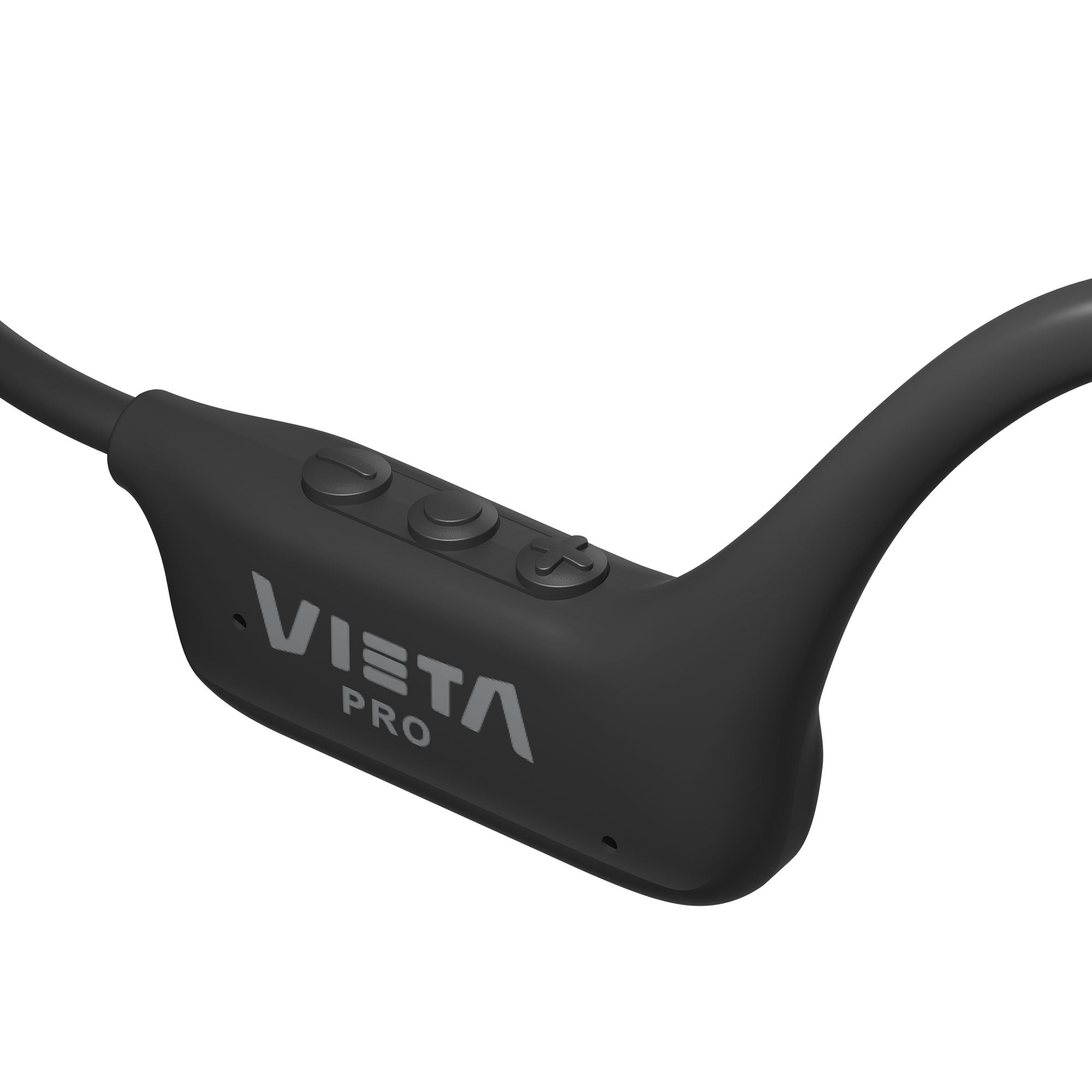
Press the «Ø» button 4 times in a row.
The language can only be changed when the headphones are not connected to any source device (mobile phone, tablet, computer, etc.).
The headphones do not charge
Check whether the red LED (charging indicator) lights up when you plug the headphones in.
While charging, the LED stays red and turns blue once the battery is full.
If it does not, the problem may be the cable or the power adapter. Replace it and try again. Use the cable supplied in the product box.
Charging time will vary depending on the charger used. We recommend using a mobile phone wall charger rather than a computer.
The volume is low
If you have an Android device, remember that you need to turn the volume up or down while a media file (song, video, etc.) is playing.
Then adjust it using the physical buttons on the headphones and on the source device (mobile phone, tablet, computer, etc.).
During calls, I hear the other person or they hear me very quietly
Answer the call using the buttons on the headphones, not on the source device.
Turn the volume up on the source device during the call, as pressing the physical buttons on the headphones may reject or end the call. Turning up the volume on the source device also increases the microphone volume.
Check on the screen of the source device (mobile phone, computer, etc.) that the audio output is set to the Bluetooth device and not to the phone's speakers.
The earbuds' battery runs out quickly
Battery life depends on usage time, ambient conditions and volume. The stated battery life is based on use at 50% volume.
To extend the battery's lifespan, fully charge it at least once every 3 months.
I cannot connect to other source devices simultaneously
Press and hold the «+» and «–» buttons together for 5 seconds to disconnect the headphones from any source device. Then:
• Connect them to the first source device.
• Disconnect them.
• Connect them to the second source device.
• Force the Bluetooth connection from the first source device.
Answering calls or sending voice messages with messaging apps (WhatsApp)
On Apple devices, the headphones work just as they do with phone calls, and the headphone microphone is used when sending voice messages.
On Android devices, internet calls must ALWAYS be answered on the phone before you can talk through the headphones. When sending voice messages, the phone's microphone is used by default.
The microphone does not work on my computer
Update your computer's Bluetooth drivers. We recommend using the «Headphones» audio option, which offers higher quality. To enable the microphone, choose «Headphones with Mic», but bear in mind that sound quality will be lower.
In Windows, you will find this option by clicking the speaker icon at the bottom right of the taskbar.
The music cuts out in the water
Only MP3 mode can be used in the water. In Bluetooth mode the connection drops, because the water blocks the signal or because of the distance from the source device.
Can I play music stored in MP3 mode in random order?
This is not possible.
Shuffle can only be enabled in Bluetooth mode, from the app on the source device (Spotify, YouTube Music, Apple Music, etc.).
How do I skip tracks?
Press and hold the «+» button (next track) or the «–» button (previous track) for 2-3 seconds.
MP3 songs do not play
Check that the file names are not too long and do not contain symbols (“·$%&/=).
Format the device's memory before saving the songs.
If the charging cable is lost or broken
You can purchase a new one by contacting our after-sales department: info@vieta.es.
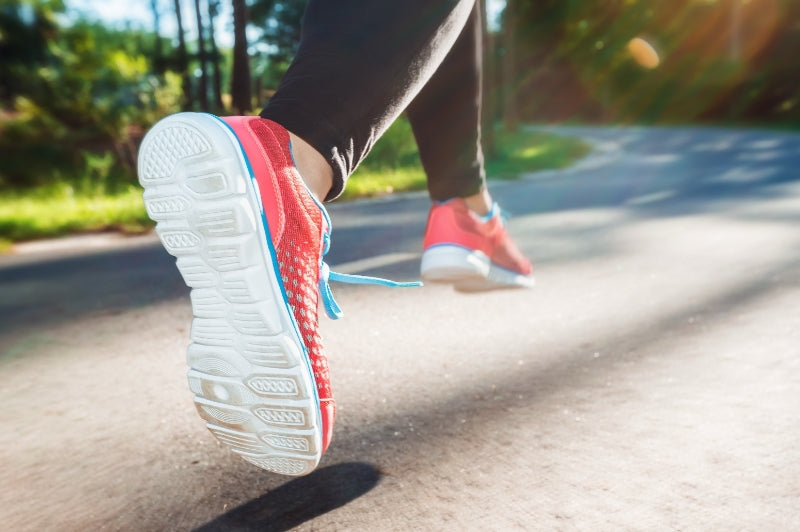
Bone conduction headphones: Perfect for running
If you enjoy running and are looking for a way to improve your listening experience while you train, bone conduction headphones are an alternative that you should not overlook.