

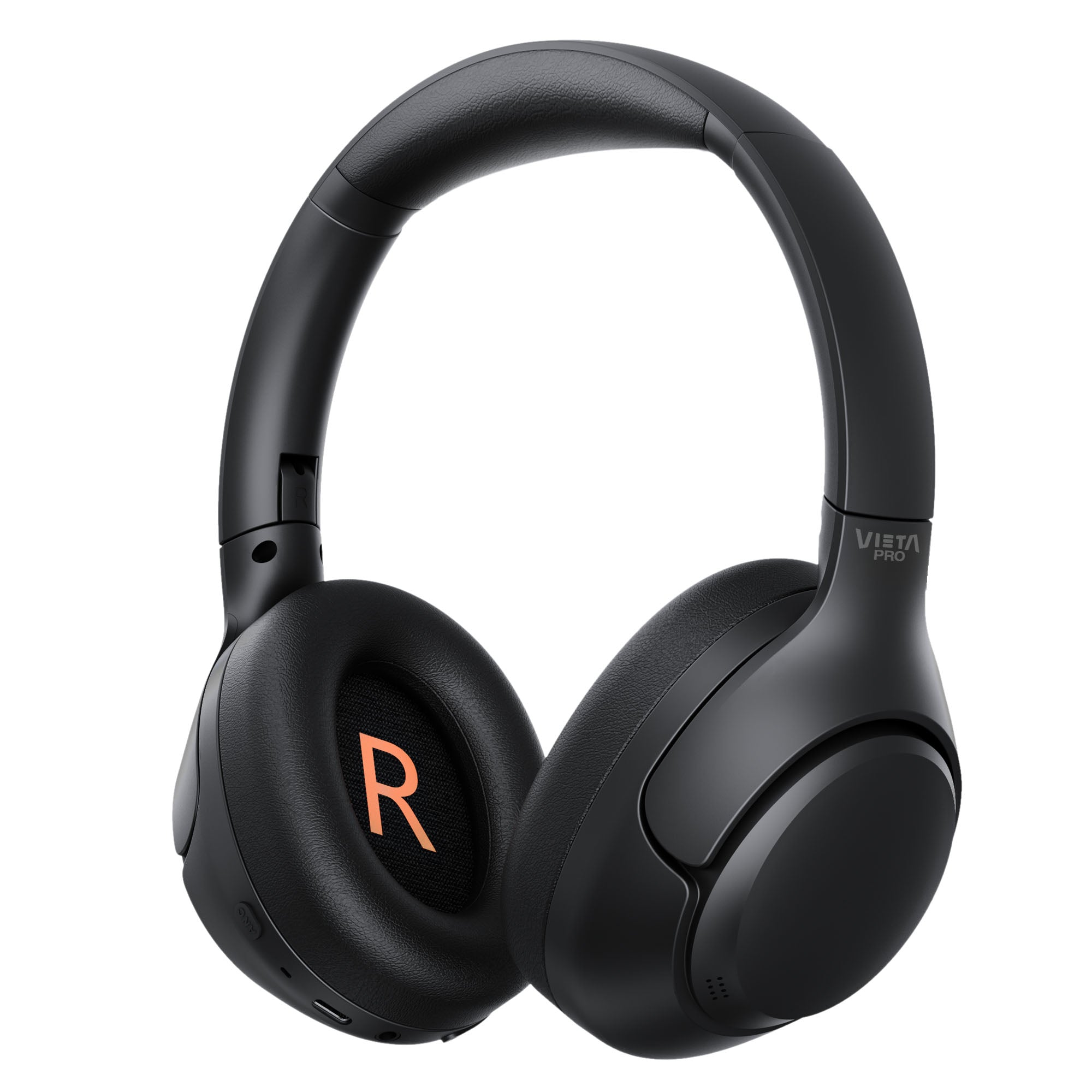
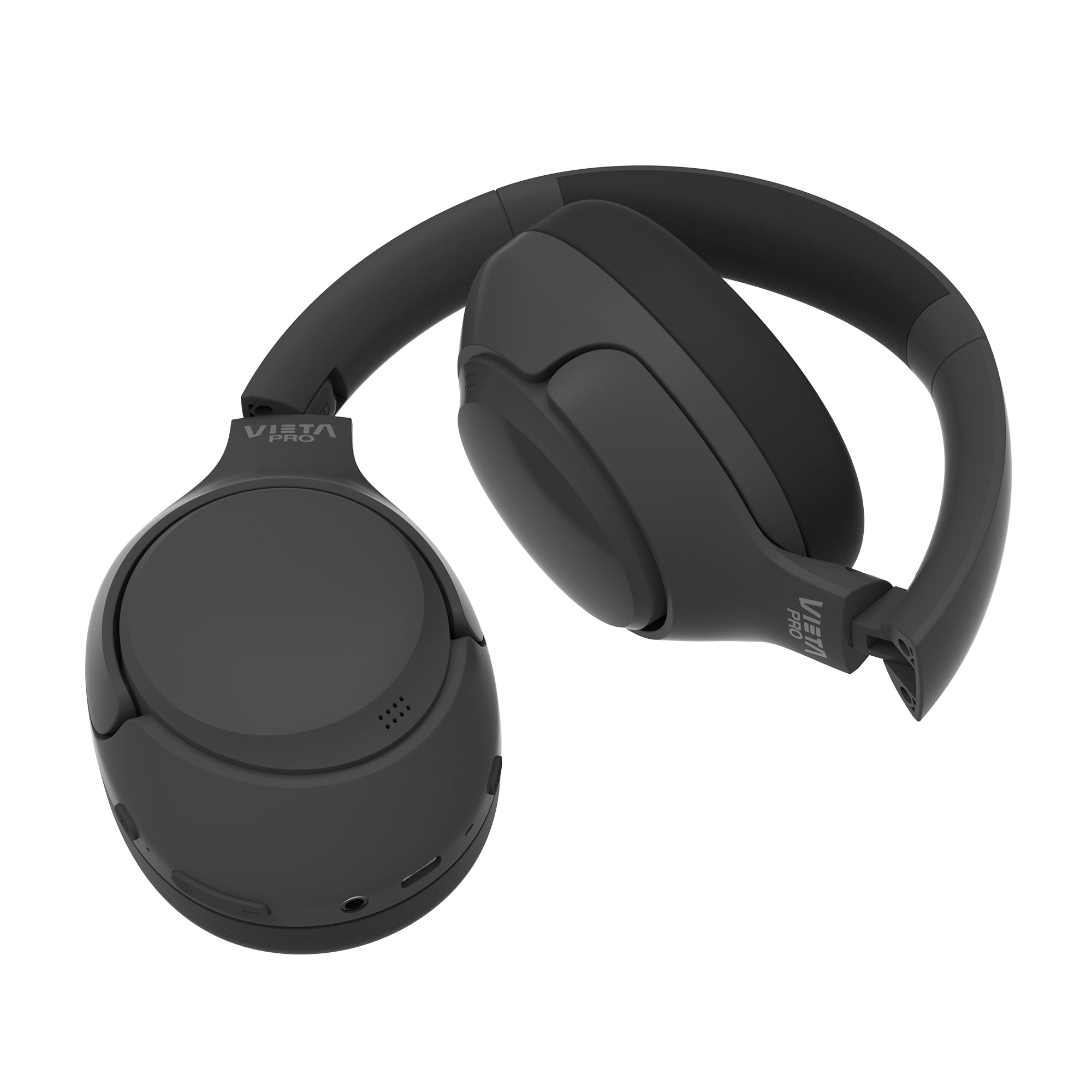
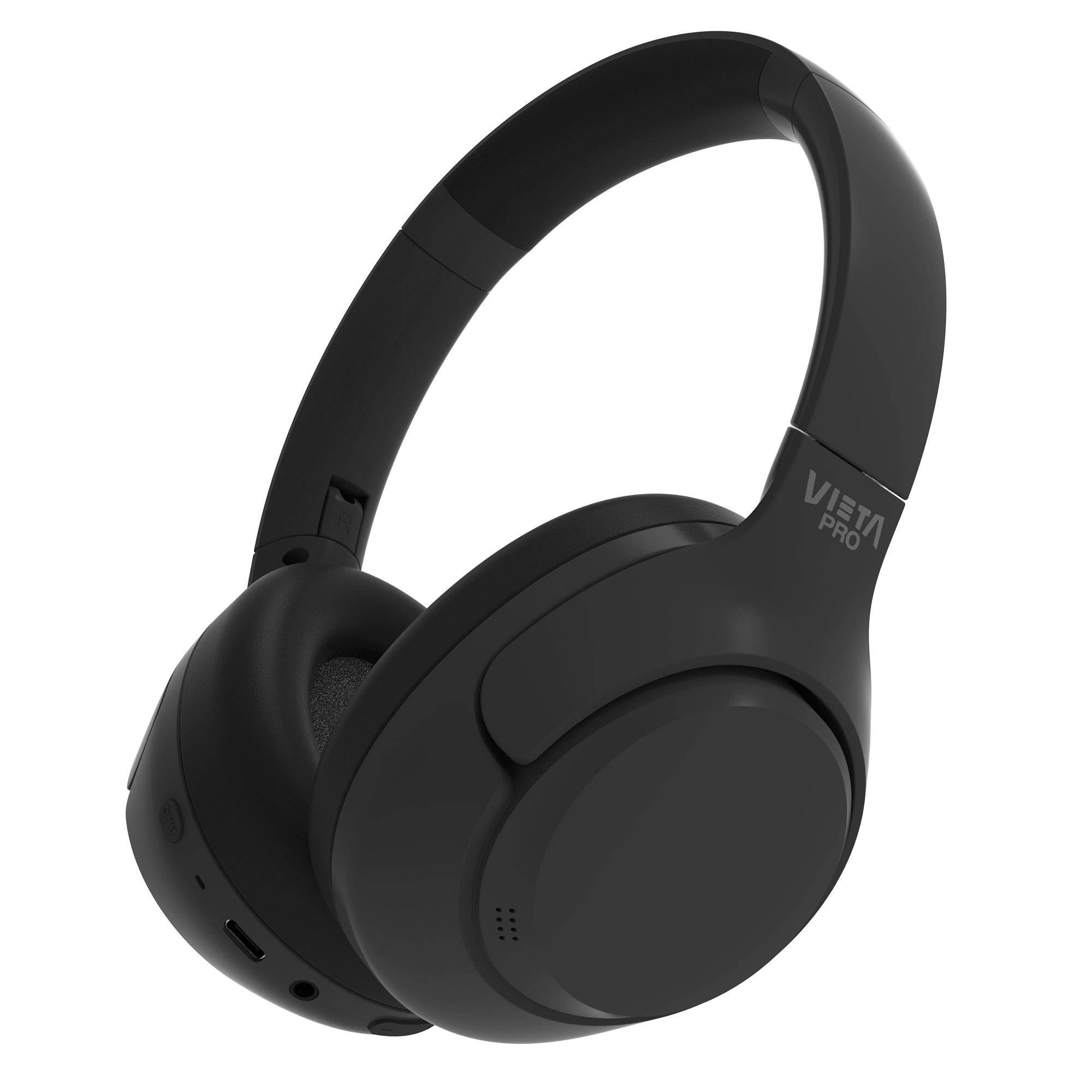
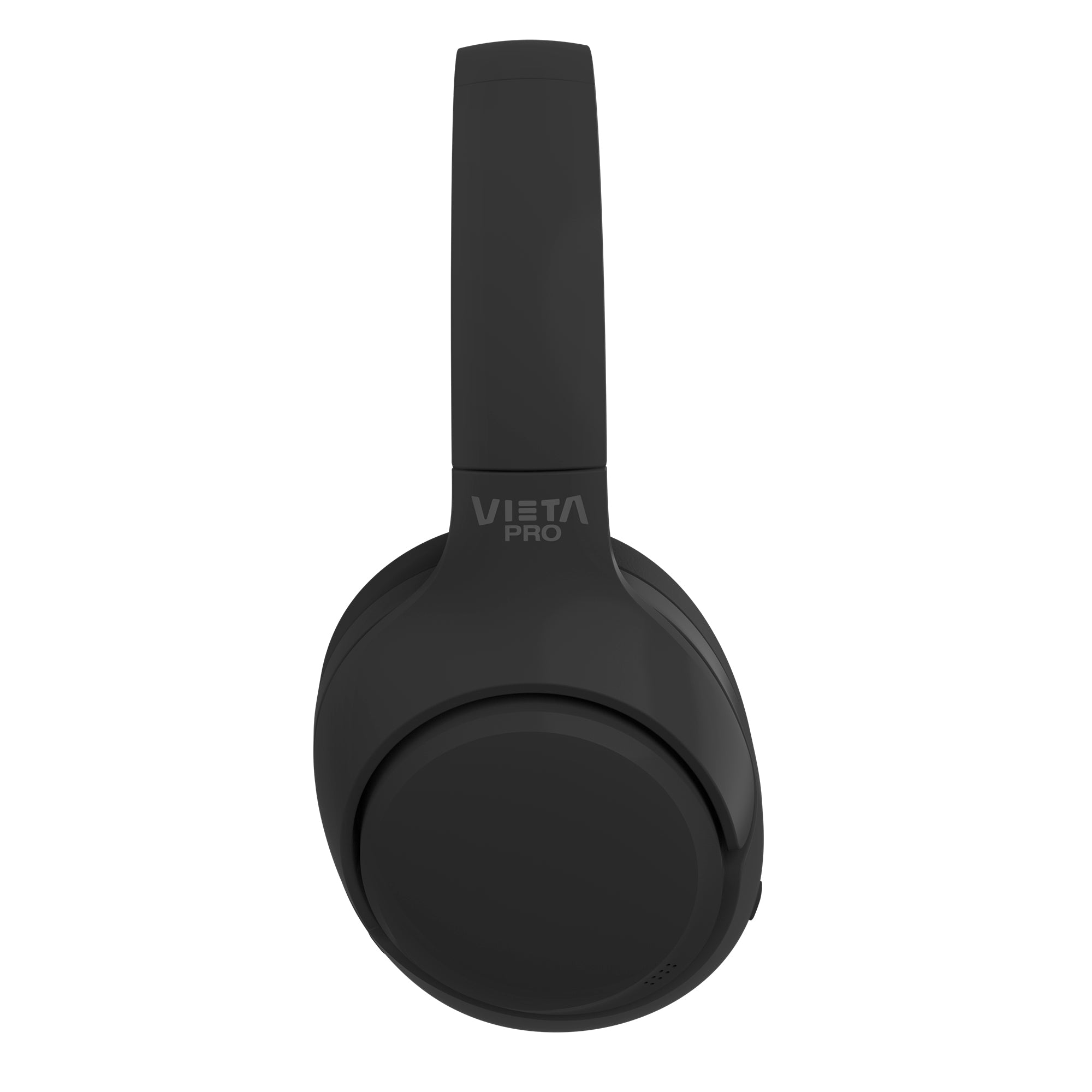
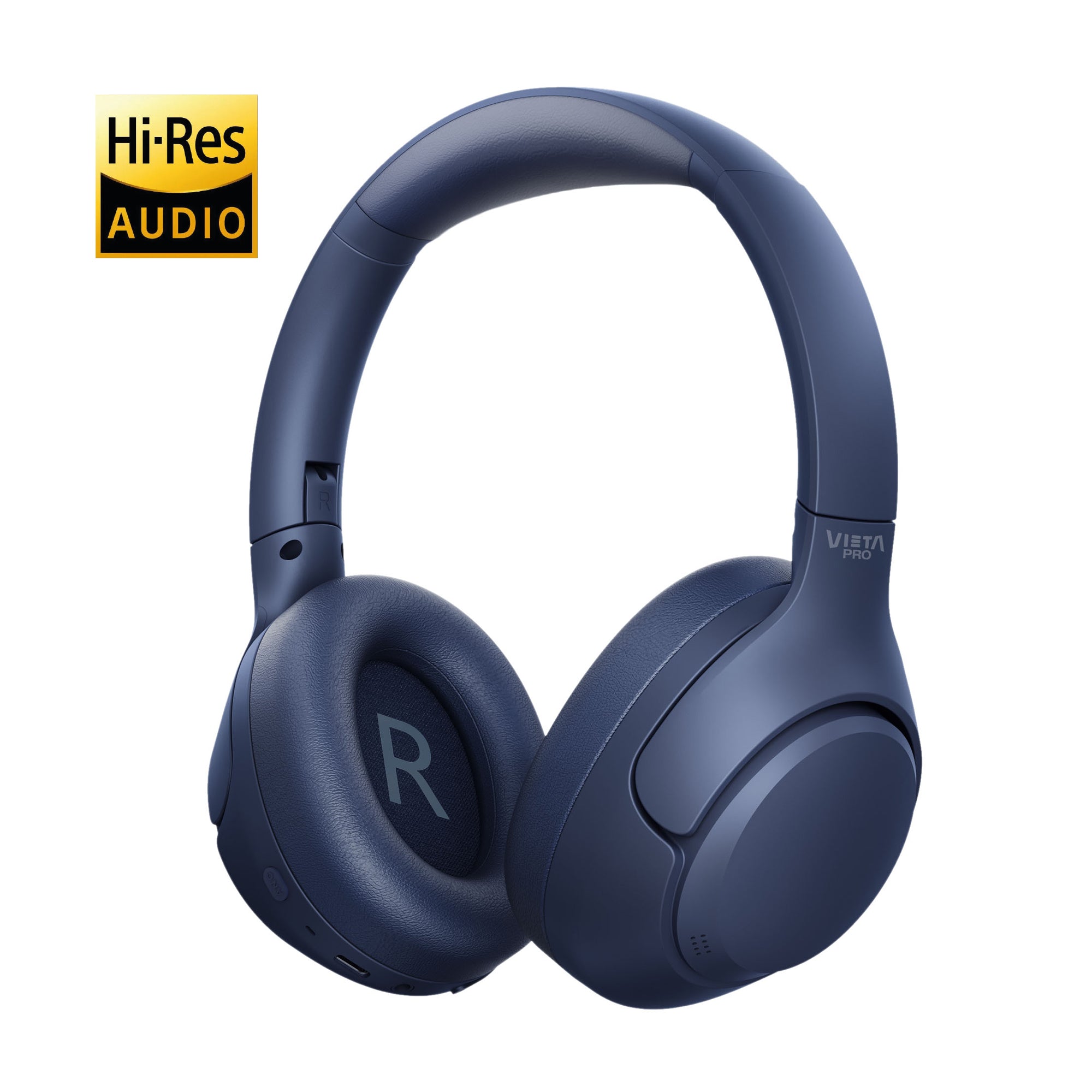
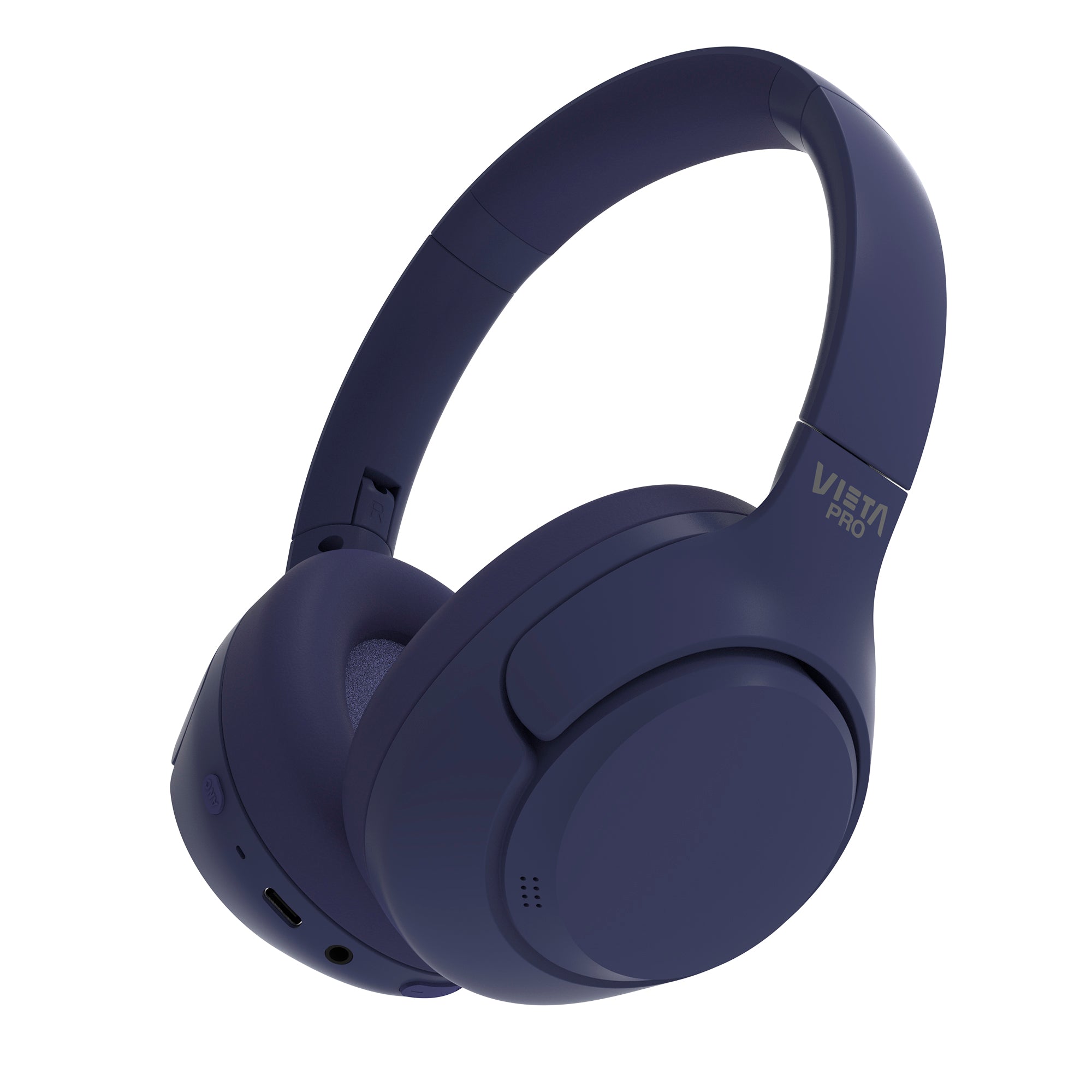
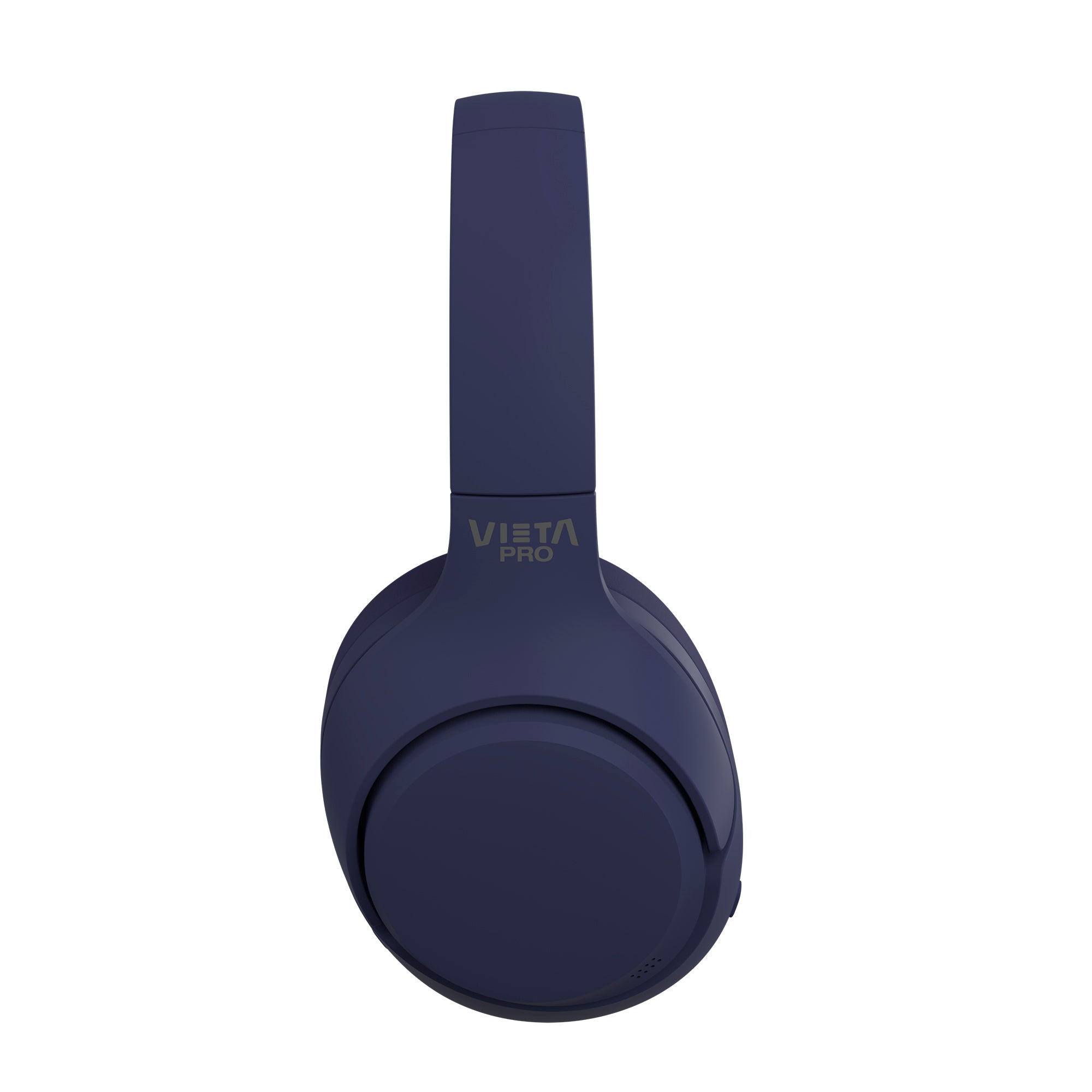
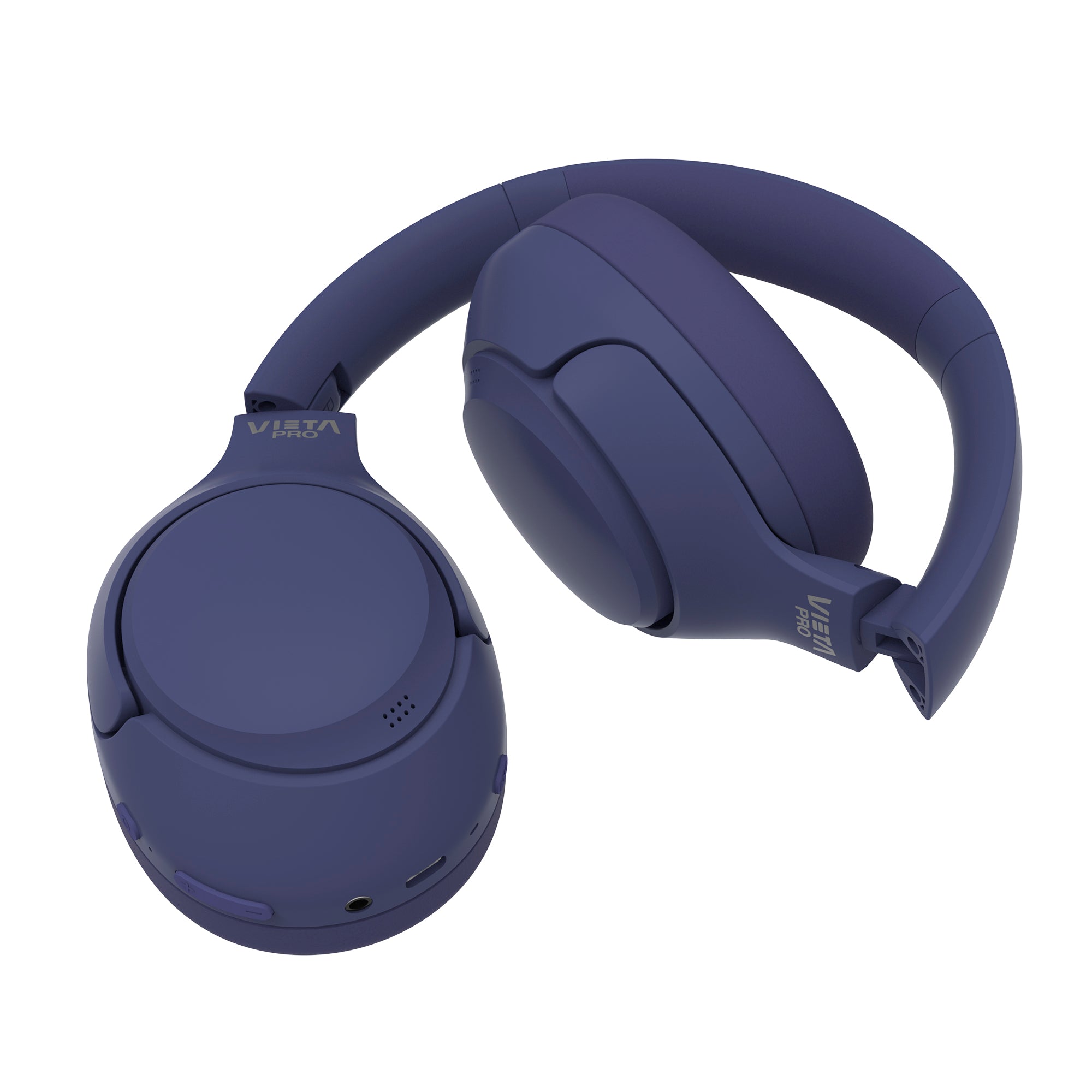
Calm 2
- Bluetooth 5.4 for a fast, stable connection and lower power consumption.
- -40 dB adaptive hybrid active noise cancelling
- Transparency mode to hear your surroundings without taking your headphones off.
- Up to 60 hours of battery life with USB-C fast charging.
- Dual Pairing function to connect and switch between two devices
- Low-latency gaming mode for better sync between picture and sound.
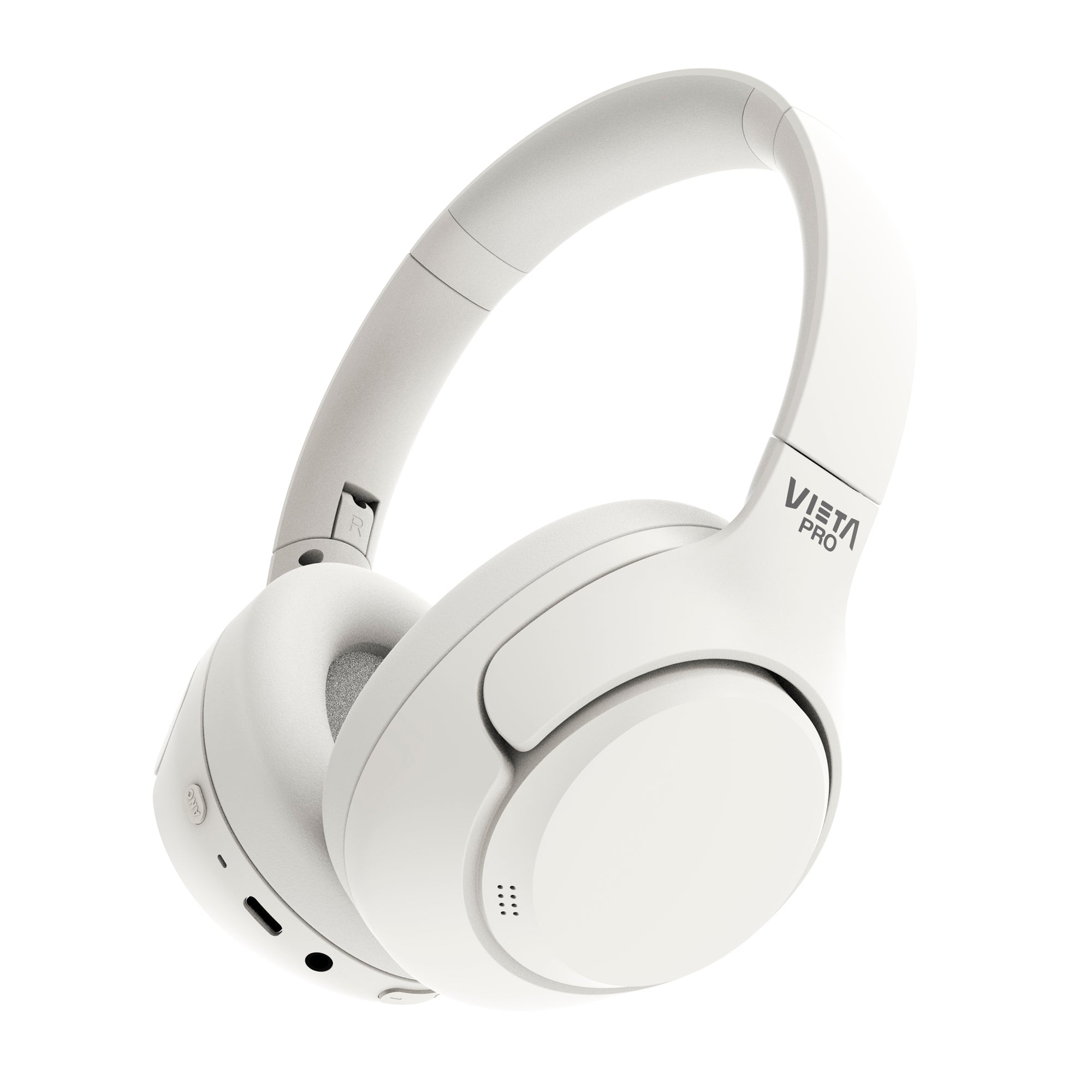
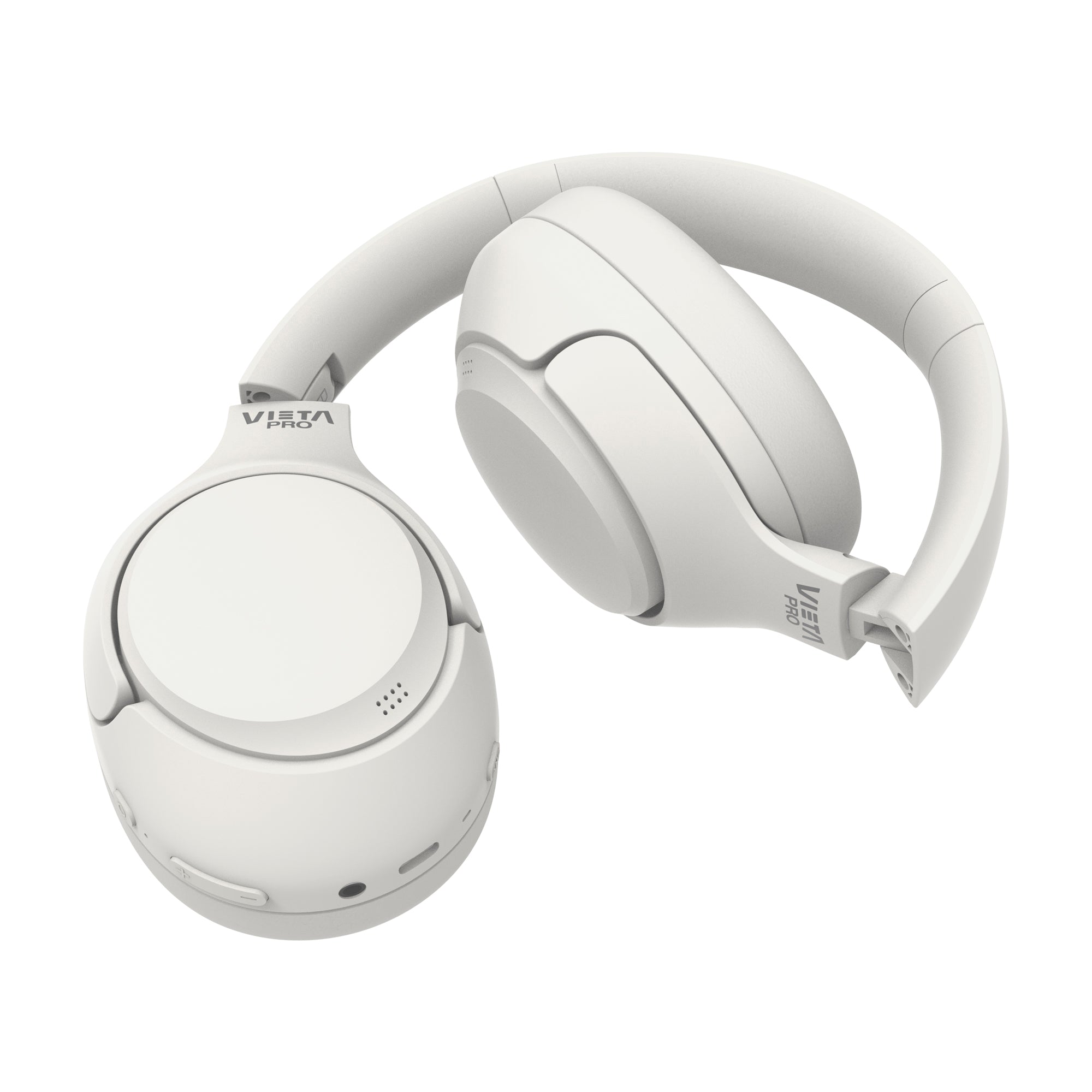
- Aux-in with 3.5 mm jack cable for greater compatibility.
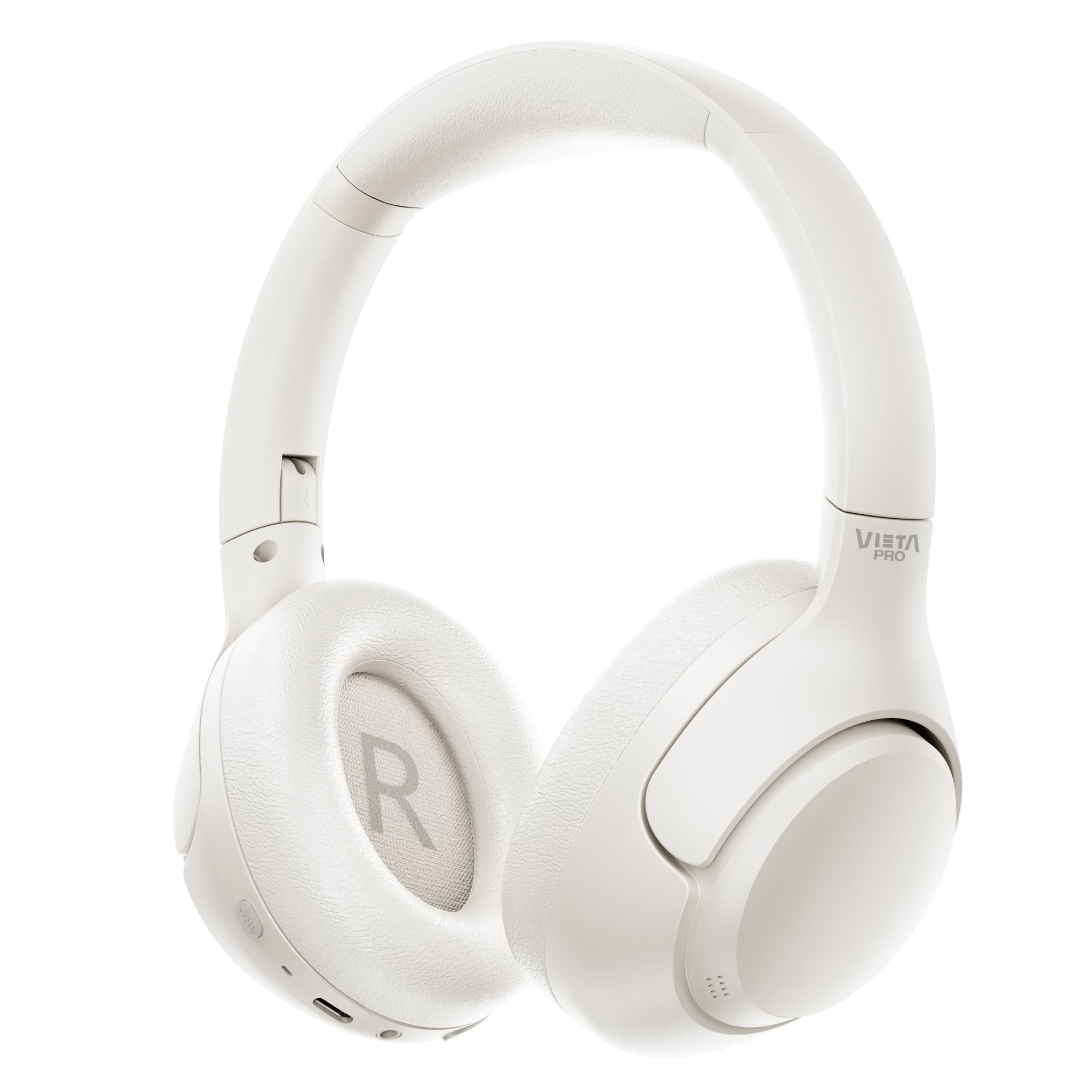
- Adjustable headband with memory-foam leather ear cushions
- High-resolution (Hi-Res) audio with frequency response up to 40 kHz and customisable control via the Vieta Pro Audio app.
Over-ear headphones
Calm 2
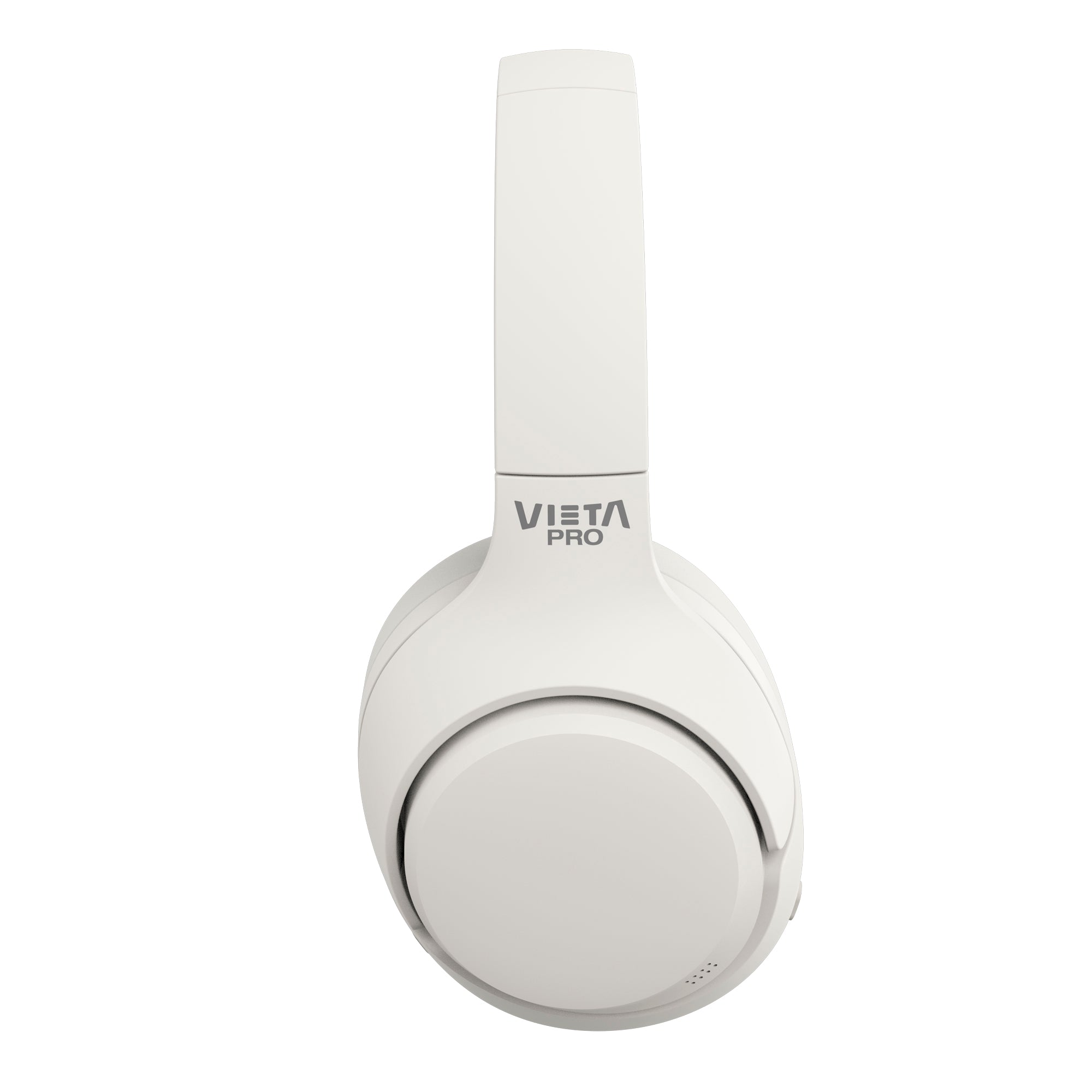
Enjoy an immersive, uninterrupted sound experience with the Vieta Pro Calm 2, over-ear headphones that combine advanced active noise cancelling with a long-lasting battery to keep you company all day. Their comfortable design, with an adjustable headband and padded ear cushions, makes them perfect for long listening sessions or travel.
Bluetooth 5.4 technology
Ensures a stable, efficient connection with lower power consumption, extending the effective range.
Hybrid active noise cancelling
Adaptive technology that eliminates up to 40 dB of ambient noise, creating a pure, clear listening space.
Dual Pairing
Connect two Bluetooth devices at once to switch easily between phone, tablet or PC.
Exceptional battery life
Up to 60 hours of continuous use without recharging, ideal for long days and worry-free travel.
Transparency and gaming mode
Turn on transparency mode to hear your surroundings, or switch to low-latency mode for a lag-free gaming experience.
Superior comfort
An adjustable headband and over-ear cushions with memory-foam leatherette that block out noise and provide lasting comfort.
FAQ
The device does not appear in the Bluetooth list
Check that Bluetooth is turned on on the source device. Remove all references to the headphones from any devices they may have been paired with and pair them again from scratch.
If this does not solve the problem, perform a RESET.
RESET / Restore the headphones to factory settings
This can be done from the app or from the headphones.
App: on the main screen, tap the 3 dots at the top right and select «Factory data reset». The headphones will disconnect from the source device's Bluetooth, and the EQ and button settings will return to their original values.
Headphones: press and hold the «+» and «–» buttons for 10 seconds until you hear «Pairing mode». Then reconnect them from the source device as if they were new headphones; they will appear in the list of available Bluetooth devices.
If this does not solve the problem, remove the headphones' reference from the Bluetooth settings of the device they are paired with and pair them again.
The device does not turn on
You will not be able to turn the headphones on in Bluetooth mode if a cable is connected or the battery is flat. Charge them, unplug the cables and press and hold the «O» button to turn them on.
I cannot connect to other source devices simultaneously
To connect the headphones to two source devices at the same time:
• First connect them to one source device via Bluetooth.
• Temporarily turn off Bluetooth on that device or disconnect it (do NOT remove the «Vieta Pro Calm 2» reference).
• Pair the headphones with the new device.
• Turn Bluetooth back on on the first device.
• In the Bluetooth menu, go to saved devices and tap «Vieta Pro Calm 2» once to force the connection.
• You will hear «Device paired» and will be able to use both devices.
If both devices play content at the same time, one will pause and give way to the other almost immediately.
If this does not solve the problem, perform a RESET.
The volume is low
If you have an Android device, remember that you need to turn the volume up or down while a media file (song, video, etc.) is playing. Then adjust it using the buttons on the headphones and on the source device (mobile phone, tablet, computer, etc.).
Audio quality on a computer
We recommend updating your computer's Bluetooth drivers and always using the «Headphones» audio option, which offers the highest quality. If you choose «Headphones with Mic», the microphone will be enabled, but audio quality will be lower.
In Windows, you can change this option by clicking the headphones icon at the bottom right of the taskbar.
During calls, I hear the other person or they hear me very quietly
Turn the volume up on the source device (mobile phone, computer, etc.) during the call. If you press the buttons on the headphones during the call, you may end it.
Check on the screen of the source device that the audio output is set to the Bluetooth device and not to the phone's speakers.
I can't set up / EQ the headphones with the app
Check that the app you have downloaded is Vieta Pro Audio, as the brand has other apps for other types of products.
You must enable GPS on your device to set up the app and select the headphones connected via Bluetooth. Before opening the app, the headphones must already be connected to the source device.
I cannot locate my device
If you use the headphones with the app and have GPS enabled, the app will show you the last location where they were used. The headphones do not have their own GPS, so they cannot be located remotely if lost.
I can't locate the headphones with the «Alert» option (play a sound if lost)
This option only works if the headphones are nearby, switched on and connected to the source device via Bluetooth.
The earbuds' battery runs out quickly
Battery life depends on usage time, ambient conditions and volume. The stated battery life is based on use at 50% volume.
To extend the battery's lifespan, fully charge it at least once every 3 months.
If the ear cushions are worn or broken
You can buy replacement ear cushions by contacting our after-sales department: info@vieta.es.