


Easy 4
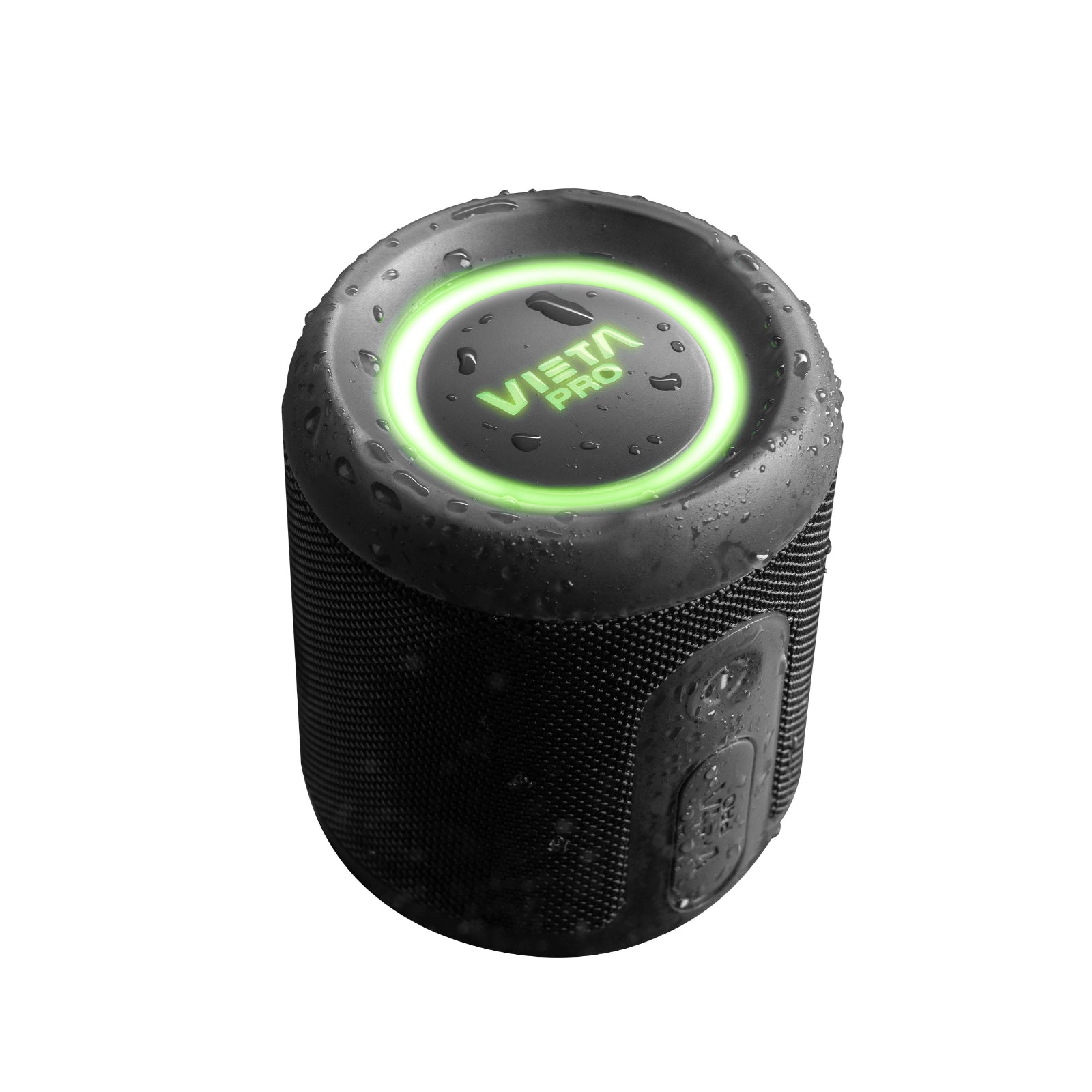
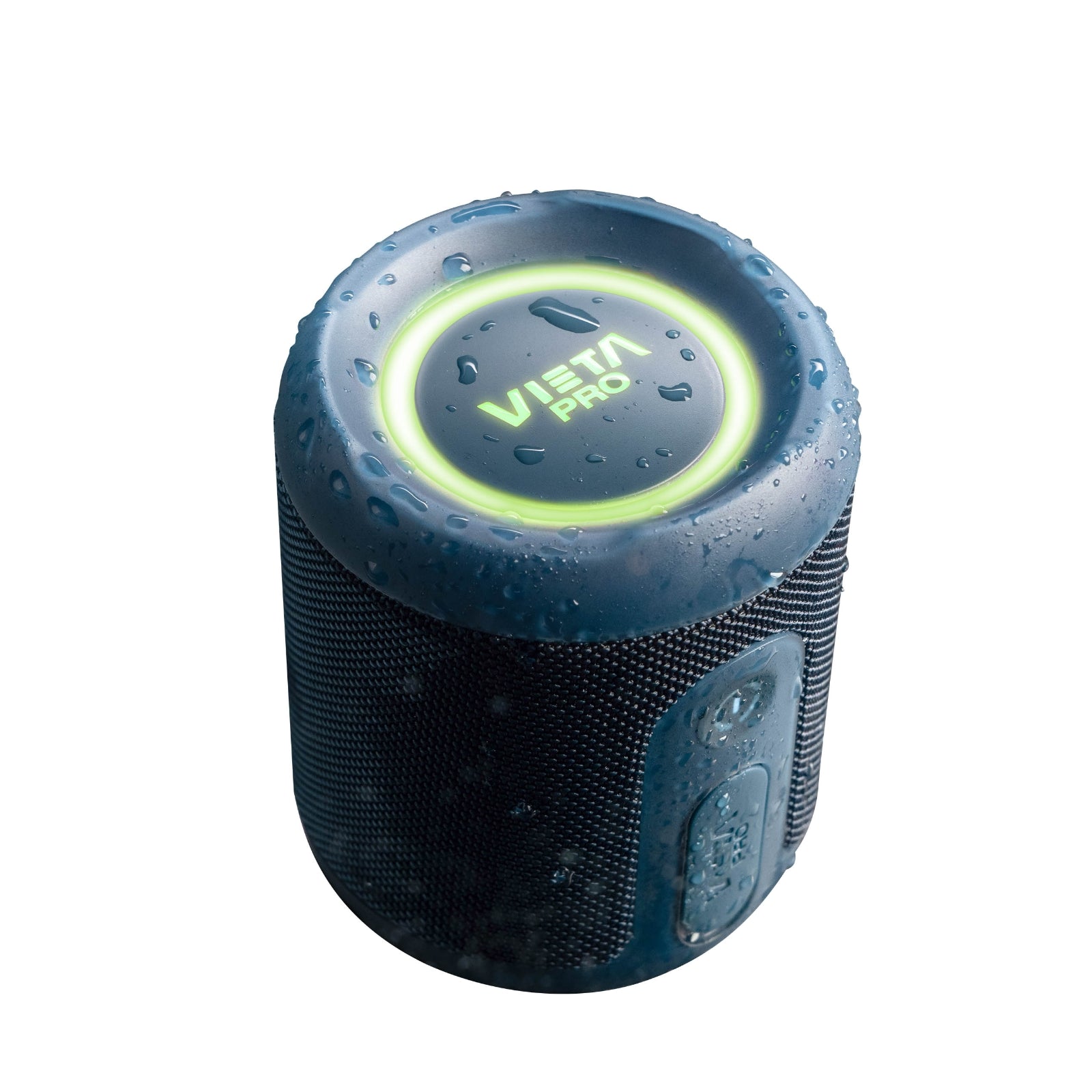
Don't leave your music behind! With the Vieta Pro Easy 4 speaker, you'll take powerful, immersive and stylish sound wherever you go. Water resistant, with deep bass and up to 13 hours of battery life, this speaker lets you live every moment to the full. Don't miss the chance to feel music like never before!
- 25 W of power for powerful sound in a very compact format.
- Bluetooth 6.0 for a fast, stable connection of up to 10 metres.
- Up to 13 h of battery life to listen to music for longer with fewer charges.
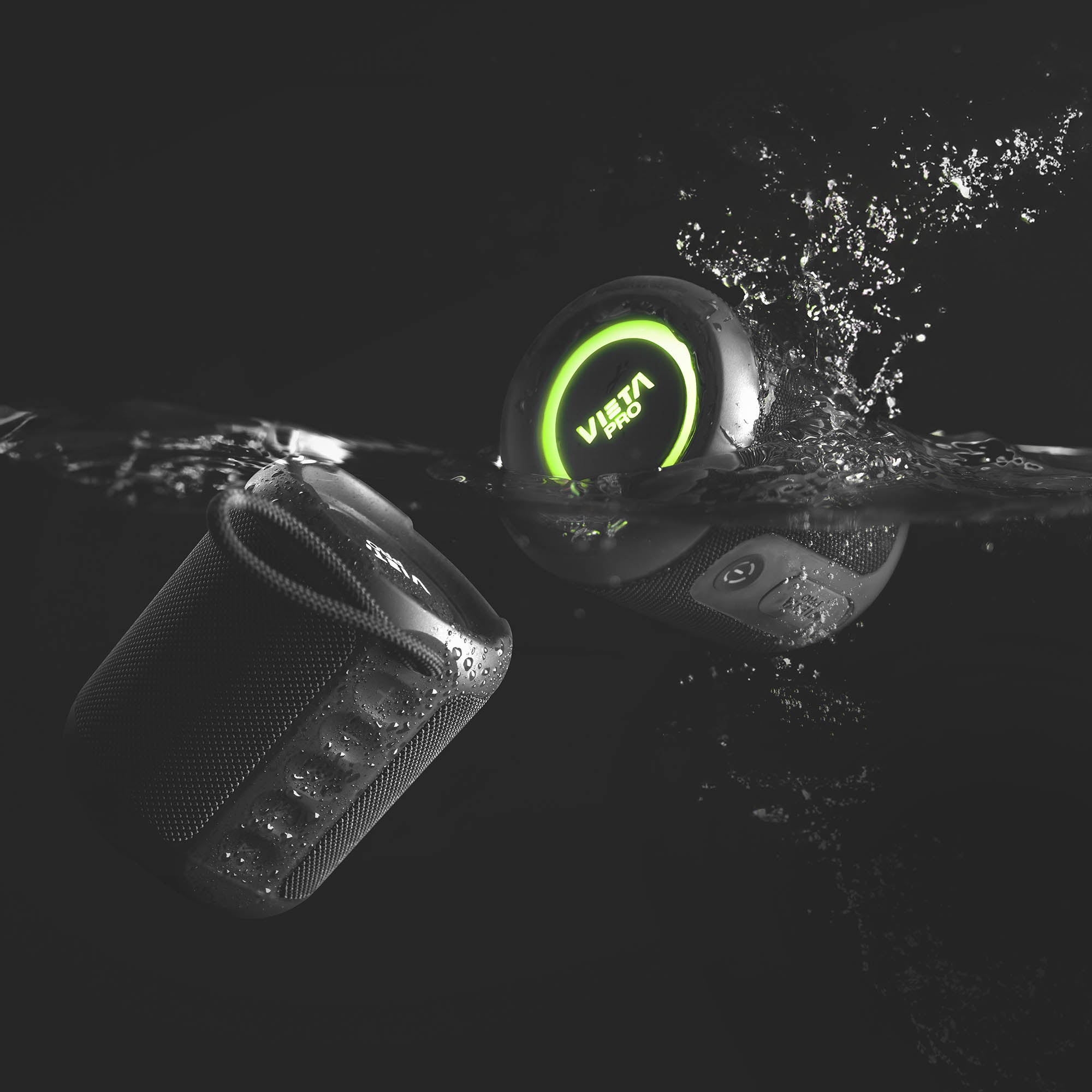
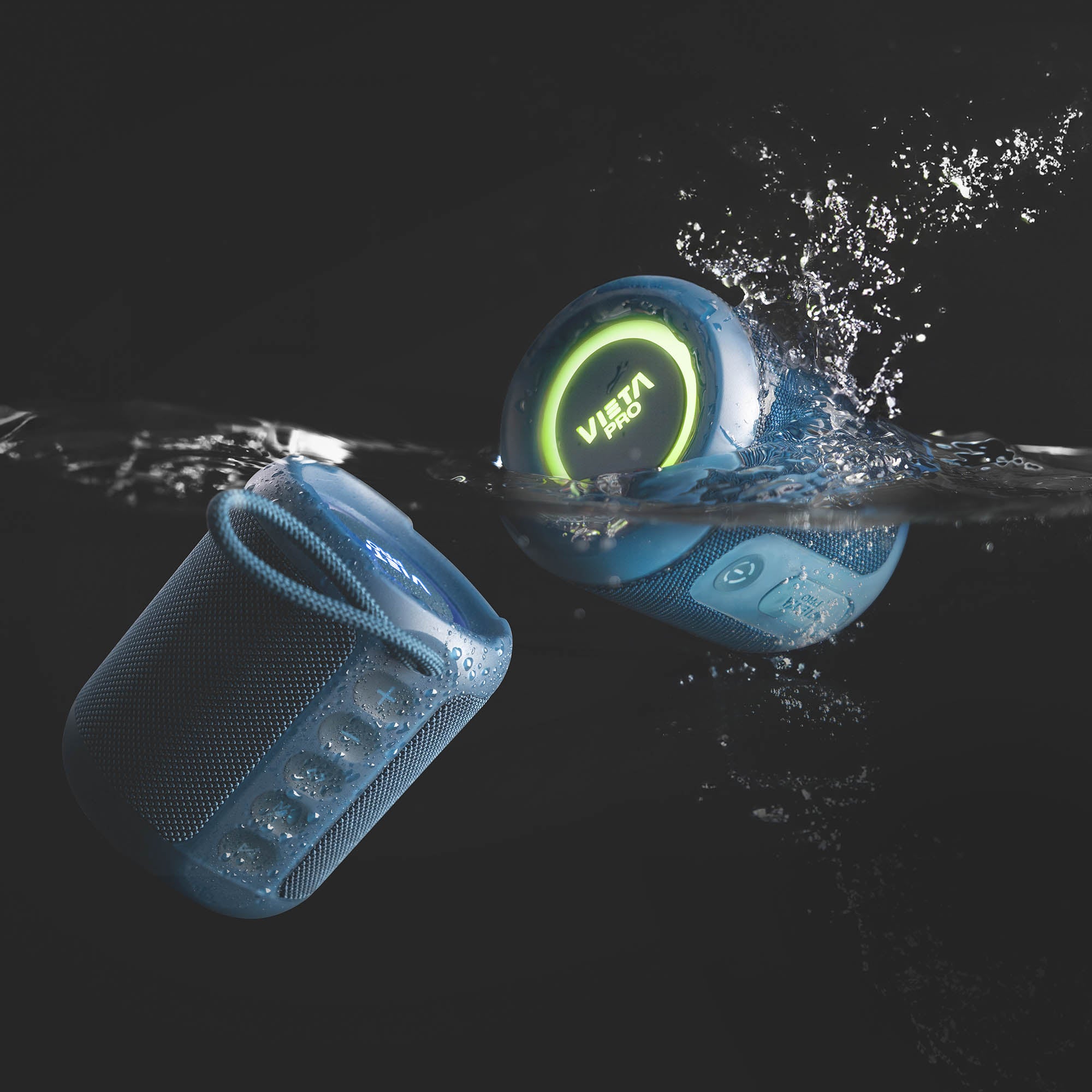
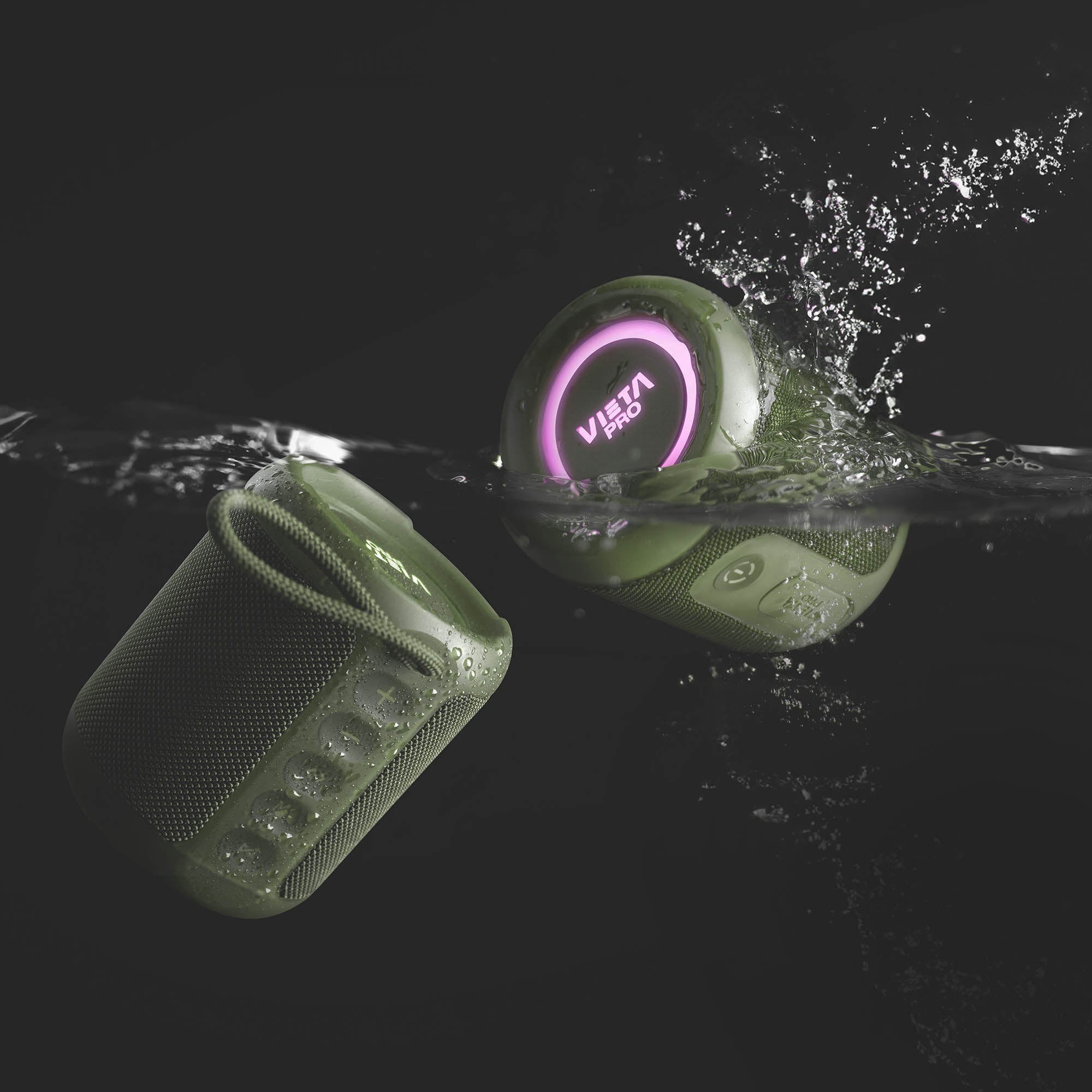
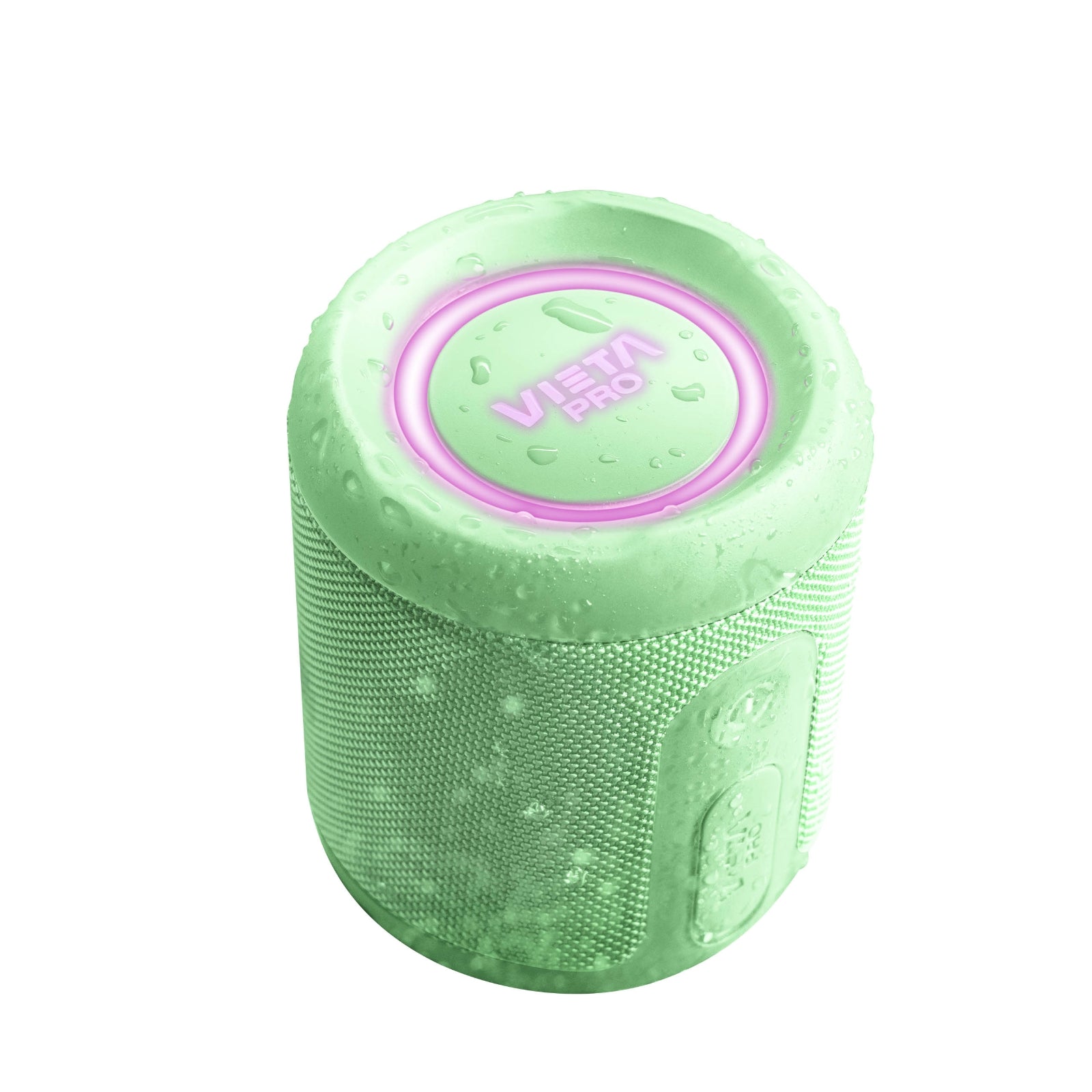
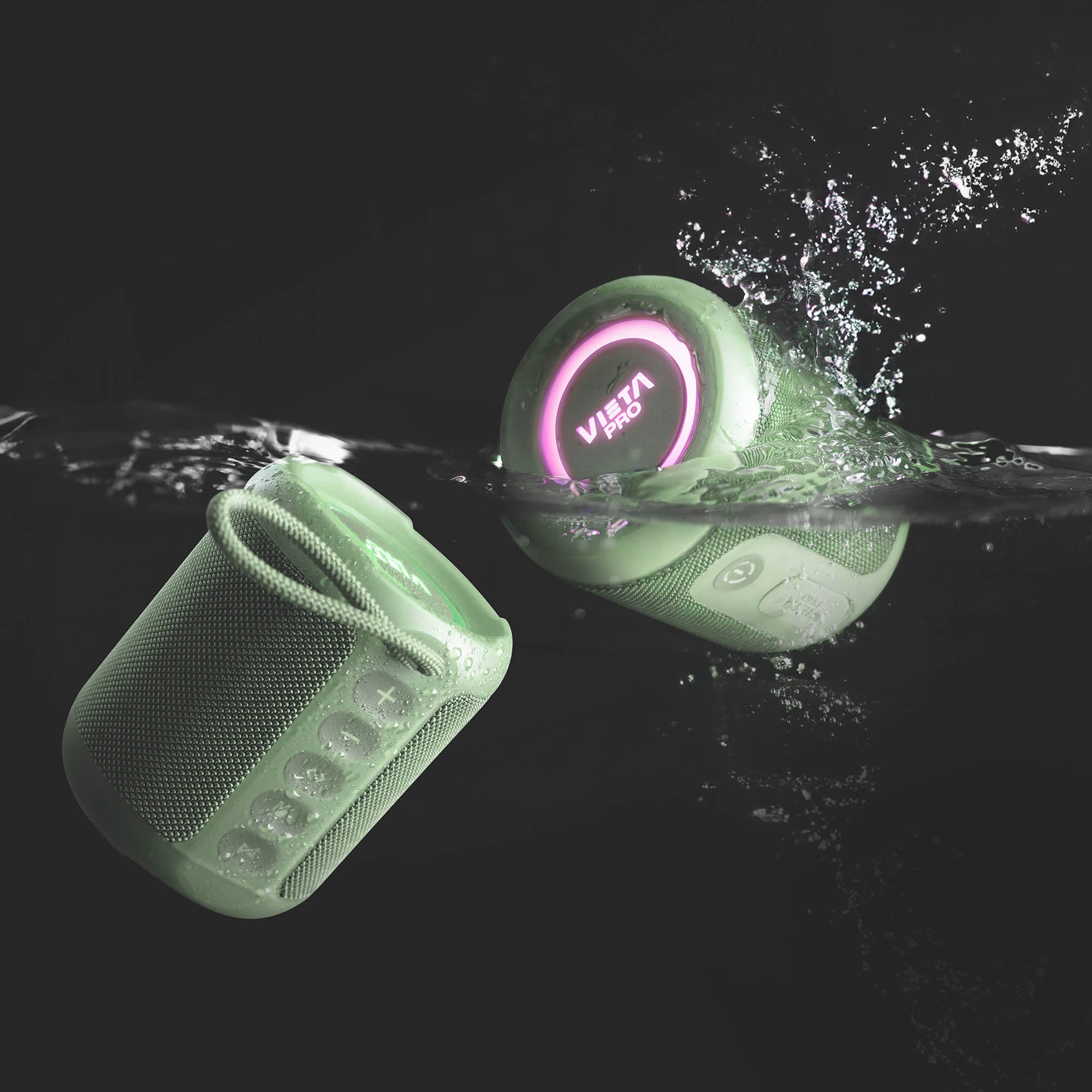
- IPX7 resistance to withstand rain, splashes and temporary immersion in water.
- TWS mode to connect two Easy 4 speakers and create a stereo experience.
- Vieta Pro Audio app to adjust the equaliser, change the light modes and locate your speaker.
Features
Advanced connectivity
Equipped with Bluetooth 6.0, the Vieta Pro Easy 4 speaker offers a stable, solid connection to take your music everywhere, with improved range.
Design and functionality
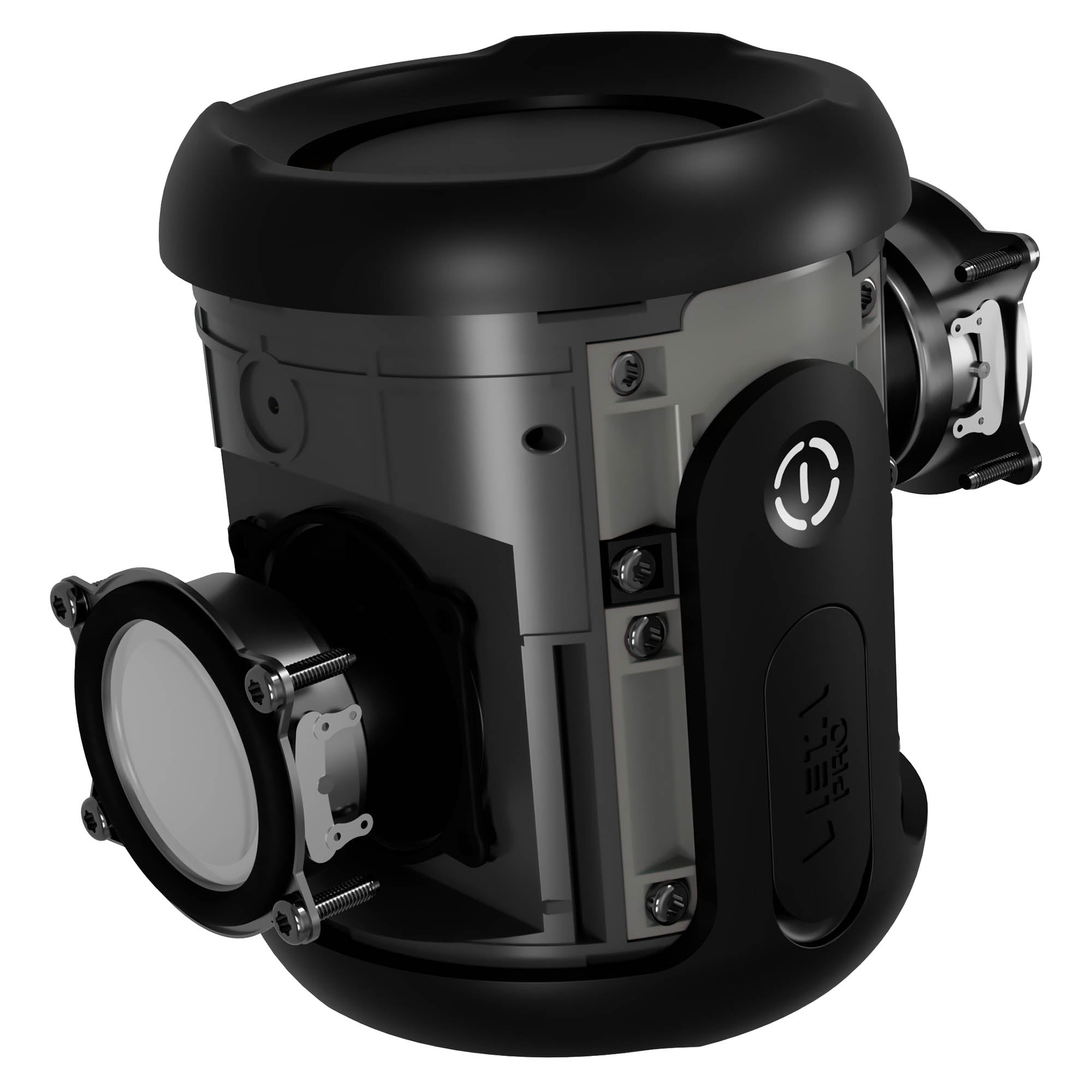
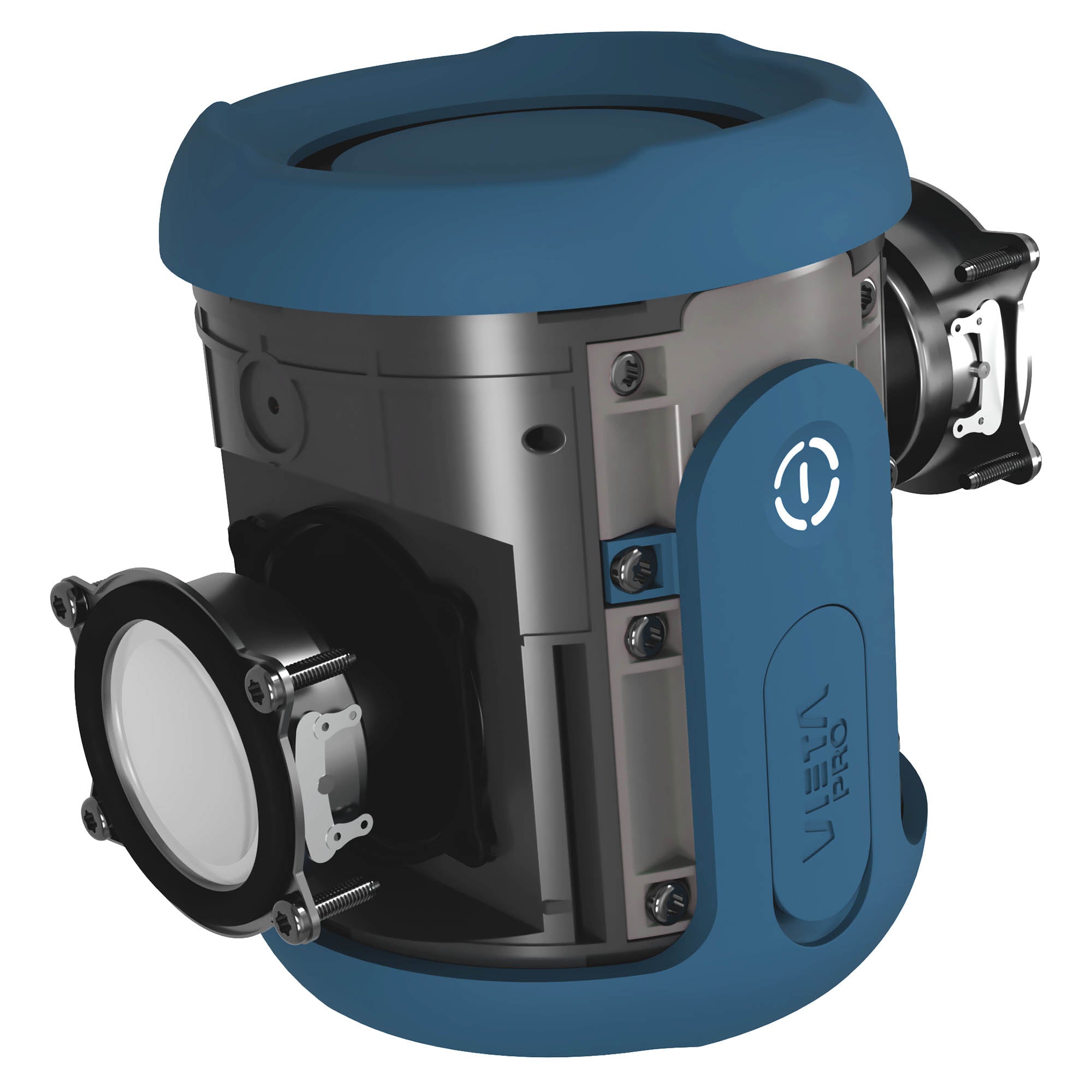
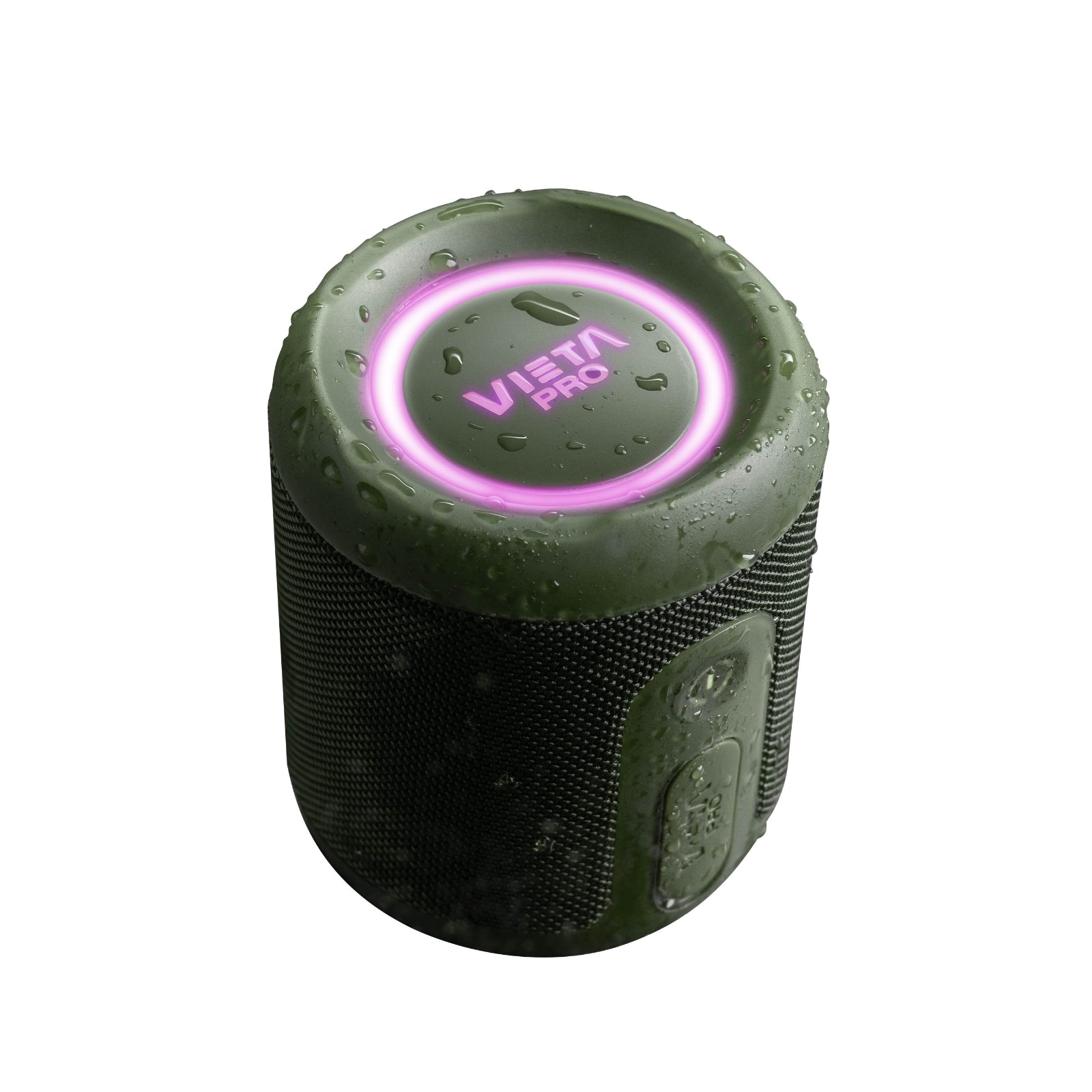
Its 25 W of power delivers powerful sound in a compact format, accompanied by RGB lighting to add atmosphere to your music.
Water resistance
Its IPX7 rating makes it perfect for outdoor activities, as it is water resistant and can withstand brief immersion.
Stereo sound with TWS
Connect two Easy 4 speakers via TWS and enjoy a wider stereo experience using both speakers.
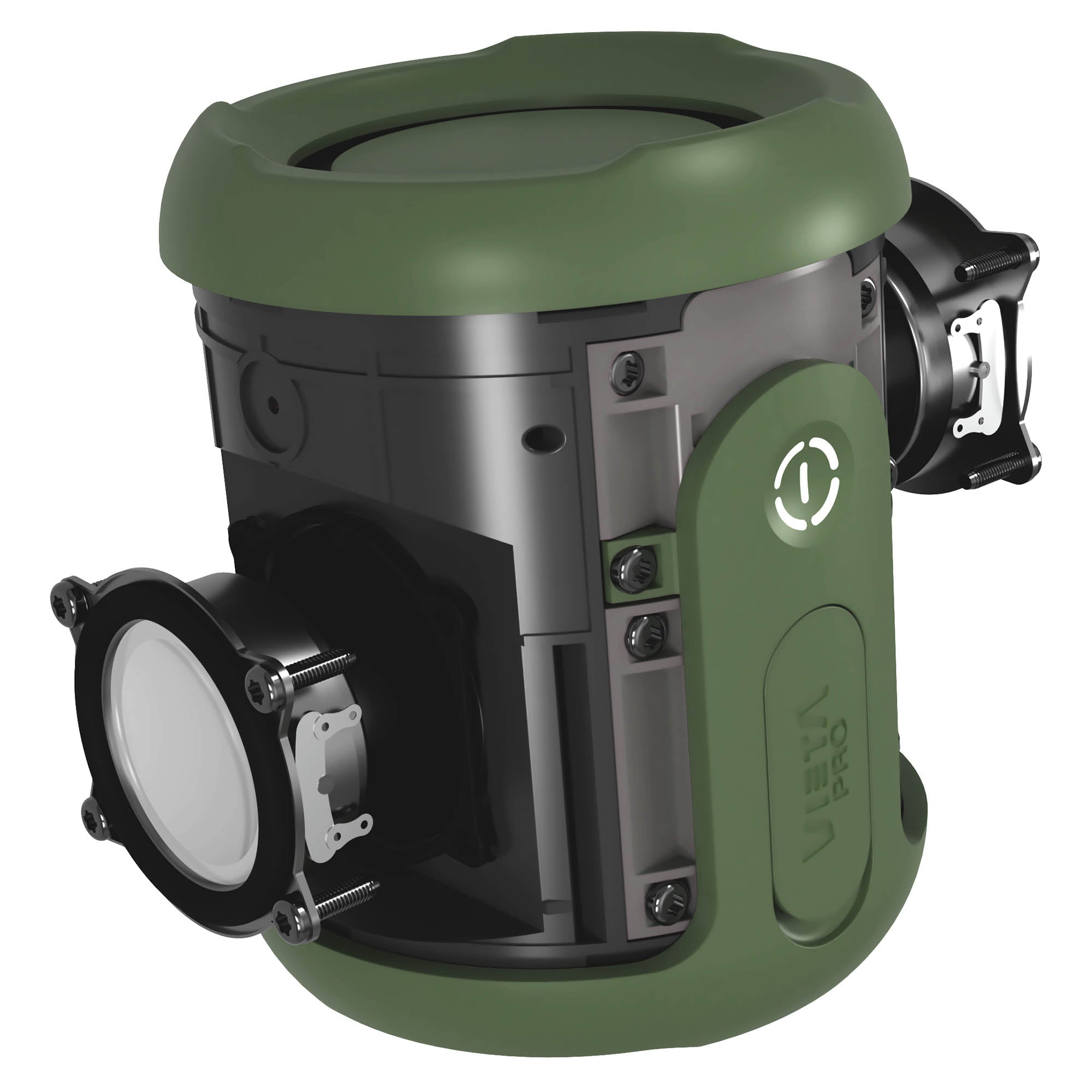
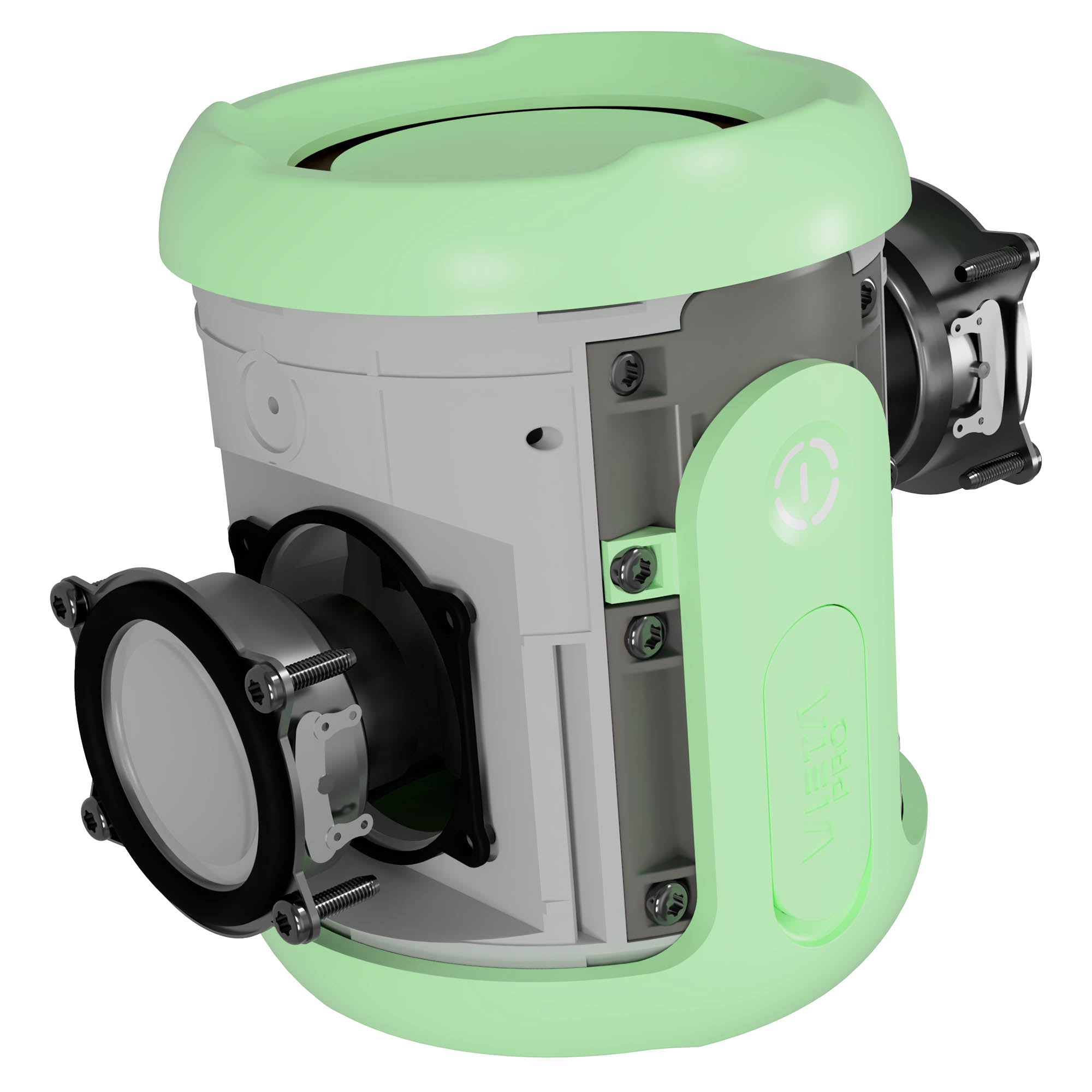
Discover the Easy 4's V-Bass technology
13 hours
of battery life and fast charging with USB-C
Compatible with the Vieta Pro Audio app
Enhance its features
With the Vieta Pro Audio app you can enhance your speaker's features. Control the lighting system and the equaliser, and locate your speaker if you lose it.

FAQ
The device does not appear in the Bluetooth list
Check that Bluetooth is turned on on the source device. Remove all references to the speaker from any devices it may have been paired with and pair it again from scratch.
If you cannot find the speaker's name, it is because it is connected to another device or TWS search mode is enabled («Z» button).
If the «Z» button is flashing, press it once so that it stops flashing. The speaker will then be visible to any source device again.
The device won't turn on
You will not be able to turn the speaker on if the battery is flat. Charge it for at least 30 minutes before unplugging it and try turning it on again.
Press and hold the «O» power button for a few seconds until the rear LEDs light up white and you hear the start-up sound («Power On – Bluetooth mode – Pairing mode», or the equivalent in Spanish).
Changing the volume of the speaker's voice prompts
The volume of the voice prompts is set at the factory and cannot be changed or disabled.
I can't change the device's language
The language can only be switched between English and Spanish. You can do this from the app or from the speaker when it is not connected to any source device.
I can't pair with other speakers
This speaker can only be paired with another Vieta Pro Easy 4.
To pair them, first connect just one speaker to the source device and then the others using the True Wireless (TWS) function.
I can't set up / EQ the speaker with the app
Check that the app you have downloaded is Vieta Pro Audio, as the brand has other apps for other types of products.
You must enable GPS on your device to set up the app and select the speaker connected via Bluetooth. Before opening the app, the speaker must already be connected to the source device.
I can't locate my device
If you use the speaker with the app and have GPS enabled, the app will show you the last location where it was used. The speaker does not have its own GPS, so it cannot be located remotely if lost.
I can't locate the speaker with the «Alert» option (play a sound if lost)
This option only works if the speaker is nearby, switched on and connected to the source device via Bluetooth.
The speaker turns off by itself
To save battery, the speaker turns off automatically after a few minutes if it is not connected to any source device or is not in use.
If it turns off in the middle of playback, switch it on and, in Bluetooth mode, press and hold the pause button for a few seconds until you hear a voice prompt. Then remove the speaker's reference from your source device's Bluetooth settings and reconnect it as if it were a new device.
The volume is low
If you have an Android device, remember that you need to turn the volume up or down while a media file (song, video, etc.) is playing. Then adjust it using the buttons on the speaker and on the source device (mobile phone, tablet, computer, etc.).
The speaker's battery runs out quickly
Battery life depends on usage time, ambient conditions, lights and volume. The stated battery life is based on use at 50% volume.
To extend the battery's lifespan, fully charge it at least once every 3 months.