
Joy 2
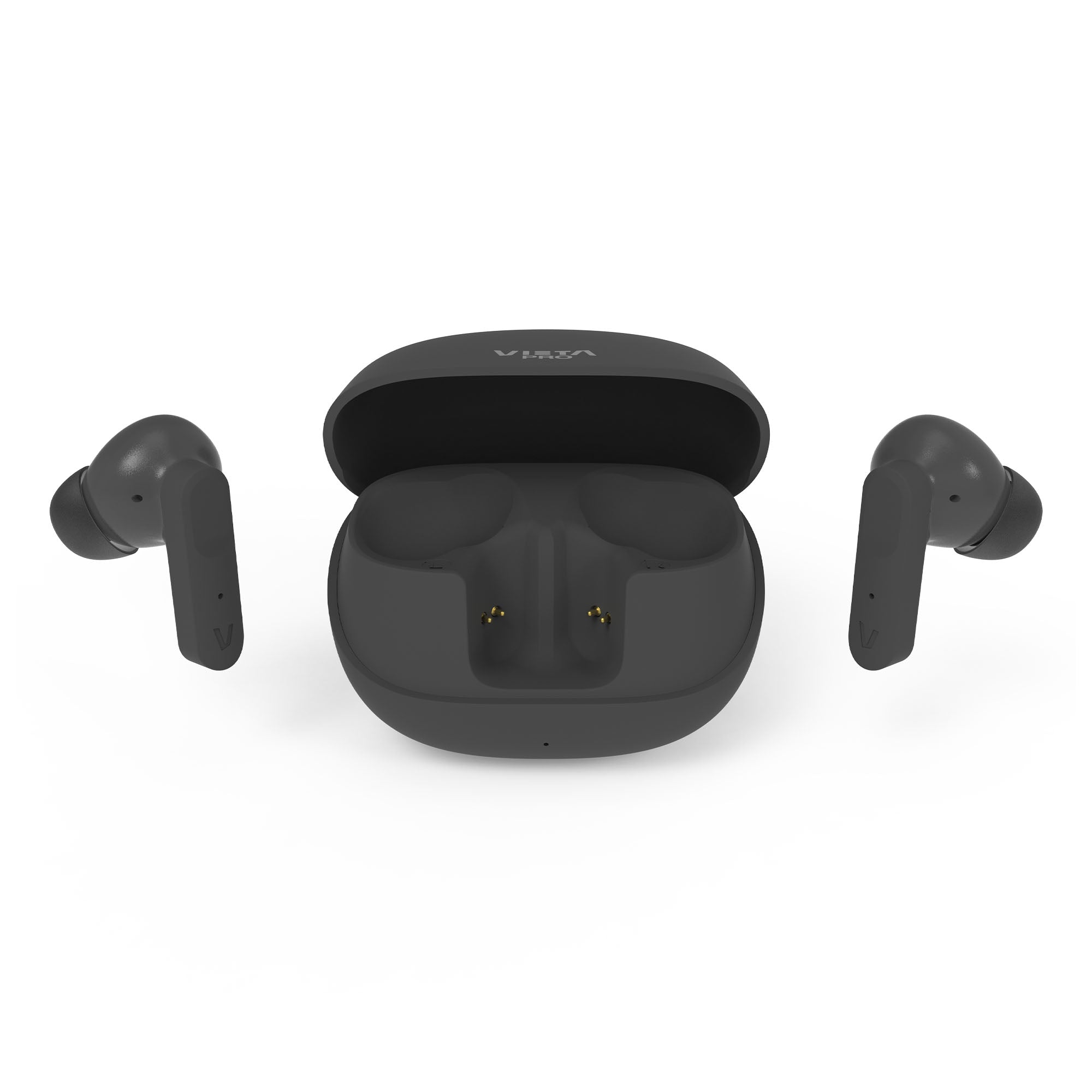
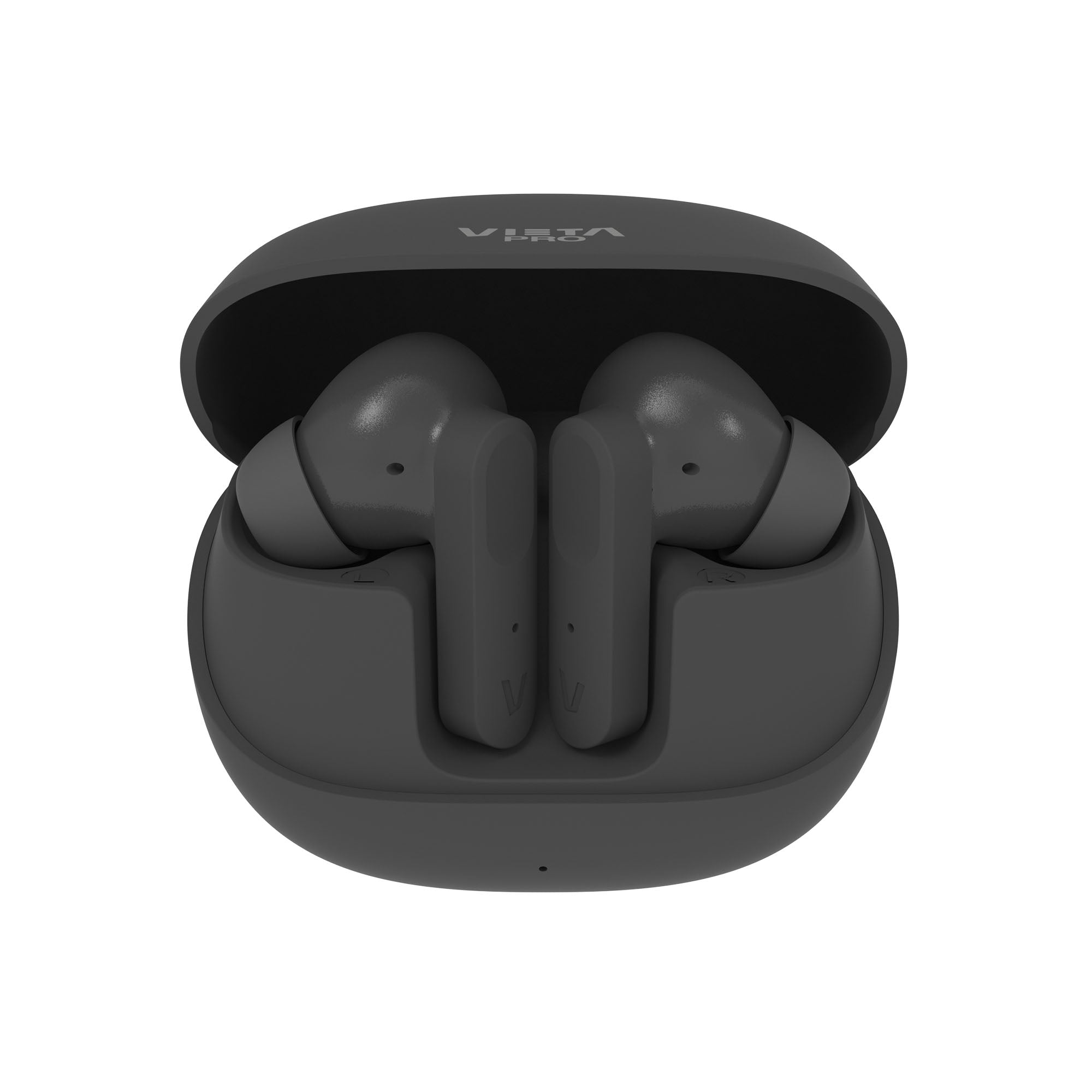
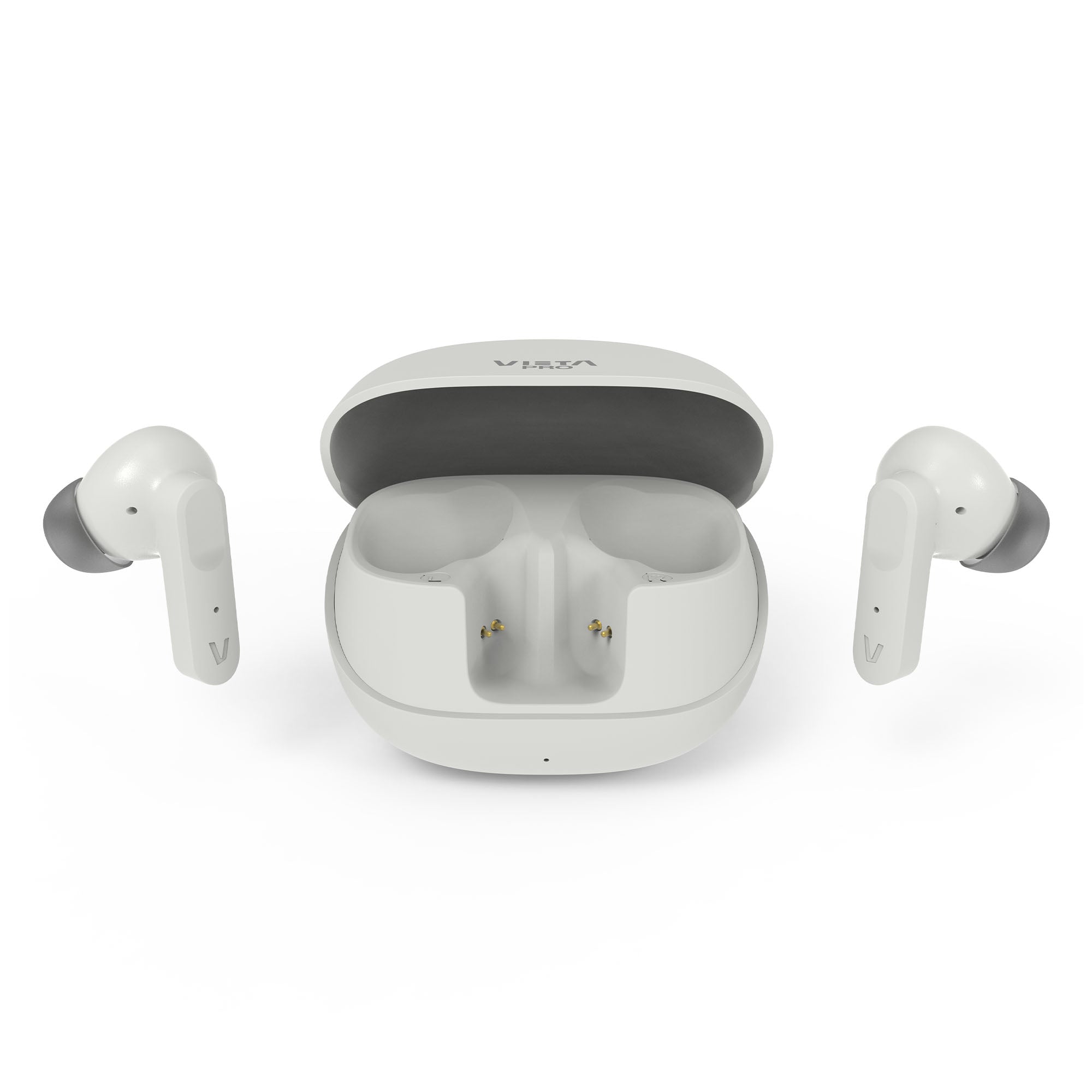
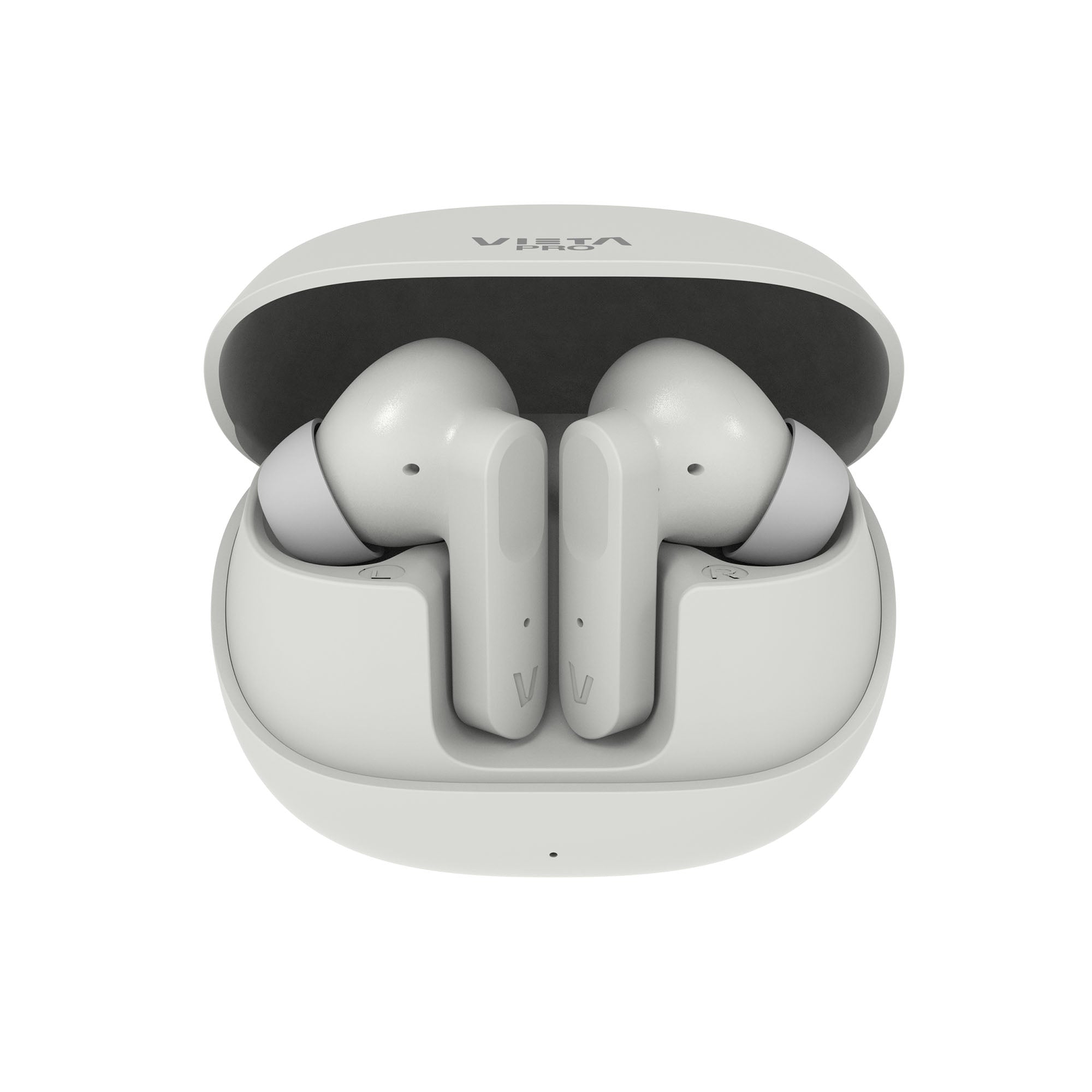
Joy 2 true wireless earbuds with noise cancelling of up to -25 dB, Bluetooth 6.0 for maximum connectivity and transparency mode. USB-C charging and IPX4 water resistance.
- Bluetooth 6.0
- Up to 25 h battery life
- IPX4 water resistant
- -25 dB noise cancelling and transparency mode
- Dual Pairing
- 4 ENC microphones
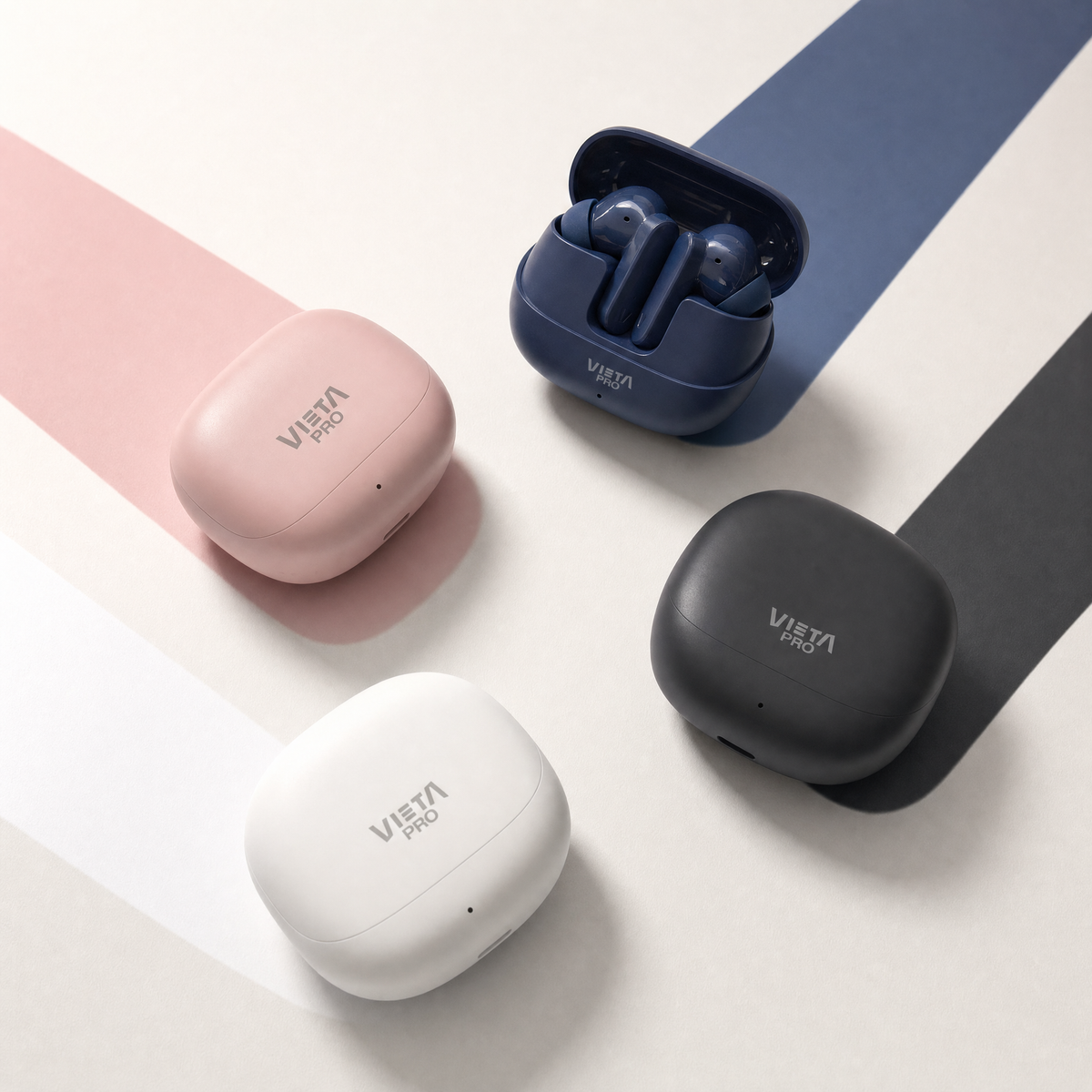
A colour for every style
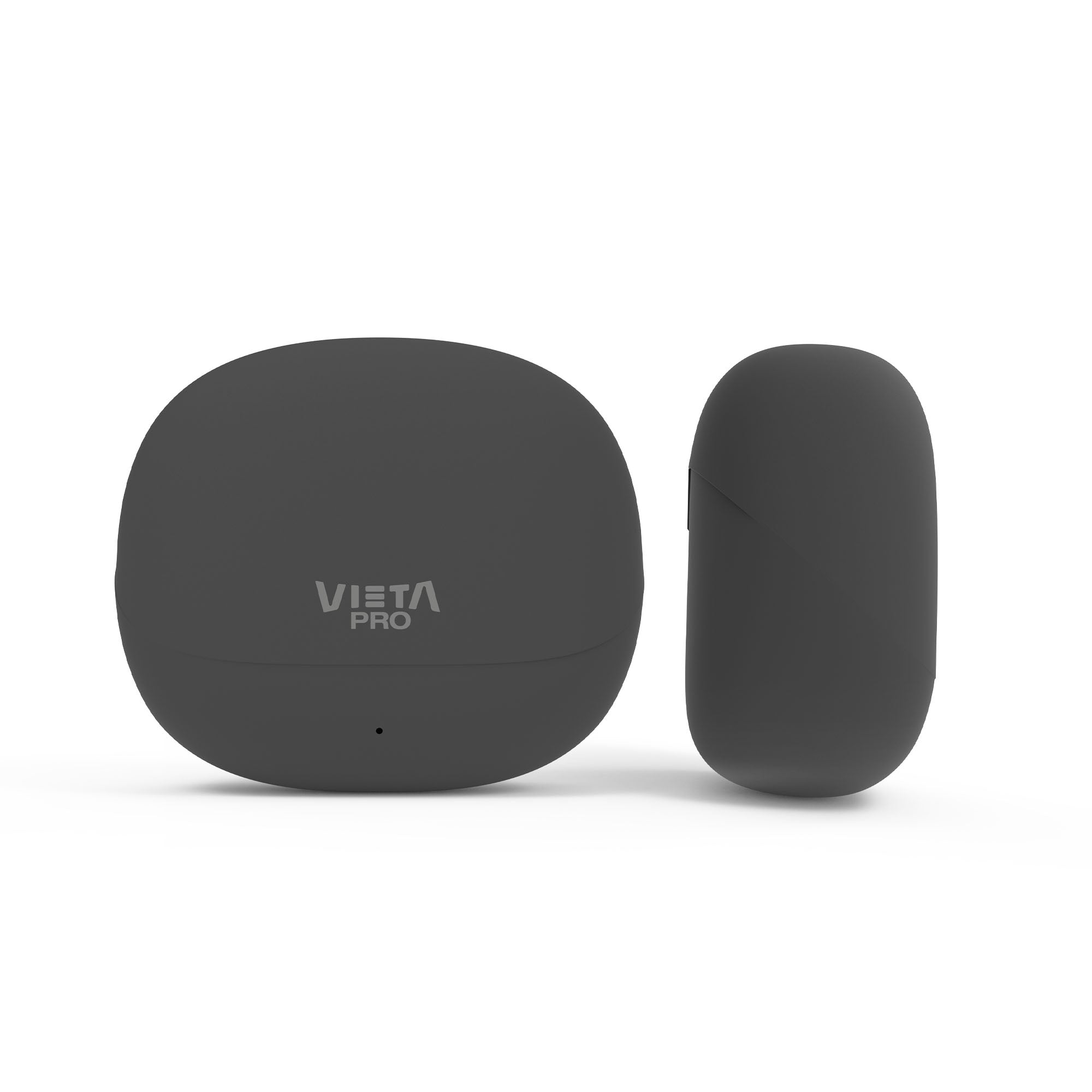
Joy 2 combine a compact, comfortable design with a choice of colours so you can pick the one that suits you best. Keep them in their case and take them with you anywhere.
True Wireless Earbuds
Joy 2
Reduce outside noise and enjoy your music and calls more clearly, whether you're on public transport, at work or going about your day.
Bluetooth 6.0
A fast, stable and efficient connection so you can enjoy your music and calls without interruptions.
Active noise cancelling
Reduce outside noise and enjoy your music and calls more clearly, whether you're on public transport, at work or going about your day.
Dual Pairing
The Dual Pairing feature lets you
connect two devices at once and switch between them without disconnecting. Perfect for using your phone and computer at the same time.
4 ENC microphones
The 4 microphones with ENC technology help reduce ambient noise so your voice is heard more clearly during calls.
Up to 25 h battery life
Enjoy up to 25 hours of battery life to keep you going all day long.
Compatible with the Vieta Pro Audio app
Personalise the sound and adjust features such as the equaliser directly from the Vieta Pro Audio app.
Technical specifications
6.0
-25 dB
Up to 25 h battery life
4 ENC microphones
IPX4
Connects to your PC and phone at the same time
Hear your surroundings while wearing the earbuds
FAQ
The device does not appear in the Bluetooth list
Check that Bluetooth is turned on on the source device and refresh the list of available devices if the earbuds do not appear automatically.
IMPORTANT: the earbuds can only be connected to one source device at a time. If they are paired with another device (computer, phone, tablet, etc.), the new source device will not find them. Turn off Bluetooth on the device they are paired with before pairing them with another one.
If they still do not appear, remove the «VIETA PRO JOY 2» reference from your phone or source device and pair them again from scratch. On Android, tap the arrow or gear icon next to the reference and choose «Forget».
The earbuds will not connect
When you open the charging case, the LEDs on both earbuds briefly flash red. Shortly afterwards, one goes off and the other flashes blue and red: this means they are not connected to any device.
Go to the Bluetooth settings on the source device to pair them or to force the connection with a saved pairing.
If the LEDs light up and go off within a few seconds, it is because they are connected to another source device.
The earbuds do not charge
Remove the protective plastic film that prevents contact between the earbuds' charging pins and the case. Check whether the earbuds' LEDs light up when you open the case.
If they do not light up, clean the contact pins on the earbuds and the case with a cloth dampened with alcohol.
Then remove the «VIETA PRO JOY 2» reference from the Bluetooth settings of the device they are paired with, take the earbuds out and pair them again.
Earbud wearing modes
Sport mode: with the top fin fitted on the earbud, so that it stays in place while you exercise.
Casual mode: without the top fin, so that the earbud is smaller and more discreet.
One earbud sounds quieter than the other
Clean the earbuds' sensors and grilles regularly to prevent the audio output from becoming blocked.
The sensors do not work properly
Wipe the touch area of the earbuds with a cloth dampened with alcohol to remove the grease that builds up from touching them with your fingers (dust, sweat, creams, etc.).
The volume is low
If you have an Android device, remember that you need to turn the volume up or down while a media file (song, video, etc.) is playing. Then adjust it using the touch sensors on the earbuds and on the source device (mobile phone, tablet, computer, etc.).
Clean off any excess earwax that may have built up on the grille and wipe the sensors with a cloth dampened with alcohol.
To keep the earbuds in perfect condition, carefully clean the grilles once or twice a month.
During calls, I hear the other person or they hear me very quietly
Turn the volume up on the source device (mobile phone, computer, etc.) during the call. If you touch the earbud sensors during the call, you may end it.
Check on the screen of the source device that the audio output is set to the Bluetooth device and not to the phone's speakers.
The earbuds' battery runs out quickly
Battery life depends on usage time, ambient conditions and volume. The stated battery life is based on use at 50% volume.
To extend the battery's lifespan, fully charge it at least once every 3 months, even if you are not using the earbuds.
Answering calls or sending voice messages with third-party messaging apps (WhatsApp)
On Apple devices, the earbuds work just as they do with phone calls, and the earbud microphone is used when sending voice messages.
On Android devices, internet calls must ALWAYS be answered on the phone before you can talk through the earbuds. When sending voice messages, the phone's microphone is used by default.
The microphone does not work on my computer
Update your computer's Bluetooth drivers. We recommend using the «Headphones» audio option, which offers higher quality. To enable the microphone, choose «Headphones with Mic», but bear in mind that sound quality will be lower.
In Windows, you will find this option by clicking the speaker icon at the bottom right of the taskbar.
How do I fit and remove the ear tips?
To remove the ear tip, pull the soft rubber part outwards.
To fit it, turn the rubber inside out so that it is stretched over the rigid part, forming a cone. Insert the rigid part into the earbud and fold the rubber back into place.
If an earbud or the charging case is lost
You can buy a new unit and pair it with the one you still have. Contact our after-sales department: info@vieta.es.