
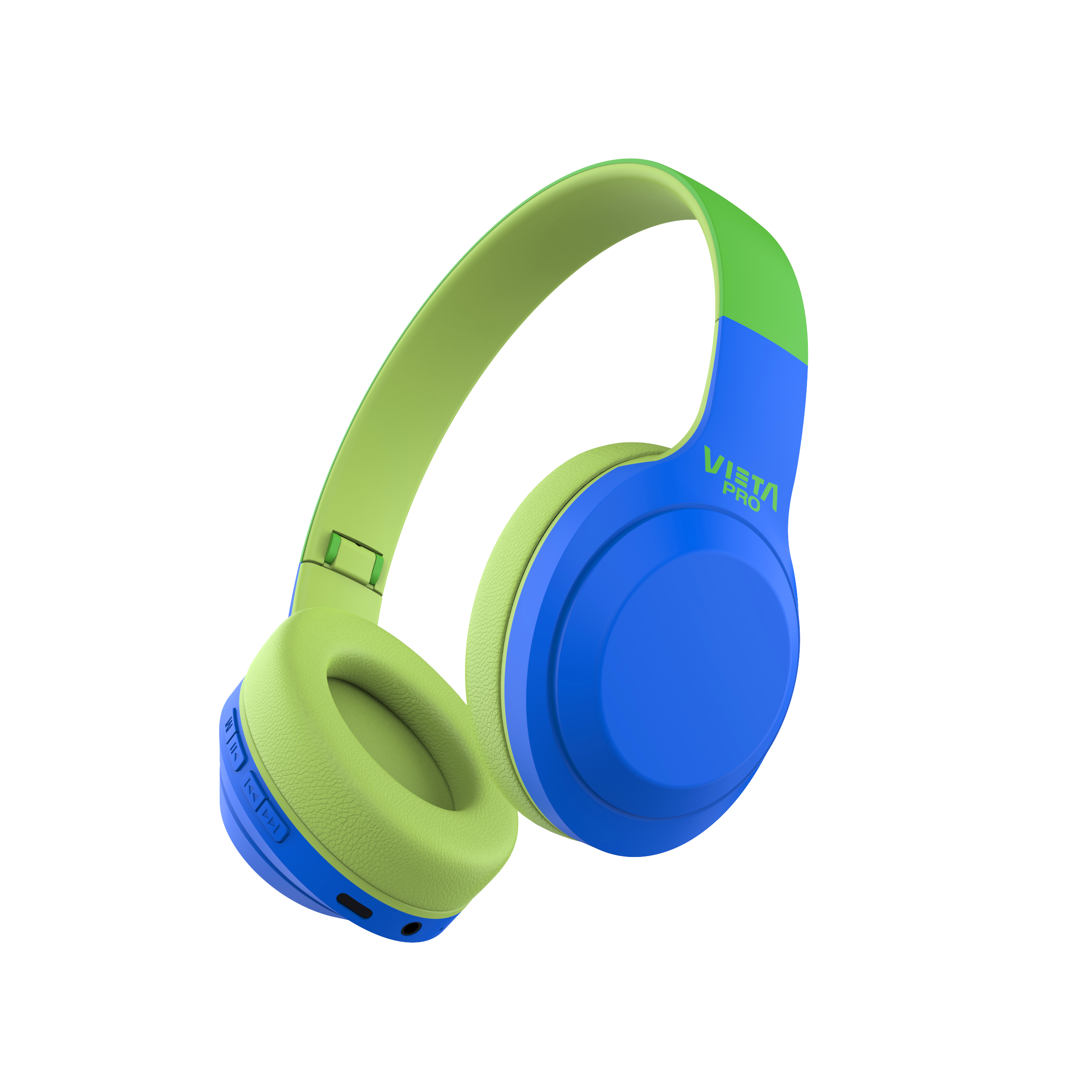
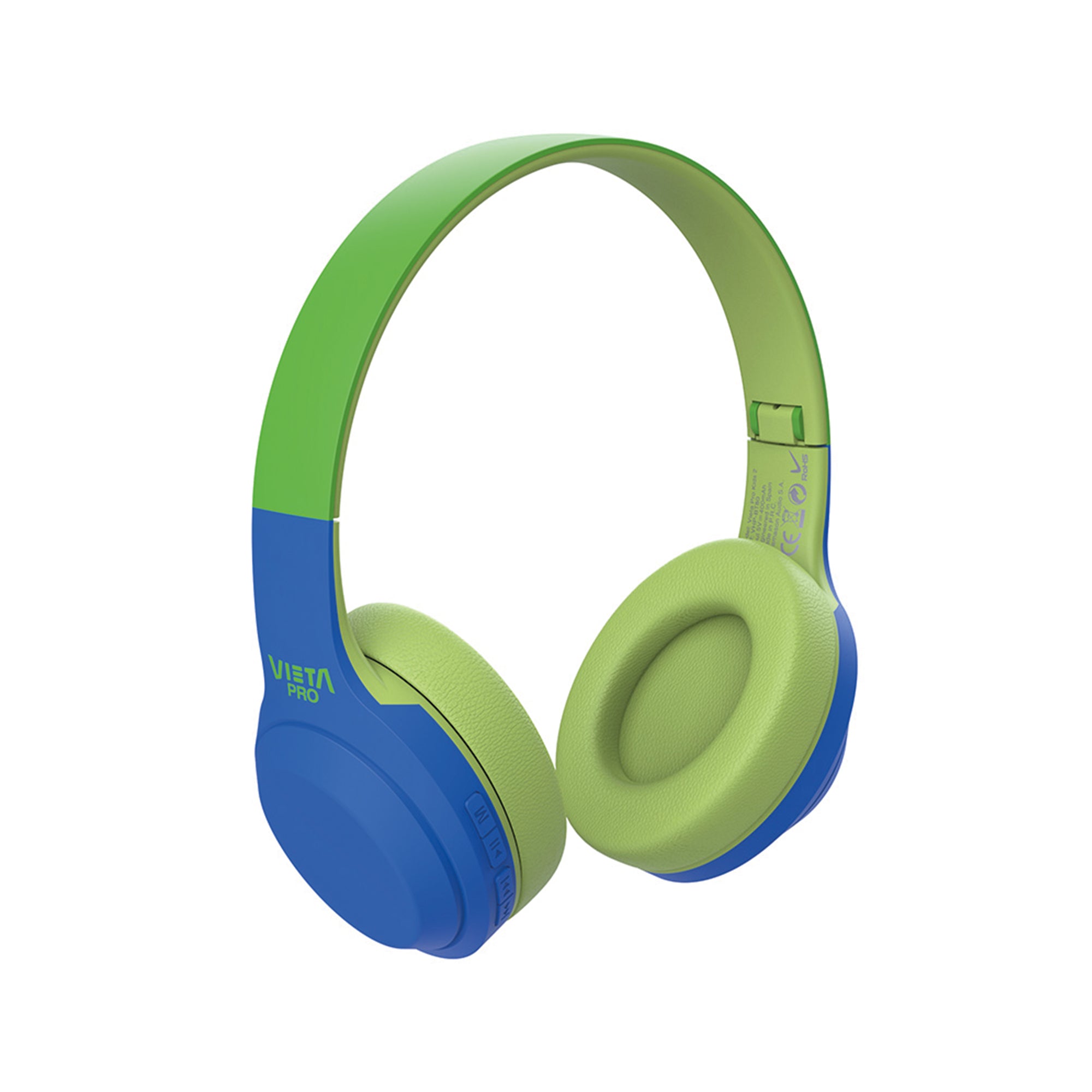
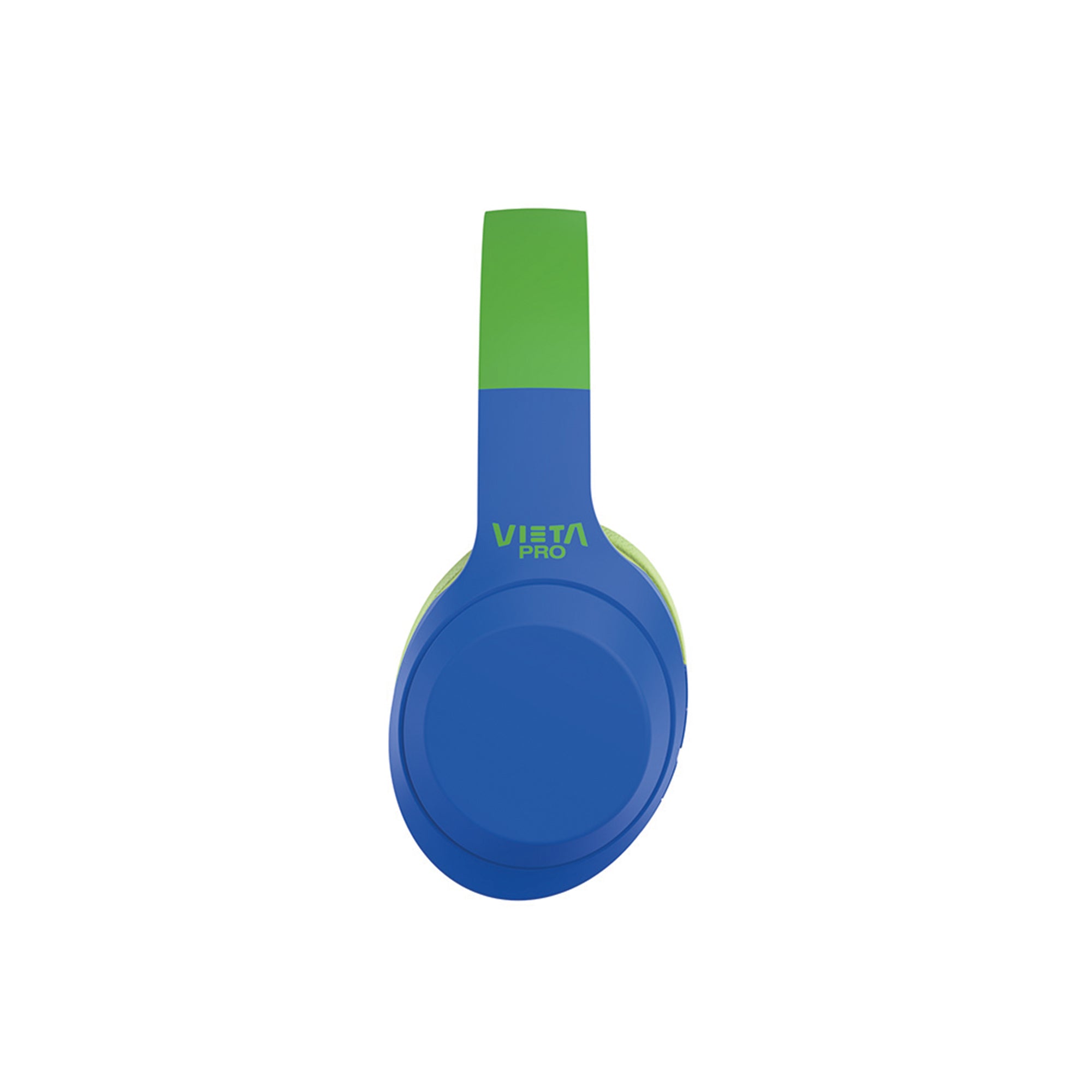
Kids 2
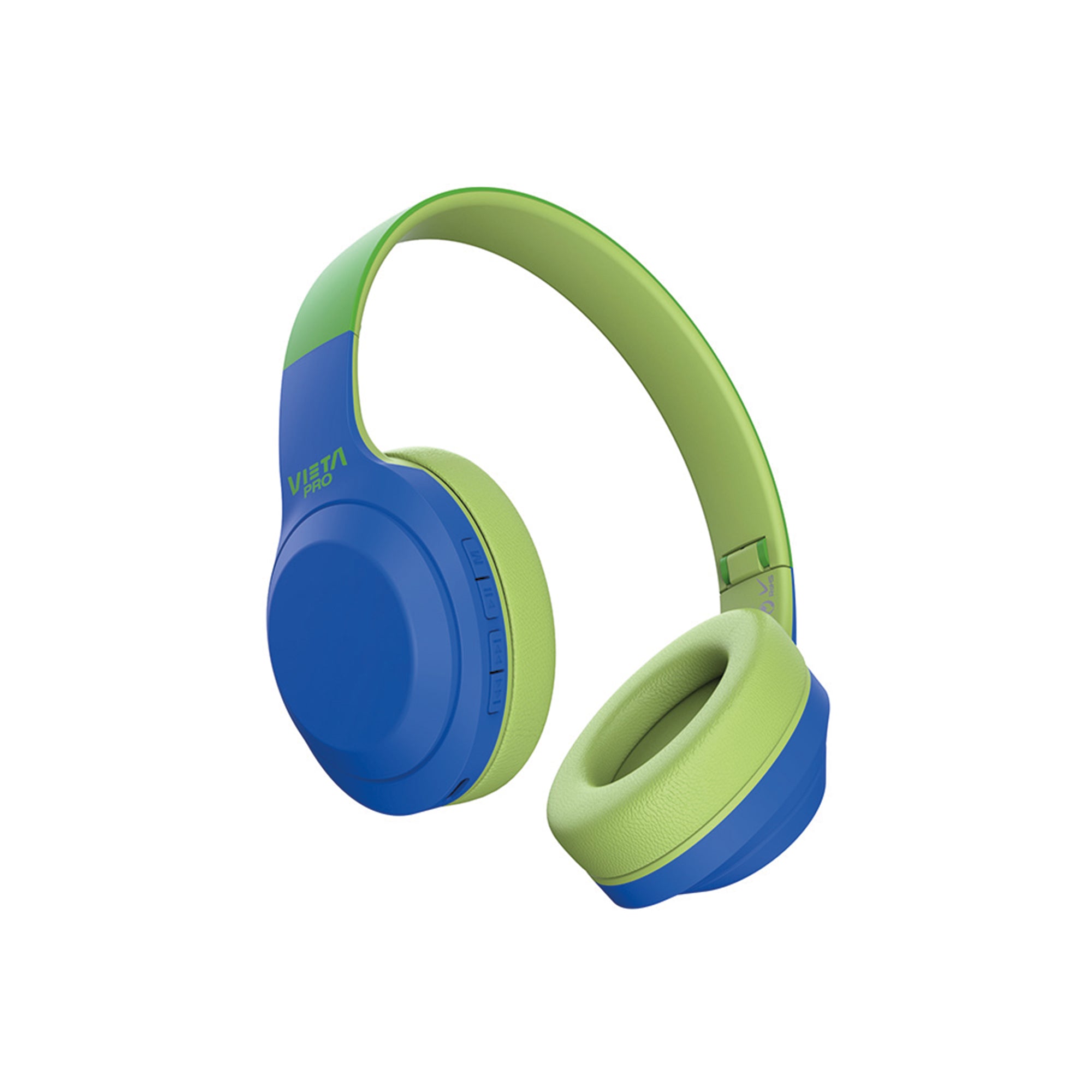
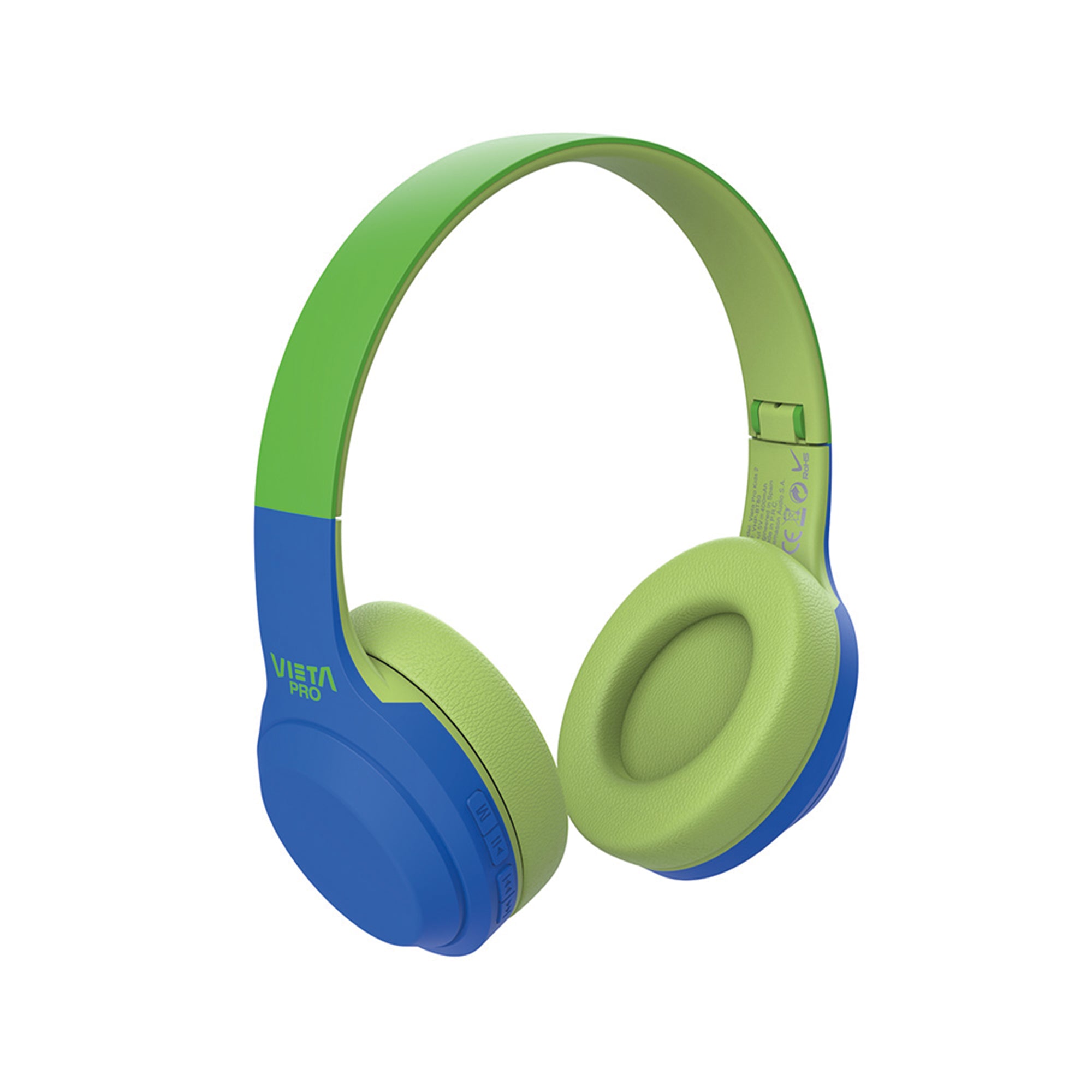
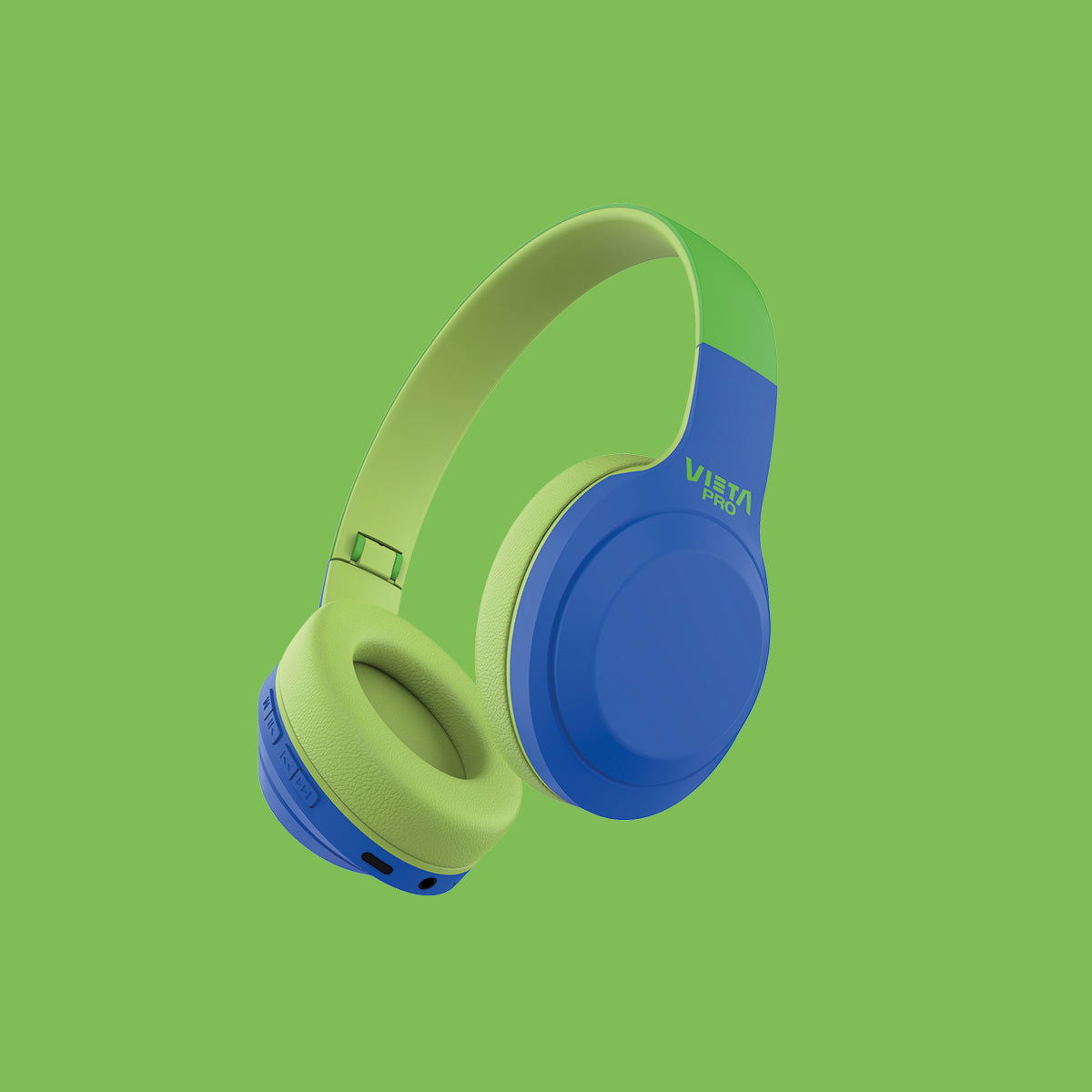
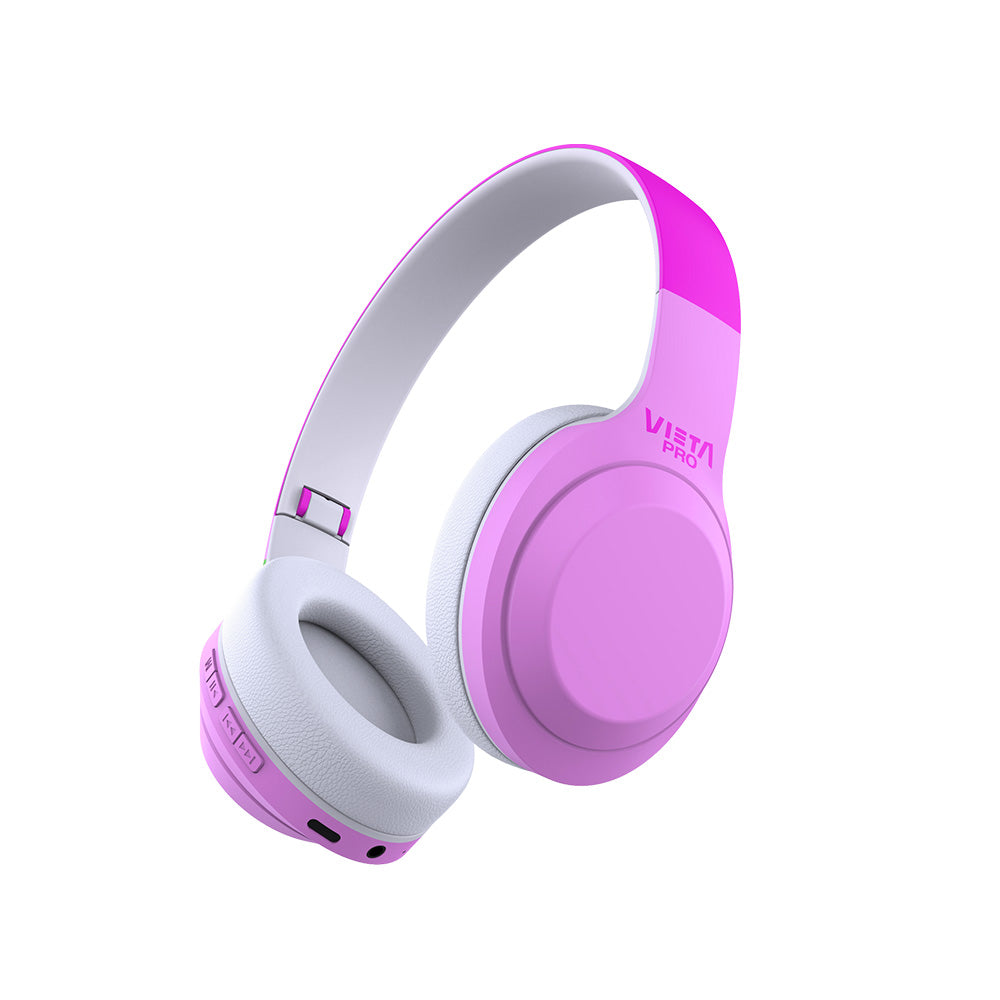
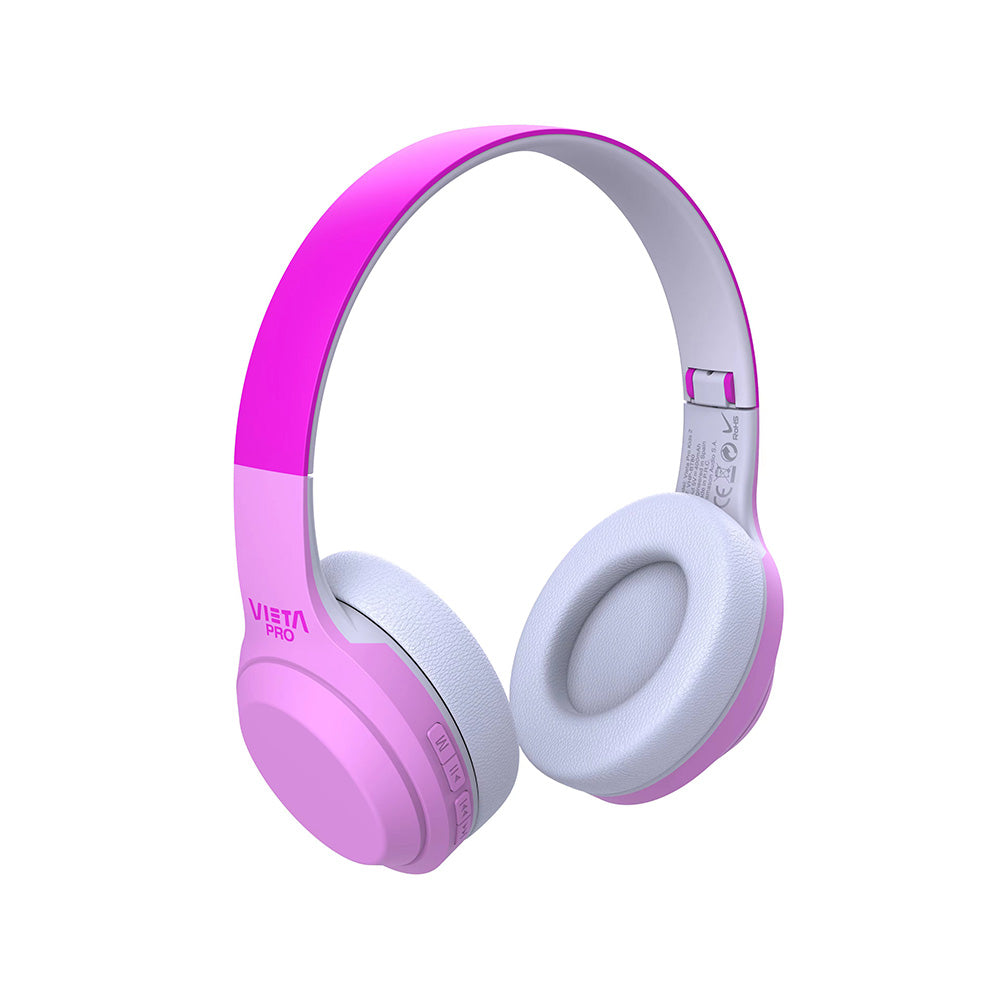
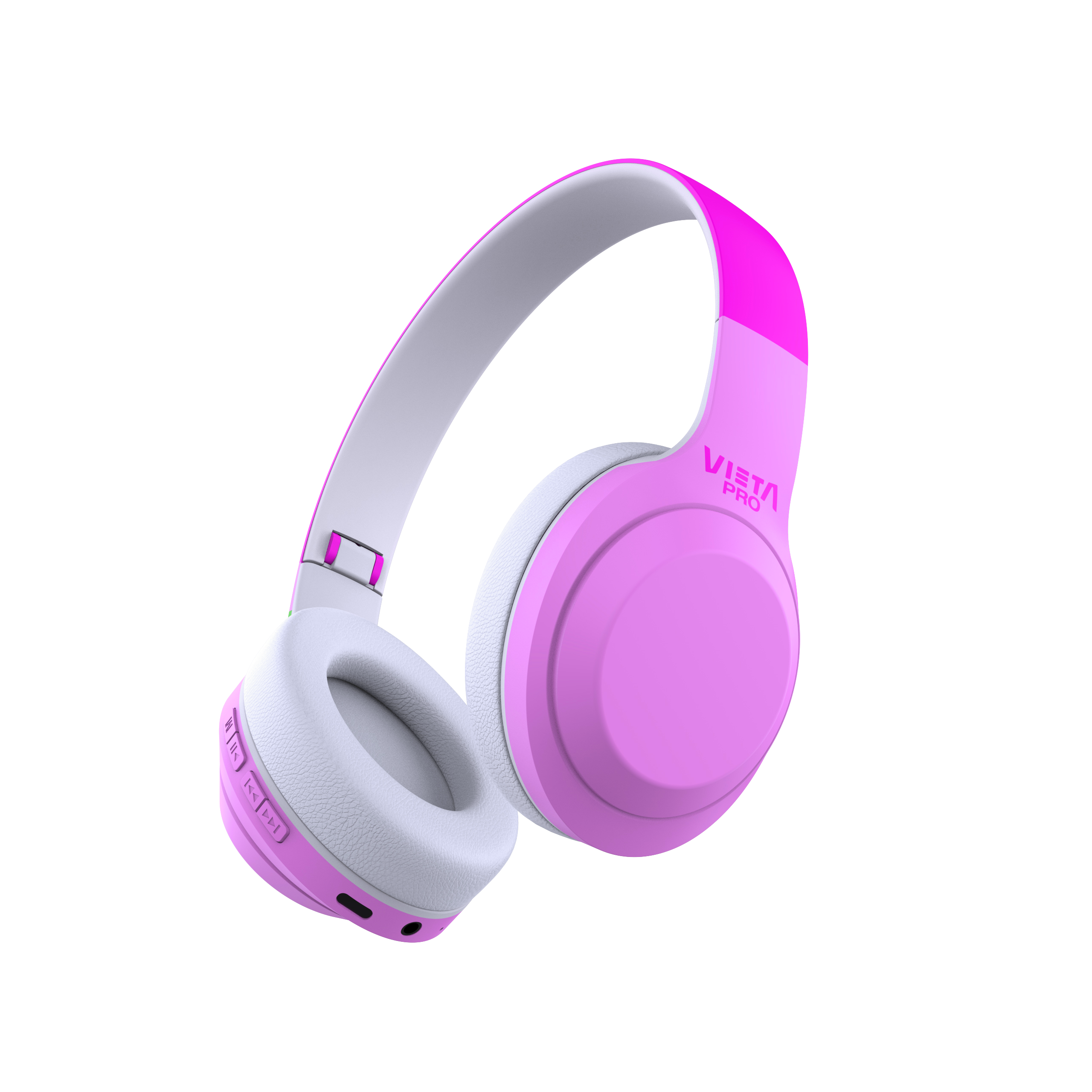
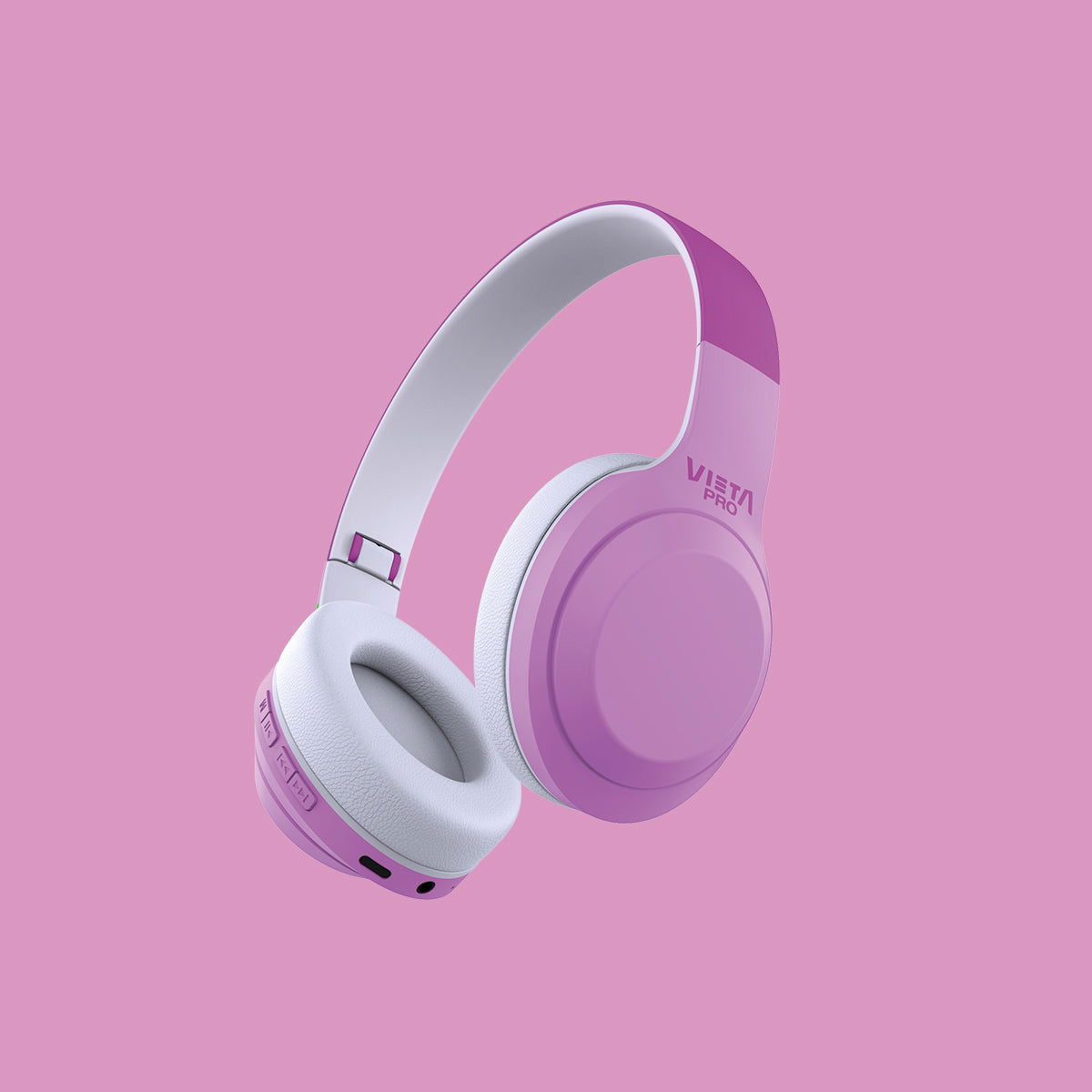
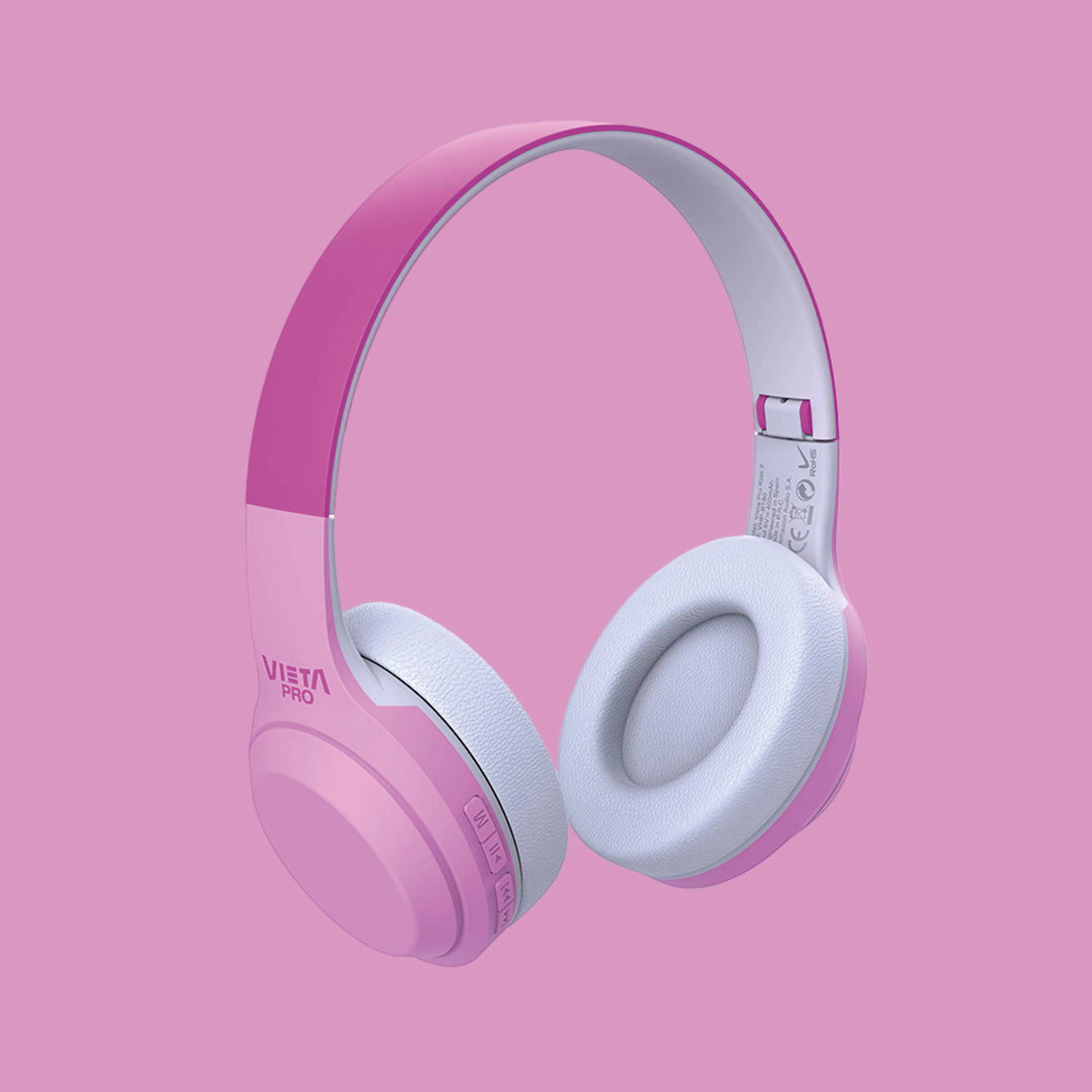
Kids 2 are light, comfortable Bluetooth headphones for children, with up to 15 hours of battery life, Dual Pairing and different playback options to accompany little ones in their everyday lives.
- Bluetooth 5.2 for a fast, stable connection of up to 15 metres.
- Up to 15 h of battery life to enjoy music all day long.
- Dual Pairing to connect two devices at the same time.
- 3.5 mm AUX input so you can also listen via cable.
- microSD slot to play music directly in MP3 format.
- Lightweight 137 g design for greater comfort during use.
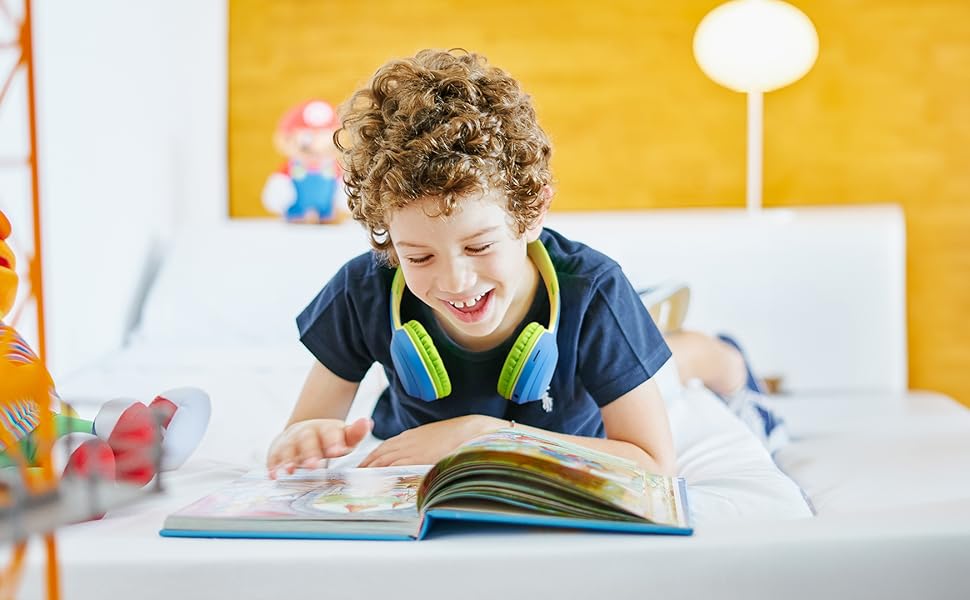
FM radio
Vieta Pro Kids 2 headphones have a built-in FM radio so you can enjoy your favourite stations.
15 h battery life
They stand out for their 15-hour battery life and, if you ever run out of battery, you can always connect your device with the auxiliary cable.
MicroSD
They have a microSD slot so you can play all the content stored on your card.
Built-in microphone
With a built-in microphone, so you can take all your calls without having to disconnect your device.
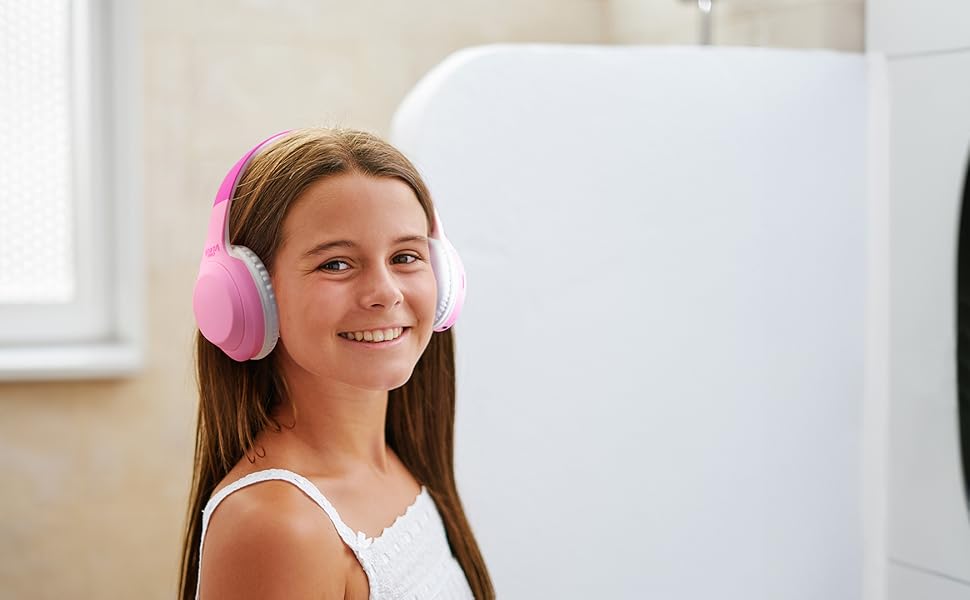
Bluetooth Headphones
Durable
Introducing the perfect headphones for the little ones in the house. They stand out as very durable over-ear headphones, so drops and rough handling are no longer a problem. They also connect via Bluetooth.
FAQ
The device does not appear in the Bluetooth list
Check that Bluetooth is turned on on the source device. Remove all references to the headphones from any devices they may have been paired with and pair them again from scratch.
The device won't turn on
You will not be able to turn the headphones on in Bluetooth mode if a cable is connected or the battery is flat. Charge them, unplug the cables and turn them on again.
I cannot connect to other source devices simultaneously
To connect the headphones to two source devices at the same time:
• First connect them to one source device via Bluetooth.
• Temporarily turn off Bluetooth on that device or disconnect it (do NOT remove the «Vieta Pro KIDS 2» reference).
• Pair the headphones with the new device.
• Turn Bluetooth back on on the first device.
• In the Bluetooth menu, go to saved devices and tap «Vieta Pro KIDS 2» once to force the connection.
• You will hear «Connected» and will be able to use both devices.
If both devices play content at the same time, pause one of them and wait a few seconds to start hearing the other.
Example: if you are watching a film on your laptop, you can pause it and answer a call on your mobile.
The FM radio doesn't work
Enter radio mode («FM Radio Mode») and press and hold the «M» button for a few seconds. The headphones will automatically search for and save the local stations.
To change station, press and hold the volume up or volume down button for about 2 seconds.
The microSD card is not recognised
The card must not exceed 32 GB. Make sure it is properly inserted in the headphones' slot before use; to remove it, push it gently inwards and it will pop out.
Songs must be saved in «.mp3» format and their titles must not be too long or contain symbols.
The volume is low
If you have an Android device, remember that you need to turn the volume up or down while a media file (song, video, etc.) is playing. Then adjust it using the buttons on the headphones and on the source device (mobile phone, tablet, computer, etc.).
During calls, I hear the other person or they hear me very quietly
Turn the volume up on the source device (mobile phone, computer, etc.) during the call. If you press the buttons on the headphones during the call, you may end it.
Check on the screen of the source device that the audio output is set to the Bluetooth device and not to the phone's speakers.
The earbuds' battery runs out quickly
Battery life depends on usage time, ambient conditions and volume. The stated battery life is based on use at 50% volume.
To extend the battery's lifespan, fully charge it at least once every 3 months.
If the ear cushions are worn or broken
You can buy replacement ear cushions by contacting our after-sales department: info@vieta.es.