


Mini Thunder 2
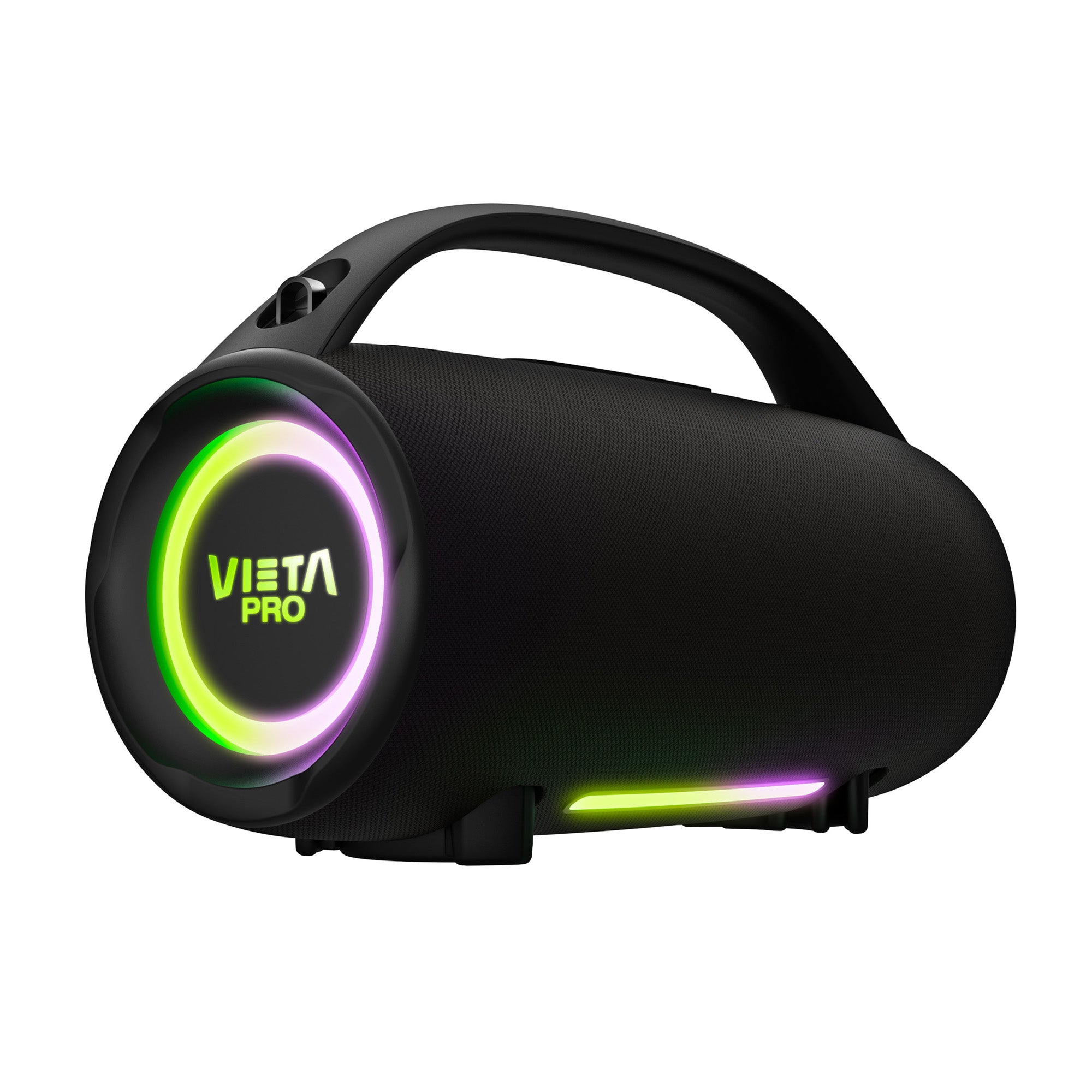
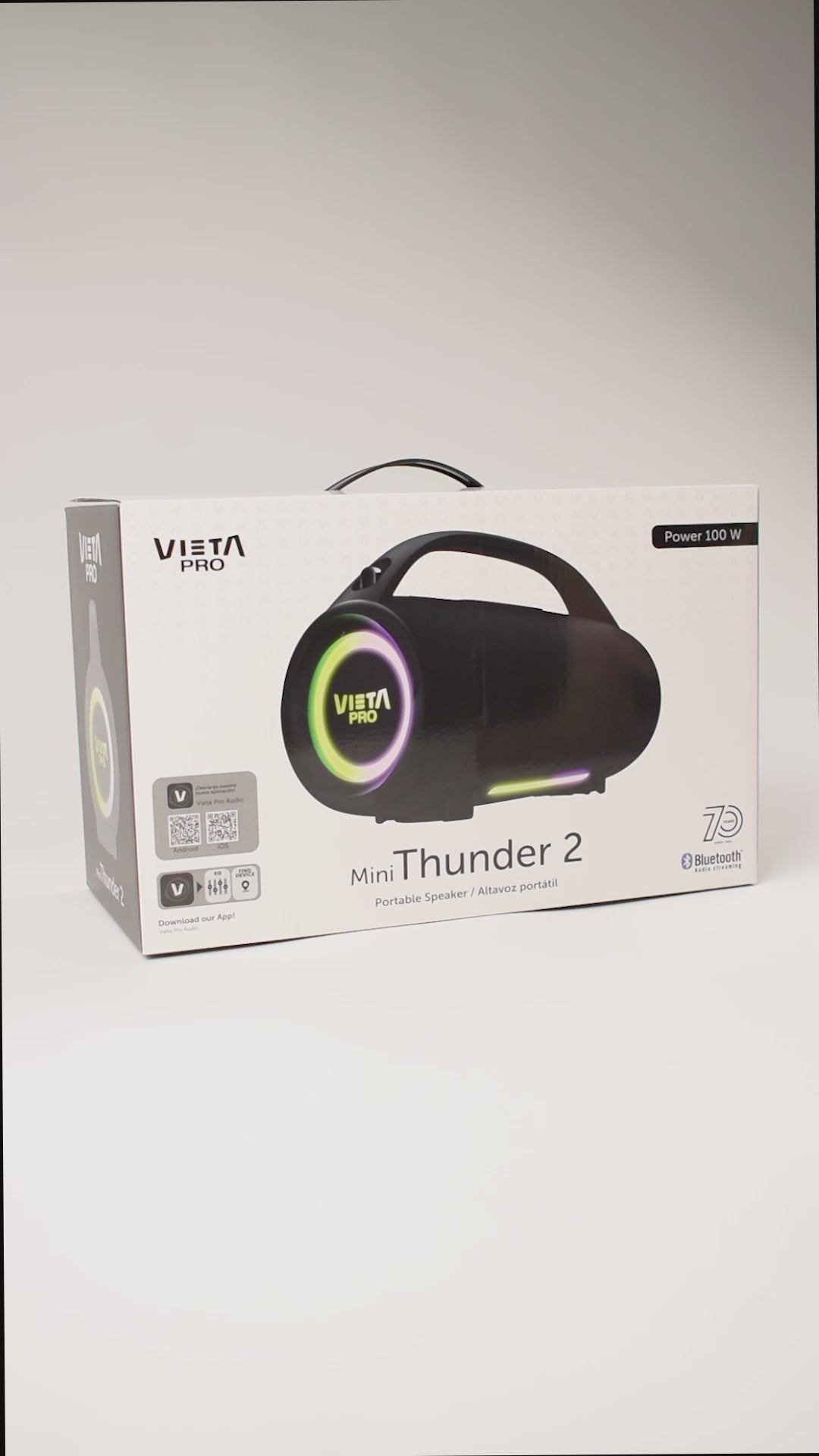
Mini Thunder 2 is designed for those who want powerful sound in a more compact, easy-to-carry format, ideal for enjoying your music both at home and outdoors.
- 100 W of power for powerful sound in a more compact format.
- Bluetooth 5.3 for a fast, stable connection of up to 10 metres.
- Up to 15 h of battery life to listen to music for longer with fewer charges.
- IPX6 resistance to rain, splashes and water jets.
- TWS mode to connect two Mini Thunder 2 speakers and create a stereo experience.
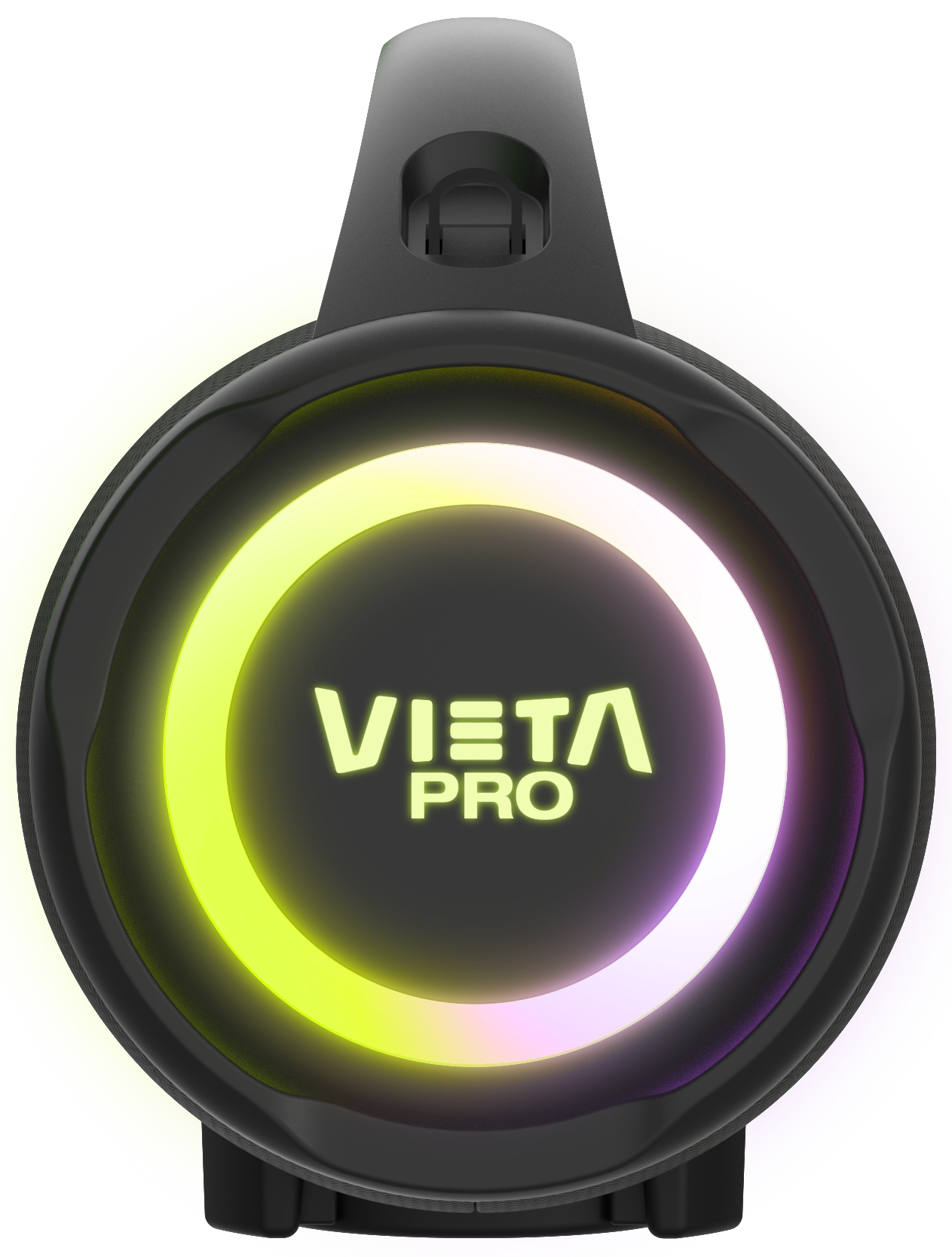
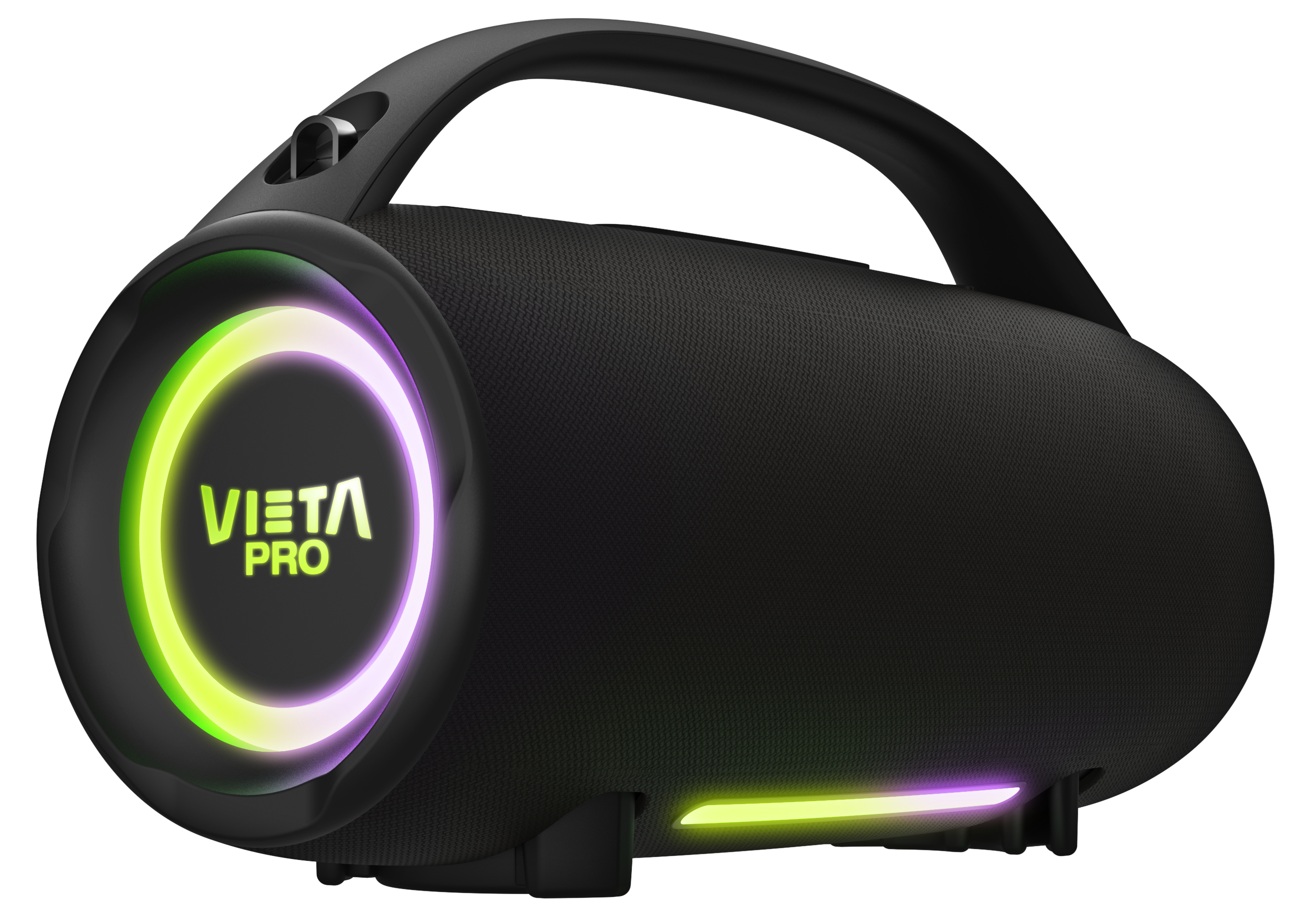
- RGB lighting to accompany your music with different light effects.
A powerful portable speaker
Mini Thunder 2
Enjoy powerful 100 W sound, IPX6 water resistance and up to 15 hours of battery life with the Vieta Pro Mini Thunder 2. Connect your devices easily, create stereo sound and set the mood for any occasion with its built-in lighting.

Portable and lightweight
At just over 2 kg, it delivers surprising performance and is effortless to carry.

IPX6 resistance
It has an IPX6 water resistance rating, which means it can withstand powerful water jets from any direction.

15 h battery life
Keep the party going without interruptions and recharge it easily via USB-C.

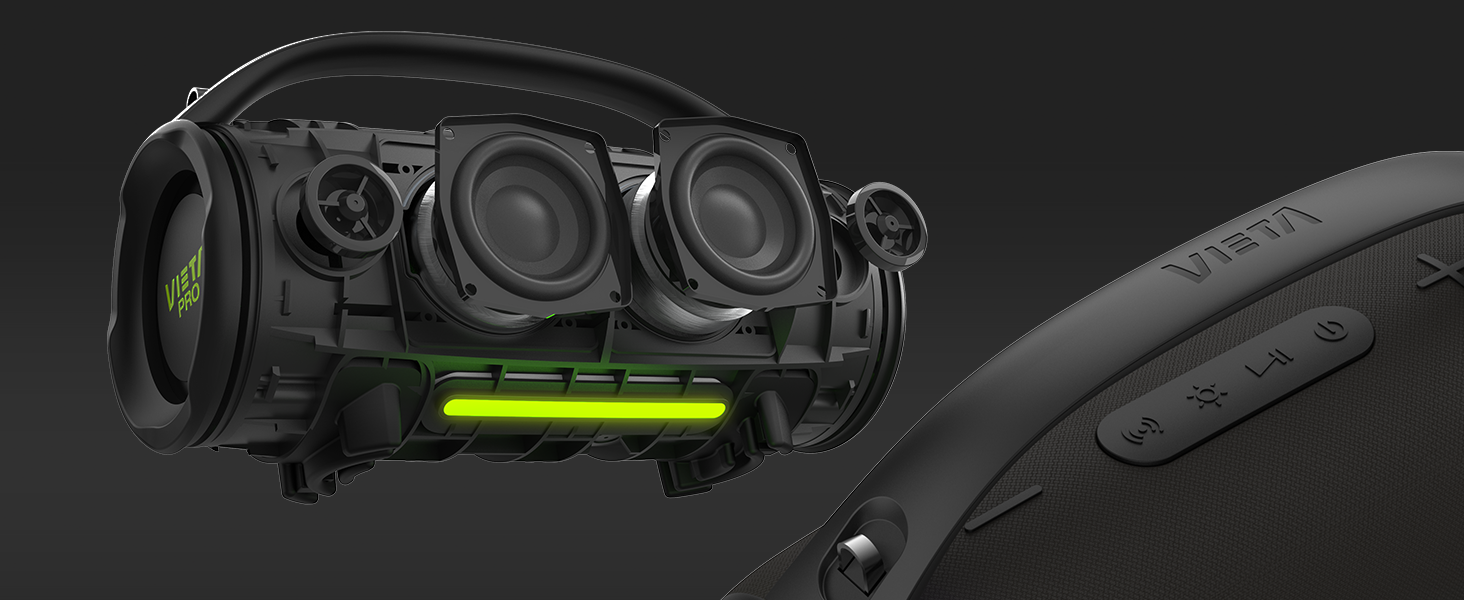
100 W of power
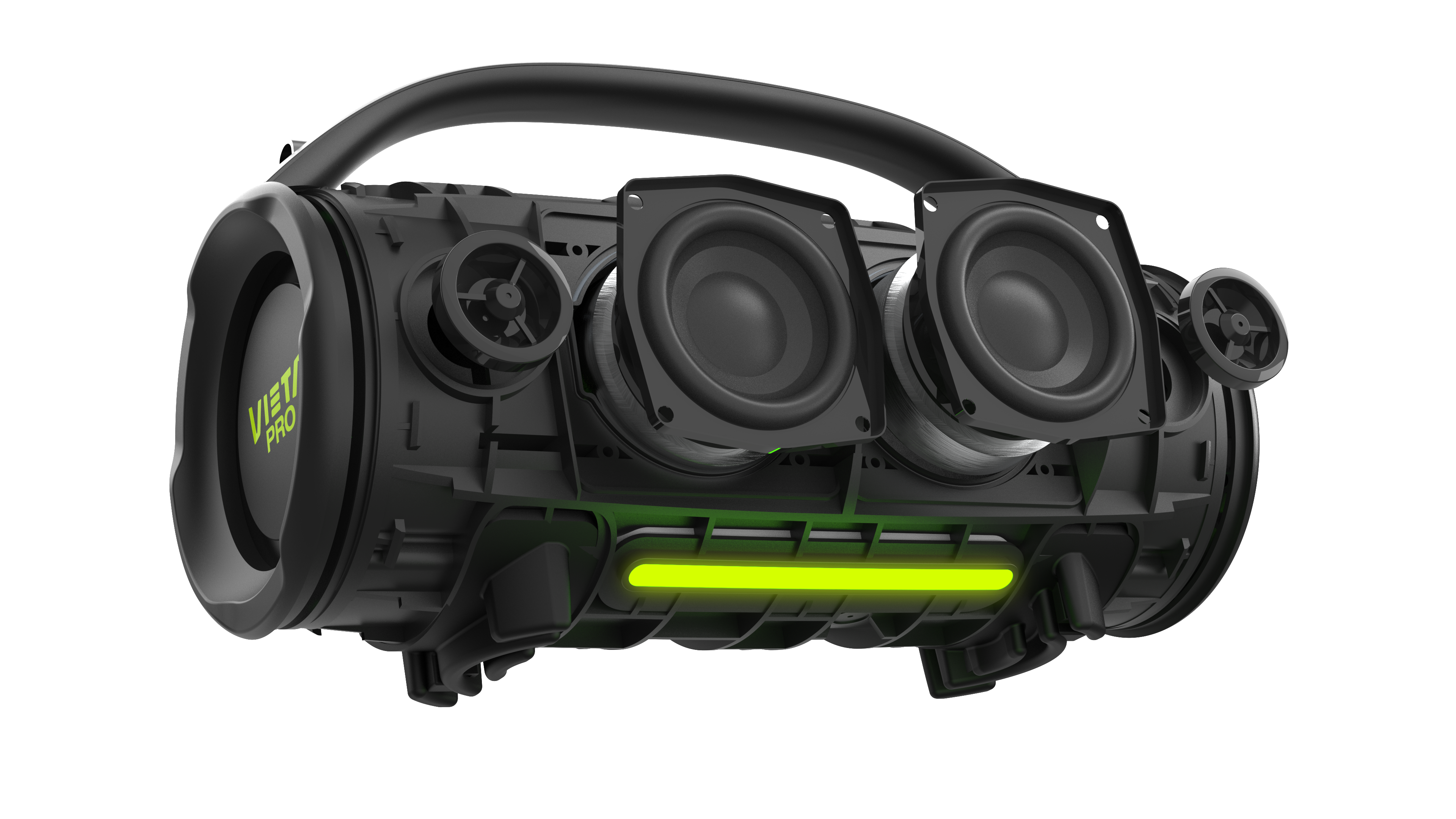
It delivers powerful, clear sound that fills any room or outdoor space.
Don't miss it!
Discover La Loli with her Mini Thunder 2

Technical specifications
The Mini Thunder 2 speaker is a highly versatile device, equipped with innovative features such as Bluetooth 5.3, IPX6 water resistance, a USB port, True Wireless function, a lighting system and long battery life.
- Bluetooth 5.3
- True Wireless
- USB Player
- 3.5 mm mini jack input
- Type-C connector
- IPX6
- 100 W power
- 2 x passive radiators
- Frequency response: 60 Hz - 20 kHz
- 15 hours
- 310 x 142 x 185 mm (2234 g)
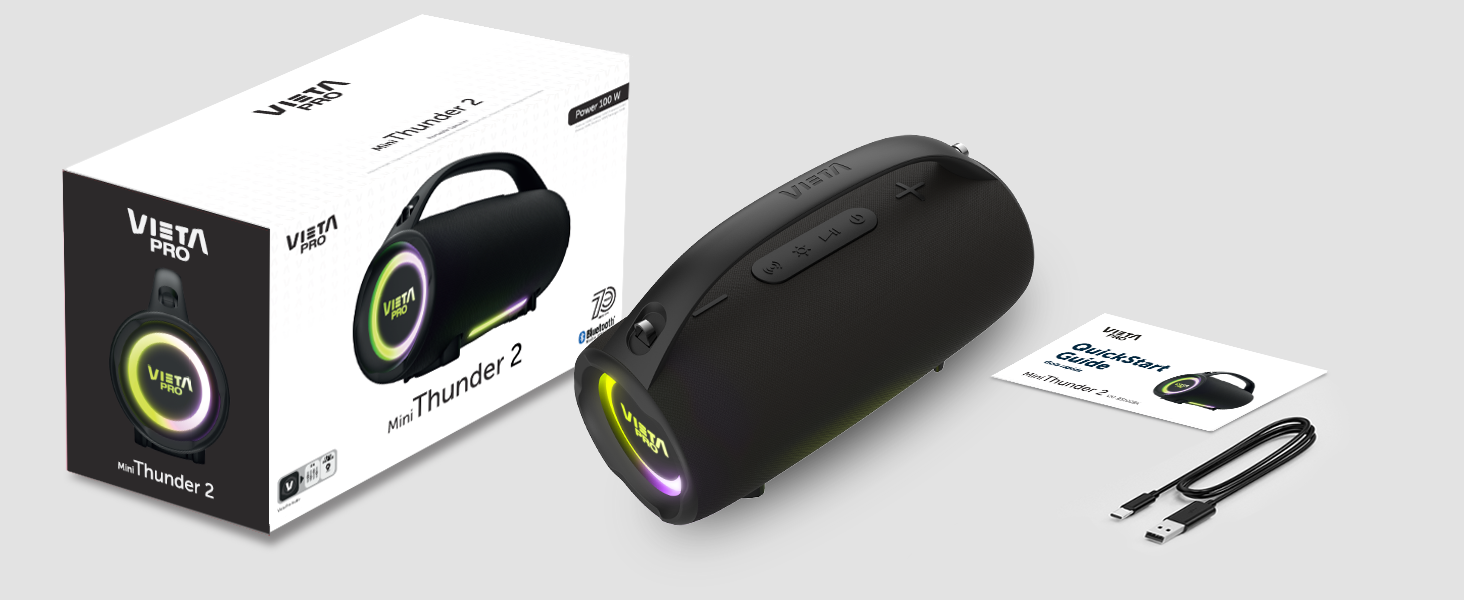
- MiniThunder 2 model
- Type-C charging cable
- Manual

FAQ
The device does not appear in the Bluetooth list
Check that Bluetooth is turned on on the source device. Remove all references to the speaker from any devices it may have been paired with and pair it again from scratch.
This speaker can only be paired with one source device at a time. If it is paired with another device (computer, phone, tablet, etc.), new devices will not find it.
Changing the light effects
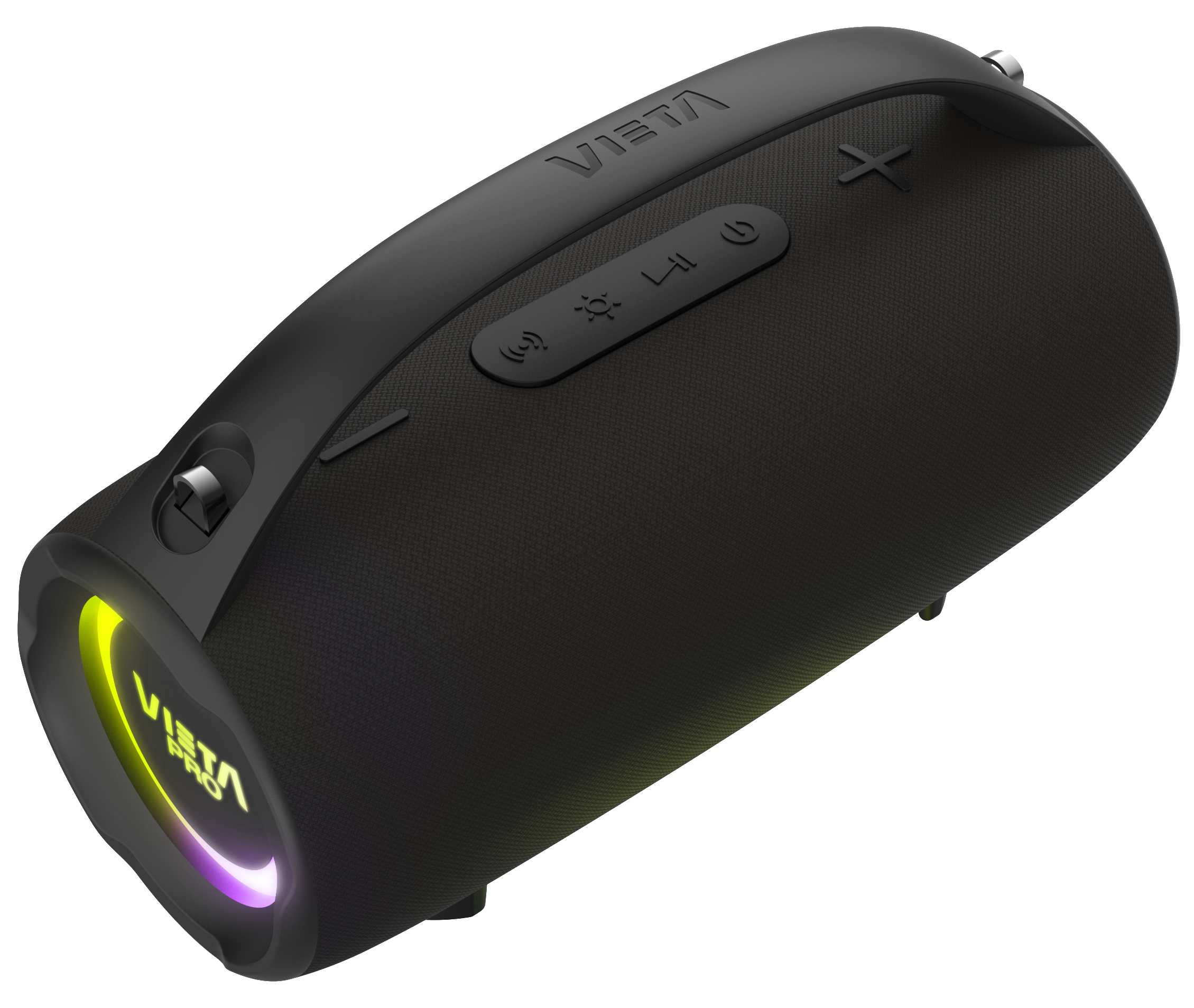
Press the power button twice in a row. This only works in Bluetooth and USB mode.
The device does not turn on
Charge the battery for at least 60 minutes and, without unplugging it from the mains, try turning it on again.
USB stick not recognised
The memory must not exceed 32 GB and must be formatted as FAT32 on a computer.
Songs must be saved in «.mp3» format and their titles must not be too long or contain symbols.
Changing the volume of the speaker's voice prompts
The volume of the voice prompts is set at the factory and cannot be changed or disabled.
Connecting two speakers
Only two speakers of the same model can be paired. There are two ways to do this:
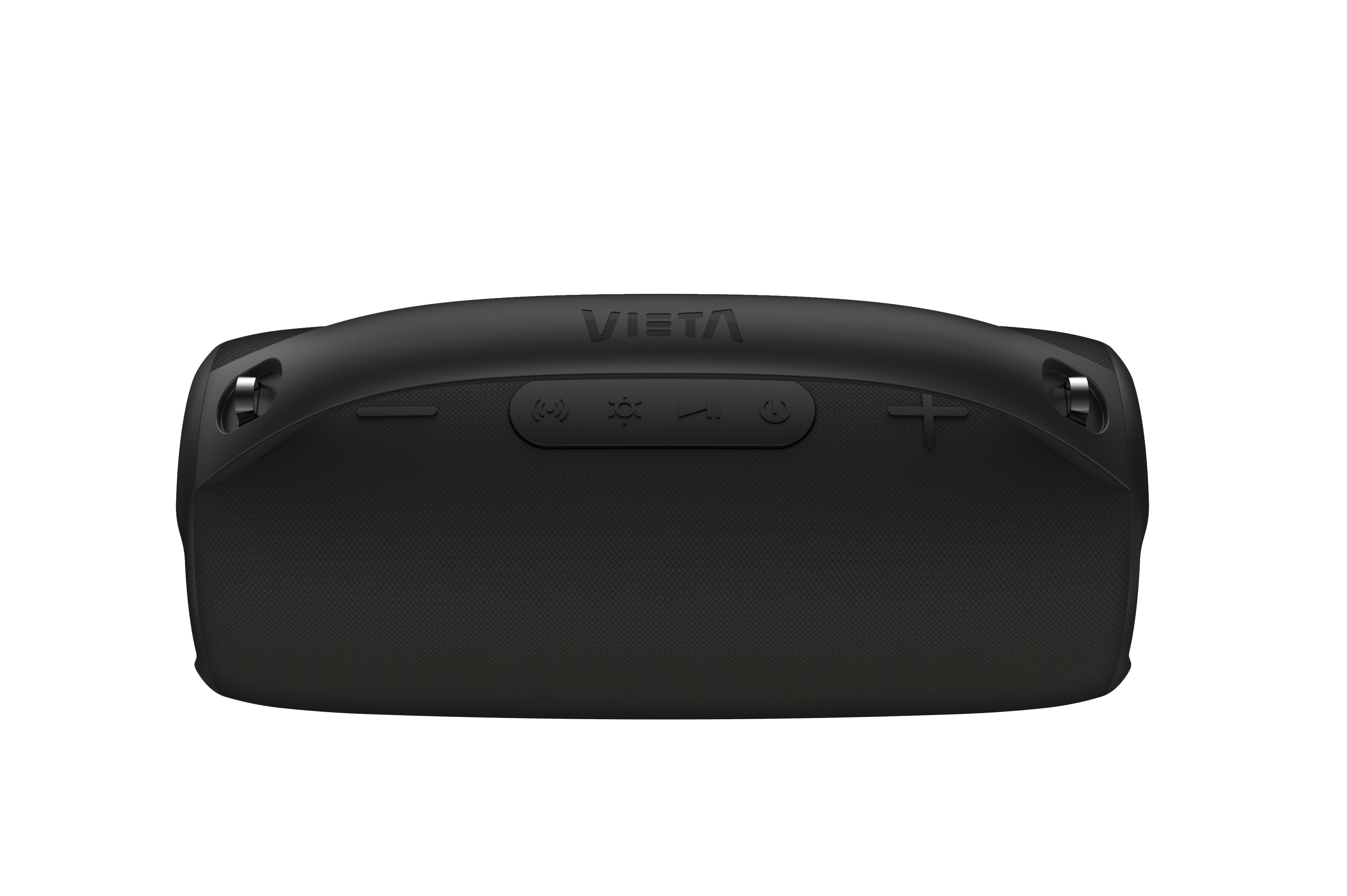
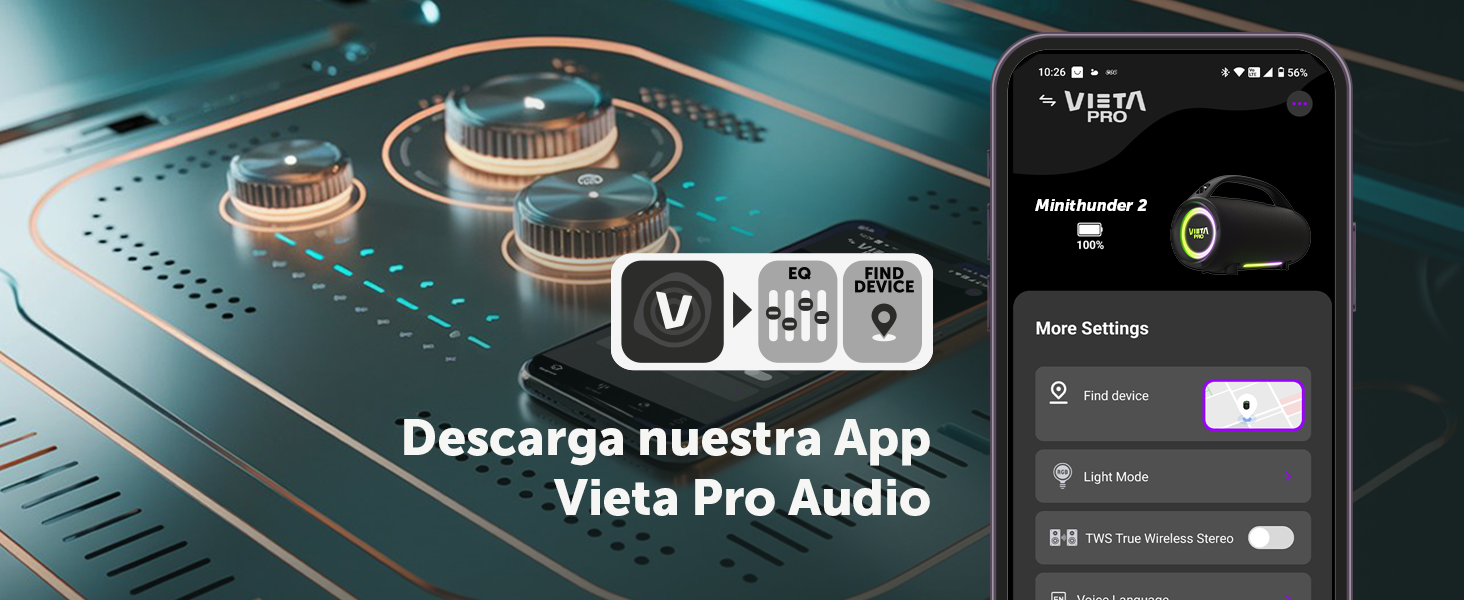
Option A: turn on both speakers and press the inverted «Z» button once on one of them; you will hear «True Wireless mode». If they do not connect, press the «Z» button once on the other speaker. Once they are paired, you will hear «TWS Paired». Then connect the source device via Bluetooth to the main speaker.
Option B: turn on just one speaker and connect it to the source device via Bluetooth. Once connected, turn on the second speaker and press the «Z» button on the first one. Within a few seconds they will pair and audio will play on both. If they do not connect automatically, press the «Z» button once on the other speaker.
The volume is low
If you have an Android device, remember that you need to turn the volume up or down while a media file (song, video, etc.) is playing. Then adjust it using the buttons on the speaker and on the source device (mobile phone, tablet, computer, etc.).
The speaker's battery runs out quickly
Battery life depends on usage time, ambient conditions, lights and volume. The stated battery life is based on use at 50% volume.
To extend the battery's lifespan, fully charge it at least once every 3 months.