

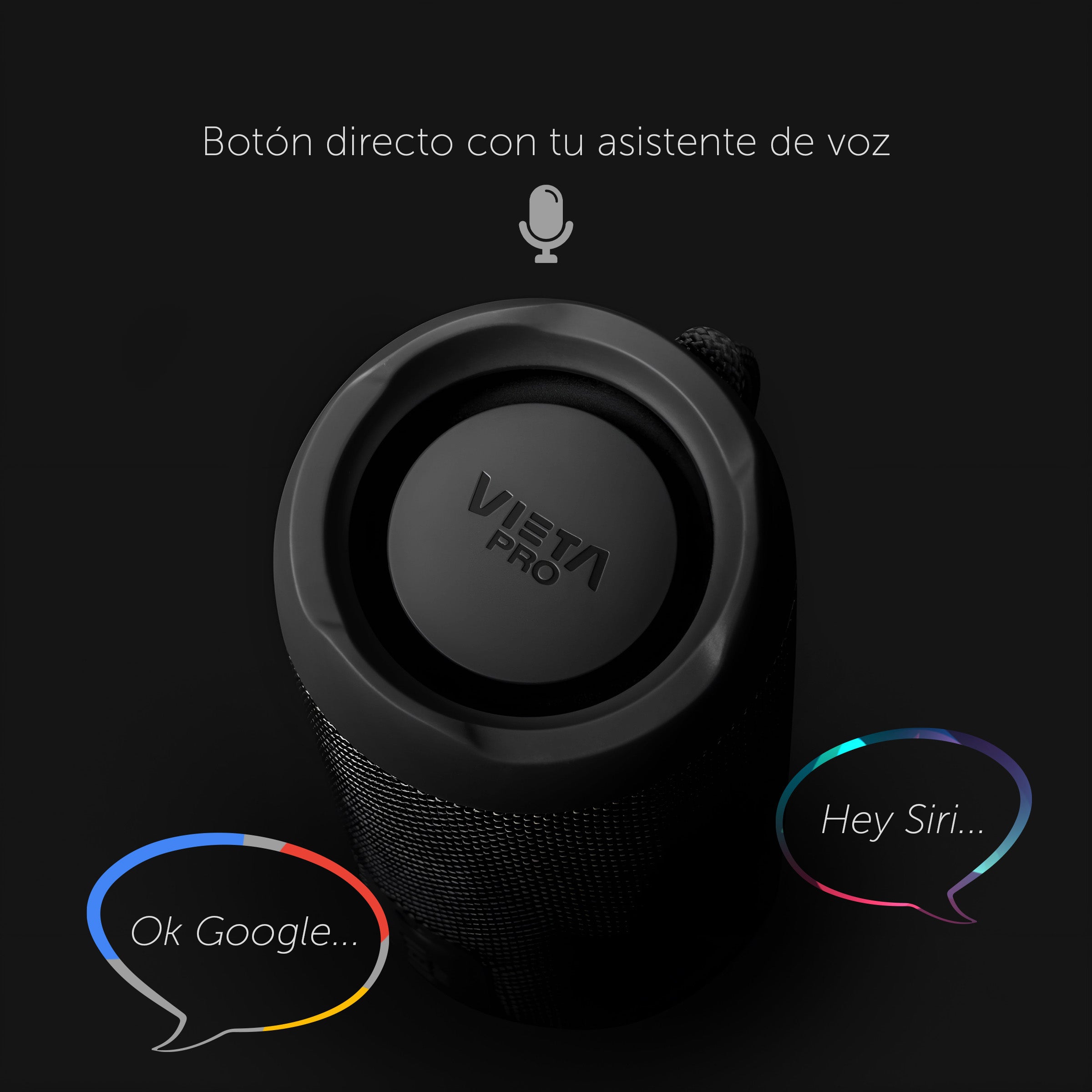
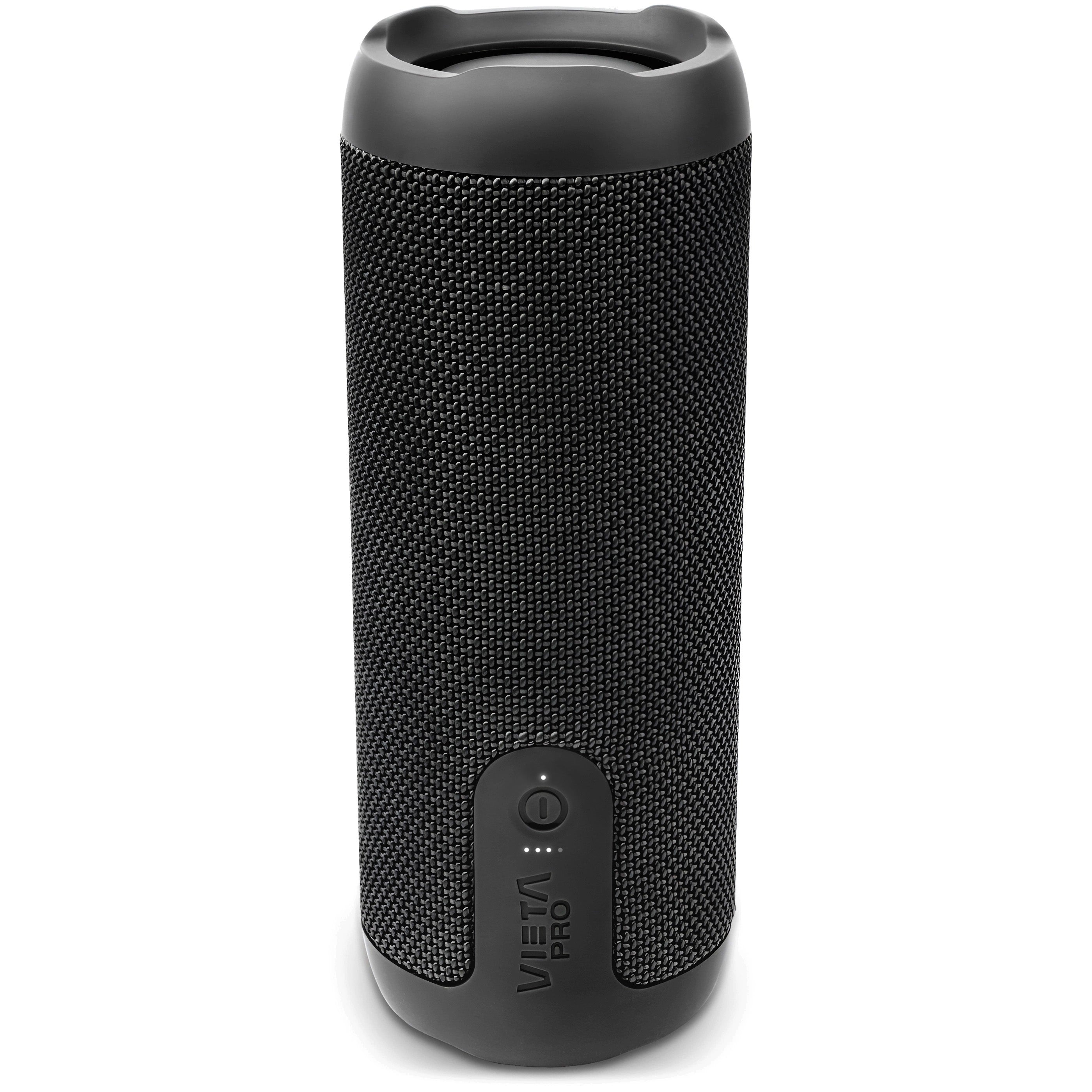
Moon 2
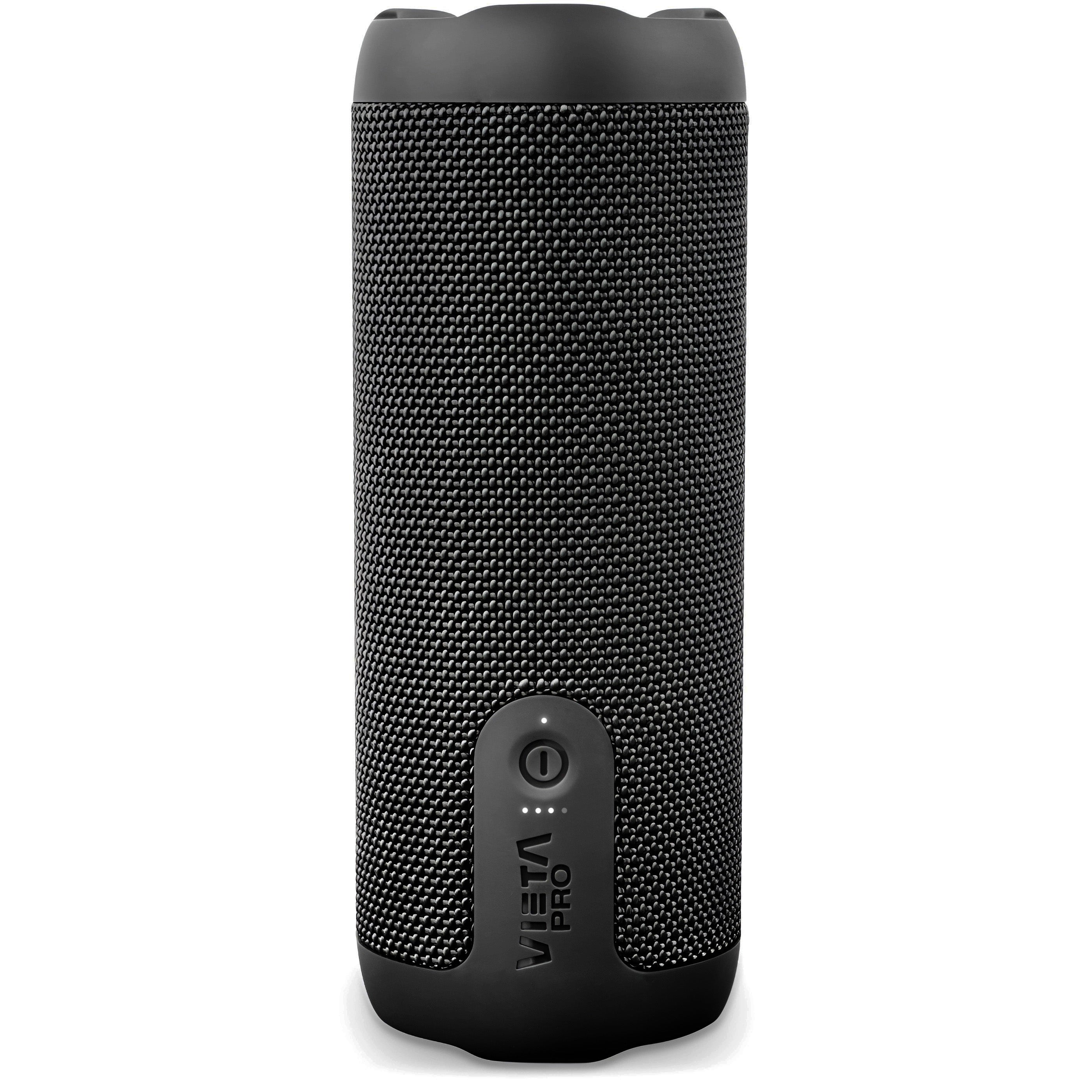
The Vieta Pro Moon 2 combines powerful sound with a compact, easy-to-carry format, made for enjoying your music both indoors and outdoors.
- 20 W of power for powerful sound in a compact format.
- Bluetooth 6.0 for a fast, stable connection of up to 10 metres.
- Up to 11 h of battery life to listen to music for longer.
- IPX7 resistance to water and temporary immersion.
- TWS mode to connect two speakers and expand the stereo sound.
- Vieta Pro Audio app to locate the speaker and adjust the equaliser.

Features
20 W SPEAKER
MOON 2
20 W portable speaker with Bluetooth 6.0, USB player and up to 11 hours of battery life. Its compact format and compatibility with the Vieta Pro Audio app let you enjoy your music and adjust the sound easily from your phone.

Connections
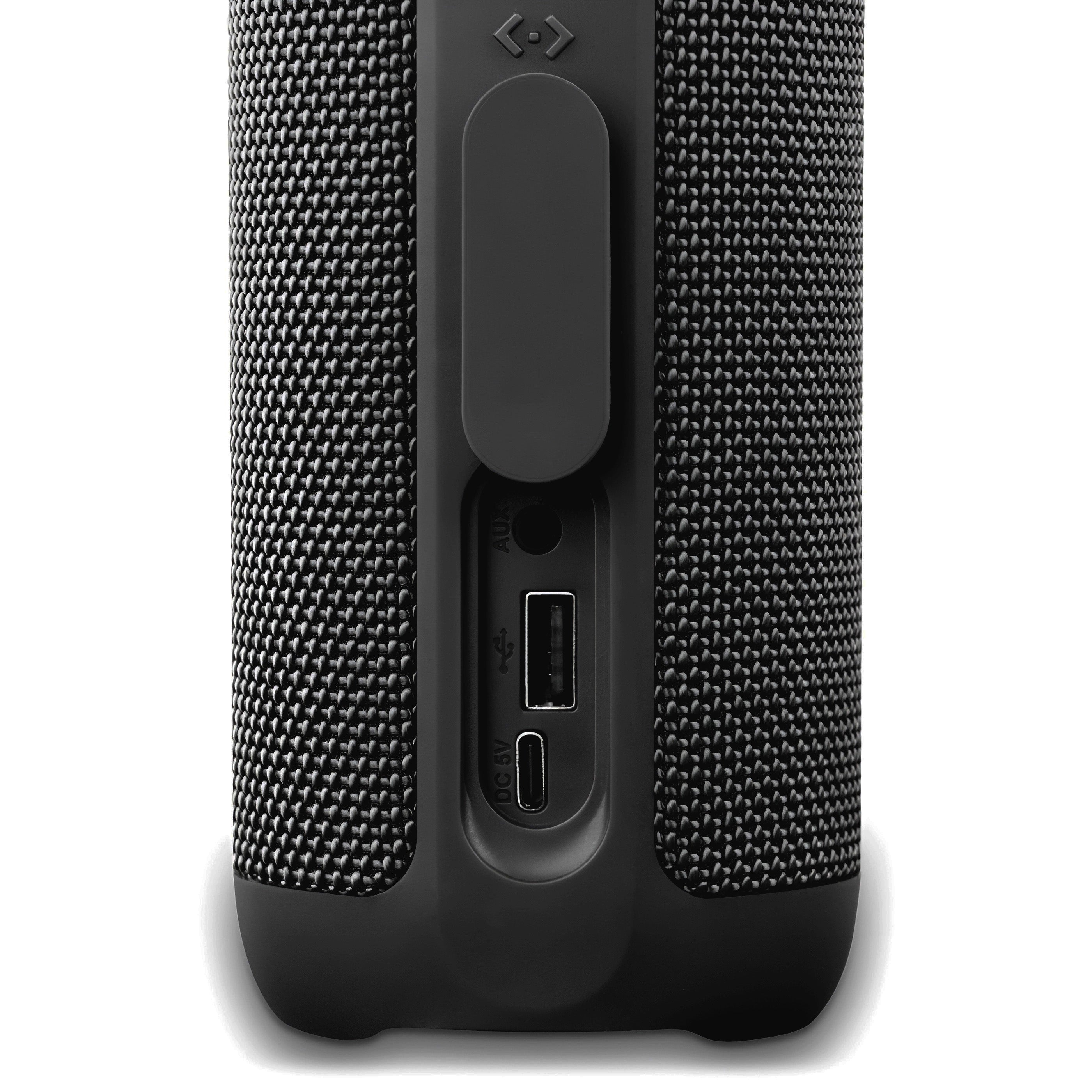
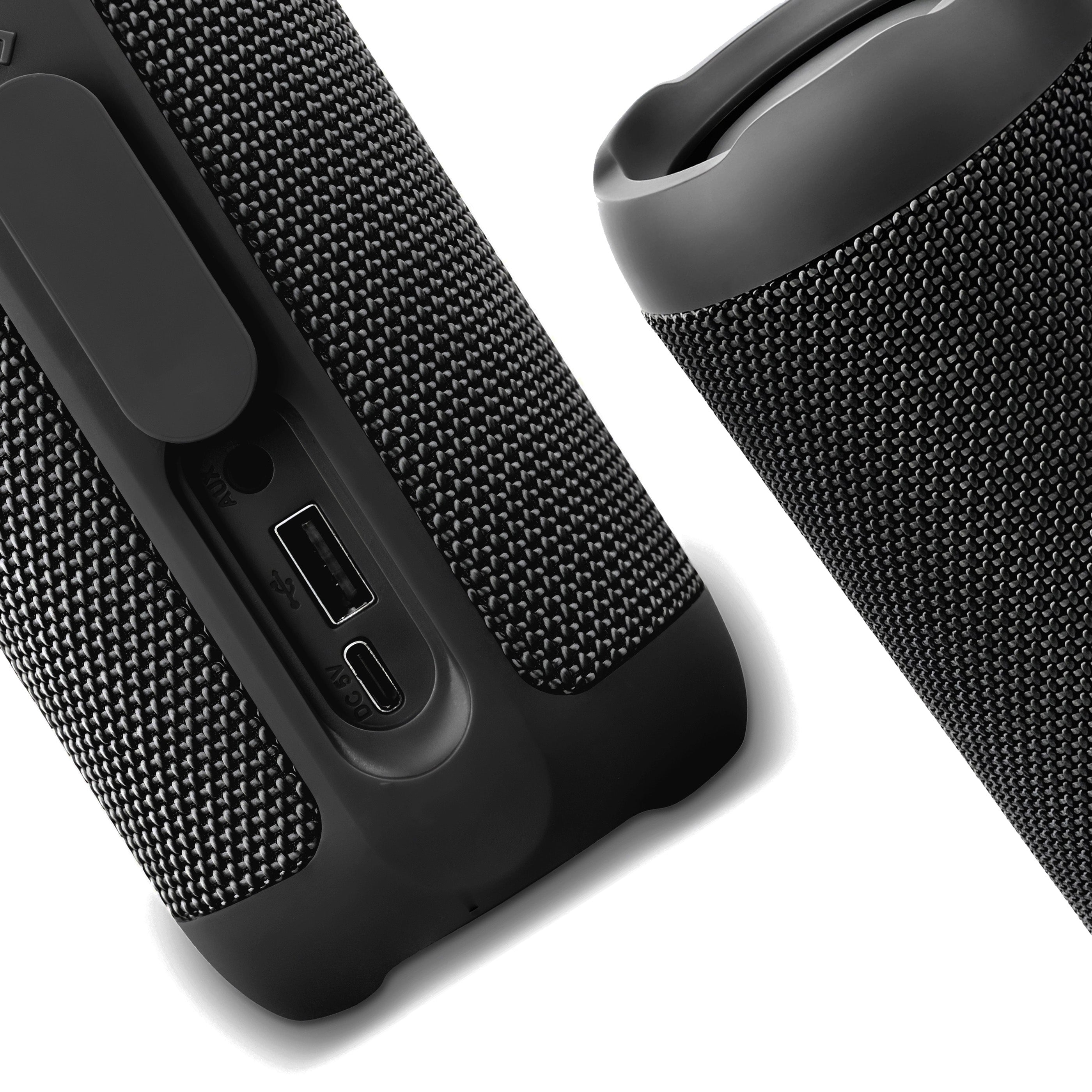
It features a USB-C charging port, USB player and AUX input.
Controls
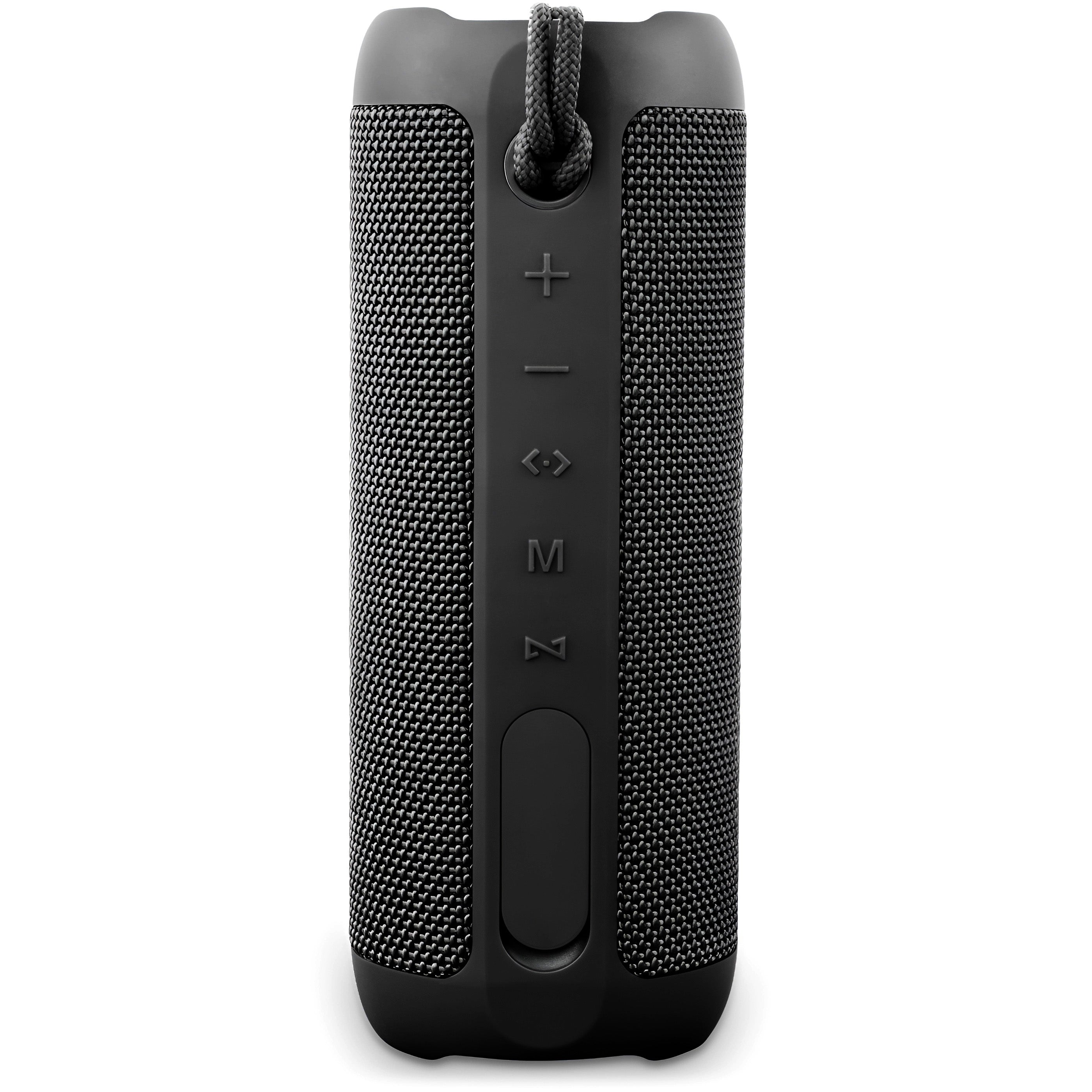
It has manual controls and an included strap so you can carry it comfortably wherever you need it.
Compatible with the Vieta Pro Audio app
Connect the Moon 2 speaker to the Vieta Pro Audio app to use the equaliser, link another compatible speaker so they play at the same time, or even locate it if you lose it.
Enjoy a complete listening experience
Balanced sound in a compact format
Moon 2 combines a woofer and a tweeter to play your music with balance across different frequencies. With Bluetooth 6.0 and TWS mode, you can connect it easily and expand your sound experience with another compatible speaker.
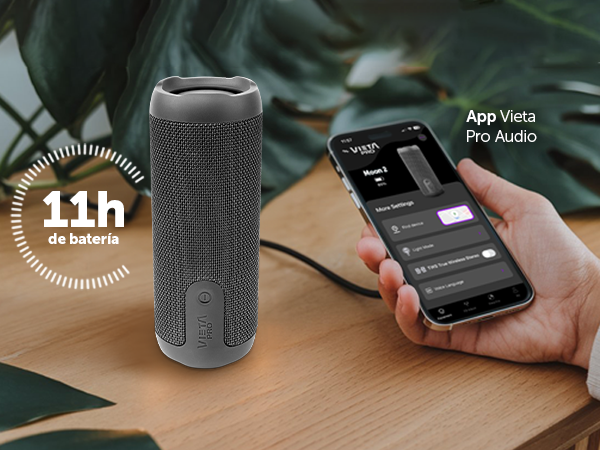
11-hour battery life
Enjoy music or podcasts for hours without constantly worrying about the charger.
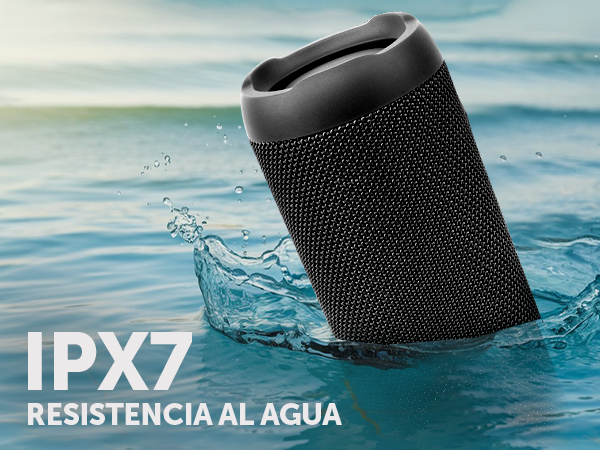
IPX7 water resistance
Take it to the pool, the beach or outdoors with greater peace of mind thanks to its IPX7 protection, designed for temporary immersion of up to 1 metre for 30 minutes.
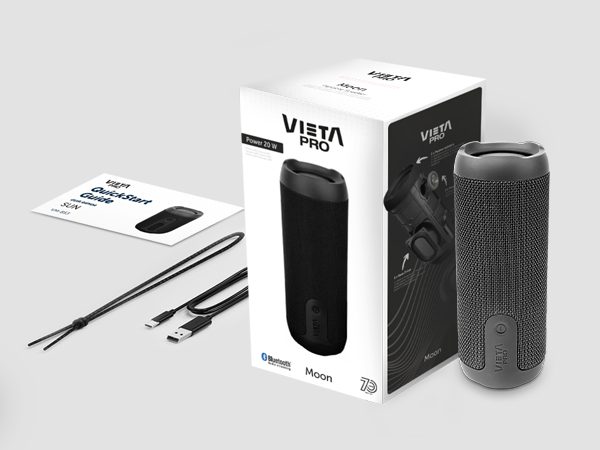
What's in the box
Includes the Moon 2 speaker, USB-C charging cable, quick guide and safety documentation.
FAQ
The device does not appear in the Bluetooth list
Check that Bluetooth is turned on on the source device. Remove all references to the headphones from any devices they may have been paired with and pair them again from scratch.
The device won't turn on
You will not be able to turn the speaker on if the battery is flat. Charge it for at least 30 minutes before unplugging it and try turning it on again.
Press and hold the «Ø» power button for a few seconds until the rear LED lights up white and you hear the start-up sound («Power On – Bluetooth mode»).
Changing the volume of the speaker's voice prompts
The volume of the voice prompts is set at the factory and cannot be changed or disabled.
The USB stick is not recognised
The memory must not exceed 32 GB and must be formatted as FAT32 on a computer.
Songs must be saved in «.mp3» format and their titles must not be too long or contain symbols.
Connecting two speakers
You can pair any combination of the Sun 2, Moon 2 and Star 2 models with each other. There are two ways to do this:
Option A: turn on both speakers and press the inverted «Z» button once on one of them; you will hear «True Wireless mode». If they do not connect, press the «Z» button once on the other speaker. Once they are paired, you will hear «TWS Paired». Then connect the source device via Bluetooth to the main speaker.
Option B: turn on just one speaker and connect it to the source device via Bluetooth. Once connected, turn on the second speaker and press the «Z» button on the first one. Within a few seconds they will pair and audio will play on both. If they do not connect automatically, press the «Z» button once on the other speaker.
The volume is low
If you have an Android device, remember that you need to turn the volume up or down while a media file (song, video, etc.) is playing. Then adjust it using the buttons on the speaker and on the source device (mobile phone, tablet, computer, etc.).
The speaker's battery runs out quickly
Battery life depends on usage time, ambient conditions, lights and volume. The stated battery life is based on use at 50% volume.
To extend the battery's lifespan, fully charge it at least once every 3 months.