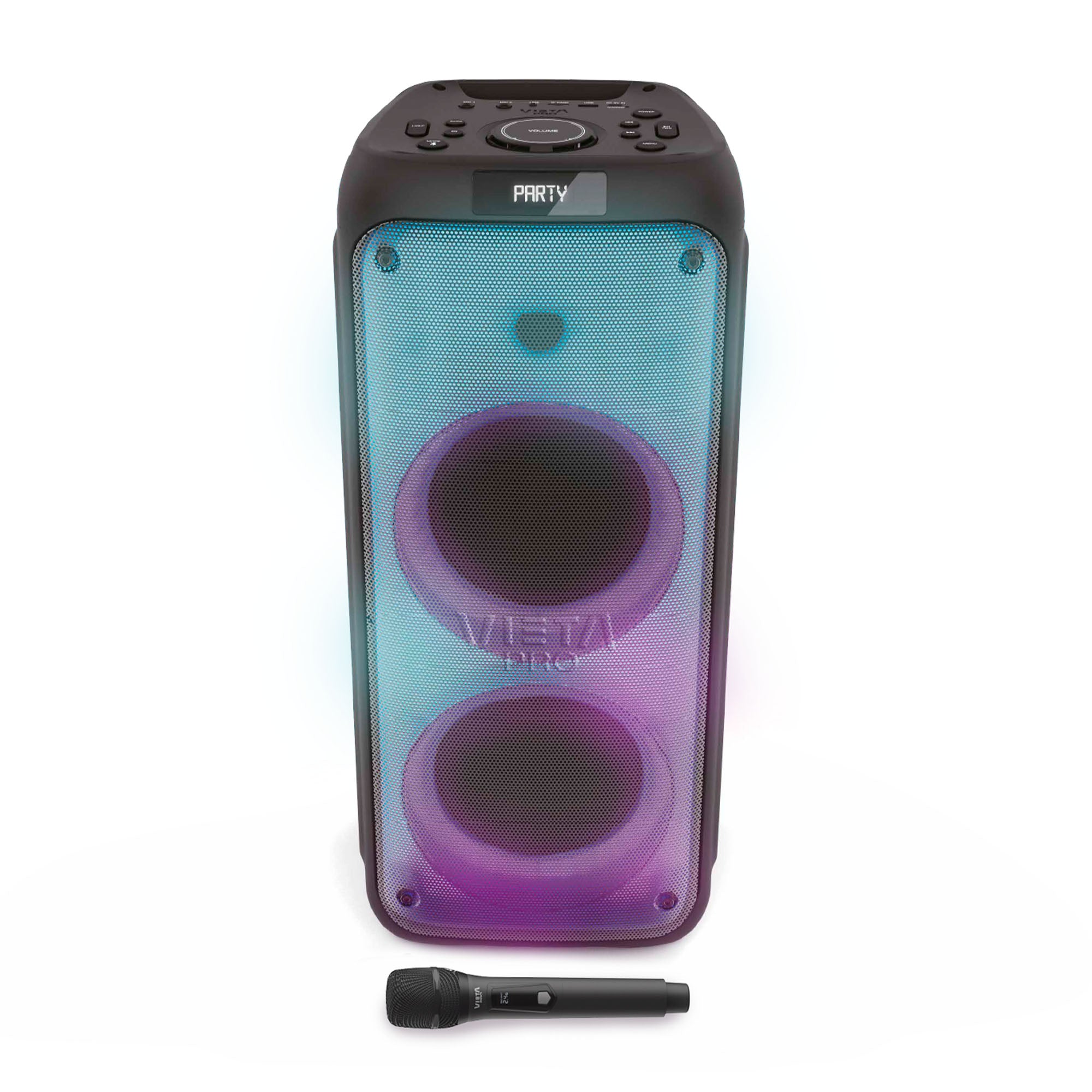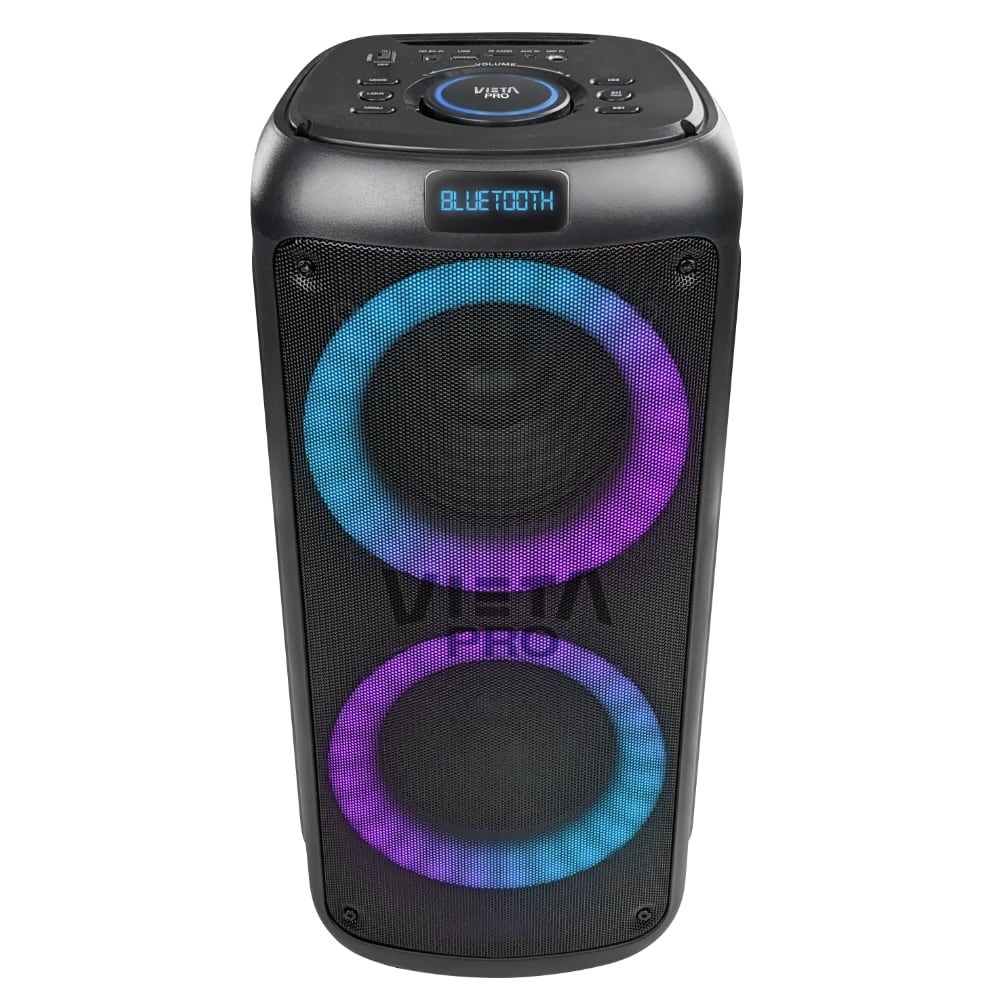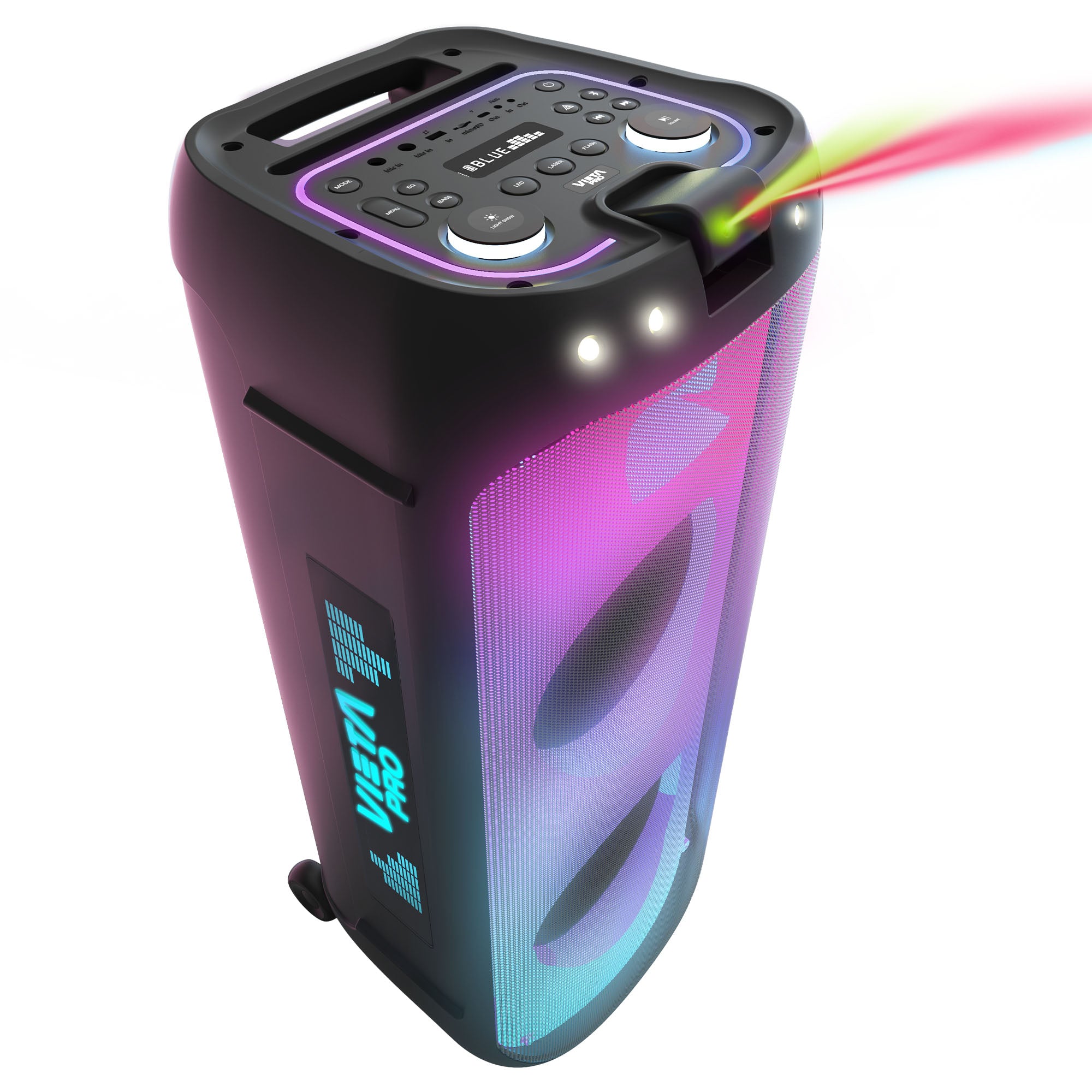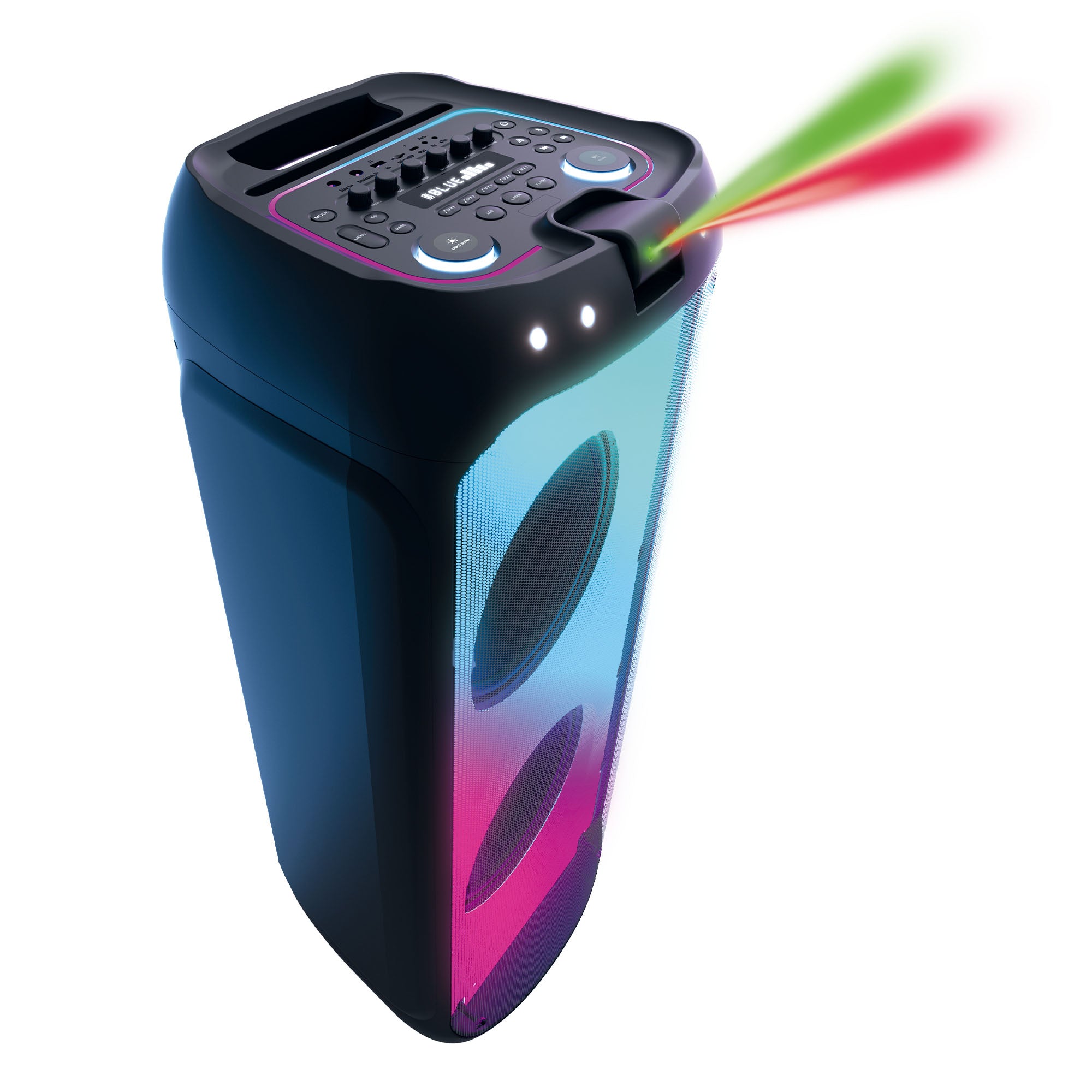

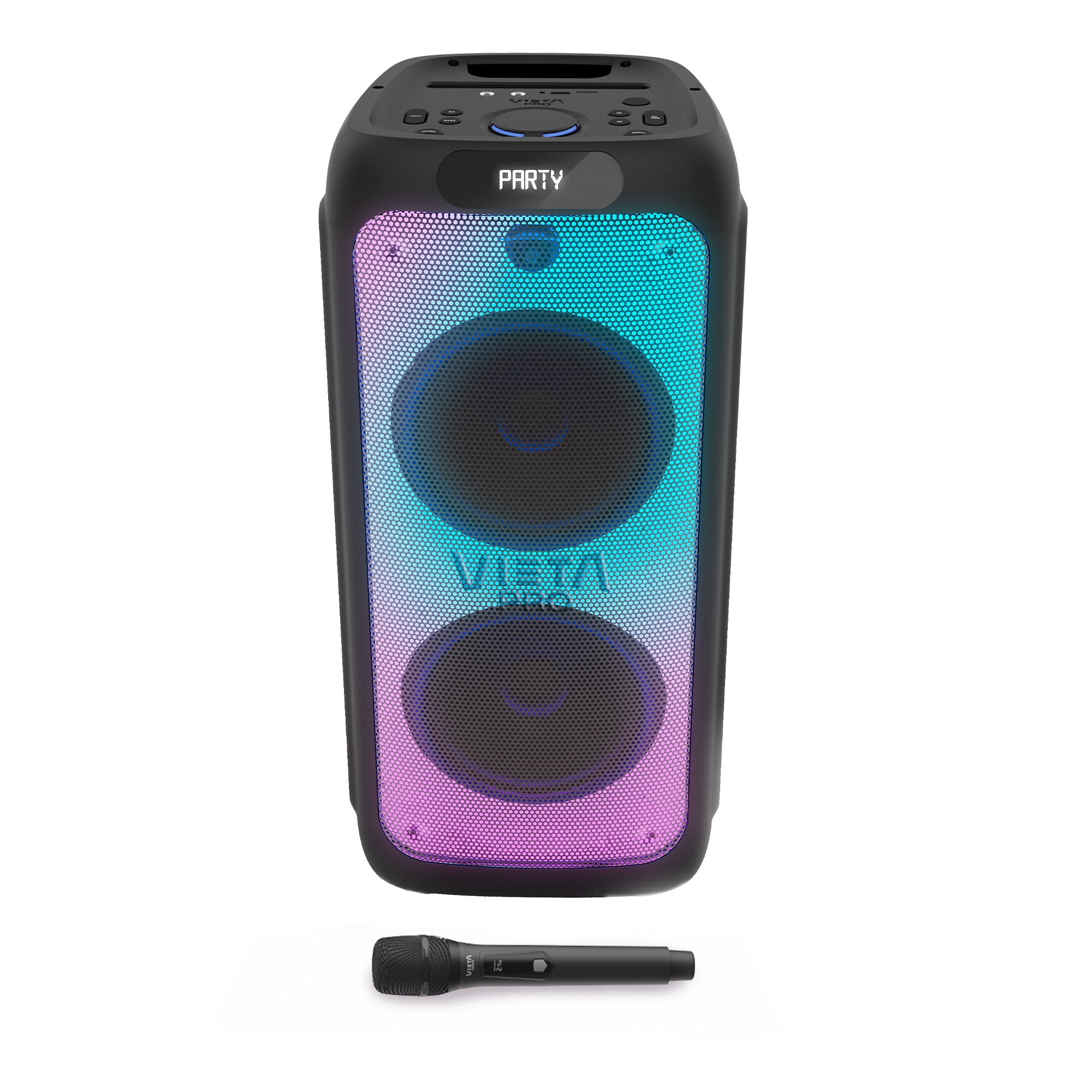
Party 220
- Bluetooth 5.3 to play music wirelessly with a range of up to 15 metres.
- Up to 10 h of playback to keep the music going for hours.
- Auracast to expand the sound with other compatible devices.
- Wireless microphone included for karaoke, vocals and hosting.
- USB, microSD card and aux input to play music from different sources with complete flexibility.
High Watts
PARTY 220
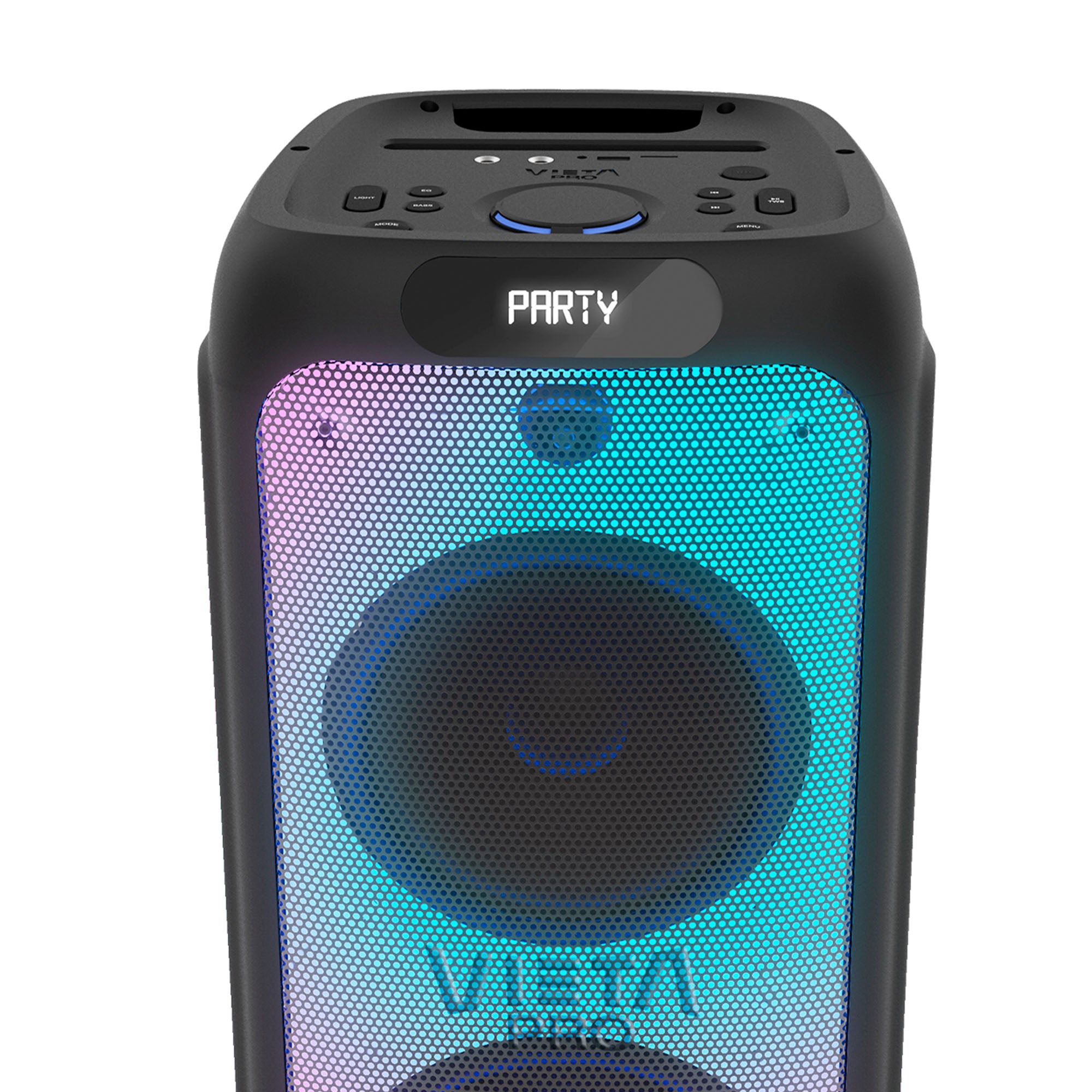
Party 220 brings together sound, RGB lighting and a wireless microphone in a format designed for parties, karaoke and get-togethers.
Auracast technology
Connect Party 220 to other Auracast-compatible devices and expand the sound system wirelessly.
Serious power
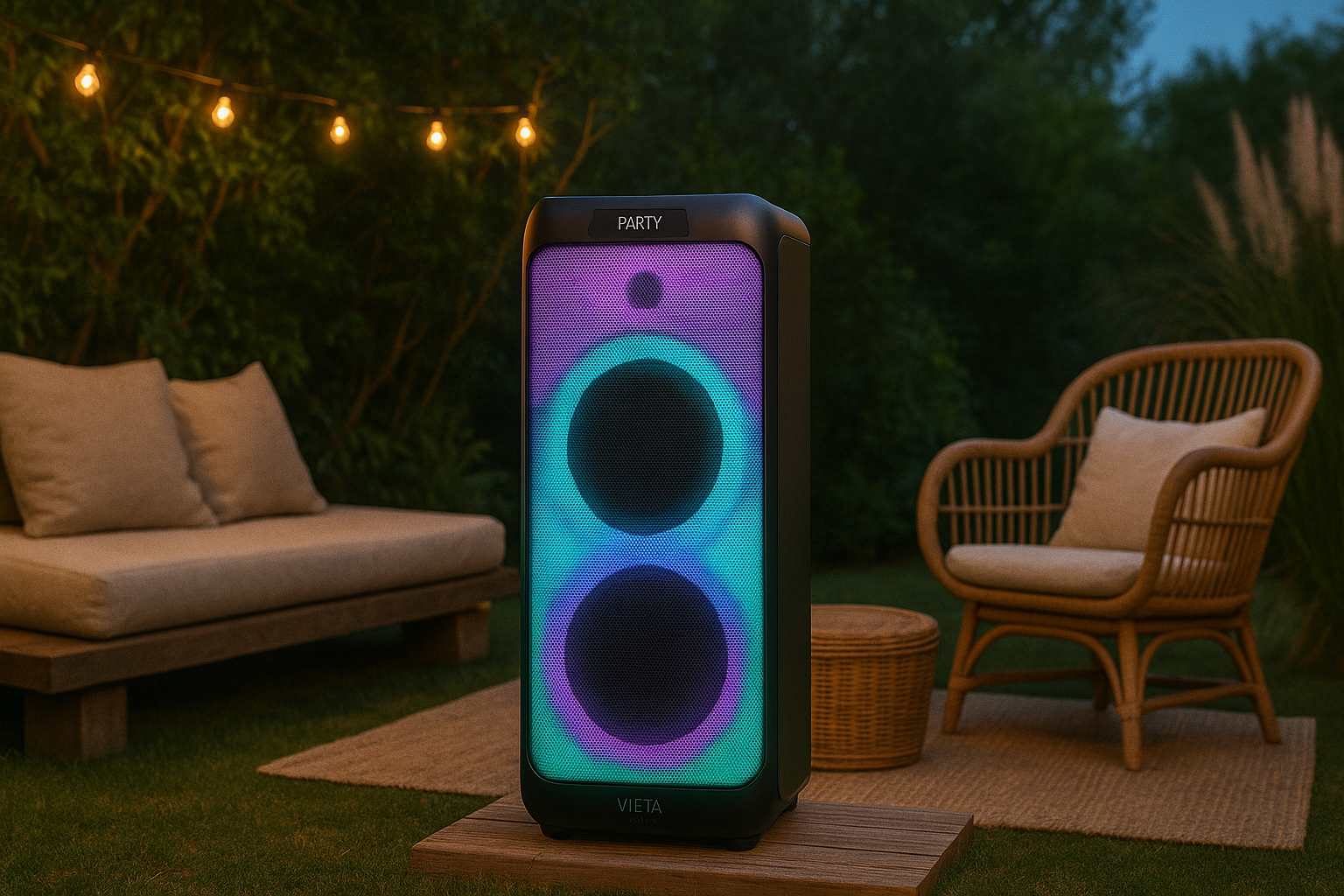
Party 220 delivers strong sound with real presence for parties, get-togethers and large spaces.
Bluetooth 5.3
Connect your phone or other compatible devices wirelessly, with a range of up to 15 metres.
RGB lighting
Personalise the atmosphere with different light effects and add a visual touch to every moment of the party.
Wireless microphone included
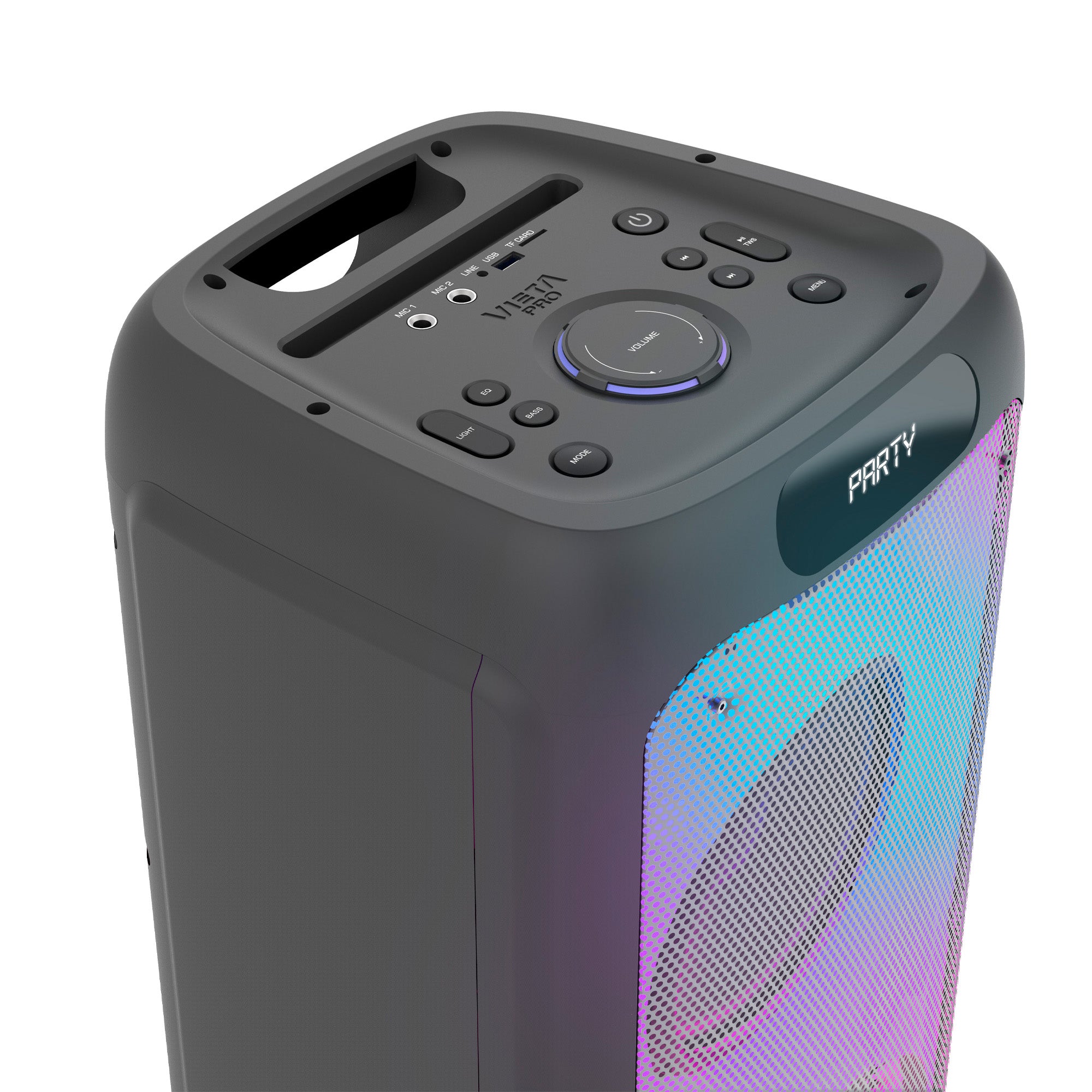
Ideal for karaoke or entertaining at events with no cables in the way. You can also control the speaker with its remote control.
Different connection options
Play music via USB, TF card, 3.5 mm AUX or Bluetooth, and use the dedicated microphone inputs.

Multiply the music with Auracast
Party 220 transforms the way you share your music thanks to Auracast technology. Connect it wirelessly to other compatible devices and create an expanded sound system to fill any space. Enjoy perfect synchronisation and uninterrupted audio quality. Ideal for parties, events or outdoor gatherings. With Auracast, the sound multiplies and so does the fun.
Power and sound presence
Party 220 delivers powerful sound with real presence at parties, get-togethers and in large spaces.
Battery life to keep the party going
Enjoy up to 10 hours of playback and connect your devices via Bluetooth 5.3 with a range of up to 15 metres.
Built-in karaoke
Includes a wireless microphone with a range of up to 15 metres, ideal for karaoke, entertaining and events without relying on cables.
FAQ
The device does not appear in the Bluetooth list
Check that Bluetooth is turned on on the source device. Remove all references to the speaker from any devices it may have been paired with and pair it again from scratch. If this does not work, press and hold the «Mode» button for a few seconds and try connecting again from scratch.
This speaker can only be paired with one source device at a time. If it is paired with another device (computer, phone, tablet, etc.), new devices will not find it.
The device won't turn on
You will not be able to turn the speaker on if the battery is flat. Charge it for at least 30 minutes before unplugging it and try turning it on again.
Press and hold the «Power» button for a few seconds until the button LEDs light up and you hear «Bluetooth mode».
The USB stick is not recognised
The memory must not exceed 32 GB and must be formatted as FAT32 on a computer.
Songs must be saved in «.mp3» format and their titles must not be too long or contain symbols.
Changing the volume of the speaker's voice prompts
The volume of the voice prompts is set at the factory and cannot be changed or disabled.
Function of the “PRT” button
It lets you repeat one or more songs on a loop or play them continuously. It only works when playing music from a USB stick or a microSD card.
Changing folders on the USB stick
Press and hold the «I◄◄» or «►►I» button for 2 seconds. An «F» followed by the number of the selected folder will appear on the display.
Connecting two speakers
Only two speakers of the same model can be paired. Turn on both and press the TWS button once on one of them.
The word «SLAV» will appear on the display and it will pair with the other speaker. Then turn on Bluetooth on the source device, search for the speaker's reference and pair it.
The volume is low
If you have an Android device, remember that you need to turn the volume up or down while a media file (song, video, etc.) is playing. Then adjust it using the buttons on the speaker and on the source device (mobile phone, tablet, computer, etc.).
The speaker's battery runs out quickly
Battery life depends on usage time, ambient conditions, lights and volume. The stated battery life is based on use at 50% volume with the lights off.
If the «Power» button is lit red, the speaker is in standby and is still using battery. To turn it off completely, switch it on again and press and hold the «Power» button for a few seconds until all the LEDs go off.
To extend the battery's lifespan, fully charge it at least once every 3 months.