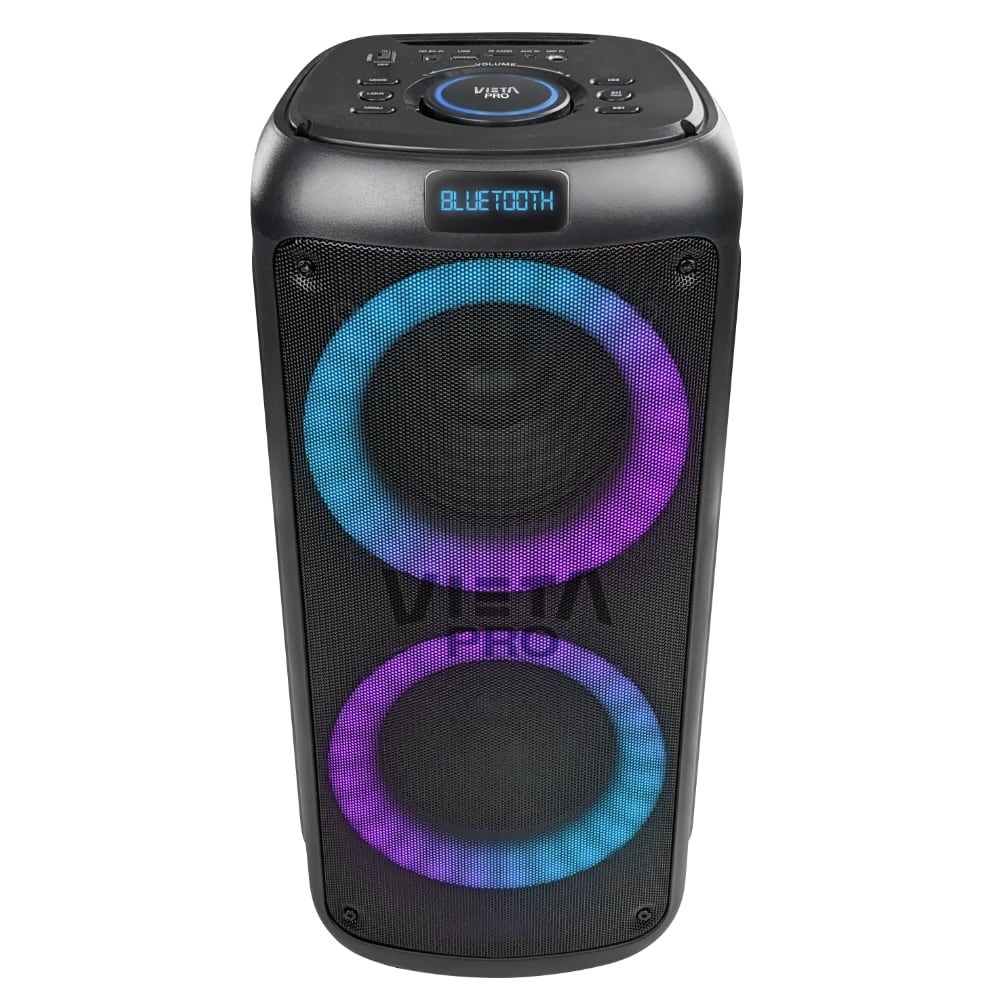



Party 55
Party 55 by Vieta Pro brings together 100 W of power, built-in lighting and a wireless microphone in a compact, easy-to-carry format. Adjust bass, treble and echo, connect your music in different ways and set up a karaoke session wherever you are.
- 100 W of power for punchy sound at parties and get-togethers.
- Bluetooth 5.3 with a range of up to 15 metres to play music without cables.
- Up to 9 h of battery life to keep you company through long music sessions.
- Wireless microphone included, with a range of up to 30 metres in open spaces.
- TWS mode to connect two Party 55 speakers and expand the stereo experience.
- Vieta Pro Audio app to adjust the equaliser and lights and locate the speaker.
High Watts
Party 55
Discover the versatility of Party 55. A High Watts speaker with clear, crisp 100 W stereo sound, perfect for use in any room in the house.
100 W of power for your parties
Its 100 W deliver strong sound with real presence for parties, get-togethers and karaoke sessions.
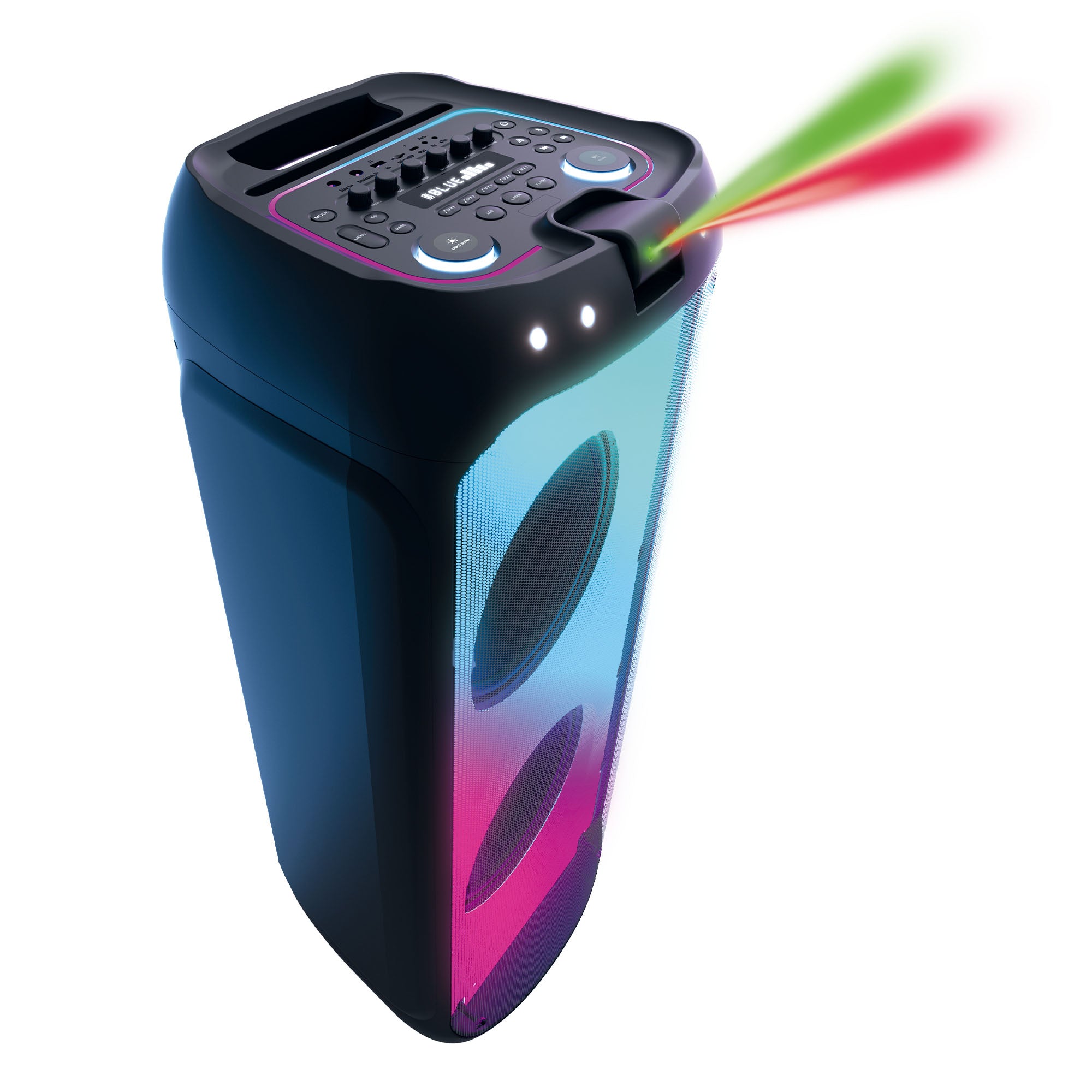
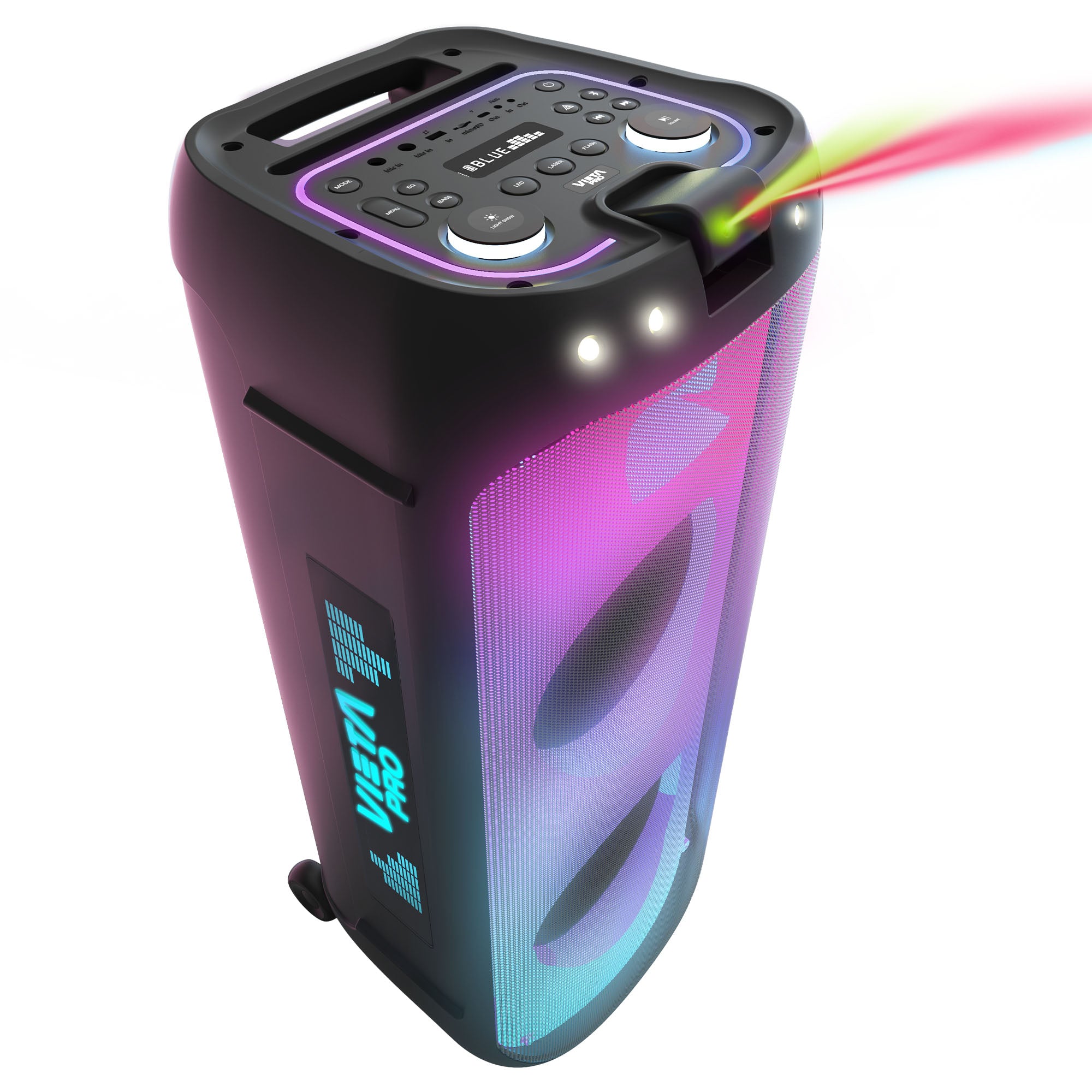
Customisable lighting
Change the light effects and adapt the atmosphere of Party 55 to every moment from its controls or the app.
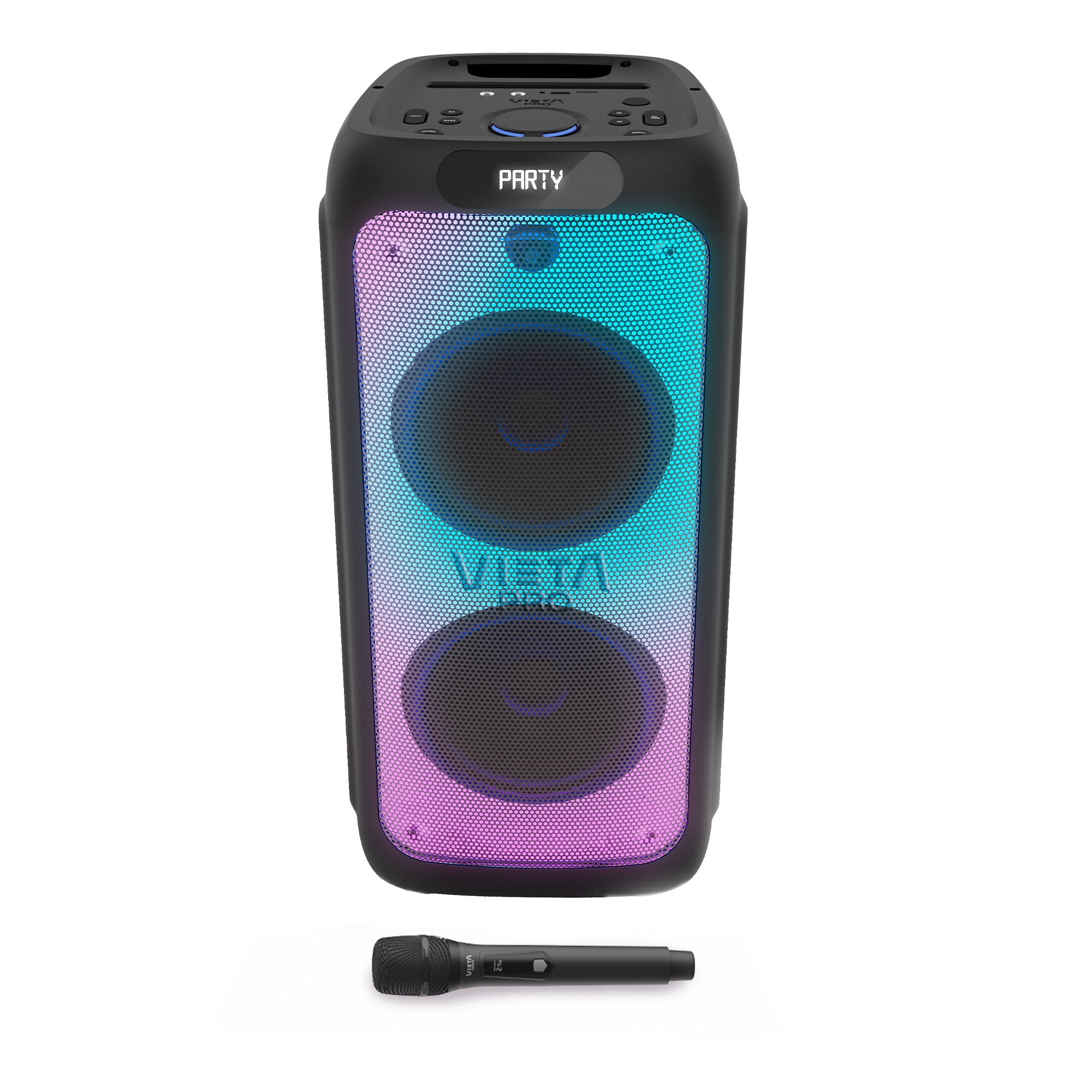
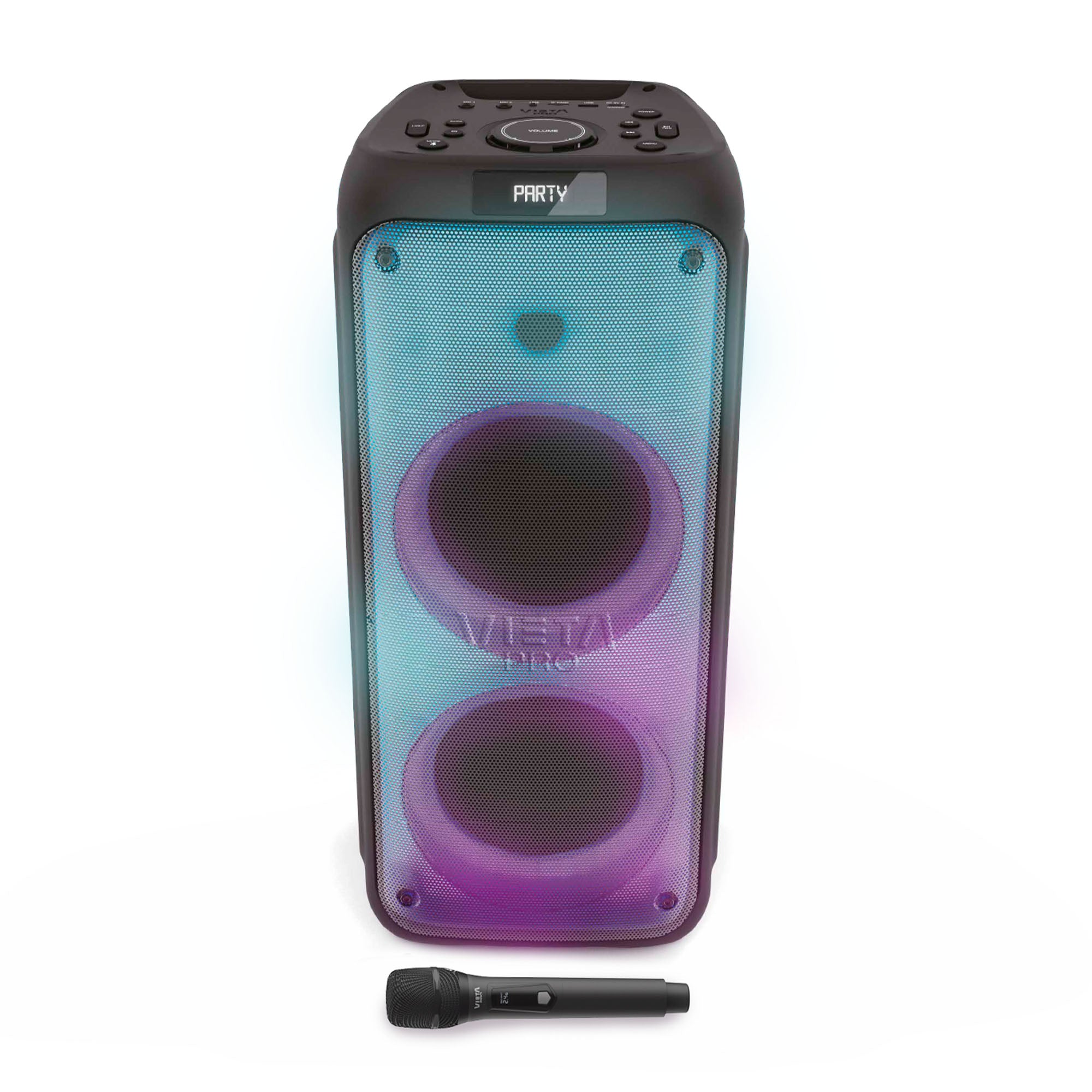
Instant karaoke
Includes a wireless microphone and remote control, plus two 6.5 mm inputs for connecting additional microphones.
Up to 9 h battery life
Enjoy up to 9 hours of playback to keep the music going for longer between charges.
Bluetooth 5.3 and TWS
Connect your devices via Bluetooth 5.3 and pair two Party 55 speakers via TWS to expand the stereo experience.
Bass Boost
Turn on Bass Boost whenever you want to reinforce the bass and give the sound more body.
COMPACT
AND WITH 100 W OF POWER
Party 55 combines 100 W of power with a compact, easy-to-carry format. Its 5" woofer and 1.5" tweeter configuration is designed to deliver balanced sound for music, parties and karaoke sessions, both indoors and outdoors.

FAQ
The device does not appear in the Bluetooth list
Check that Bluetooth is turned on on the source device. Remove all references to the speaker from any devices it may have been paired with and pair it again from scratch.
This speaker can only be paired with one source device at a time. If it is paired with another device (computer, phone, tablet, etc.), new devices will not find it.
The FM RADIO is not working
Turn on the speaker and press the «MODE» button, which switches between Line, FM Radio and Bluetooth modes.
Select «FM Radio Mode» and press and hold the «►II / TWS» button for a few seconds. The stations will start being saved to the device.
The device won't turn on
You will not be able to turn the speaker on if the battery is flat. Charge it for at least 30 minutes before unplugging it and try turning it on again.
Can I use the speaker plugged into the mains while it is charging?
Yes, you can.
The USB stick is not recognised
The memory must not exceed 32 GB and must be formatted as FAT32 on a computer.
Songs must be saved in «.mp3» format and their titles must not be too long or contain symbols.
Changing the volume of the speaker's voice prompts
The volume of the voice prompts is set at the factory and cannot be changed or disabled.
Can I connect a microphone to the speaker?
Yes, you can.
Connecting two speakers
Only two speakers of the same model can be paired. Turn both on and press the TWS button once on one of them.
The display will show “TWS” and it will pair with the other speaker. Then turn on Bluetooth on your source device, search for the speaker’s name and pair it.
The volume is low
If you have an Android device, remember that you need to turn the volume up or down while a media file (song, video, etc.) is playing. Then adjust it using the buttons on the speaker and on the source device (mobile phone, tablet, computer, etc.).
Reset the speaker to factory settings
In Bluetooth mode, press and hold the “MENU” button for a few seconds.
The speaker's battery runs out quickly
Battery life depends on usage time, ambient conditions, lights and volume. The stated battery life is based on use at 50% volume.
To extend the battery's lifespan, fully charge it at least once every 3 months.