Spatial
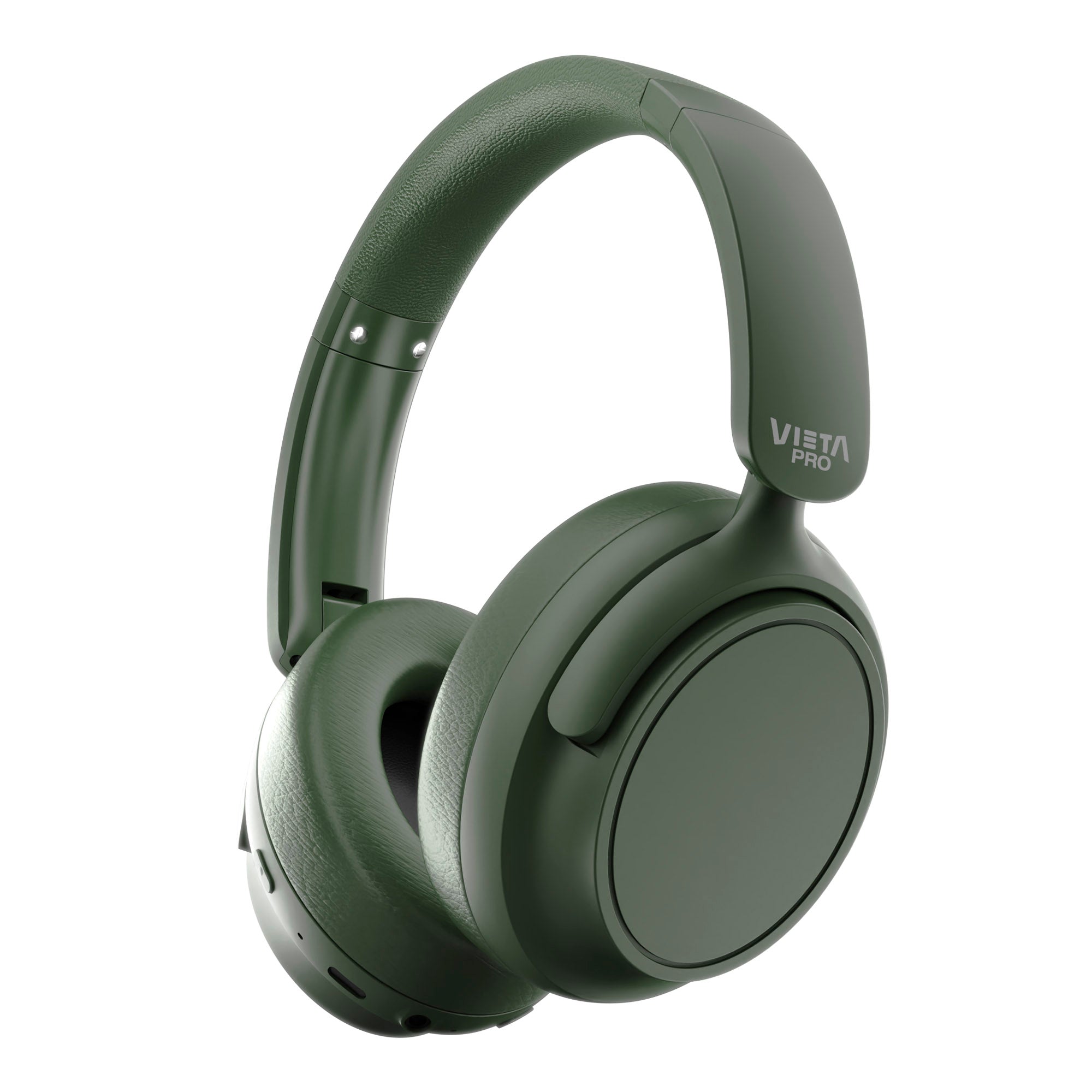
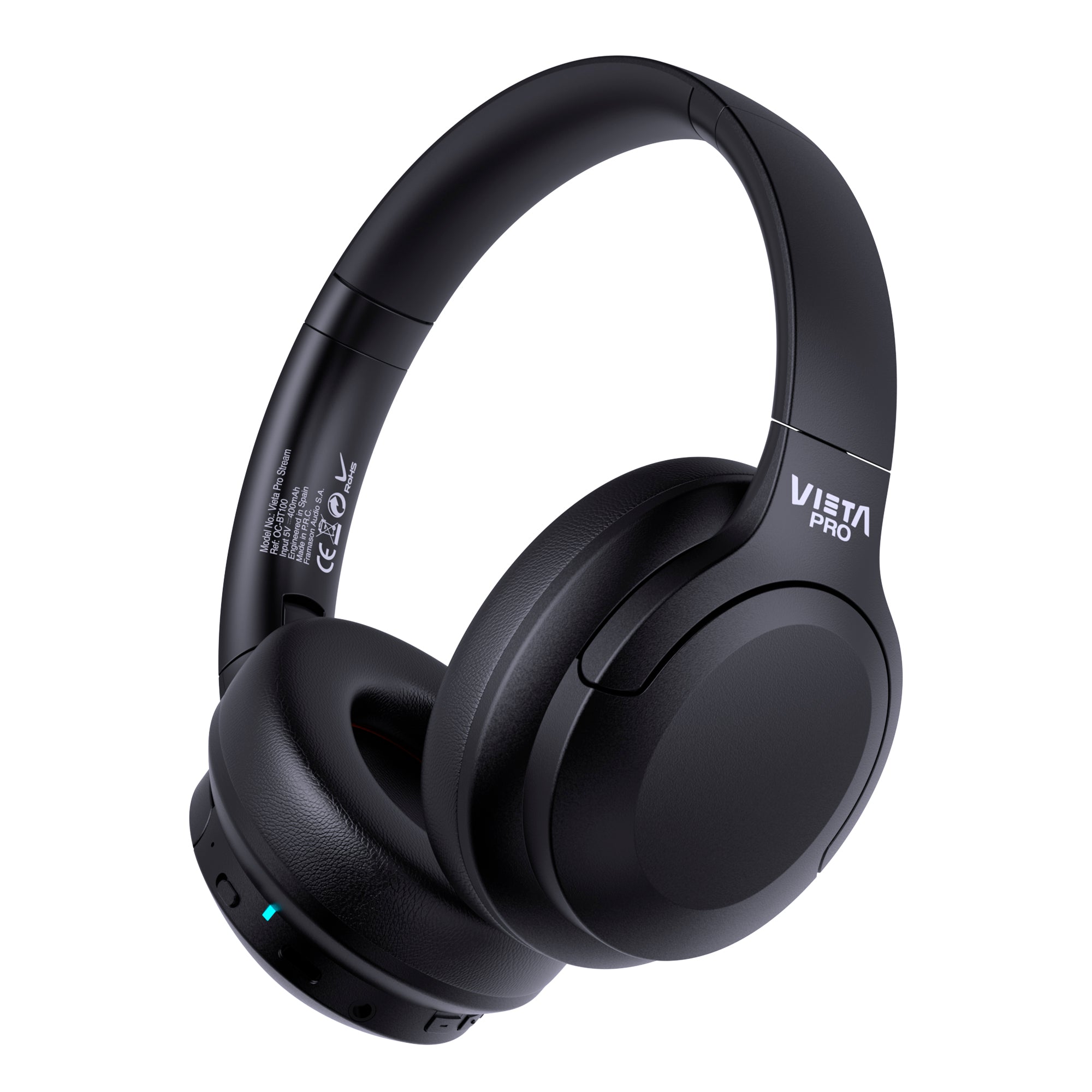
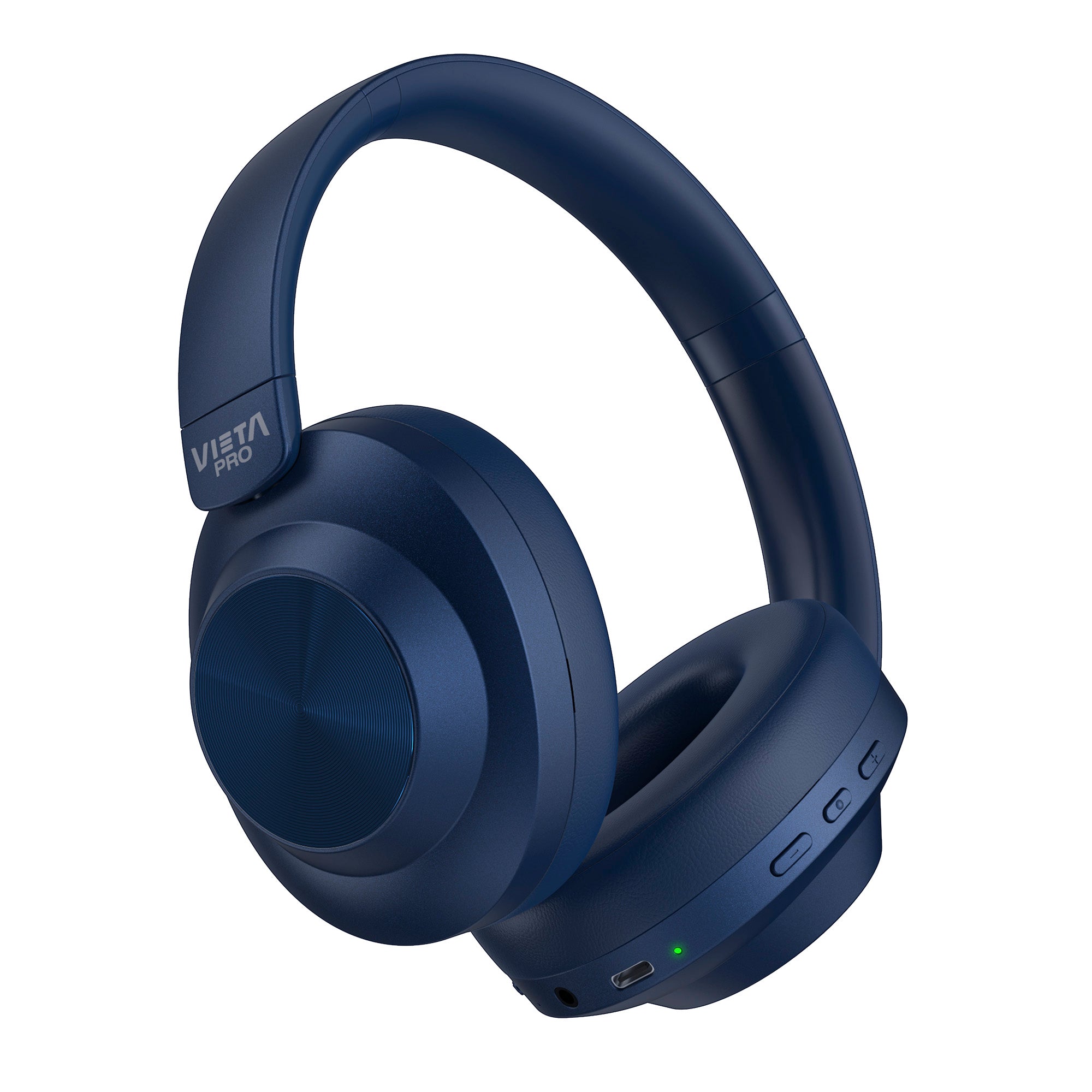
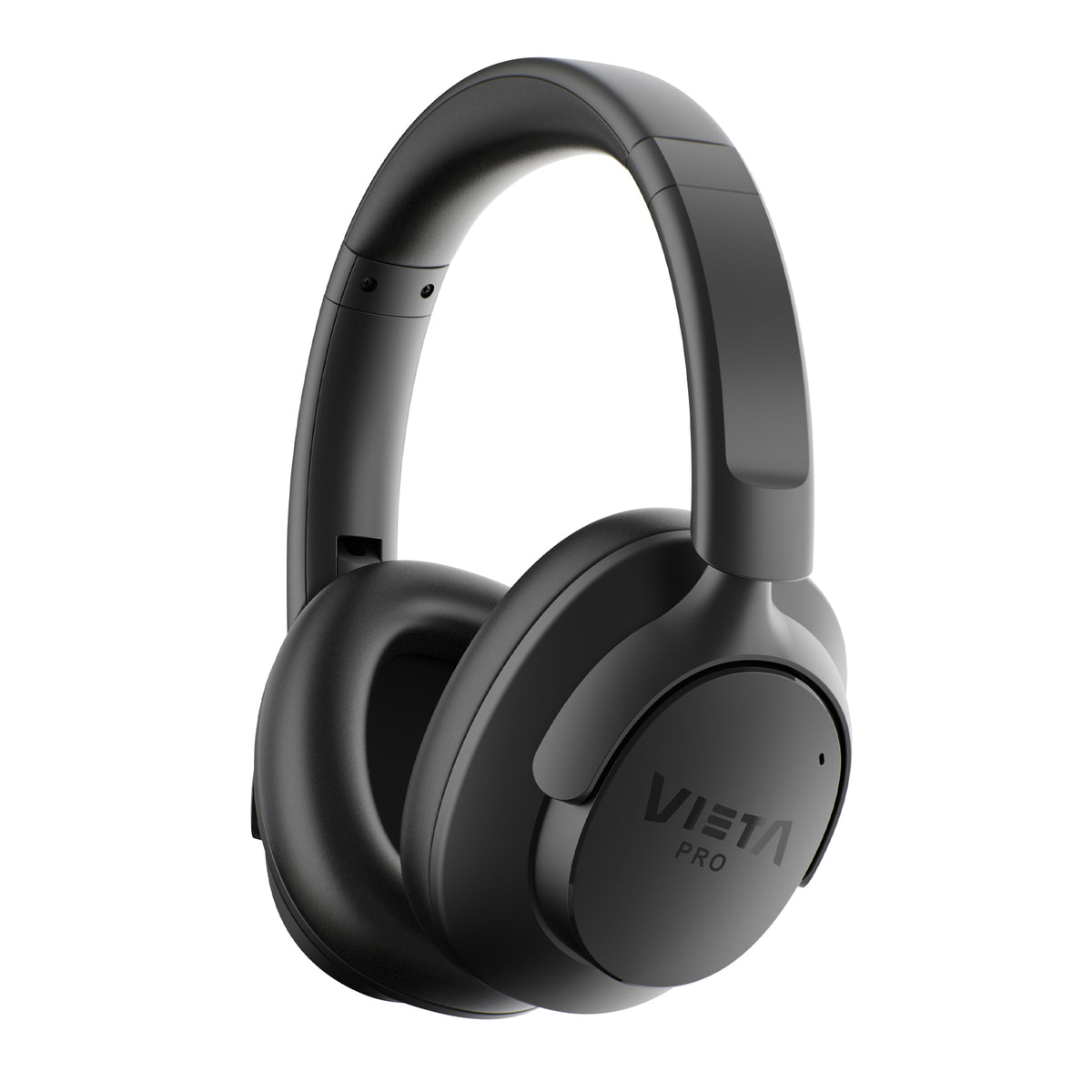
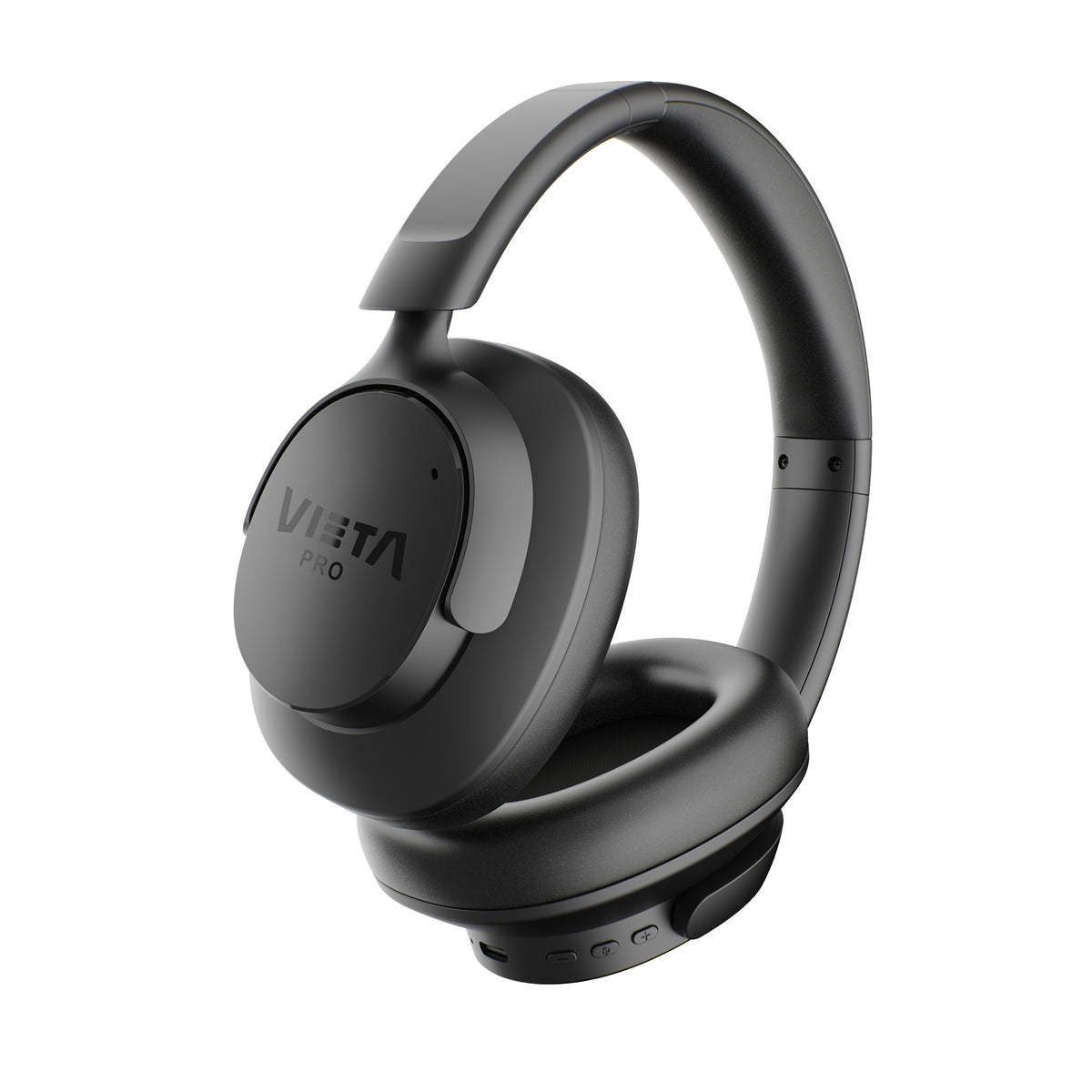
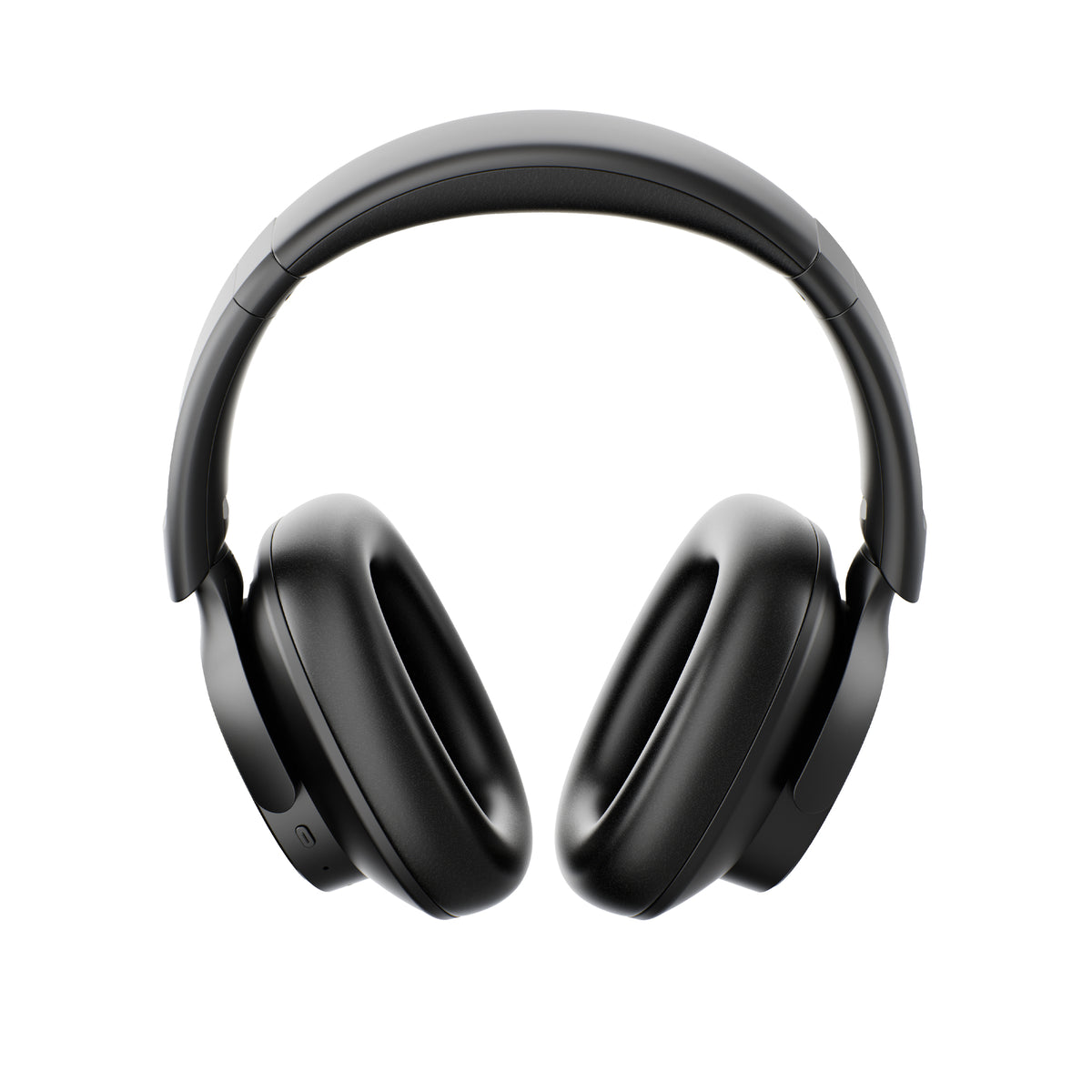
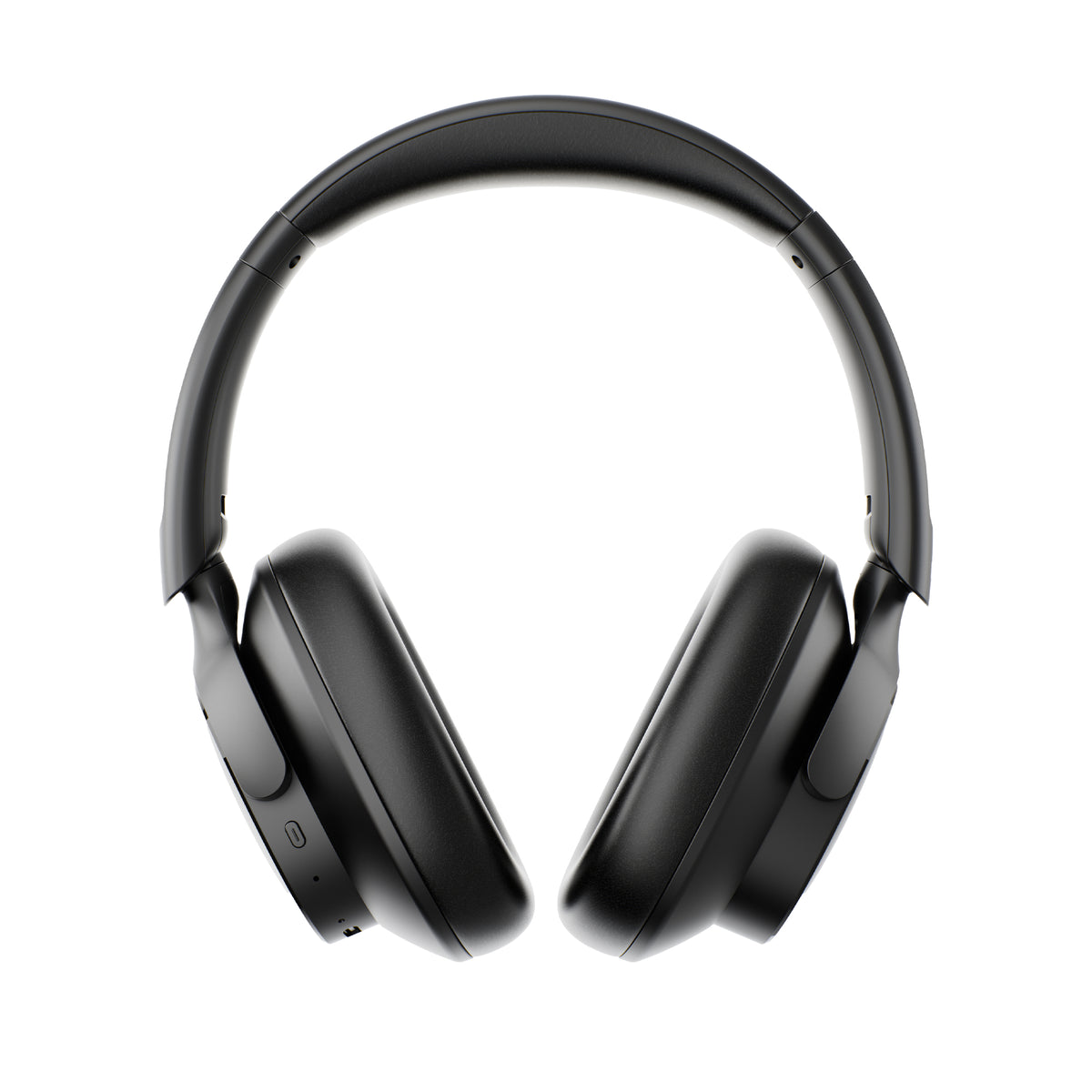
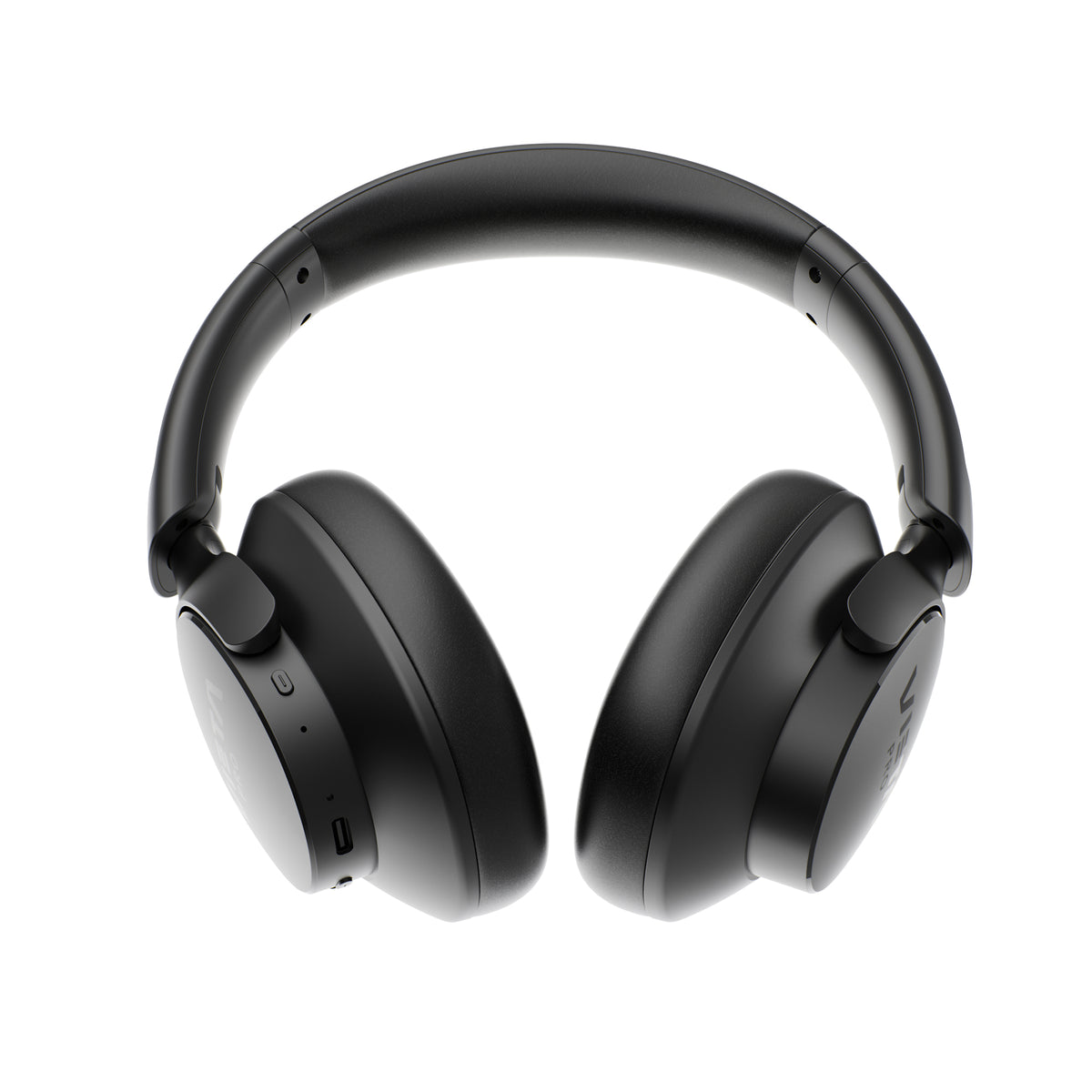
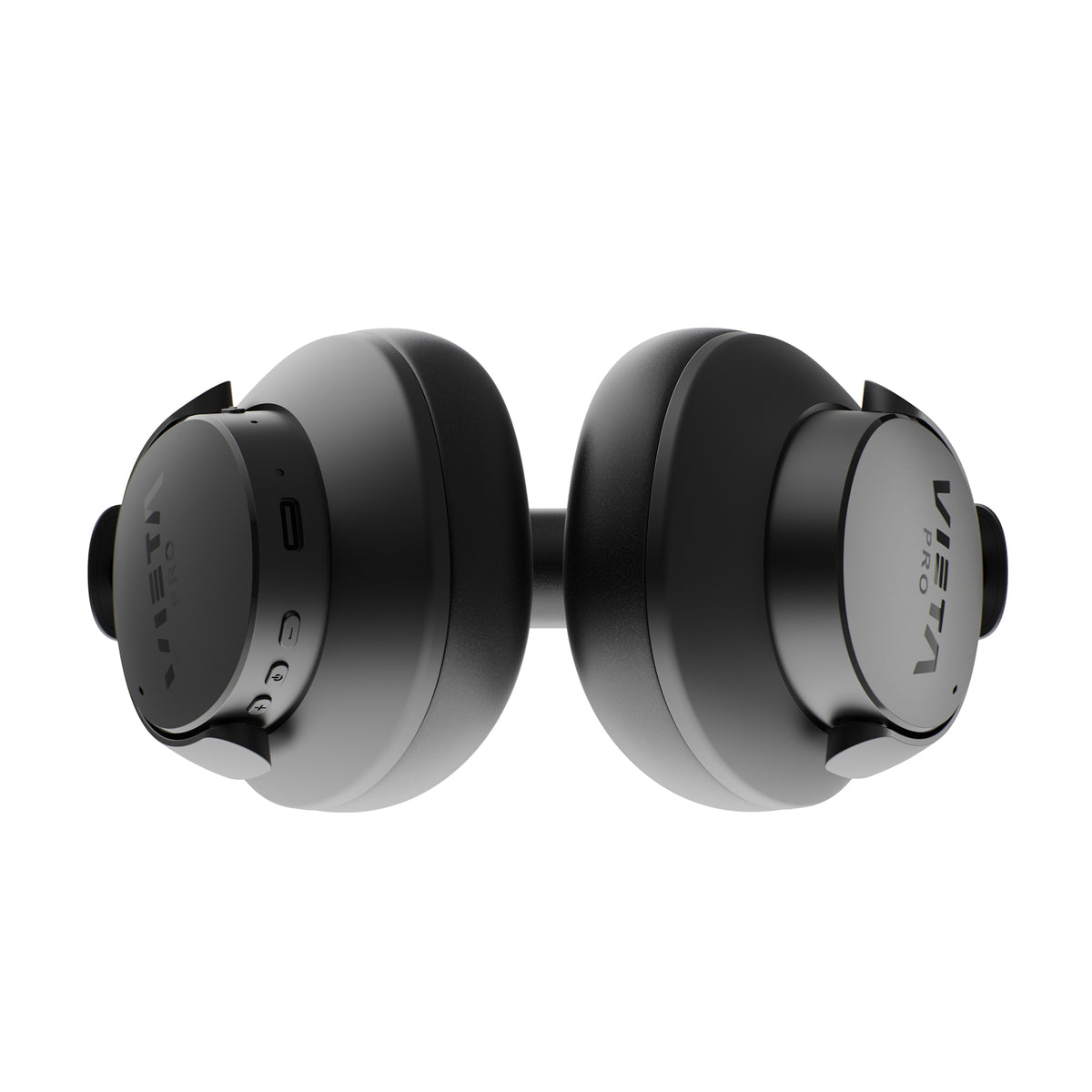
Spatial Bluetooth headphones combine hybrid noise cancellation and spatial audio with head tracking so the music surrounds you. Their headband design is comfortable all day, and their battery keeps you company at work, at home and on your travels.
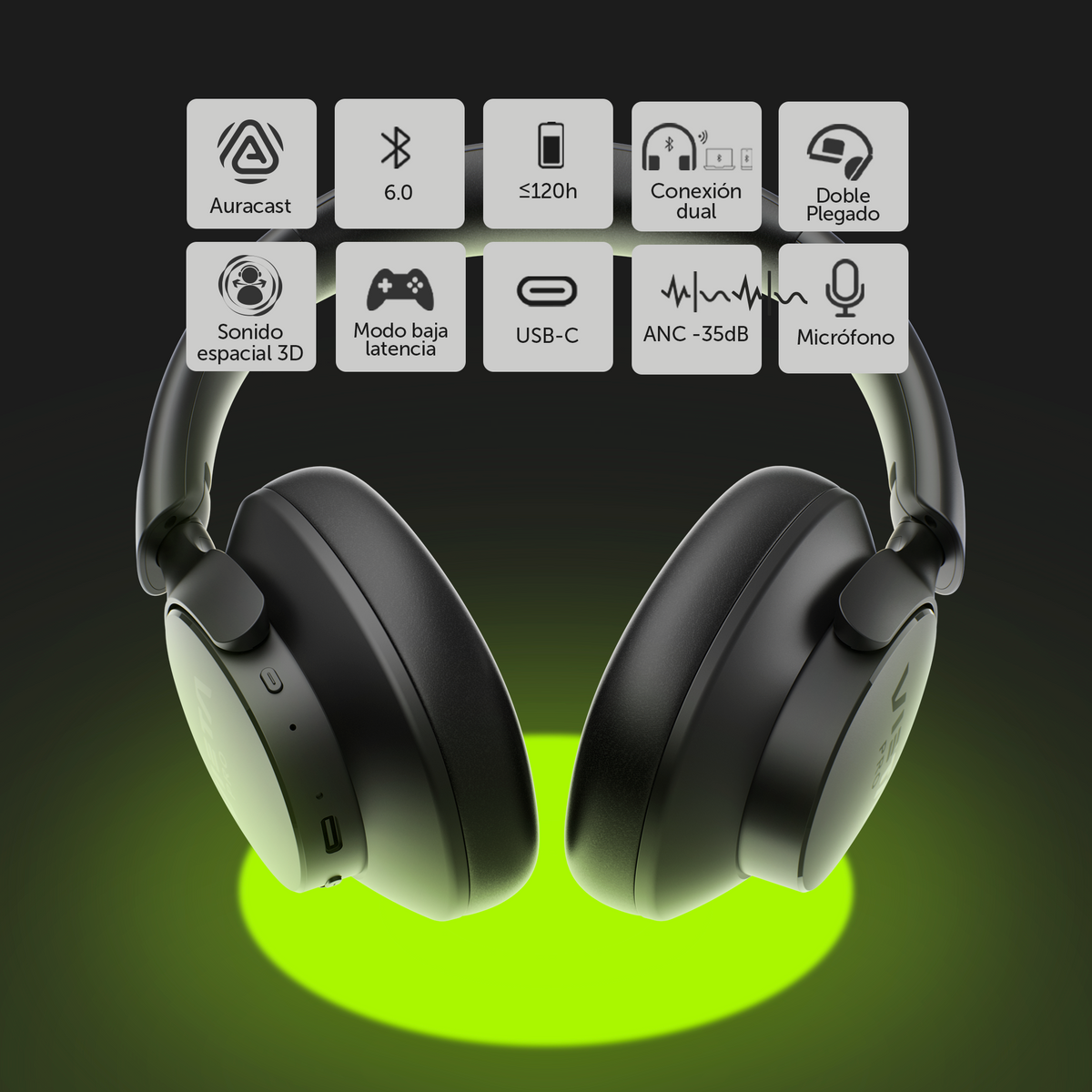
- Hybrid ANC of up to -35 dB to shut out outside noise.
- Spatial audio with 6D head tracking.
- Up to 120 hours of battery life (83 h with ANC on).
- Bluetooth 6.0 with LE Audio, Auracast and dual connection.
- Low-latency game mode (50-60 ms).
- Transparency mode, touch control and Vieta Pro Audio app with equaliser.
Over-ear headphones
Spatial
Inmerse are Vieta Pro's Bluetooth headphones for those who want to experience music from the inside: silence around you and sound that envelops you.
Silence on your terms
Hybrid noise cancellation with transparency mode, to shut out the world or hear what is around you.
Sound that envelops you
Spatial audio with head tracking makes the music sound all around you and move with you.
Non-stop music
A battery that lasts for days. Up to 120 hours without ANC and 83 with it switched on.
Connect your way
Bluetooth 6.0 and dual connection to two devices. It is also compatible with Auracast for sharing audio.
Gaming mode
Low latency so picture and sound stay in sync in your games and videos.
Everything just how you like it
Touch control and equaliser from the Vieta Pro Audio app, to tailor the headphones to you.
Stereo
Sonido clásico stereo con un canal dedicado para cada oído. La música sigue el movimiento de tu cabeza.
Everything you need, in one pair of headphones
Spatial brings together in a single design everything you expect from over-ear headphones: silence when you need it, sound that envelops you and the freedom to connect however you like. Foldable so you can take them with you, they are ready to go everywhere with you.

Noise stays outside
With hybrid noise cancellation, the hustle and bustle of the street, the office or your journey fades away and only your music remains. And when you want to hear what is going on around you, transparency mode gives you the world back with a tap.
Discover other features
And much more...
The Vieta Pro Spatial will not leave you indifferent. Discover other features that make these over-ear headphones your ideal everyday companions.
Transparency mode
With one press you switch from noise cancellation to transparency mode, to hear what is happening around you without taking off your headphones. Ideal for crossing the street, talking to someone or keeping an ear out for announcements.
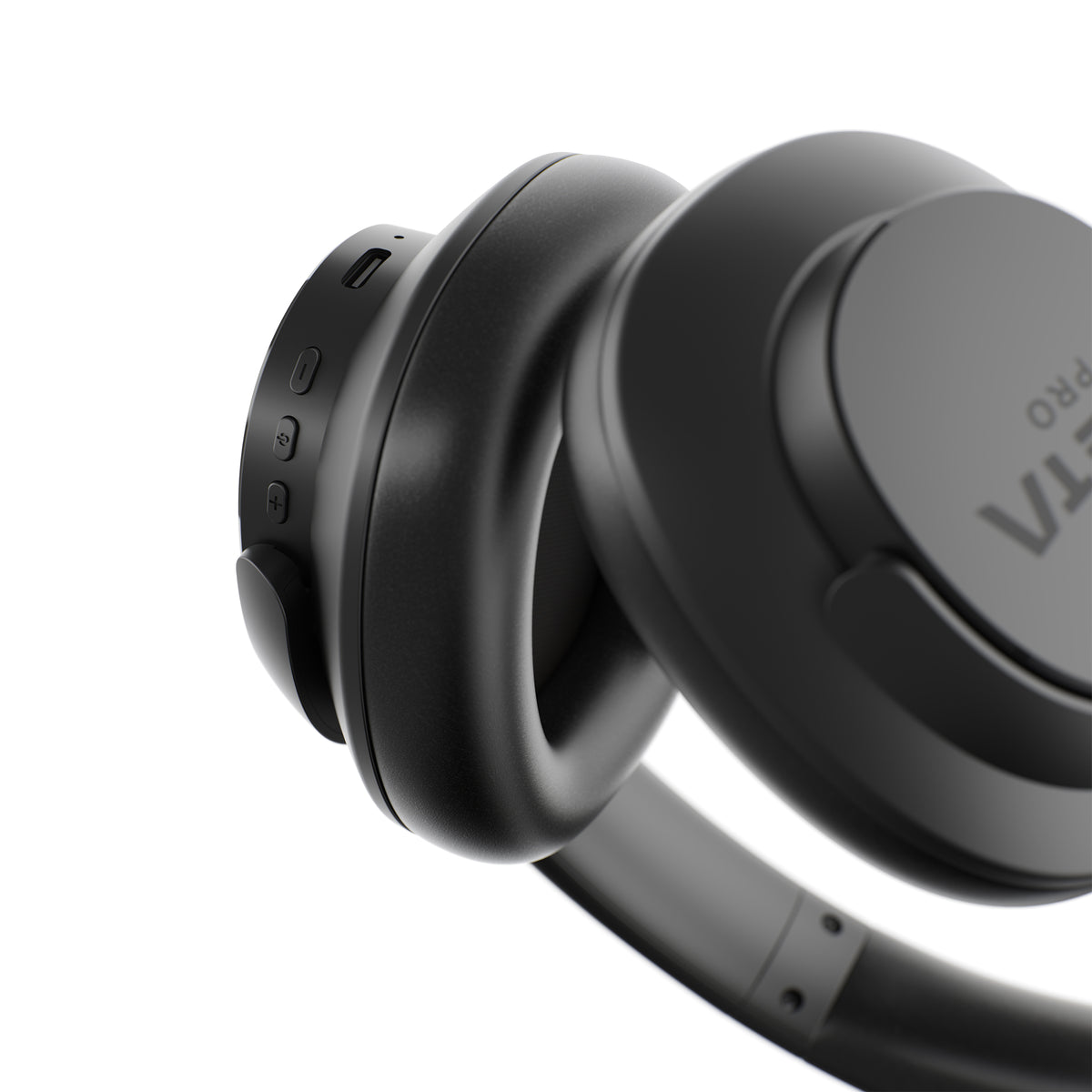
Controls within reach
Control music, volume and calls from the headphones themselves. And in the Vieta Pro Audio app you can set the controls to your liking.
Dual connection
Connect the headphones to two devices at once, for example your phone and your computer, and switch between them without pairing again.
Answer your calls
Answer, hang up or reject calls from the headphones. Their built-in microphone lets you speak clearly without taking out your phone.
FAQ
The Bluetooth device does not appear
Check that the headphones are switched on. If they were already paired with another device, turn off Bluetooth on that device. To enter pairing mode, hold down the power button for 5 seconds with the headphones switched on. Then search for “Vieta Pro Inmerse” in your phone's Bluetooth settings.
They will not switch on or off
Hold down the power button for 2 seconds. If they do not switch on, charge the headphones for at least 30 minutes and try again. They may not respond while charging.
How do I use noise cancellation and transparency mode?
With one press of the mode button you switch between Normal, ANC and Transparency. You can also choose the mode from the Vieta Pro Audio app.
How do I connect the headphones to two devices at once?
Pair the headphones with device 1 and disconnect them. Then pair with device 2. Finally, reconnect to device 1, and the headphones will be connected to both at the same time.
How do I use Auracast?
With the headphones connected via Bluetooth, press the corresponding button to choose between Auracast off, receiver or transmitter. As a receiver you listen to another device's audio, and as a transmitter you share yours. The other device must be Auracast-compatible.
The earbuds' battery life is short
Battery life depends on the volume and the mode you use: with noise cancellation switched on it lasts less than without it. Fully charge the headphones before use (about 2-3 hours). If battery life drops sharply, turn off features such as spatial audio and check the result.
During calls I can hear very quietly, or people can hear me very quietly
Check that the call volume on your phone is high and that nothing is covering the microphones. Avoid areas with a lot of wind or noise. If the problem continues, reset the Bluetooth connections and pair them again.
The volume is low
Turn up the volume on your phone and on the headphones. Check in the app that the volume limiter is switched off and adjust the equaliser to your liking.