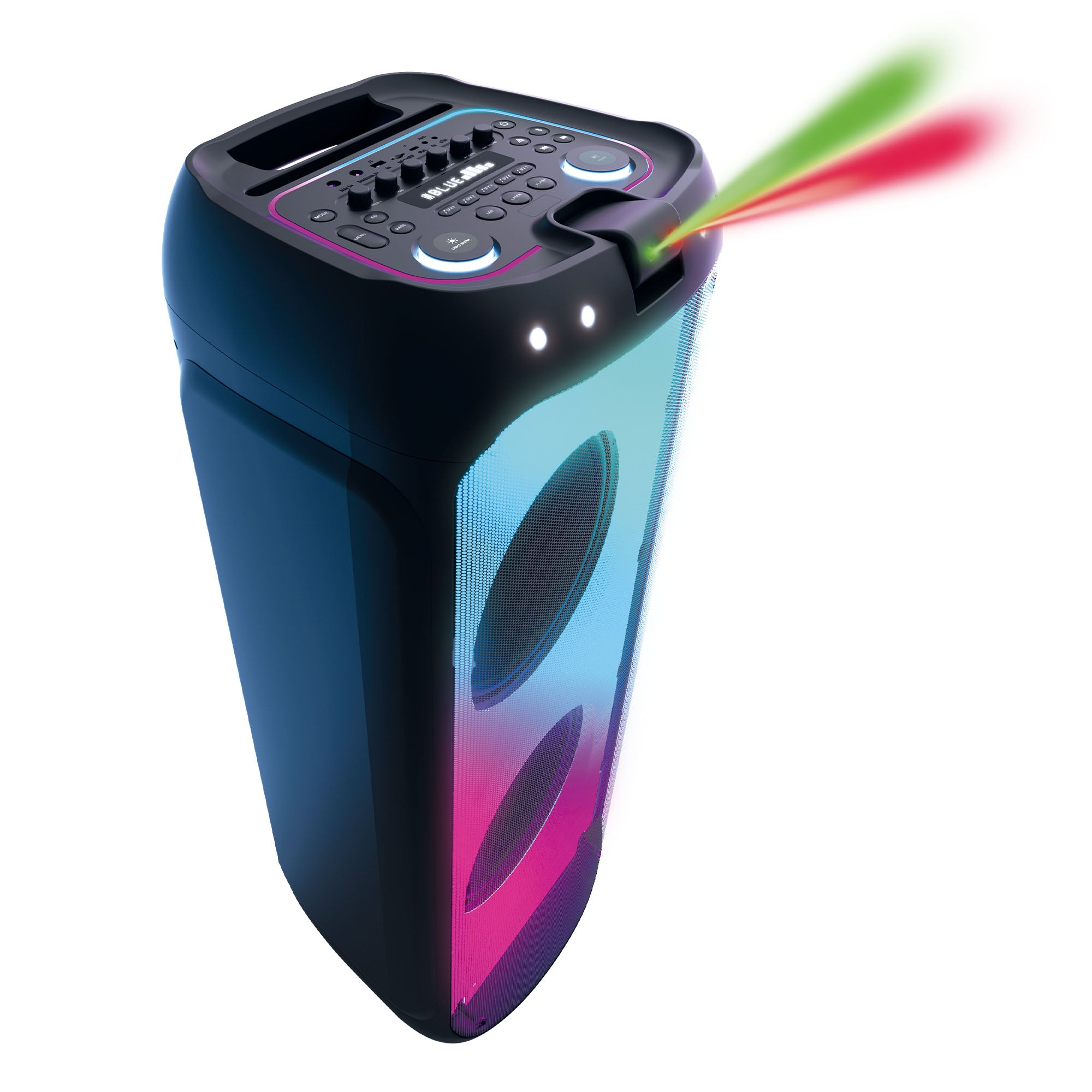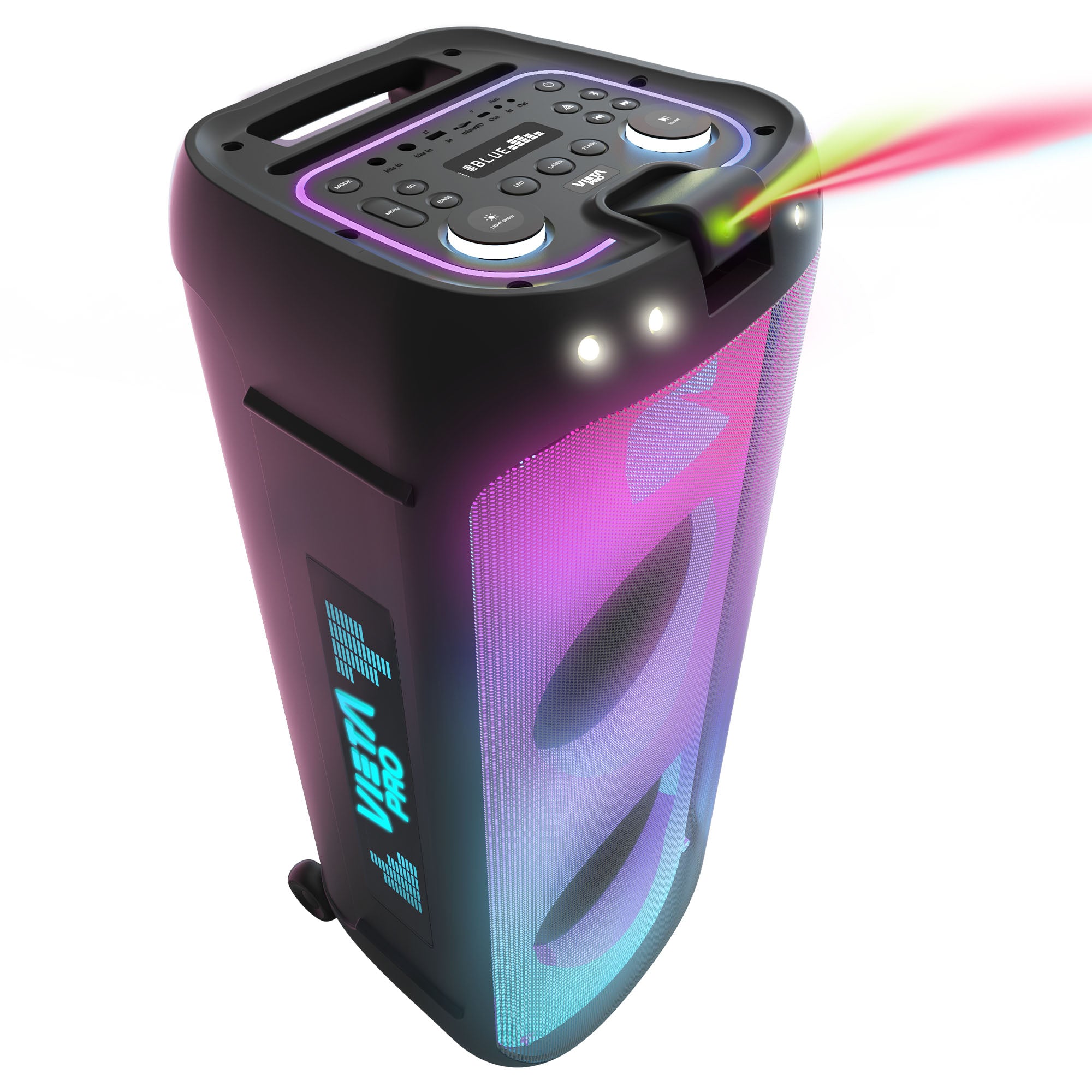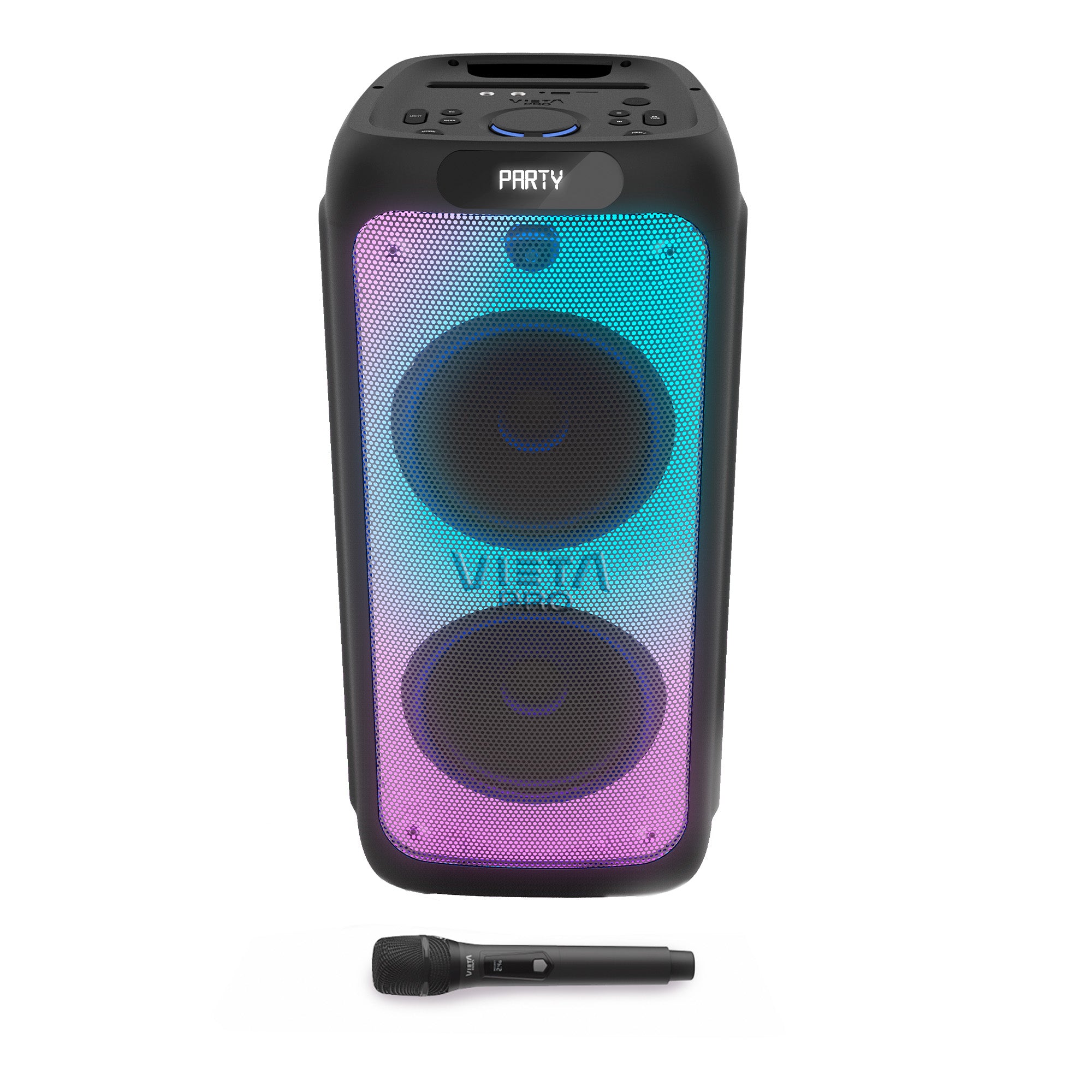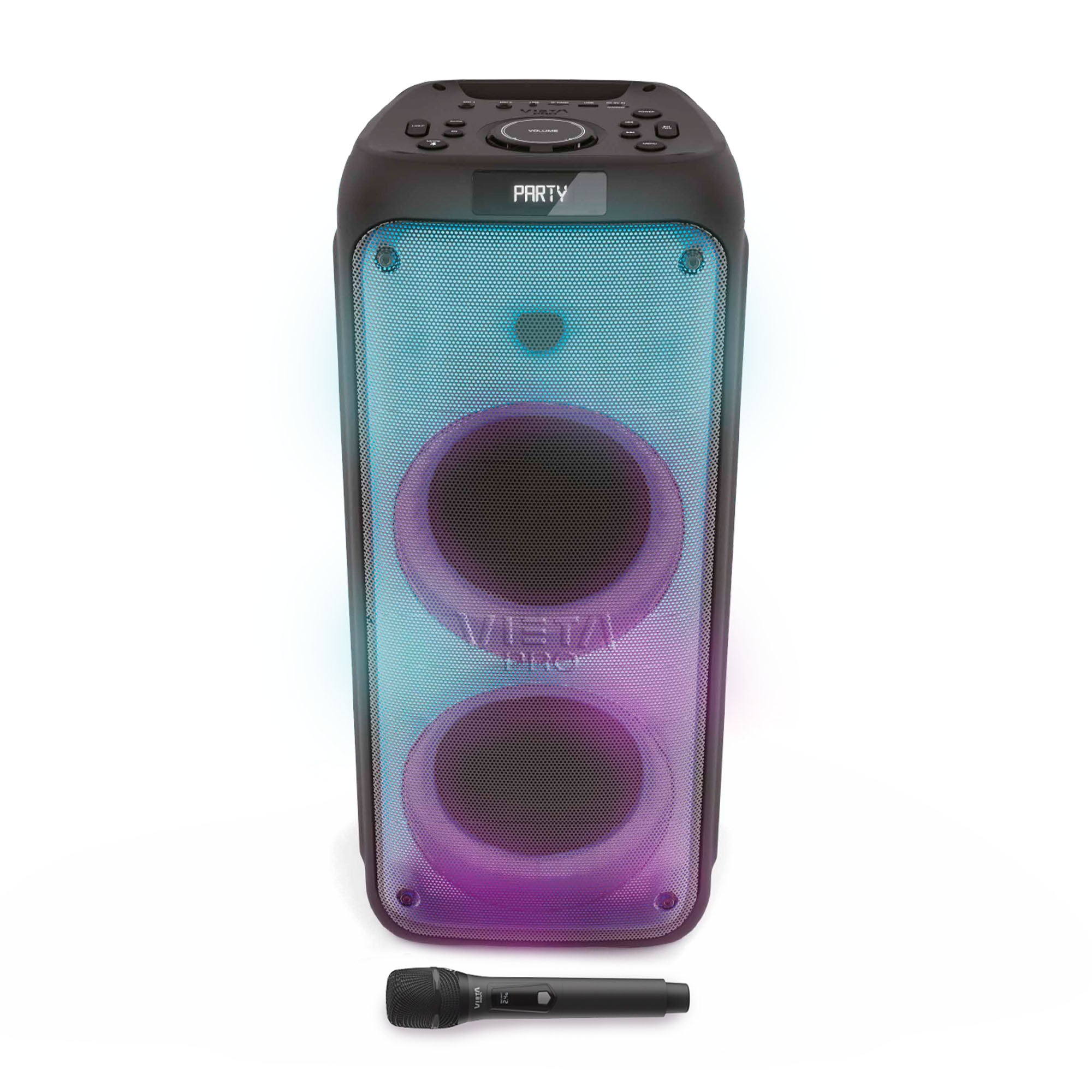
Party 33
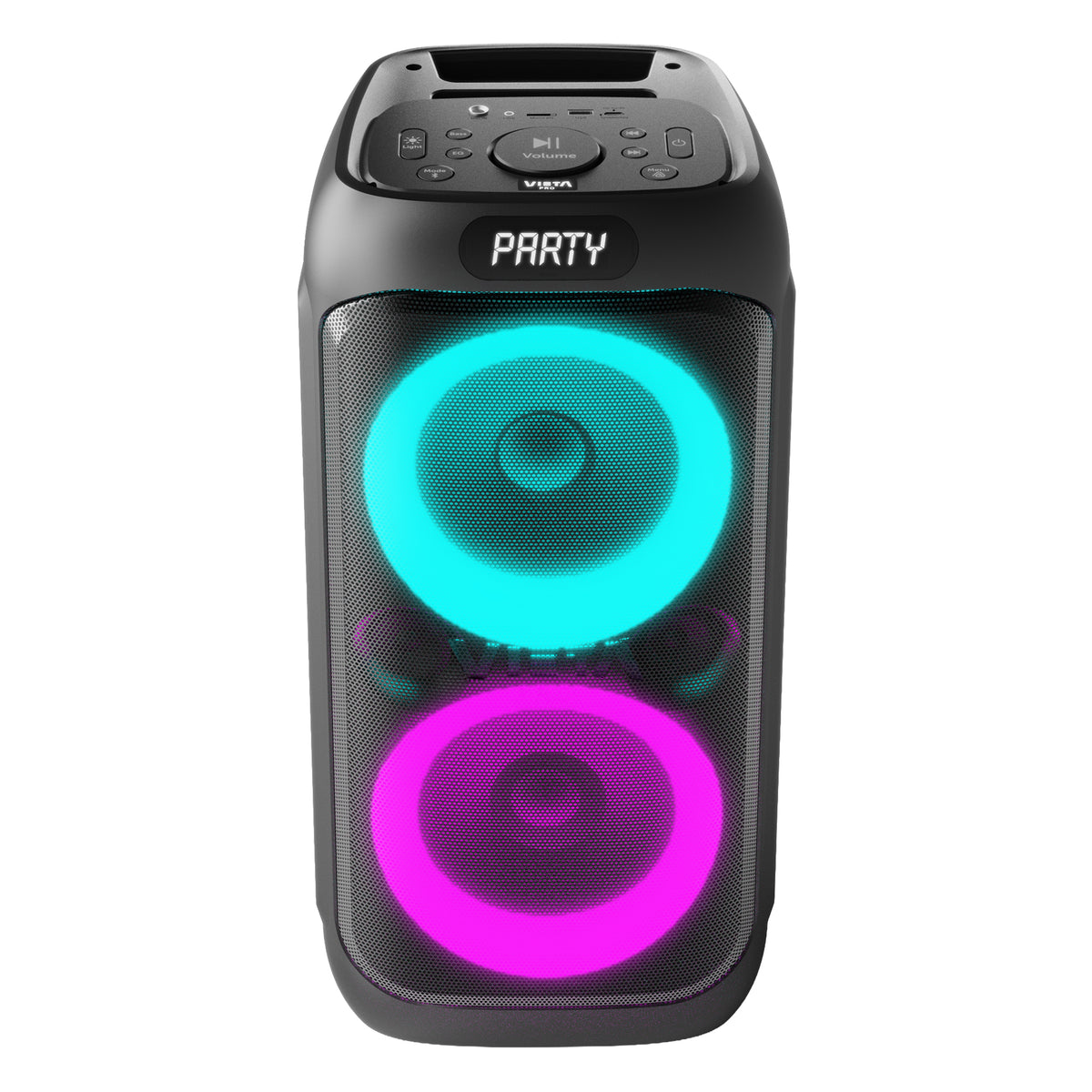
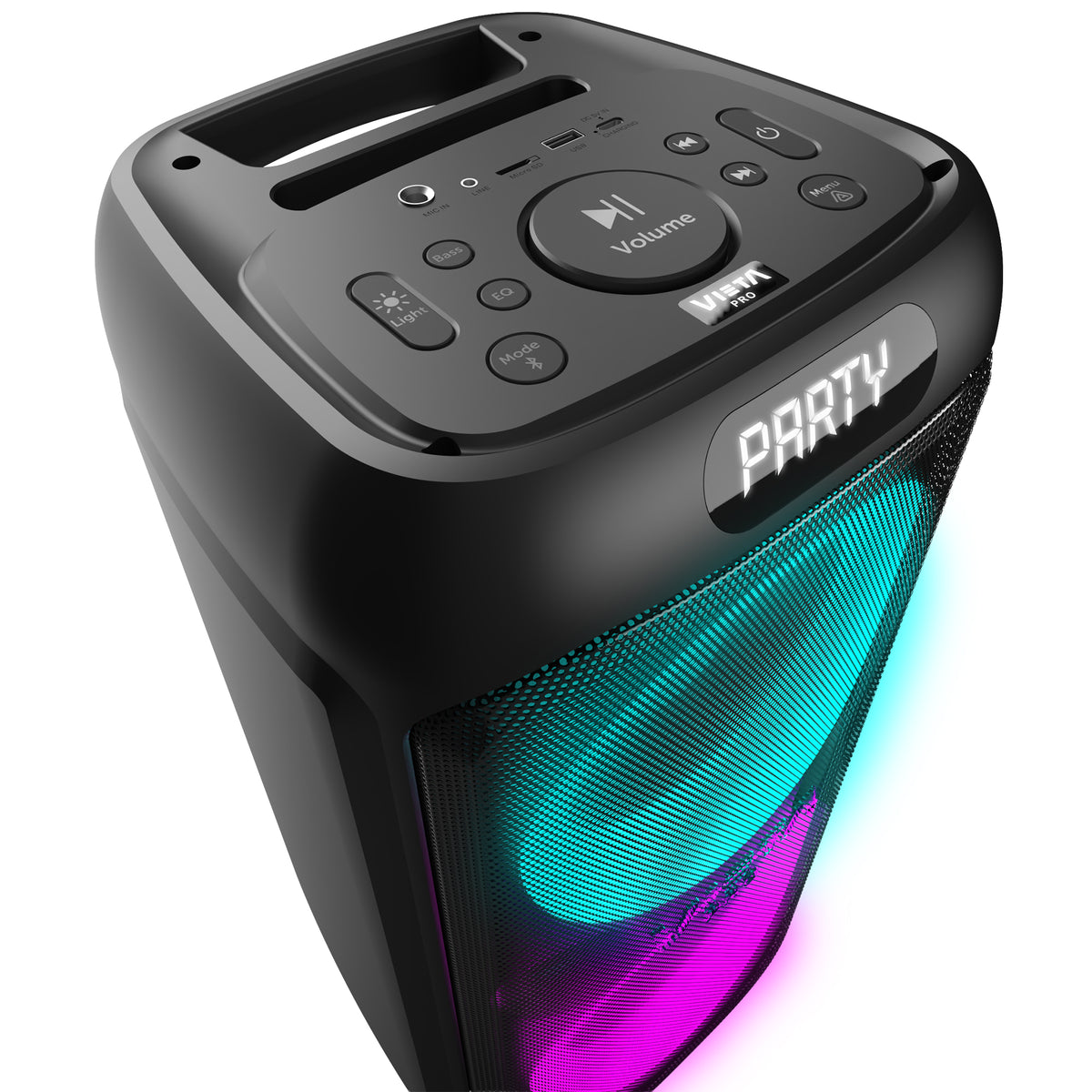
Vieta Pro's Party 33 brings together 100 W of power, built-in lights and a vertical design that fits any space, to fill parties, get-togethers and celebrations with music. Control the music from the remote control, connect your devices via Bluetooth, USB or auxiliary, and charge it easily via USB-C.
- 100 W of power for powerful sound at parties and get-togethers.
- Bluetooth 6.0 with up to 25 metres of range for cable-free music playback.
- Up to 15 h of battery life to keep you company through long music sessions.
- Auracast to expand the sound with other compatible devices.
- Remote control to adjust the volume, songs and equaliser without moving.
- Vieta Pro Audio app to adjust the equaliser and lights and to locate the speaker.
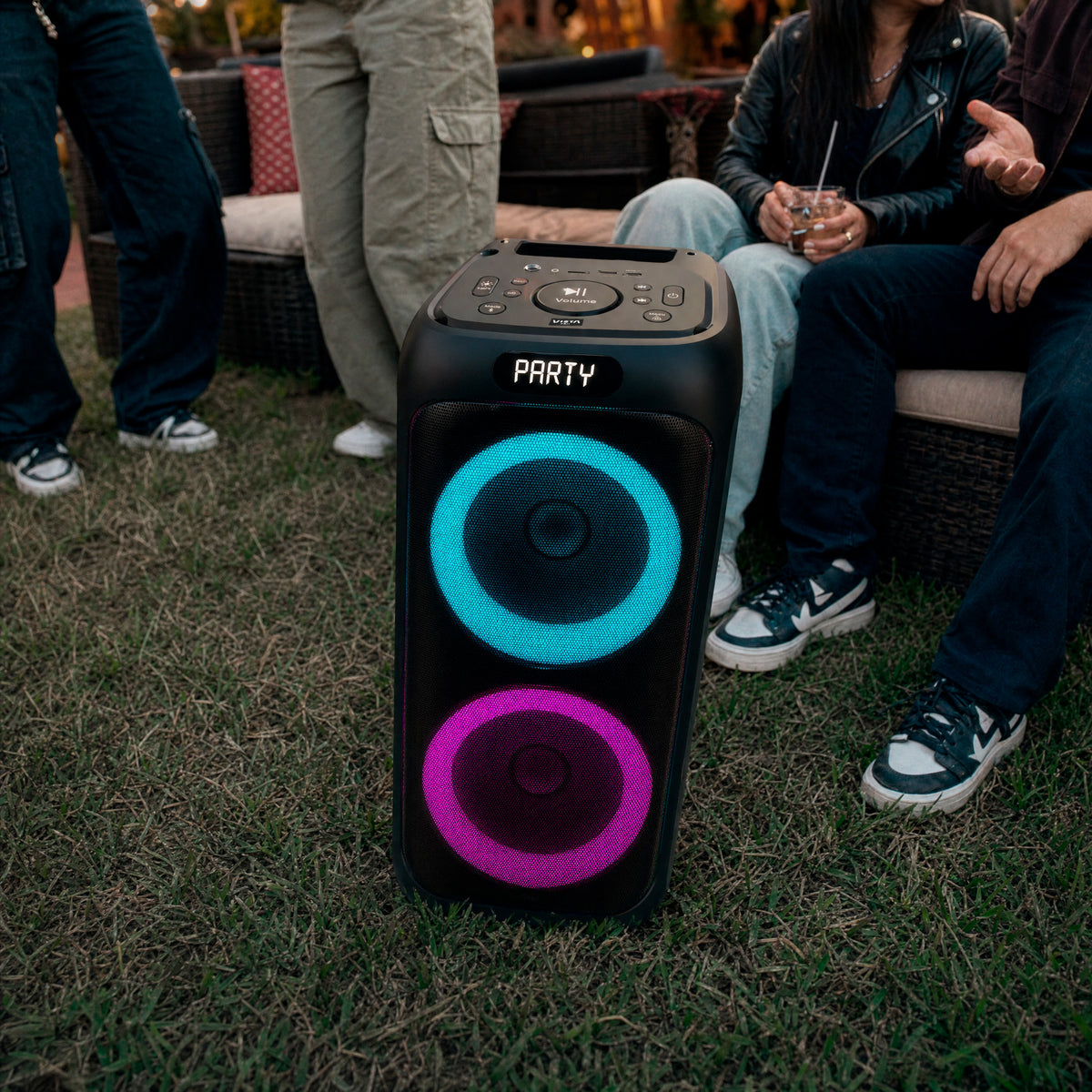
Take the party wherever you like
Party 33 is made to liven up any occasion, from an afternoon in the garden to a get-together with friends. Its lights follow the rhythm of the music and its vertical design fits easily into any corner, so all you have to do is enjoy yourself.
High Watts
Party 33
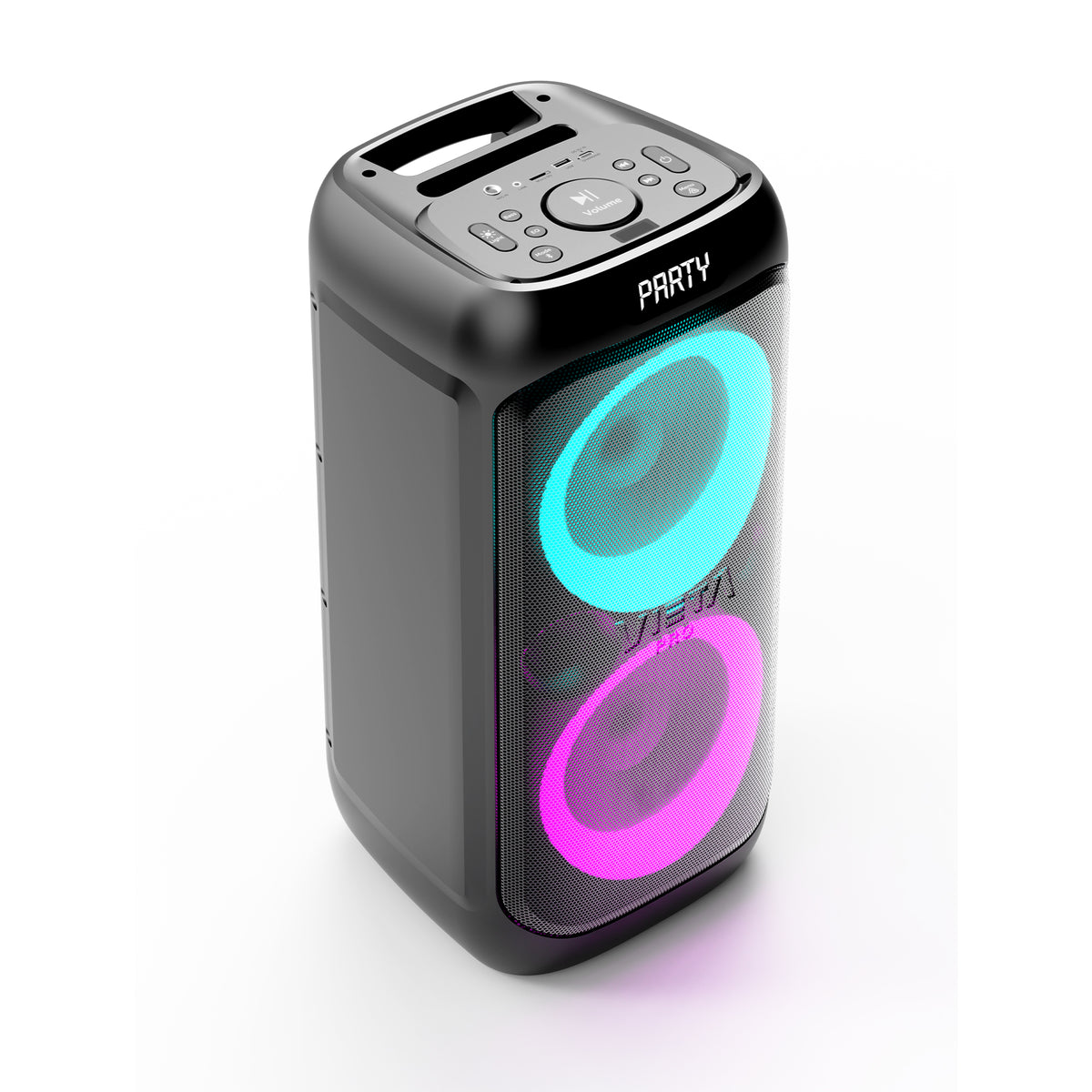
Discover the versatility of the Party 33. A 100 W High Watts speaker with a vertical design, built-in lights and a remote control to take the party to any space.
100 W of power for your parties
Its two 6.5" woofers and 1.5" tweeter deliver powerful, present sound for parties, get-togethers and celebrations.
Customisable lighting
Change the light effects and tailor the Party 33's atmosphere to every moment from its controls or the app.
Remote control
Control the volume, songs, bass, treble and microphone without moving from your spot.
Up to 15 h of battery life
Enjoy up to 15 hours of playback to keep the music going longer between charges.
Bluetooth 6.0 and Auracast
Connect your devices via Bluetooth 6.0 and expand the sound with other Auracast-compatible speakers.
Bass Boost
Activate Bass Boost whenever you want to reinforce the presence of the bass and give the sound more body.

Battery
Up to 15 h of music
Enjoy up to 15 hours of playback on a single charge. Battery life depends on the volume and the lights: the lower the volume, the longer the party lasts. When it runs out, simply charge it via USB-C.
VERTICAL
AND WITH 100 W OF POWER
Party 33 combines 100 W of power with a vertical design that fits easily into any space. Its two 6.5" woofers and 1.5" tweeter deliver powerful, balanced sound for parties, get-togethers and leisure time.
FAQ
The device does not appear in Bluetooth
Check that Bluetooth is switched on on the source device and look for “Vieta Pro Party 33”. Delete all references from the devices it may have been paired with and pair it again from the start.
This speaker can only be paired with one source at a time. If it is paired with another device (computer, phone, tablet, etc.), new devices will not find it.
The device does not switch on
Connect the speaker to the mains with the USB-C cable and let it charge for a few minutes before switching it on again.
Can I use the speaker plugged into the mains while it charges?
Yes, you can.
It doesn't recognise the USB drive or microSD card
Press the mode button until you select USB mode. The drive must be formatted as FAT32 from a computer.
Songs must be saved in “.mp3” format and their titles must not be too long or contain symbols.
Changing the language of the speaker's voice prompts
Press and hold the Bass Boost button for a few seconds to change the language of the voice prompts.
Can I connect a microphone to the speaker?
Yes. Connect the microphone to the 6.3 mm microphone input. You can adjust the volume and echo from the remote control or with the speaker's controls.
Connecting two speakers with Auracast
- On speaker 1 (transmitter), pair your device via Bluetooth (“Vieta Pro Party 33”), play music and press the Auracast button twice. “SRC” will appear on the display.
- On speaker 2 (receiver), press the Auracast button once. “SINC” will appear on the display and the same music will start playing.
- To deactivate it, press the Auracast button three times on speaker 2. “IDLE” will appear on the display.
How do I disconnect a Bluetooth device?
Press and hold the mode button for a few seconds.
The speaker's battery life is short
Battery life depends on usage time, environmental conditions, lights and volume. The lower the volume and the fewer lights you use, the longer it will last.
To extend the battery's lifespan, charge it fully at least once every 3 months.
What can I do with the Vieta Pro Audio app?
You can locate your speaker, adjust the equaliser, customise the lights and activate or deactivate Auracast. Download it from Google Play or the App Store.