
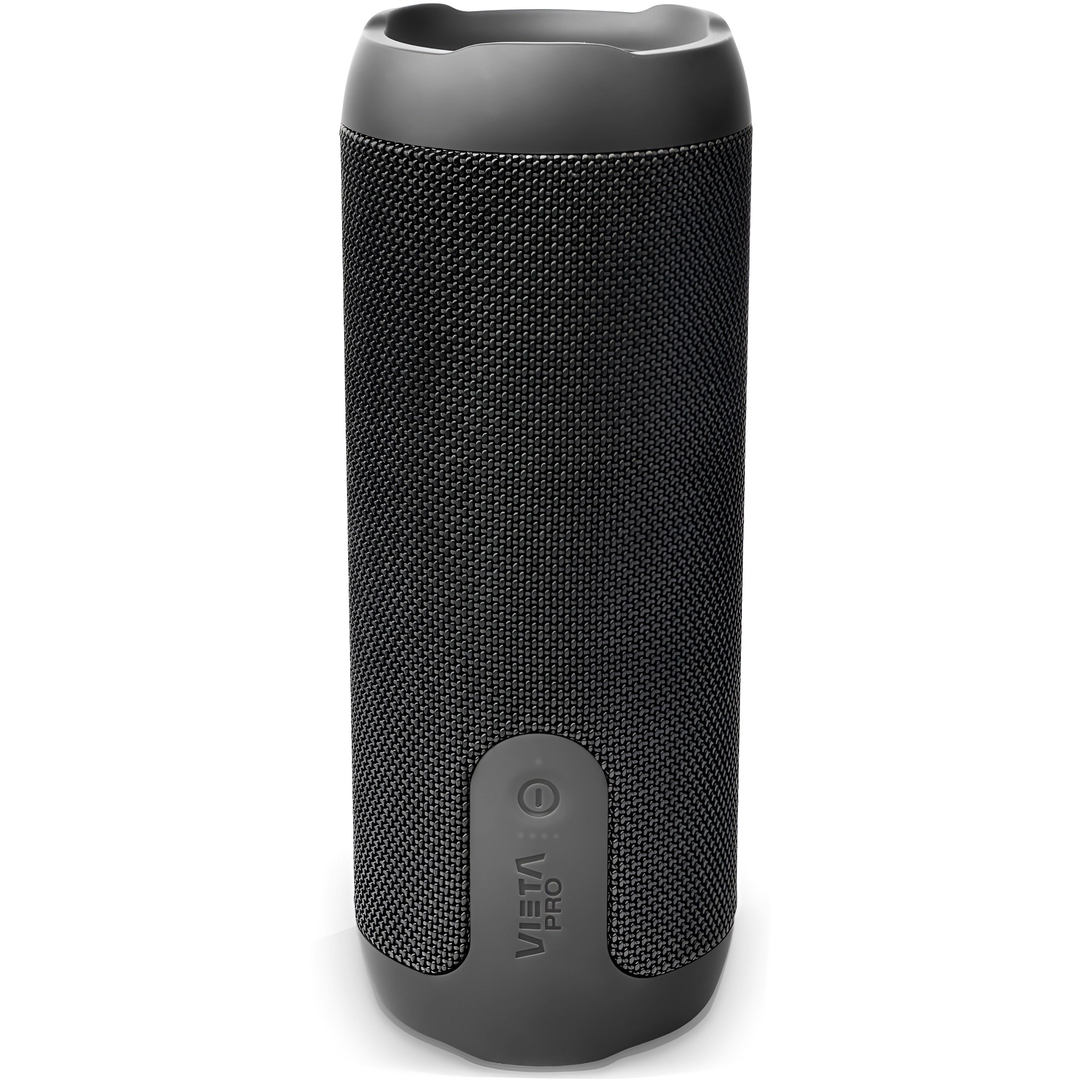
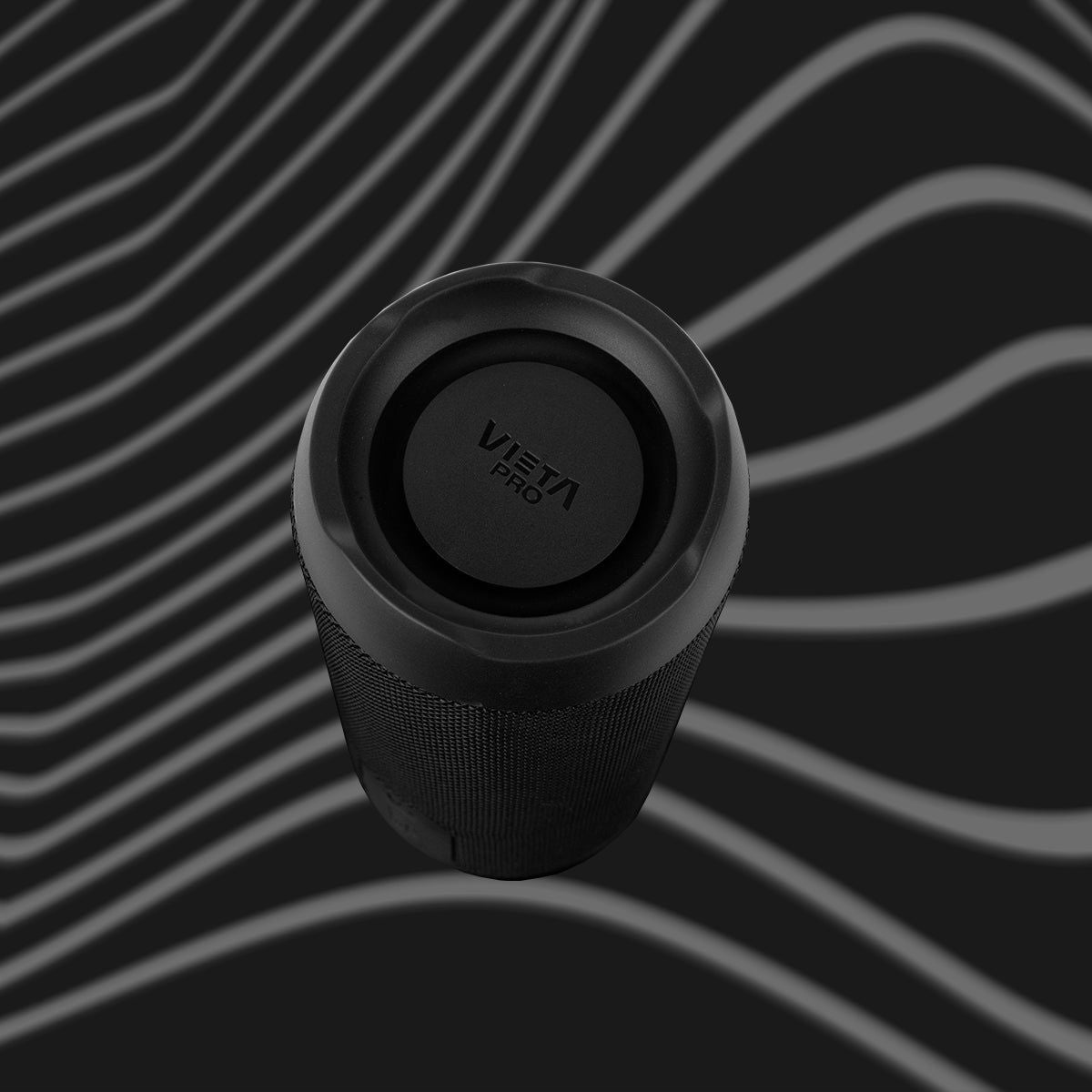
Star 2
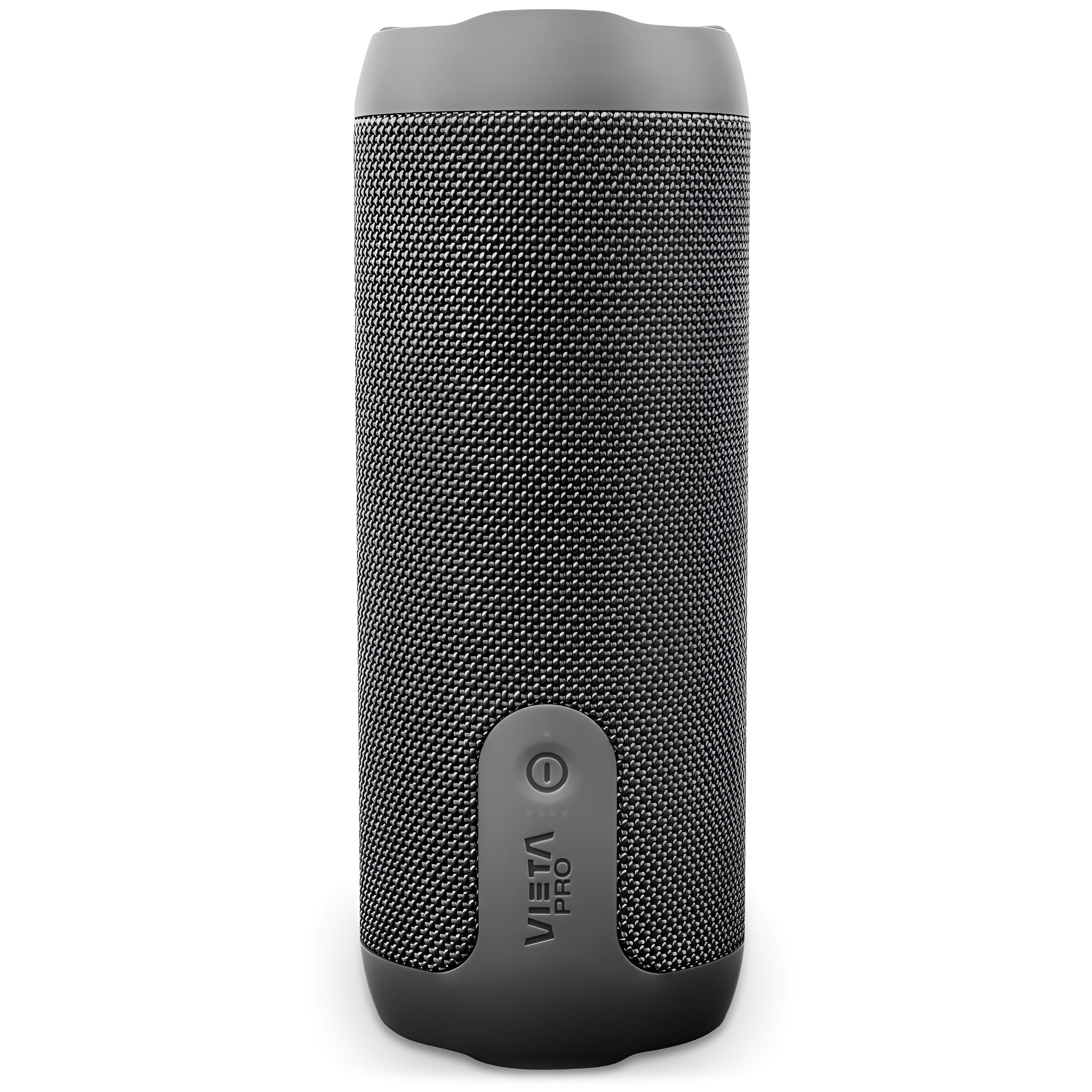
Star 2 combines powerful sound with a compact, easy-to-carry design, made for enjoying your music both at home and outdoors.
- 40 W of power for powerful sound in any space.
- Bluetooth 6.0 for a fast, stable connection of up to 10 metres.
- Up to 12 h of battery life to listen to music for longer.
- IPX7 resistance to water and temporary immersion.
- TWS mode to connect two speakers and expand the stereo sound.
- Vieta Pro Audio app to locate the speaker and adjust the equaliser.
Portable speaker
Star 2
Star 2 combines 40 W of power with a compact, rugged design, made for enjoying your music both at home and outdoors.
Bluetooth 6.0
Move around freely while keeping the speaker connected to your phone, tablet or other compatible devices within a range of up to 10 metres.
40 W of power
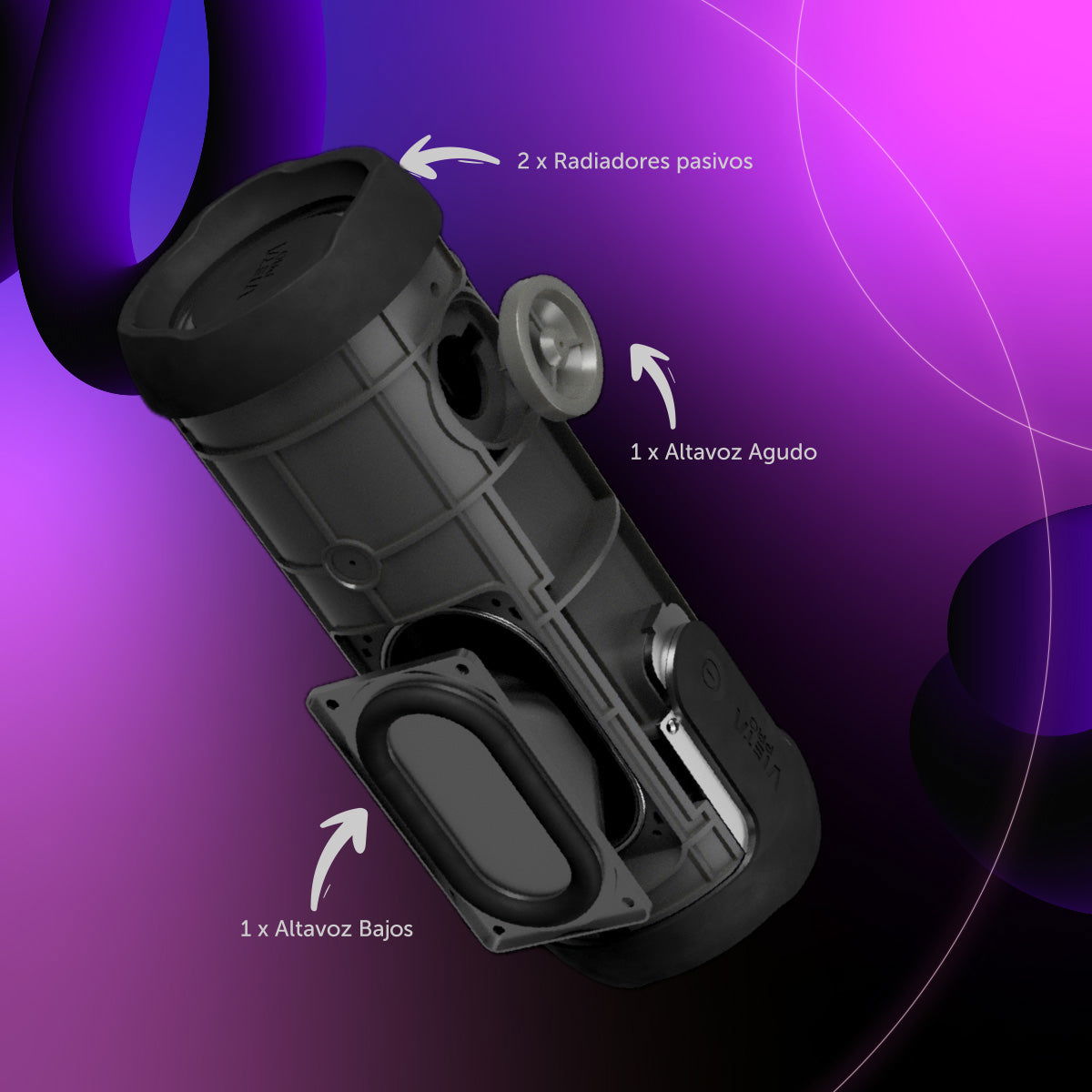
The combination of woofer and tweeter reproduces different frequencies with greater balance, whether you're listening to music at home or outdoors.
Up to 12 h battery life
Designed to keep you company through long music sessions without constantly worrying about the charger.
USB player
USB Player mode lets you play music directly from a USB stick, with no need for a Bluetooth connection. Perfect for enjoying your music at any time.
IPX7 protection
IPX7 certification means the speaker can be submerged to a depth of up to 1 metre for 30 minutes. Enjoy your music without worrying about water or accidents by the pool.
Compatible with the Vieta Pro Audio app
Use the app to access the equaliser, locate your Star 2 and adjust various speaker functions from your phone.


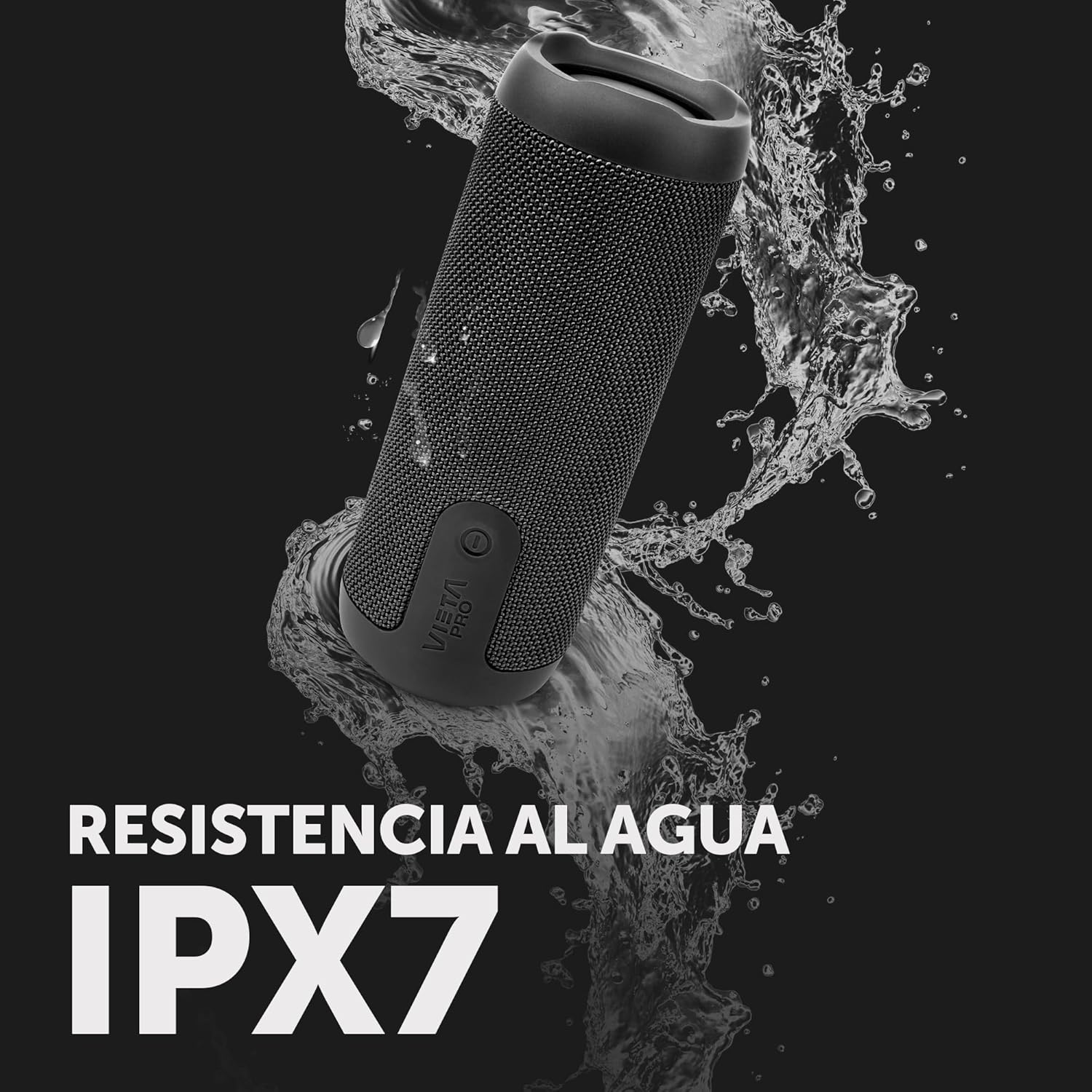
READY TO JOIN YOU NEAR THE WATER
Thanks to its IPX7 protection, Star 2 is built to withstand rain, splashes and even temporary immersion of up to 1 metre for 30 minutes. Take it to the pool, the beach or on your outdoor plans and enjoy your music with greater peace of mind.
Its powerful, clear sound turns every moment into an unforgettable experience. The long-lasting battery and stable wireless connectivity let you enjoy hours of music without interruptions. From sunrises in the mountains to sunsets on the beach, this speaker is the perfect companion to give every adventure the soundtrack it deserves.
FAQ
The device does not appear in the Bluetooth list
Check that Bluetooth is turned on on the source device. Remove all references to the headphones from any devices they may have been paired with and pair them again from scratch.
The device does not turn on
You will not be able to turn the speaker on if the battery is flat. Charge it for at least 30 minutes before unplugging it and try turning it on again.
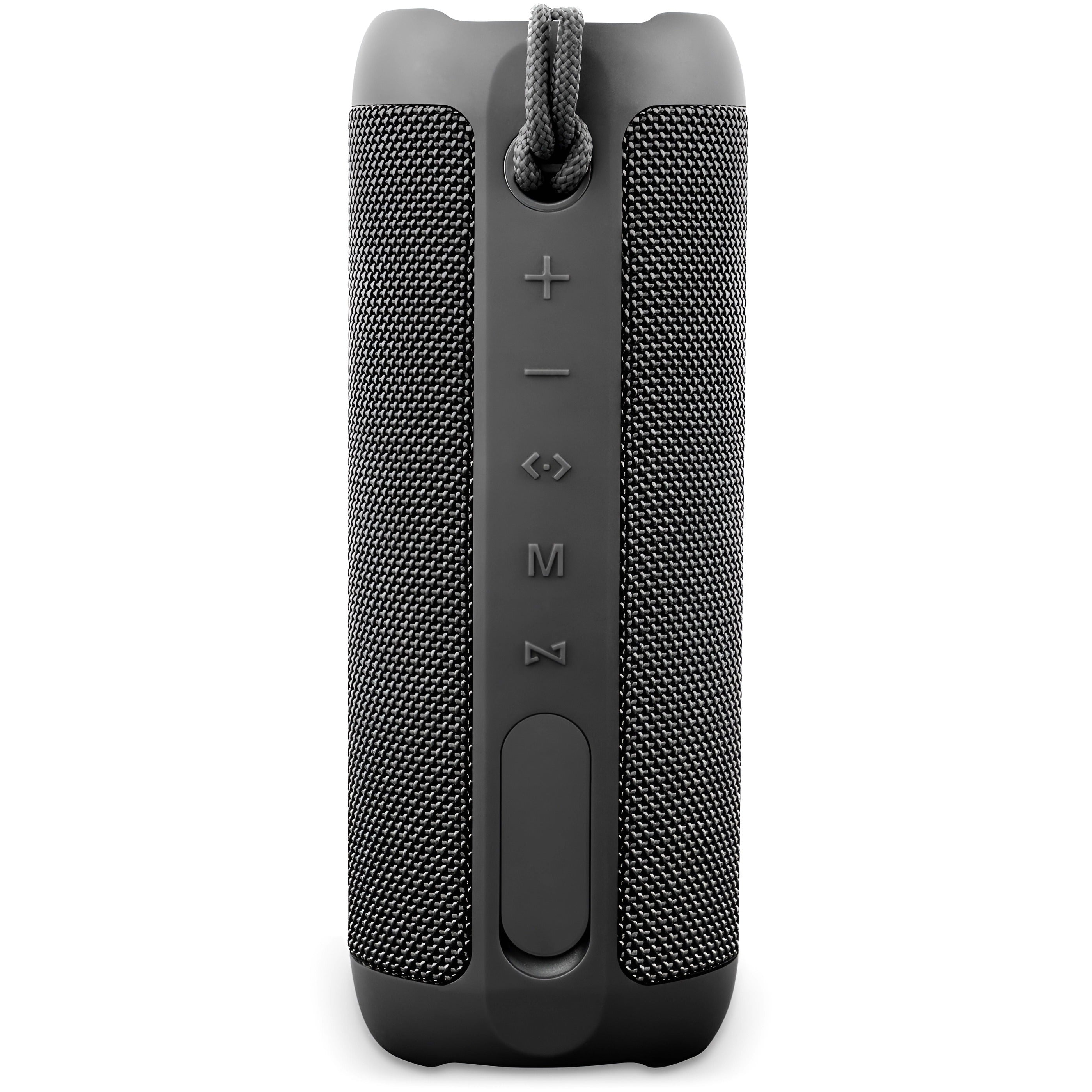
Press and hold the «Ø» power button for a few seconds until the rear LED lights up white and you hear the start-up sound («Power On – Bluetooth mode»).
Changing the volume of the speaker's voice prompts
The volume of the voice prompts is set at the factory and cannot be changed or disabled.
USB stick not recognised
The memory must not exceed 32 GB and must be formatted as FAT32 on a computer.
Songs must be saved in «.mp3» format and their titles must not be too long or contain symbols.
Connecting two speakers
You can pair any combination of the Sun 2, Moon 2 and Star 2 models with each other. There are two ways to do this:
Option A: turn on both speakers and press the inverted «Z» button once on one of them; you will hear «True Wireless mode». If they do not connect, press the «Z» button once on the other speaker. Once they are paired, you will hear «TWS Paired». Then connect the source device via Bluetooth to the main speaker.
Option B: turn on just one speaker and connect it to the source device via Bluetooth. Once connected, turn on the second speaker and press the «Z» button on the first one. Within a few seconds they will pair and audio will play on both. If they do not connect automatically, press the «Z» button once on the other speaker.
The volume is low
If you have an Android device, remember that you need to turn the volume up or down while a media file (song, video, etc.) is playing. Then adjust it using the buttons on the speaker and on the source device (mobile phone, tablet, computer, etc.).
The speaker's battery runs out quickly
Battery life depends on usage time, ambient conditions, lights and volume. The stated battery life is based on use at 50% volume.
To extend the battery's lifespan, fully charge it at least once every 3 months.
Discover more of our products